Your integration route
Start with an Excel import or a technical assessment of the integration contract. This page does not claim a ready native connector for your edition.
 + Catalog Mobile
Present photos, categories and prices in a PDF or an online catalog. Establish how to bring in Odoo data and review the buyer’s view before sharing.
Import / integration assessment
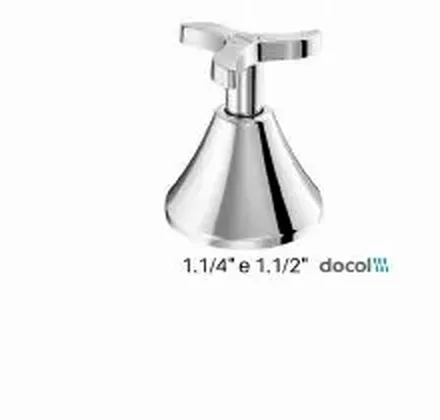
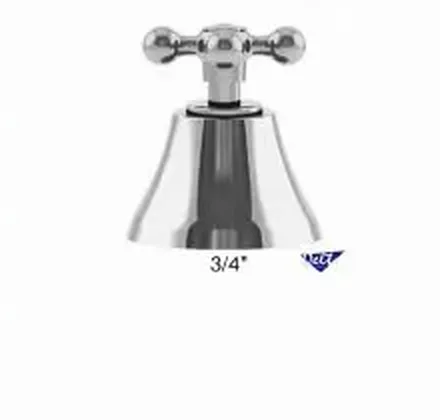
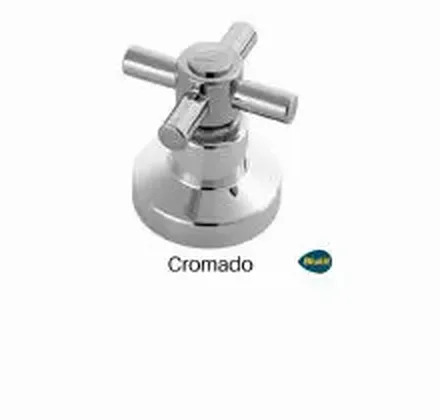 Docolbase Itapema Bella C40 valve finish£39.90Complete chrome C33 DN20 valve finish£54.90
Put the product data you already maintain to work.
Example sales workflow. Available fields and updates vary by integration.
Start with an Excel import or a technical assessment of the integration contract. This page does not claim a ready native connector for your edition.
Provide the Odoo version, edition and hosting model. Review product variants, sales units and the intended price list. Access method and installed modules must be assessed before choosing a connector, webhook or file import.
 Official supplier website ↗
FROM PRODUCT LIST TO CUSTOMER ORDER
Bring in an Excel file or use a supported ERP integration. Review codes, photos, categories and prices.
Choose the product range, PDF layout and commercial information. Share a file or your online catalogue link.
Your customer browses on a phone, adds quantities and sends an order for your team to review.

Change the quantity. See the unit price drop at 6 units.
Choose a product to start your order.
Example order reviewed
Illustrative demo · sample products and prices
No. Start with your existing product data. Native connectors have their own supported fields and configuration; other ERPs may need a file import or a scoped integration project.
No. The flow illustrates the data journey. The catalog demonstration uses example products and prices and does not represent the supplier’s interface.
Review the plan, product and user limits, billing cycle and any integration work you need. The current offer is confirmed before you purchase.
From feature to practical benefit
Choose the intake route that fits your scenario and test what buyers will see. Integration belongs to operations; clarity of data belongs to selling.
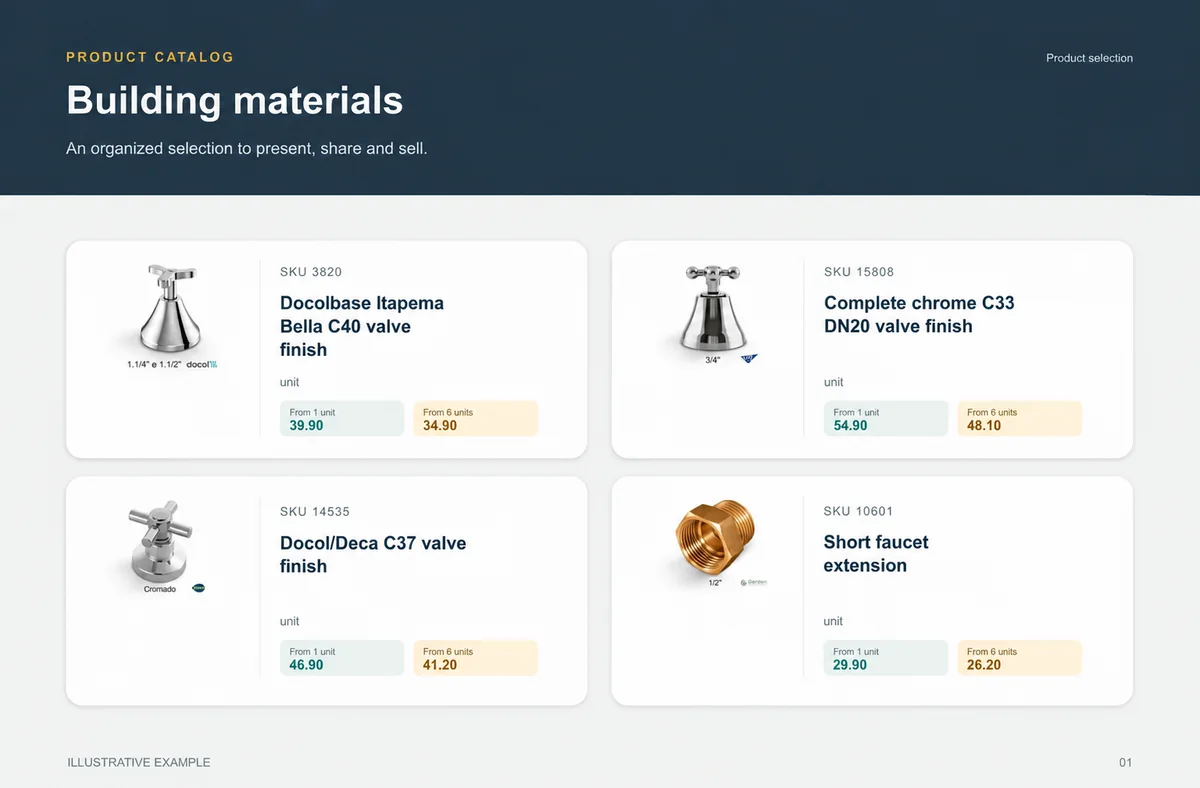
Building materials
Choice is safer when measurement and presentation do not depend on a seller’s interpretation.
Construction buyers, stores and reps comparing unit, case, measure or finish.
Tools and materials are grouped by category with measure, unit and SKU clear.
unit
unit
unit
unit
What your customers can see
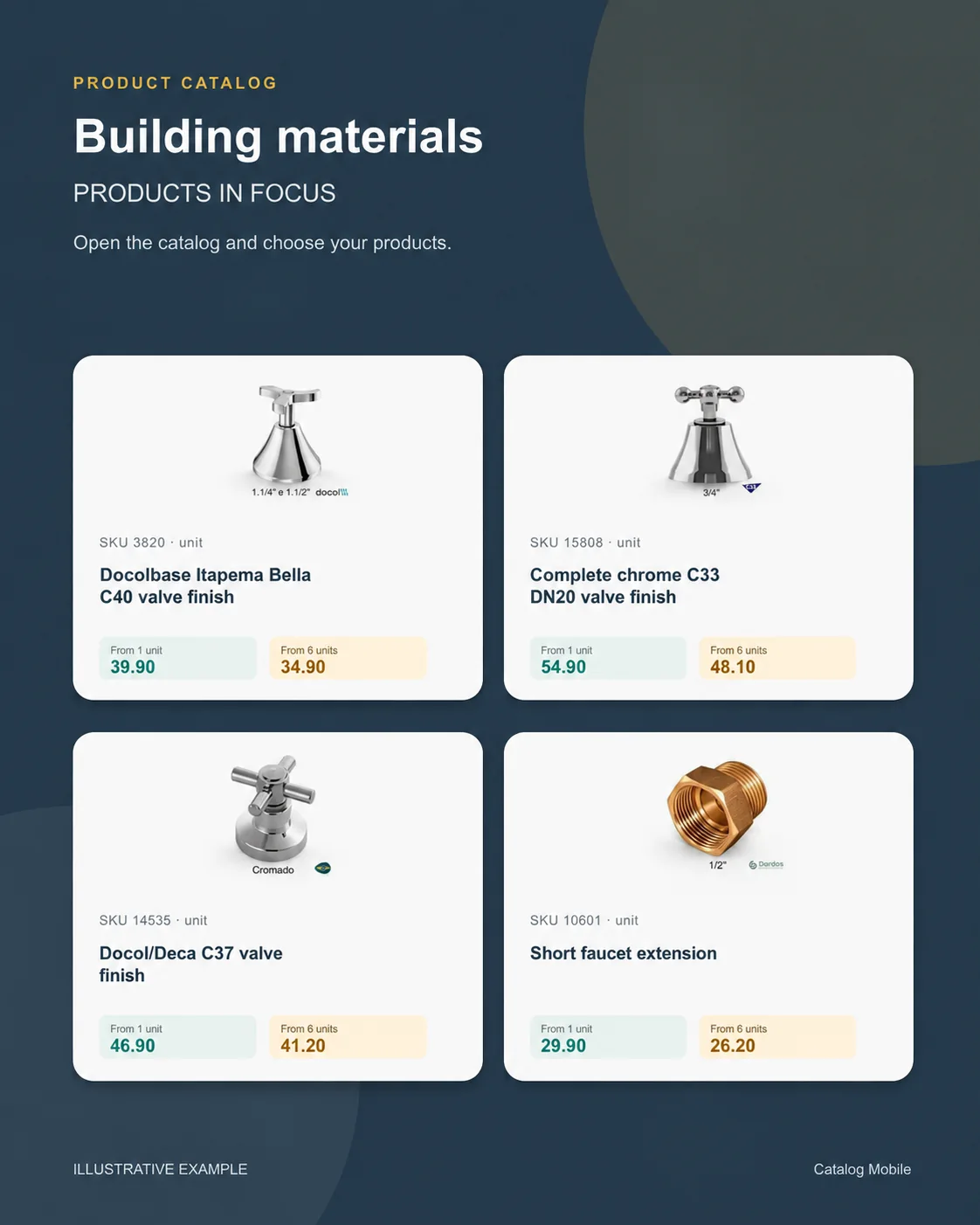
An organised selection to introduce the range, plus a promotional image to highlight the products. Open the examples and inspect the details.
The right format for each moment
Bring a product line, campaign or selection into a file that can be shared and printed. A PDF keeps the data used when it was generated: publish a new edition when prices change.
Buyers browse categories, inspect products and select quantities in the online catalog. Your team retains the commercial review, according to the settings of your operation.
Use a product composition to introduce new arrivals or a selection during customer conversations. The image starts the conversation; the catalog holds the details for the next step.
Guides
Stop selling unavailable items and fixing the order later. See how to give sales more predictability in food and beverage.
START WITH A REAL PRODUCT LINE
Add a small selection. Open it on your phone. Check the PDF and the order flow before rolling it out to your team.