SKU 368In stockDuetto shine finisher 120 ml
1–5 units£142.90
6+ units£126.90
Quantity
Solutions
Keep the conversation where your customer already is. Send a PDF to present your range or a catalogue link to help them select products and quantities. The experience does not remove selling from the conversation: it gives WhatsApp a clearer selection to point to, so buyers move forward with context and sellers answer fewer of the same questions.
See the result with real products ↓

Change the quantity. See the unit price drop at 6 units.
Choose a product to start your order.
Example order reviewed
Illustrative demo · sample products and prices
Use a short PDF for a campaign or a fixed presentation. Use the online catalogue when the customer needs to browse categories, see current product information and prepare an order.
Use readable product names, clear photos and useful categories. Test with a narrow screen and check that the price and package information needed to order remain easy to understand.
The online journey needs an internet connection. A downloaded PDF can be viewed offline, but its prices are a snapshot and it cannot submit a live order. Sharing a link is not a promise of automated WhatsApp messaging.
When a buyer asks about a product, point to the relevant category, selection or item. Explain what they will find and what to do next rather than asking them to search past files and messages.
Use PDF for a campaign or fixed presentation. Use a link for categories, current detail and list-building. One product base prevents each channel from starting again.
Names, price, pack and next action must remain readable on a narrow screen. Test mobile and desktop with long names before sharing at scale.
Change the quantity. See the unit price drop at 6 units.
Choose a product to start your order.
Example order reviewed
Illustrative demo · sample products and prices
A distributor publishes a promotional image for a category and points buyers to the selection link. Buyers compare items and add quantities; the seller receives a more prepared conversation for review.
A downloaded PDF can be read offline but keeps generation-time data. A link needs internet for current information. Sharing a link does not automate campaigns or confirm payment and delivery.
Use a real selection, simple message and known buyer group. The questions that keep arriving show what is missing in the product name, photo, category or explanation.
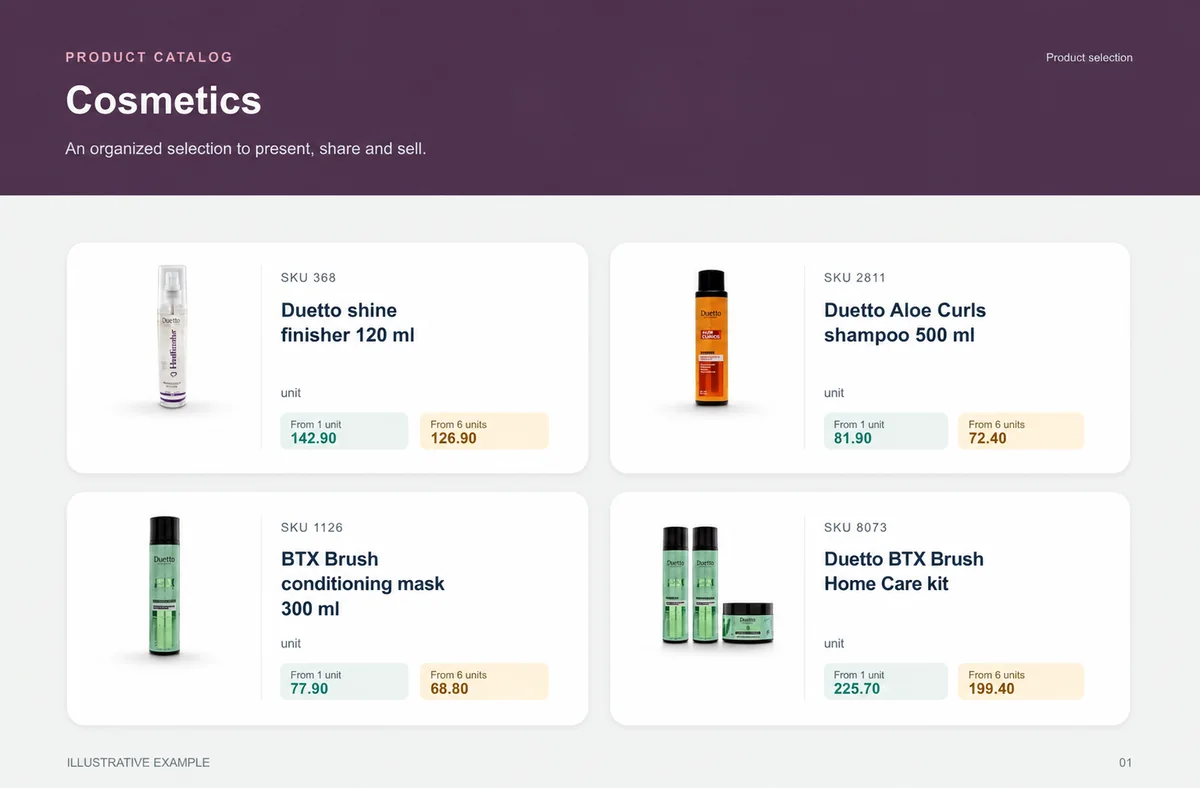
Cosmetics
The presentation lets buyers explore the range without asking for one photo at a time.
Beauty and resale buyers comparing fragrance, size and kits.
A campaign groups home care, finishing products and kits in a shareable selection.
unit
unit
unit
unit
What your customers can see
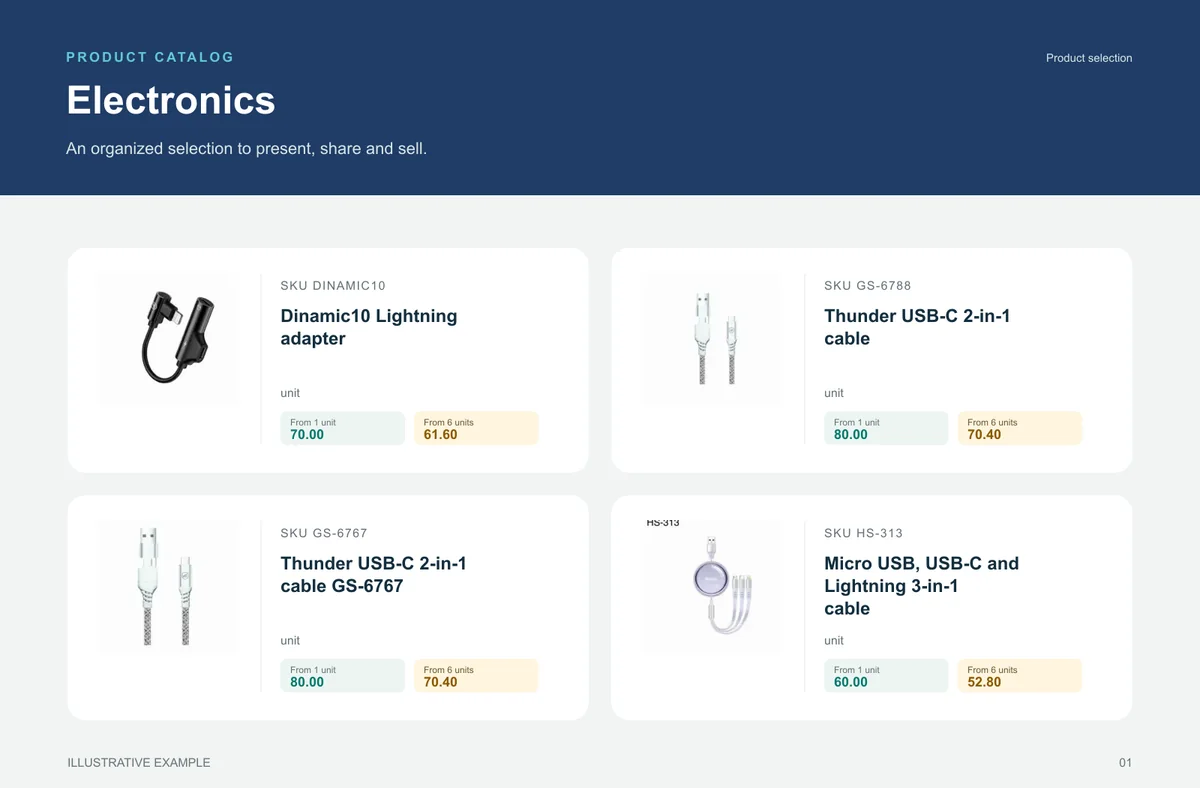
An organised selection to introduce the range, plus a promotional image to highlight the products. Open the examples and inspect the details.
The right format for each moment
Bring a product line, campaign or selection into a file that can be shared and printed. A PDF keeps the data used when it was generated: publish a new edition when prices change.
Buyers browse categories, inspect products and select quantities in the online catalog. Your team retains the commercial review, according to the settings of your operation.
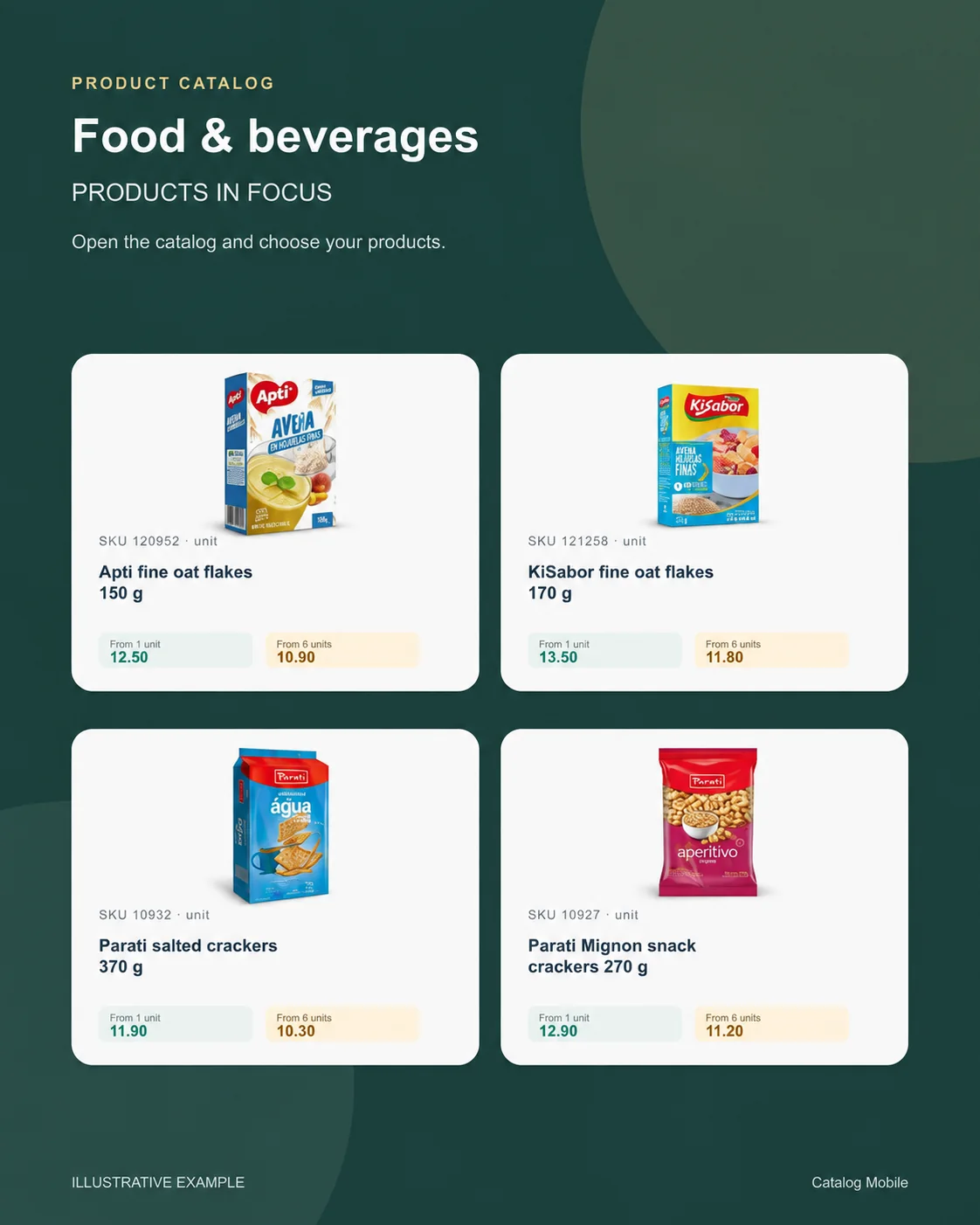
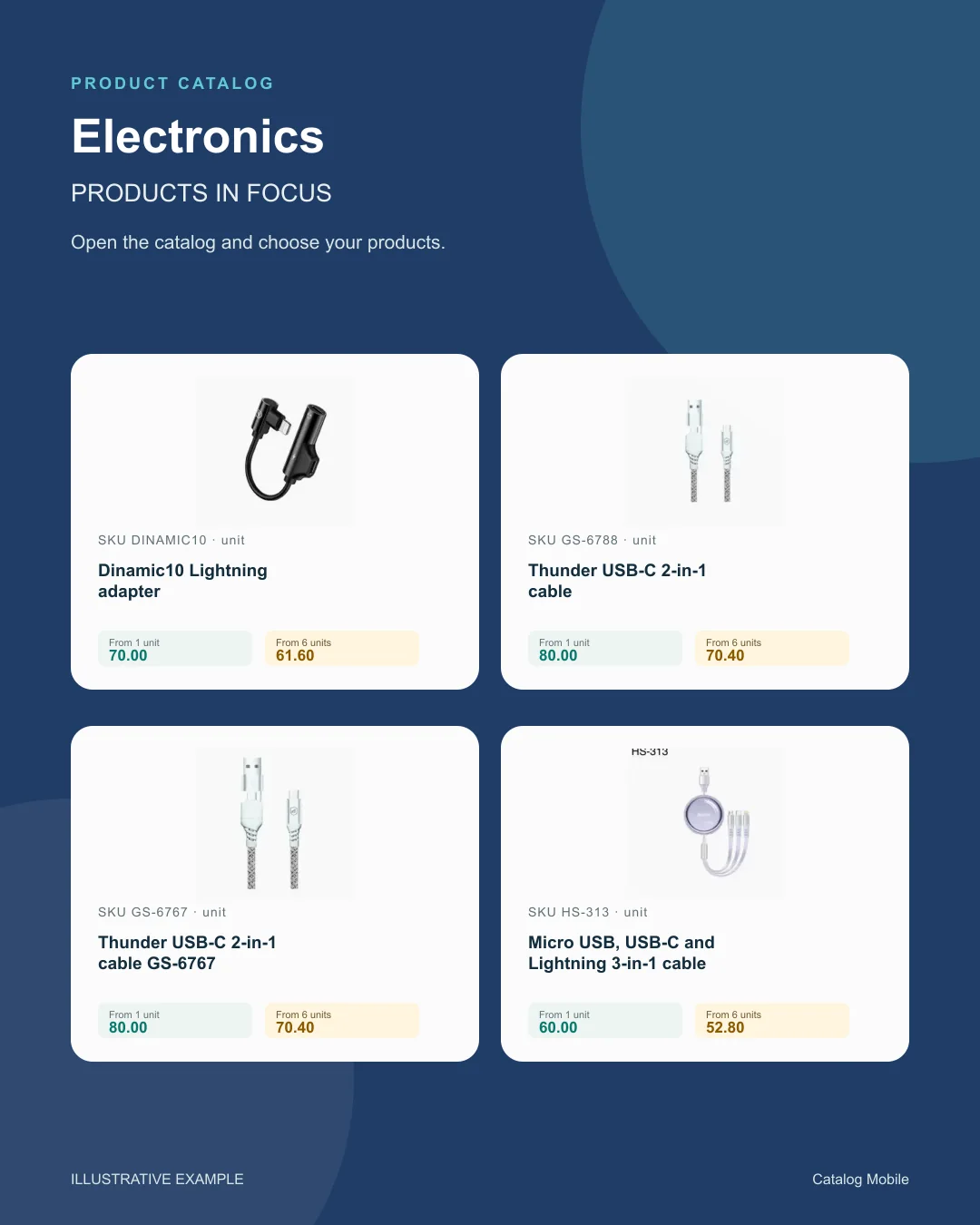
Use a product composition to introduce new arrivals or a selection during customer conversations. The image starts the conversation; the catalog holds the details for the next step.
Find your business
Explore examples with real products from your sector. See how photography, identification and presentation help buyers distinguish their options.
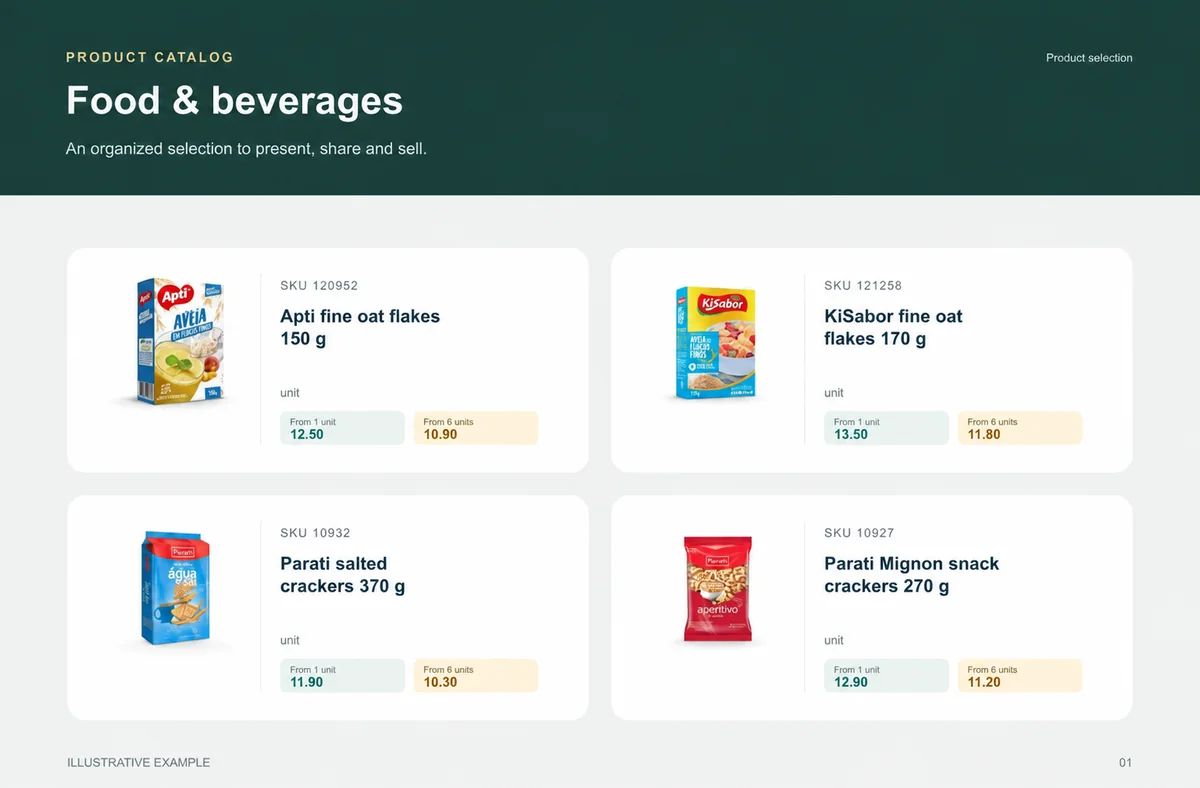
 Food & beveragesBuyers need weight, pack and selling unit before choosing quantity.+
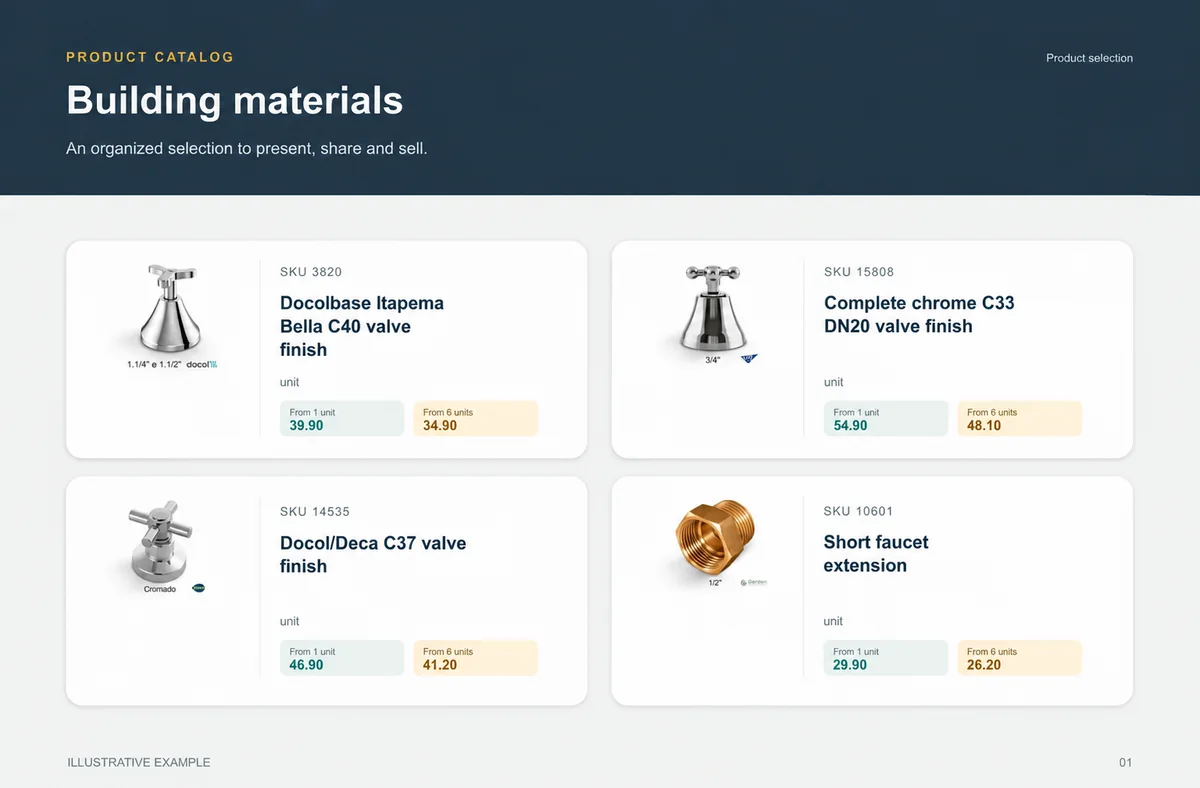
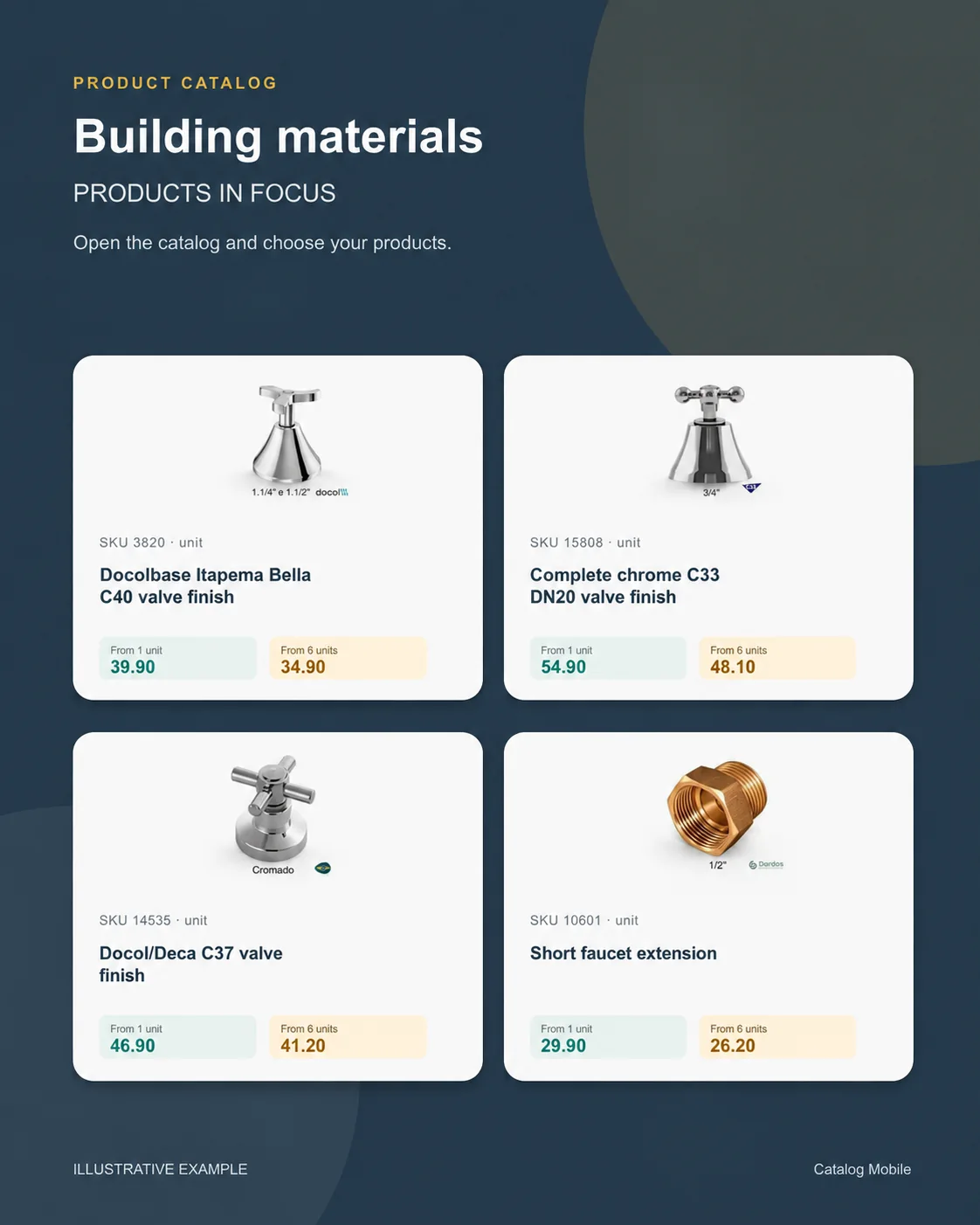
 Building materialsChoice is safer when measurement and presentation do not depend on a seller’s interpretation.+CosmeticsThe presentation lets buyers explore the range without asking for one photo at a time.+
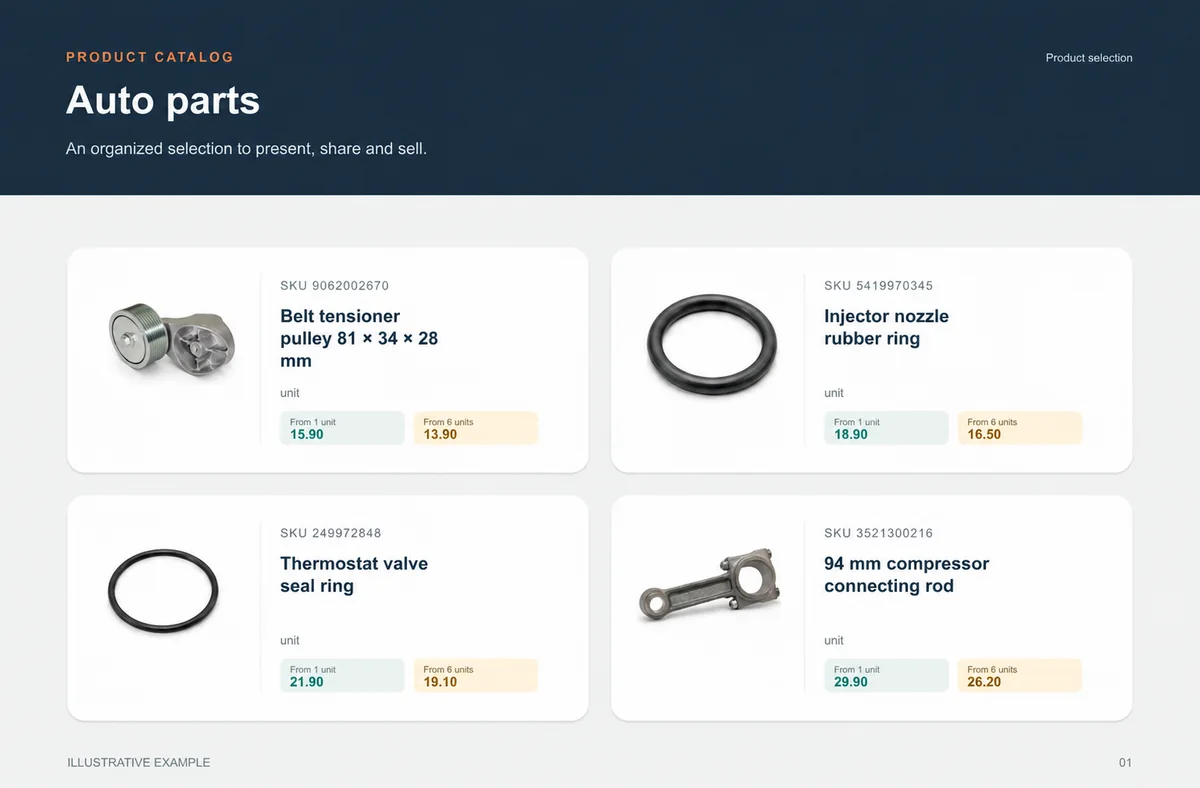
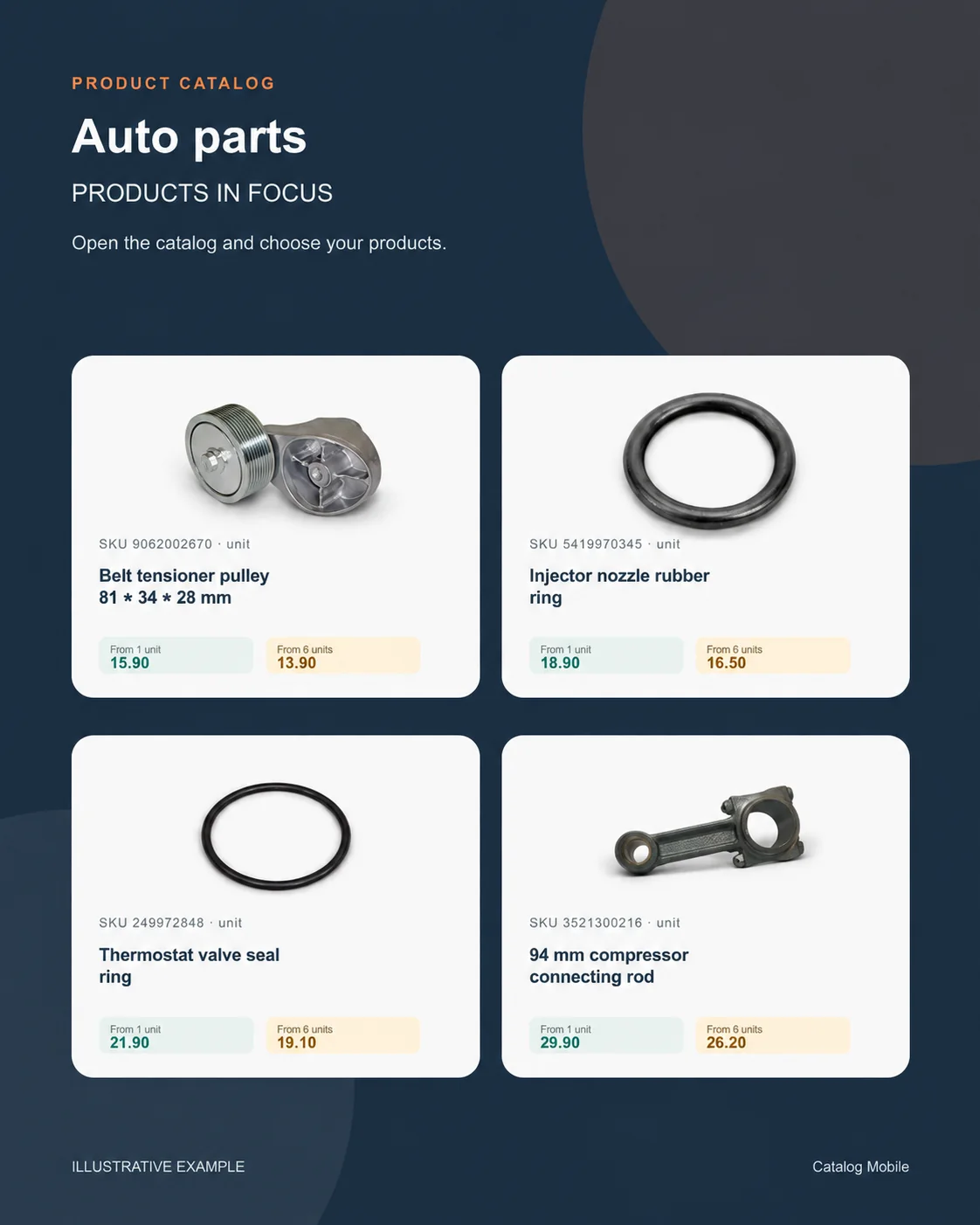
 Auto partsSKU, unit and verified application make choice safer.+
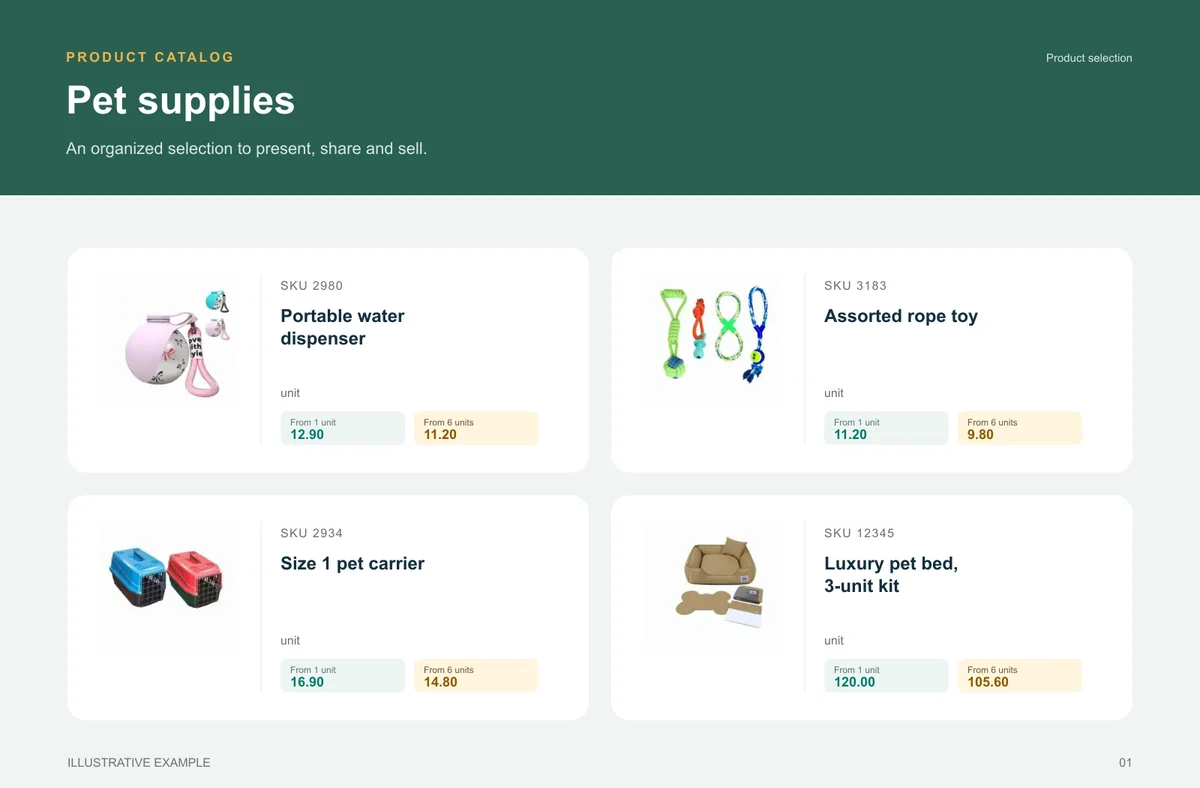
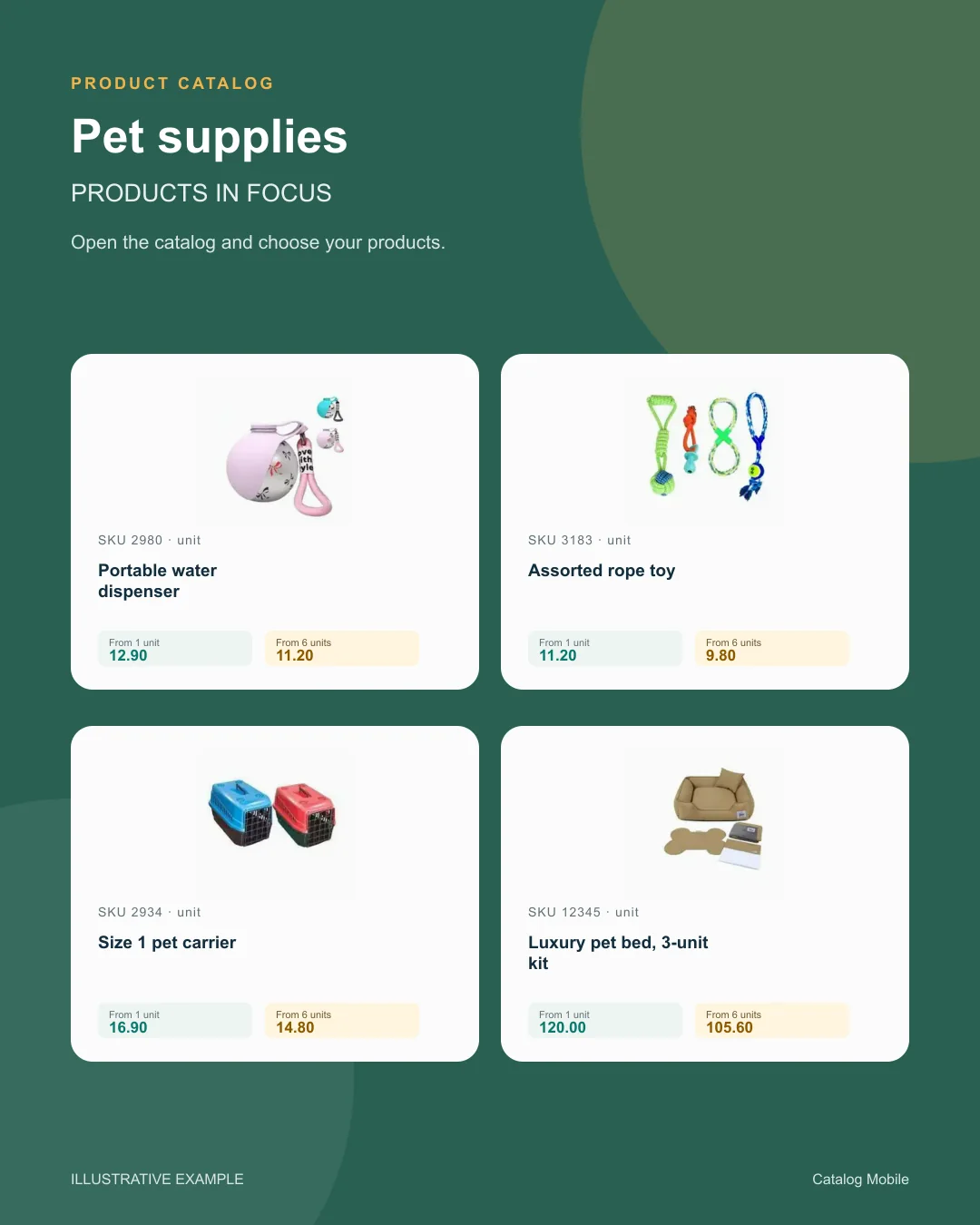
 Pet suppliesA broad range becomes easier to buy when categories help shoppers find the right item.+
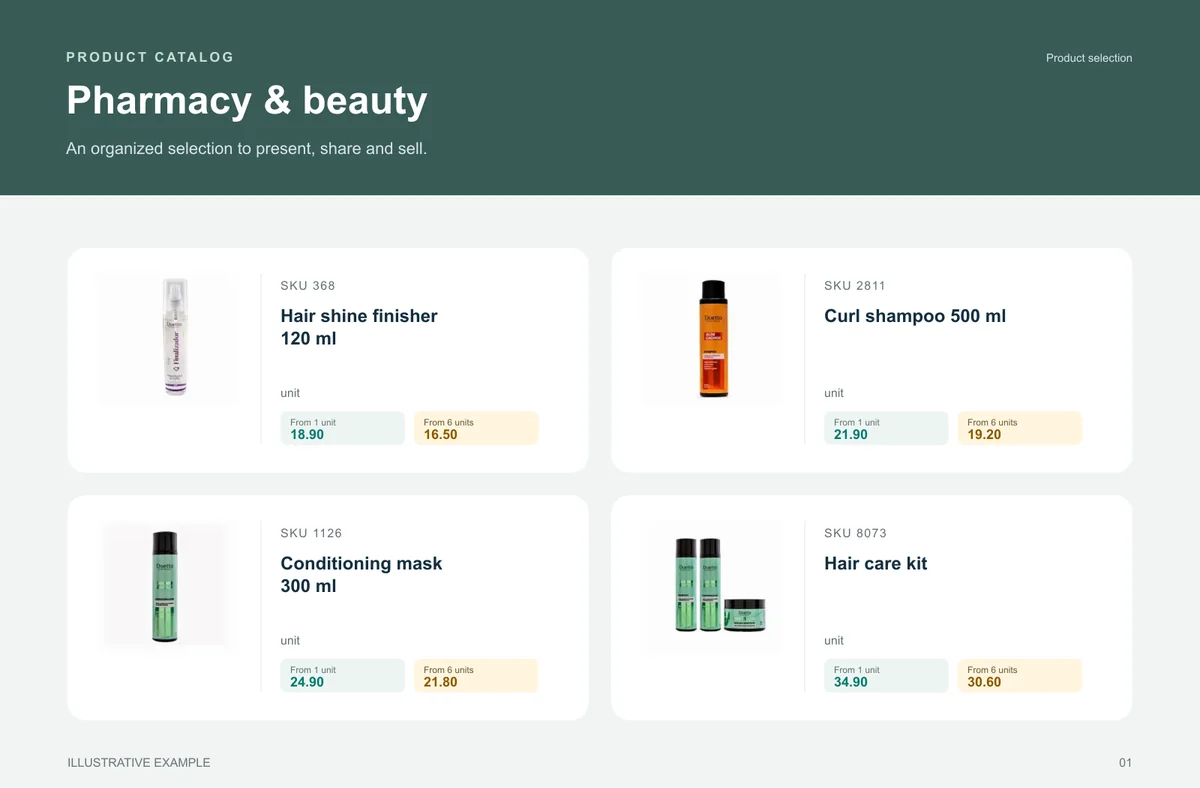
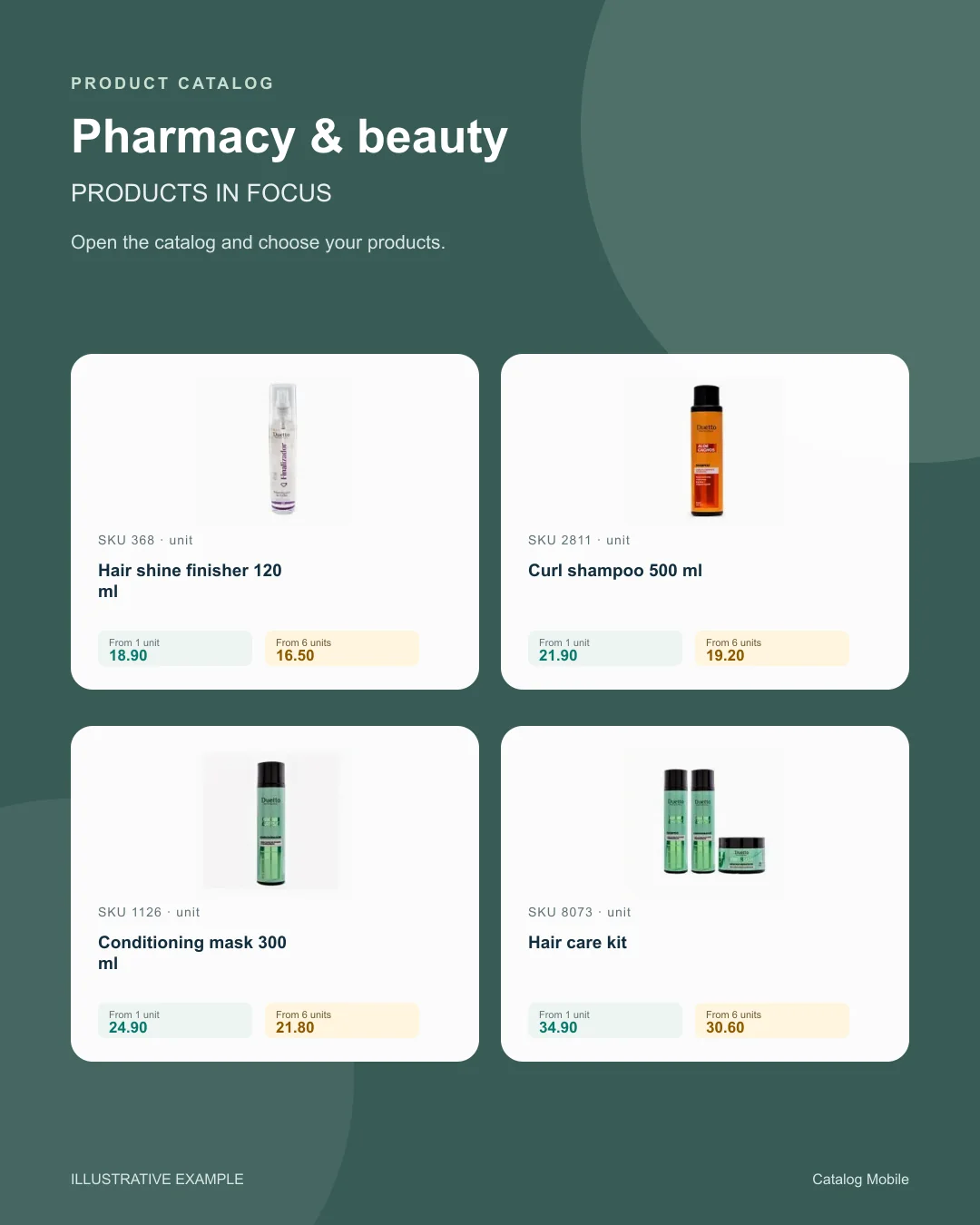
 Pharmacy & beautyFragrance, volume, kit and presentation help buyers distinguish options and move towards an order without asking for clarification.+
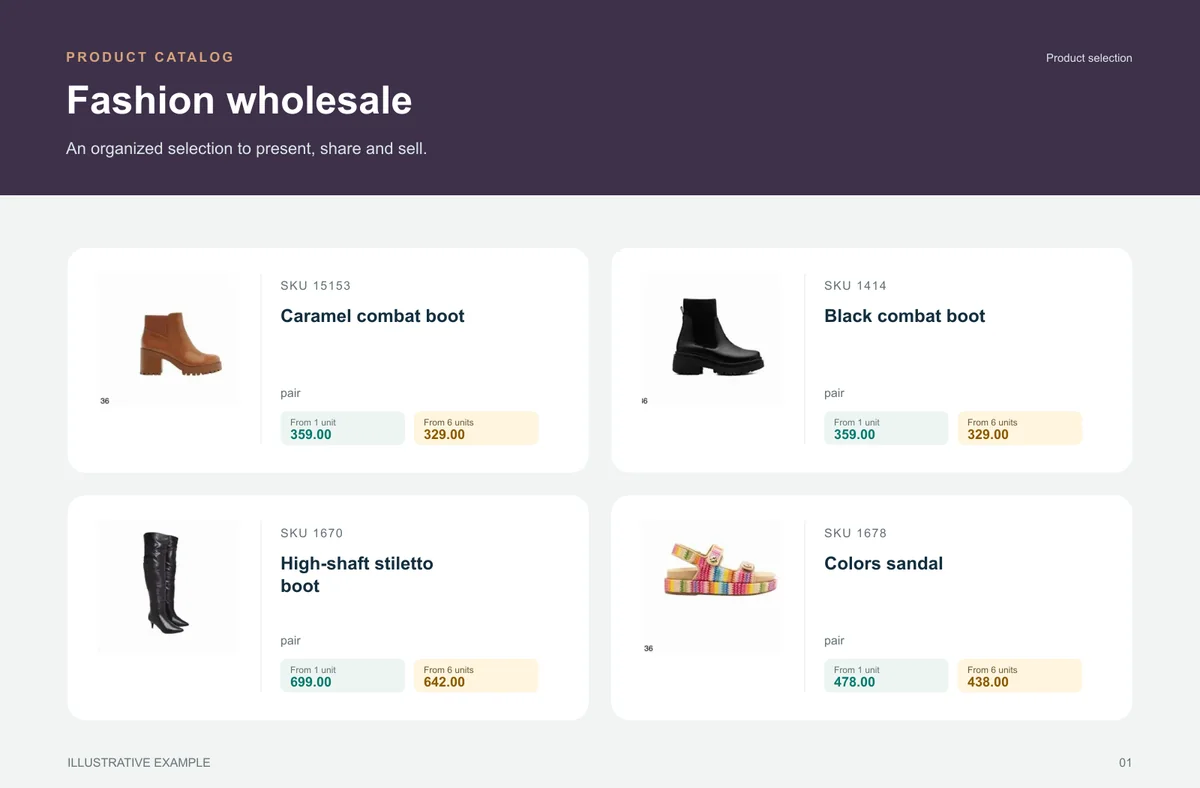
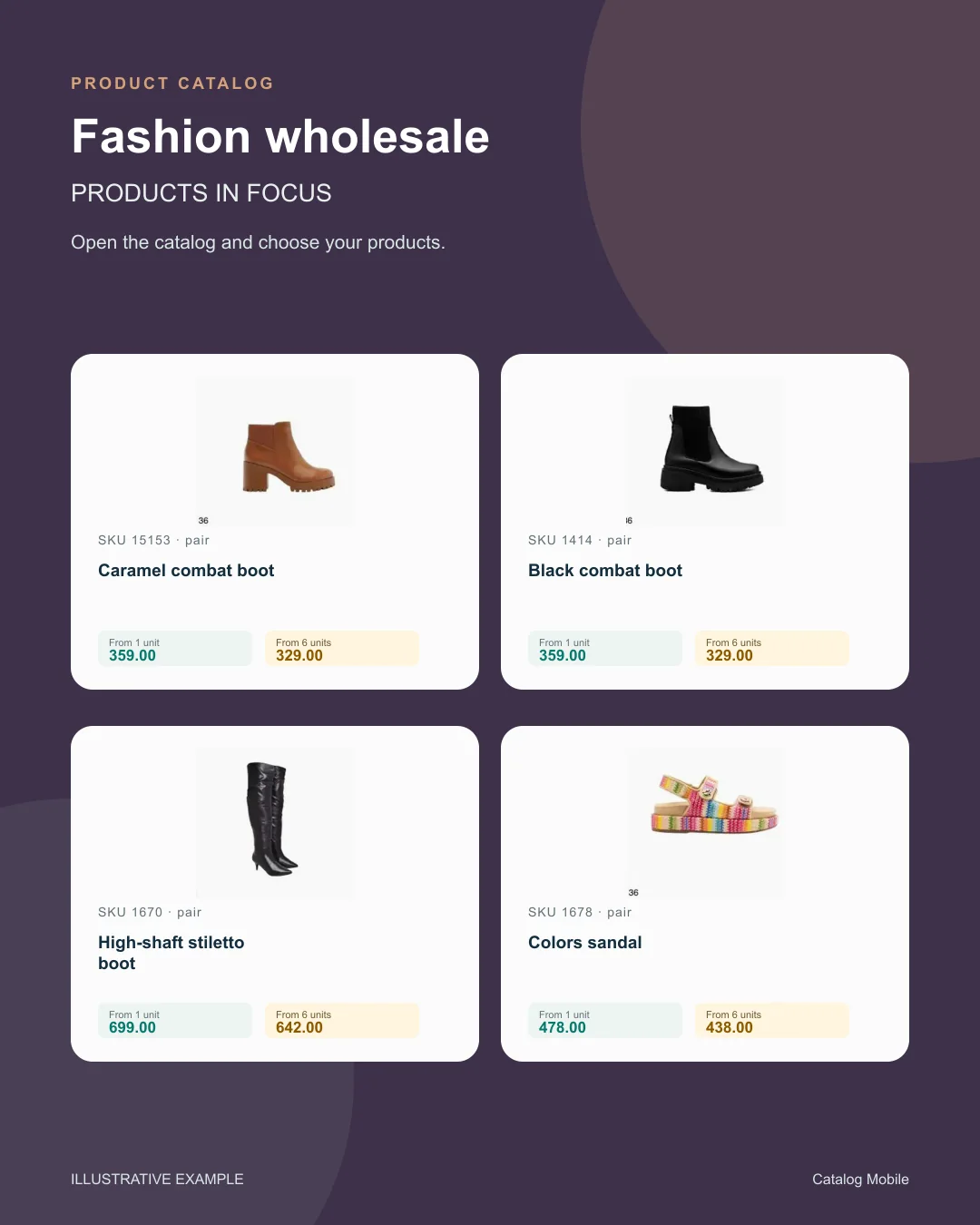
 Fashion wholesaleThe catalog reduces the distance between seeing a garment, understanding its variant and preparing an order.+
BEFORE YOU START
A downloaded PDF can be read offline. Browsing current online data and sending orders require internet access.
This page describes sharing catalog files and links. Do not assume automated campaign messaging is included.
The online catalog can be opened through a browser on mobile devices and computers. Check your catalog’s configuration and buyer journey on both.
Sharing a link does not imply automated campaigns.
A downloaded PDF can be read offline; current catalog and online ordering need a connection.
Guides
If orders arrive fragmented on WhatsApp, with missing items and no structure, the whole operation loses efficiency. See how to organize that flow in auto parts.
START WITH A REAL PRODUCT LINE
Add a small selection. Open it on your phone. Check the PDF and the order flow before rolling it out to your team.