
Define the source of each field
Before importing, decide where SKU, name, photo, category, price, stock and unit are maintained. Without that decision, later updates can overwrite work and produce two competing versions of product truth.
Integrations
Some systems have a native connector. Others need an import or a scoped integration project. Check the route for your ERP before you commit.

 Sage
Sage
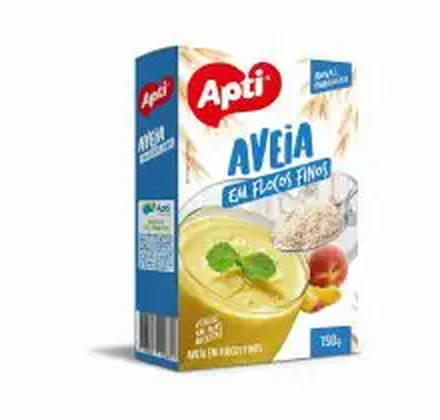

 Apti fine oat flakes 150 g£12.50KiSabor fine oat flakes 170 g£13.50
Put the product data you already maintain to work.
Example sales workflow. Available fields and updates vary by integration.
No. Start with your existing product data. Native connectors have their own supported fields and configuration; other ERPs may need a file import or a scoped integration project.
No. Each ERP page explains whether there is a verified native connector or an import / integration assessment route. A supplier’s name does not imply a partnership or certification.
That is a useful starting point. Prepare product codes, names, categories, prices and photos, then import a small batch and check the catalogue before expanding.
From feature to practical benefit
Choose the intake route that fits your scenario and test what buyers will see. Integration belongs to operations; clarity of data belongs to selling.
What your customers can see
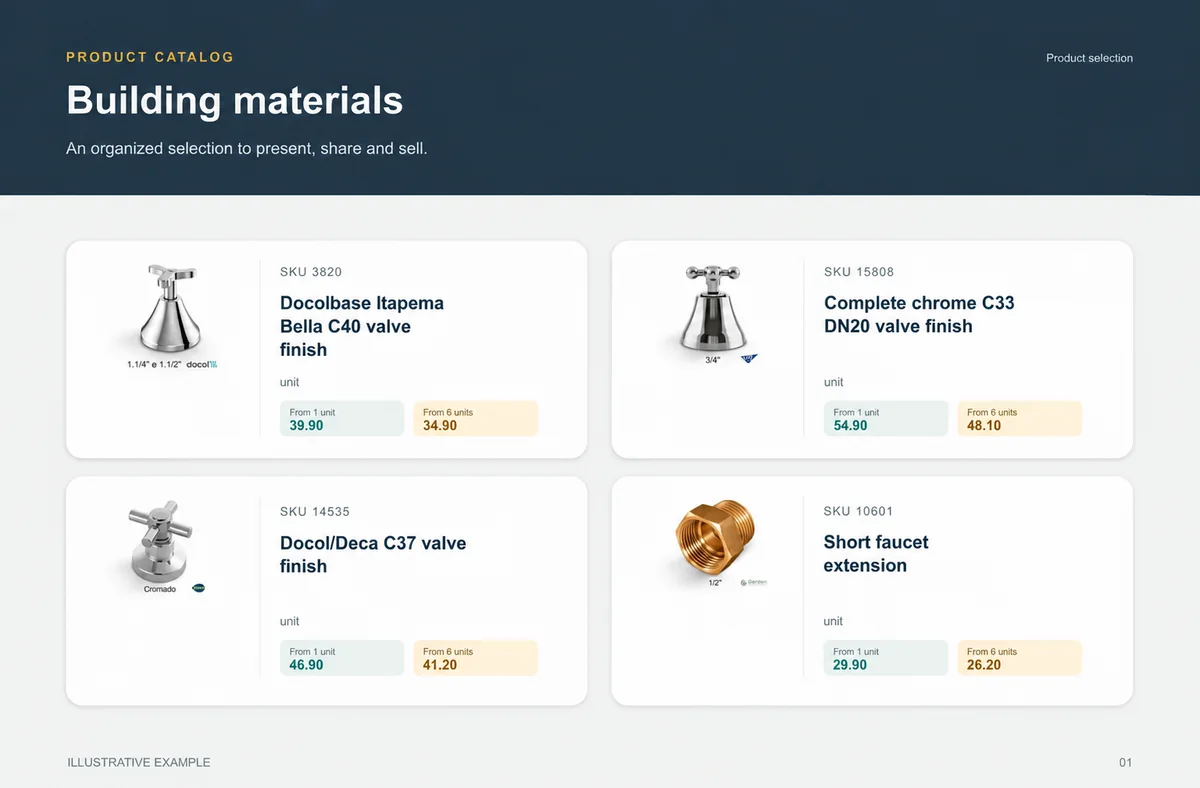
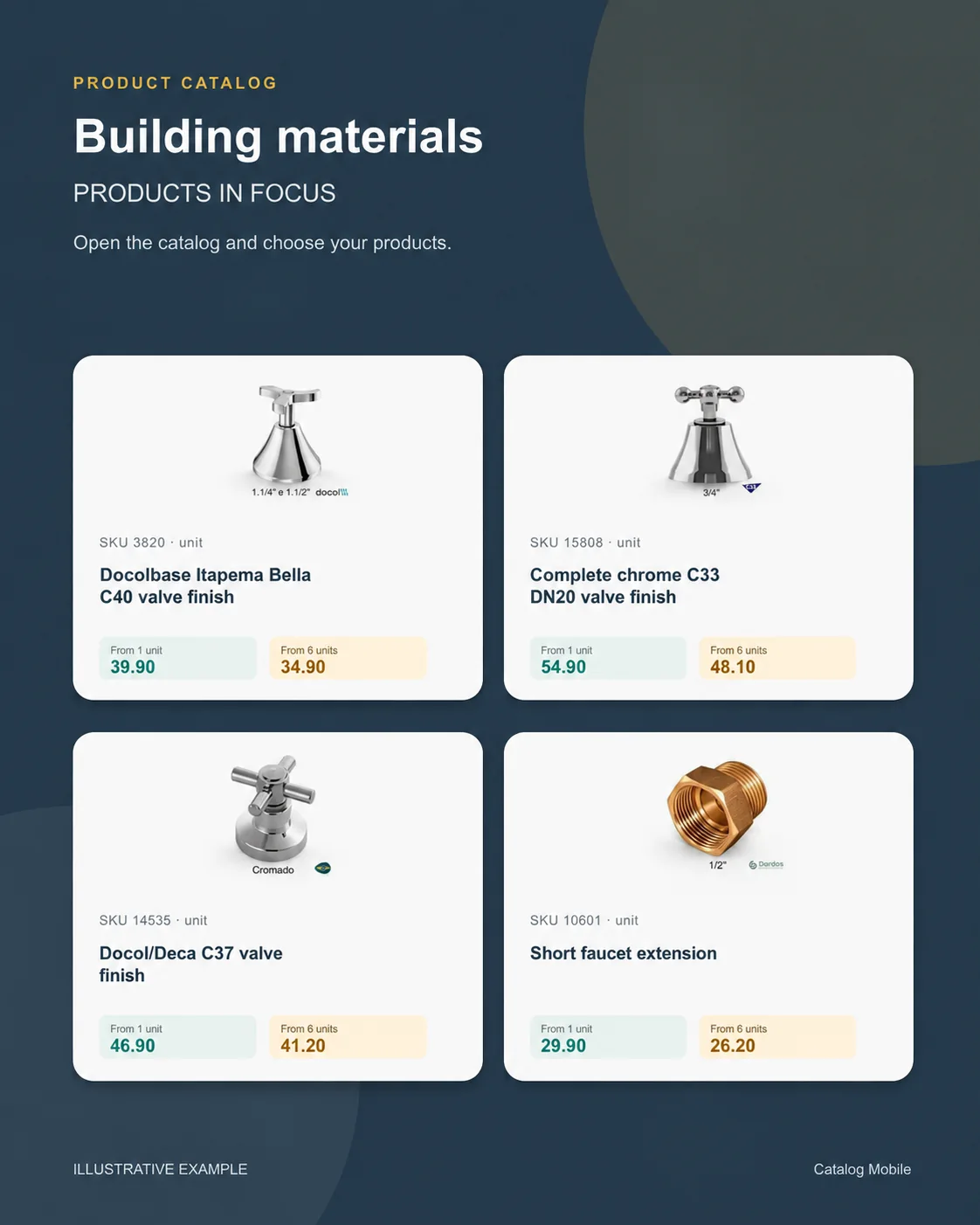
An organised selection to introduce the range, plus a promotional image to highlight the products. Open the examples and inspect the details.
The right format for each moment
Bring a product line, campaign or selection into a file that can be shared and printed. A PDF keeps the data used when it was generated: publish a new edition when prices change.
Buyers browse categories, inspect products and select quantities in the online catalog. Your team retains the commercial review, according to the settings of your operation.
Use a product composition to introduce new arrivals or a selection during customer conversations. The image starts the conversation; the catalog holds the details for the next step.
START WITH A REAL PRODUCT LINE
Add a small selection. Open it on your phone. Check the PDF and the order flow before rolling it out to your team.