“Select the products in this category and prepare a catalog for my sales rep.”
An organized selection to present during a visit or share on WhatsApp.
For distributors and wholesalers with a large product range
Ask your AI assistant for PDF catalogs, promotional images and sales rep links. Use your company's products to prepare the material for your next sales campaign.
Your range. Your sales team. Your next campaign.
“Prepare a cleaning products catalog for Ana's next customer visit.”
Cleaning range · this week's selection



A sales rep needs a selection for the next visit. A campaign needs an image. Another customer wants a different product line. Prepare each piece from your product records and keep your focus on negotiations, suppliers and new opportunities.
Choose the range you want to promote and say what you need for the campaign.
“Select the products in this category and prepare a catalog for my sales rep.”
An organized selection to present during a visit or share on WhatsApp.
“Prepare an image with these products for this week's campaign.”
An image in an available template to highlight your selection and show customers more of your range.
“What is Ana's catalog link so she can share it with customers?”
The sales rep's catalog address, following your company's settings.
Explore the examples and picture your next campaign with your own product range.
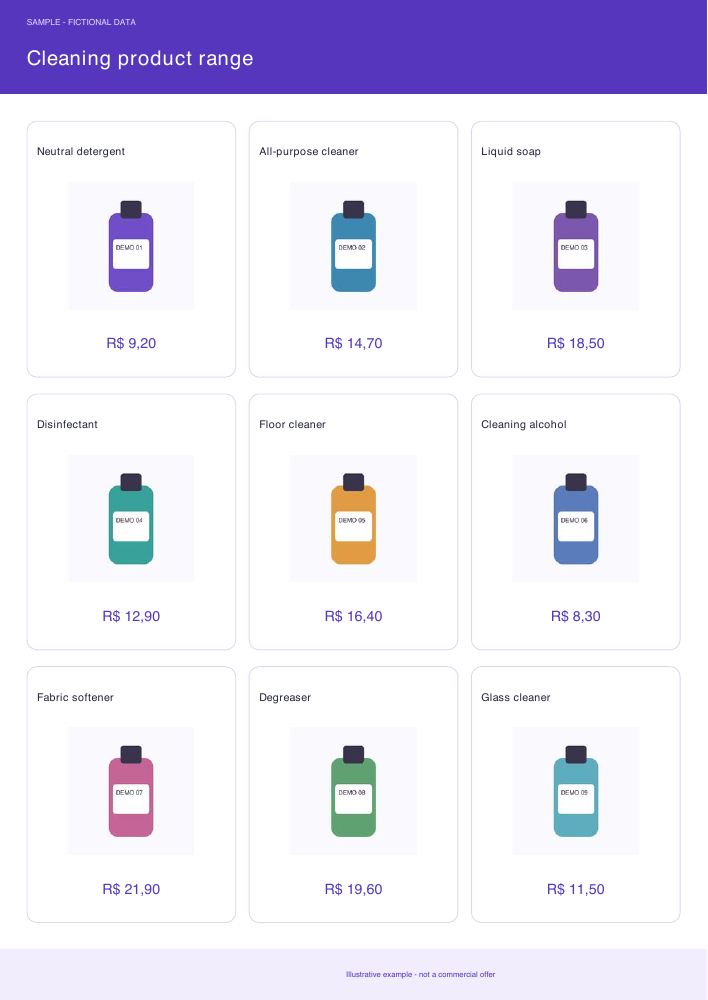
Photos, names and prices on one page to present a product selection to customers.
Open sample PDF catalog ↗Sample catalog · 9 products · illustrative prices in BRL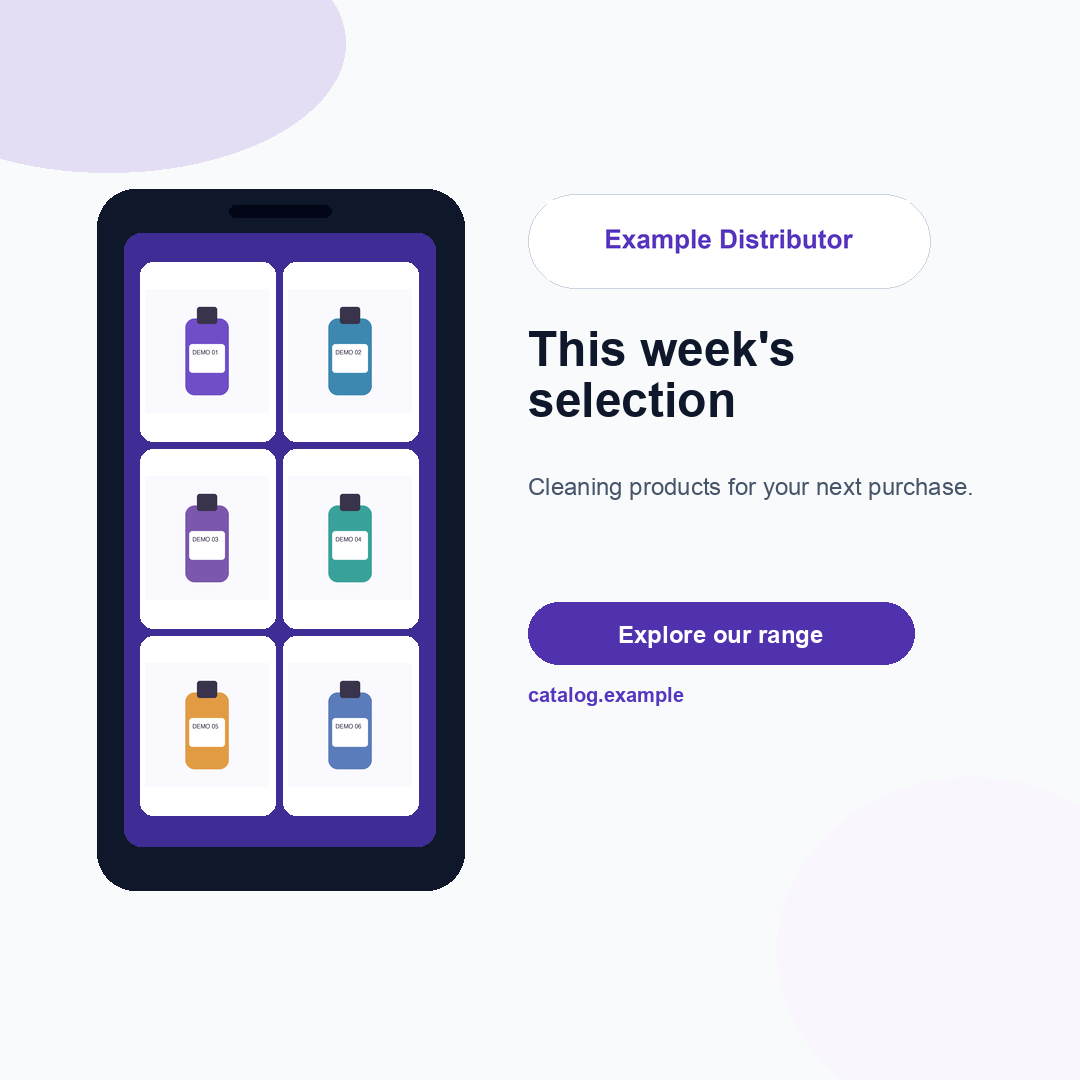
A visual selection to support your sales conversation and highlight this week's products.
Open promotional image ↗Sample image · fictional company and productsOnce your integration is configured, imported data feeds your product records in Catálogo Mobile. Use that base to choose the products for your next selection. Connection depends on your ERP and company setup.
When access is enabled for your company, connect your Catálogo Mobile account and request the next selection from your product range.
Prepare sales material in the conversation and follow the result through Catálogo Mobile.
Use the connector to request material for your team's next customer visit or campaign.
Use the connection address provided by Catálogo Mobile. Availability depends on your account and your assistant's or workspace's permissions. Contact our team to check whether access is available for your company.
Use your product records, a spreadsheet or a compatible integration. Check the information your customers will receive.
Authorize your account and the functions you want to use. Check whether AI access is available for your company.
Choose your selection, review the result and put the material in your sales team's hands.
Work with selections from your range by category, campaign or sales rep. AI catalog requests follow your account limits; you do not need to put the entire range in one file.
Requests use your company's products in Catálogo Mobile. Your product records remain in the platform; the information retrieved to fulfill your request is shared with the connected assistant.
It lets your AI assistant use authorized Catalog Mobile functions, such as finding products and preparing catalogs. You authorize your company and permissions in the platform; your password is not sent in the conversation.
Follow the connection instructions for ChatGPT or Claude and authorize your Catálogo Mobile account. Access depends on a compatible assistant, permissions and availability for your company.
Yes. AI requests follow your account permissions, templates, credits and limits. You can review changes that require approval before they are applied.
Customers can choose items and continue in the ordering flow configured in the catalog. Preparing a selection in conversation does not finalize payments or replace your company's sales review.
Explore the platform and evaluate the catalog with your company's products. Access to AI functions is released separately, subject to availability.
Explore Catálogo Mobile with the range your team sells and choose the next piece of material to share with customers.
Check whether AI access is available for your company. Features and conditions depend on your account.