SKU 120952In stockApti fine oat flakes 150 g
1–5 units$12.50
6+ units$10.90
Quantity
PRODUCT CATALOGS + B2B ORDERS
Turn your product list into a professional PDF and an online catalog your customers can order from. Spend less time rebuilding files and chasing order details.
For wholesalers, distributors, manufacturers and sales representatives.
Start with a spreadsheet. Keep your ERP. Test the buyer experience.



Change the quantity. See the unit price drop at 6 units.
Choose a product to start your order.
Example order reviewed
Illustrative demo · sample products and prices
LESS ADMIN. MORE TIME TO SELL.
Scattered photos, yesterday’s prices and lists typed into chat create extra work for everyone. Give buyers a clear way to see the range and tell you exactly what they need.
Generate a new catalog from your product data, with categories, photos and the prices you choose.
Let customers select products and quantities in a cart. Review the order with its item details together.
Use the price tables and seller settings available in your plan, then check the customer’s view before sharing.
FROM PRODUCT LIST TO CUSTOMER ORDER
Explore the example below. Each view explains a different part of the sales journey.
Bring in an Excel file or use a supported ERP integration. Review codes, photos, categories and prices.
Choose the product range, PDF layout and commercial information. Share a file or your online catalog link.
Your customer browses on a phone, adds quantities and sends an order for your team to review.
Change the quantity. See the unit price drop at 6 units.
Choose a product to start your order.
Example order reviewed
Illustrative demo · sample products and prices
BUILT AROUND YOUR SALES ROUTINE
Apti fine oat flakes 150 g$12.50KiSabor fine oat flakes 170 g$13.50Choose products, categories, covers and layout. Generate the next edition without redesigning each page.
Apti fine oat flakes 150 g$12.50KiSabor fine oat flakes 170 g$13.50Parati salted crackers 370 g$11.90Apti fine oat flakes 150 g$12.50Share a browser link with photos, categories and product information. Your customer can browse without installing an app.
Apti fine oat flakes 150 gSKU 12095206 unitsKiSabor fine oat flakes 170 gSKU 12125802 unitsKeep selected products and quantities together, with the customer and seller context configured for the order.
Organize your range with codes, photos, categories and prices. Import a small selection first to check the result.
Present the appropriate commercial conditions using the tables and seller settings included in your plan.
Here’s our product range. Open the catalog and choose what you need.
Send your catalog in the conversation you already have. Use the link to help the buyer move from a question to an order.
Illustrative feature previews. Try products, pricing and orders in the interactive demo above.
YOUR ERP KEEPS ITS JOB
Some systems have a native connector. Others need an import or a scoped integration project. Check the route for your ERP before you commit.





SEE WHAT YOU CAN MAKE
Try different product ranges. These are illustrative examples with sample prices, not customer results.

Change the quantity. See the unit price drop at 6 units.
Choose a product to start your order.
Example order reviewed
Illustrative demo · sample products and prices
Choose products, categories, covers and layout. Generate the next edition without redesigning each page.
Share a browser link with photos, categories and product information. Your customer can browse without installing an app.
Keep selected products and quantities together, with the customer and seller context configured for the order.
Organize your range with codes, photos, categories and prices. Import a small selection first to check the result.
Send your catalog in the conversation you already have. Use the link to help the buyer move from a question to an order.
What your customers can see
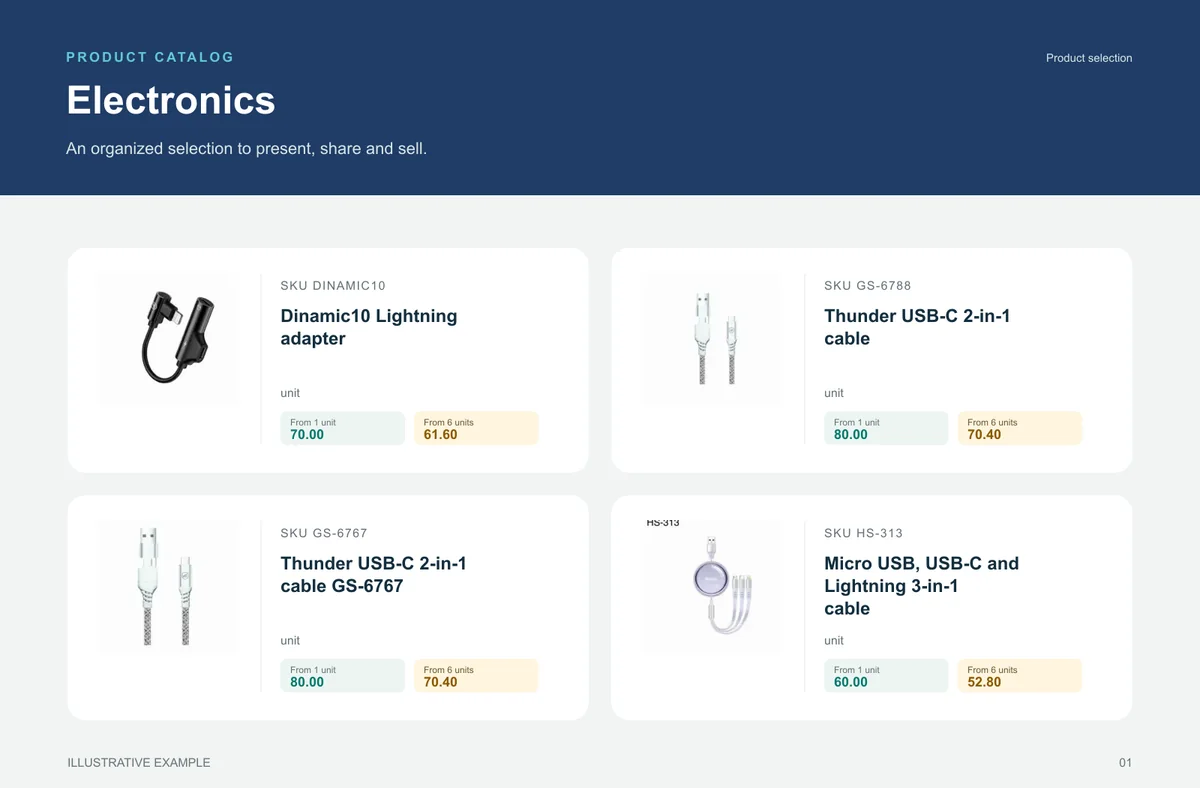
An organised selection to introduce the range, plus a promotional image to highlight the products. Open the examples and inspect the details.
An example of the generated output
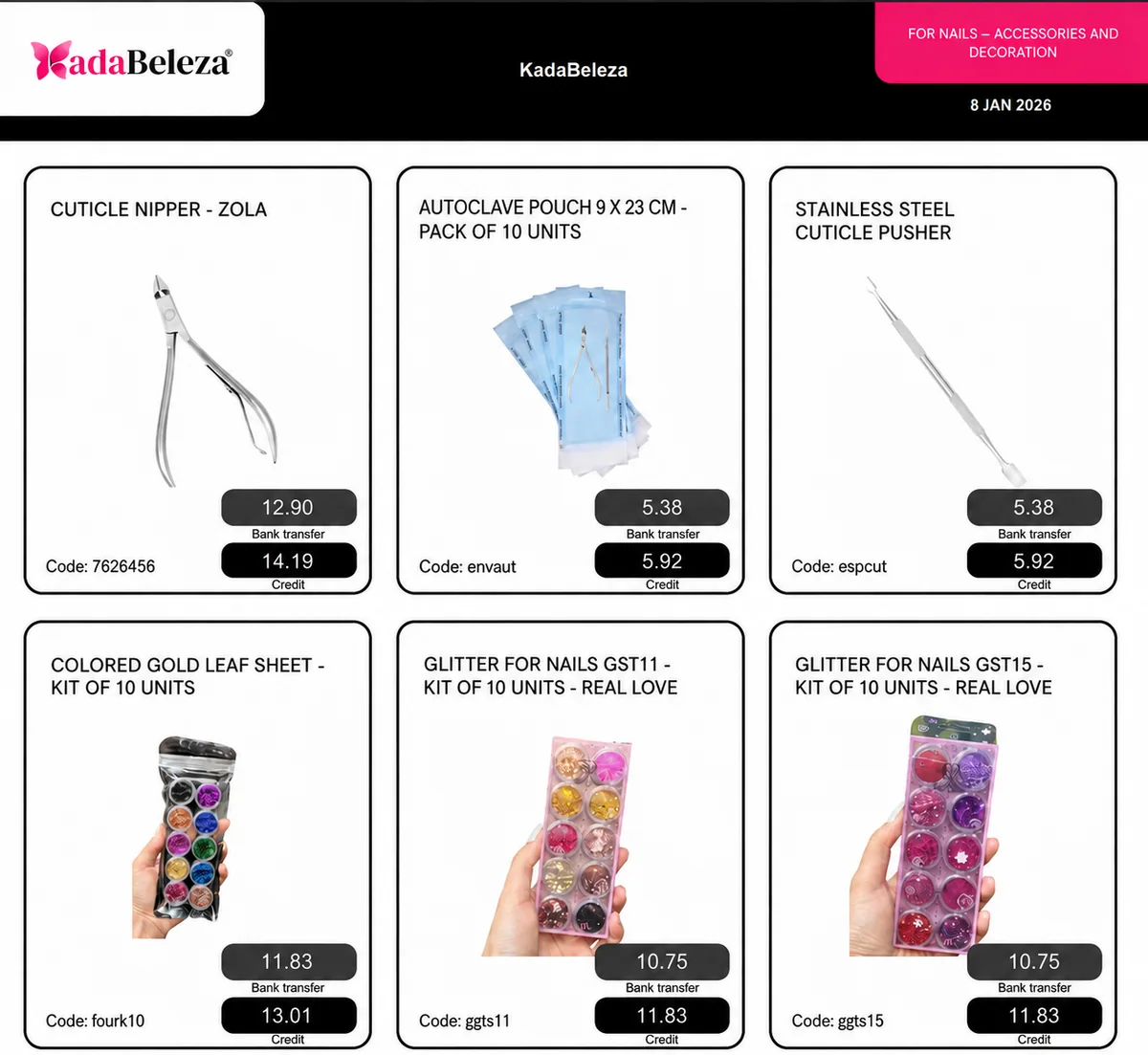
This beauty accessories catalog shows photos, names, codes and two price conditions together. Buyers can connect each price to the right product without comparing separate lists.
Use an edition like this to introduce a range or campaign. Check the meaning of each price, the product data and the generation date before sending it. When conditions change, generate and share an updated edition.
Localized visual adaptation of a supplied system reference, with illustrative values. This image shows payment conditions; the interactive example shows quantity tiers. These are separate uses, subject to the selected configuration.
From feature to practical benefit
Make variety easier to buy without asking customers to decode a spreadsheet or wait for a seller to find every detail.
The right format for each moment
Bring a product line, campaign or selection into a file that can be shared and printed. A PDF keeps the data used when it was generated: publish a new edition when prices change.
Buyers browse categories, inspect products and select quantities in the online catalog. Your team retains the commercial review, according to the settings of your operation.
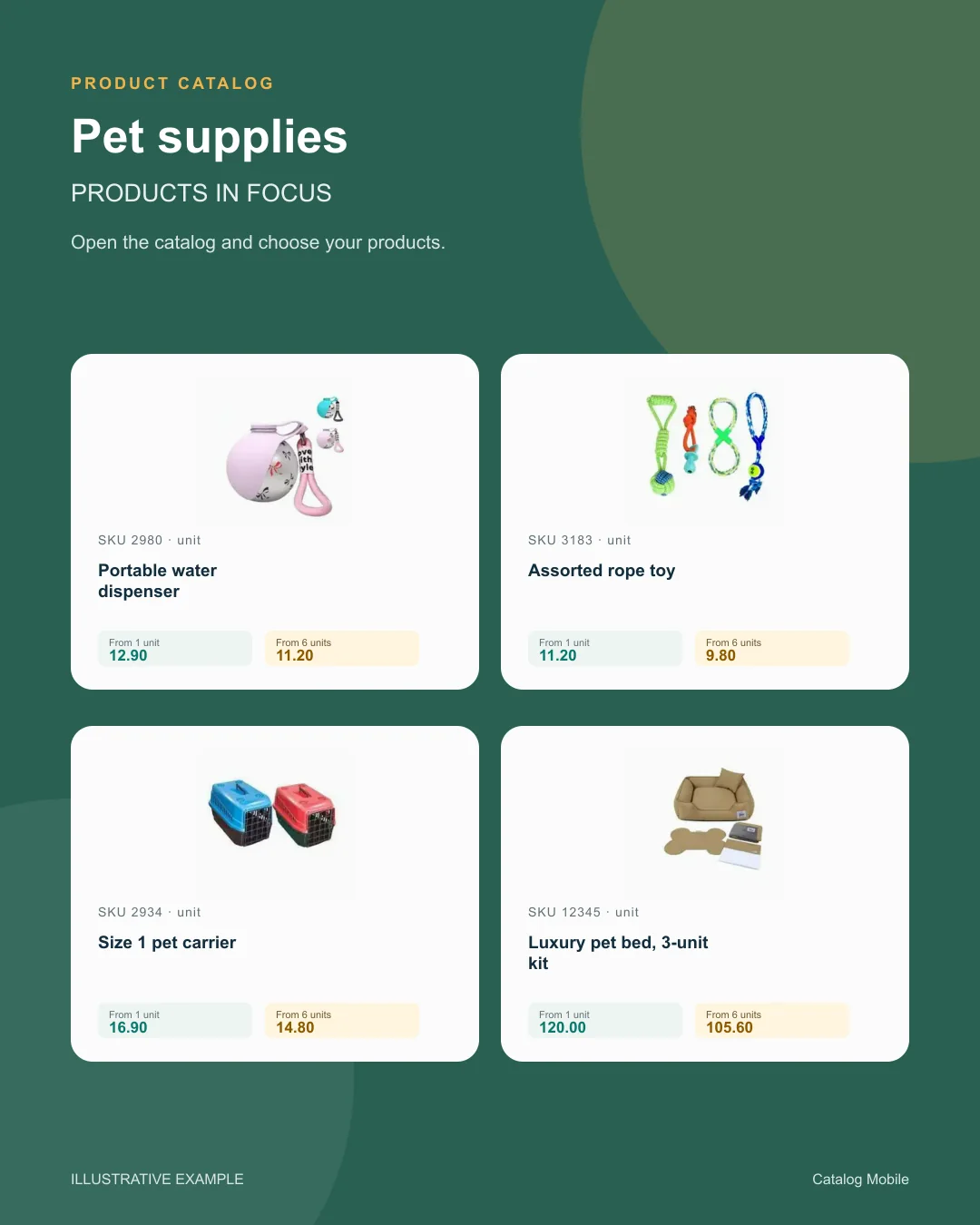
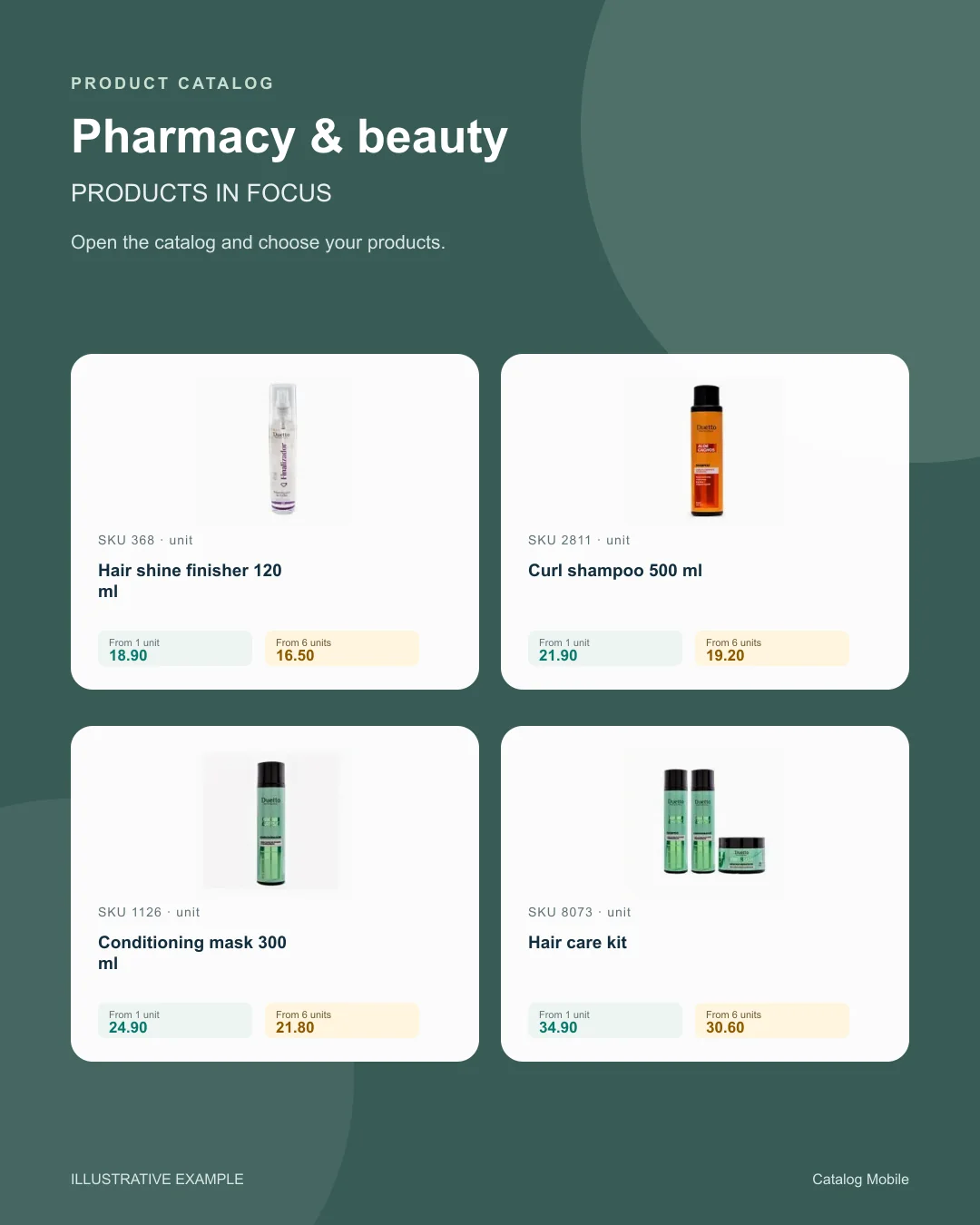
Use a product composition to introduce new arrivals or a selection during customer conversations. The image starts the conversation; the catalog holds the details for the next step.
Find your business
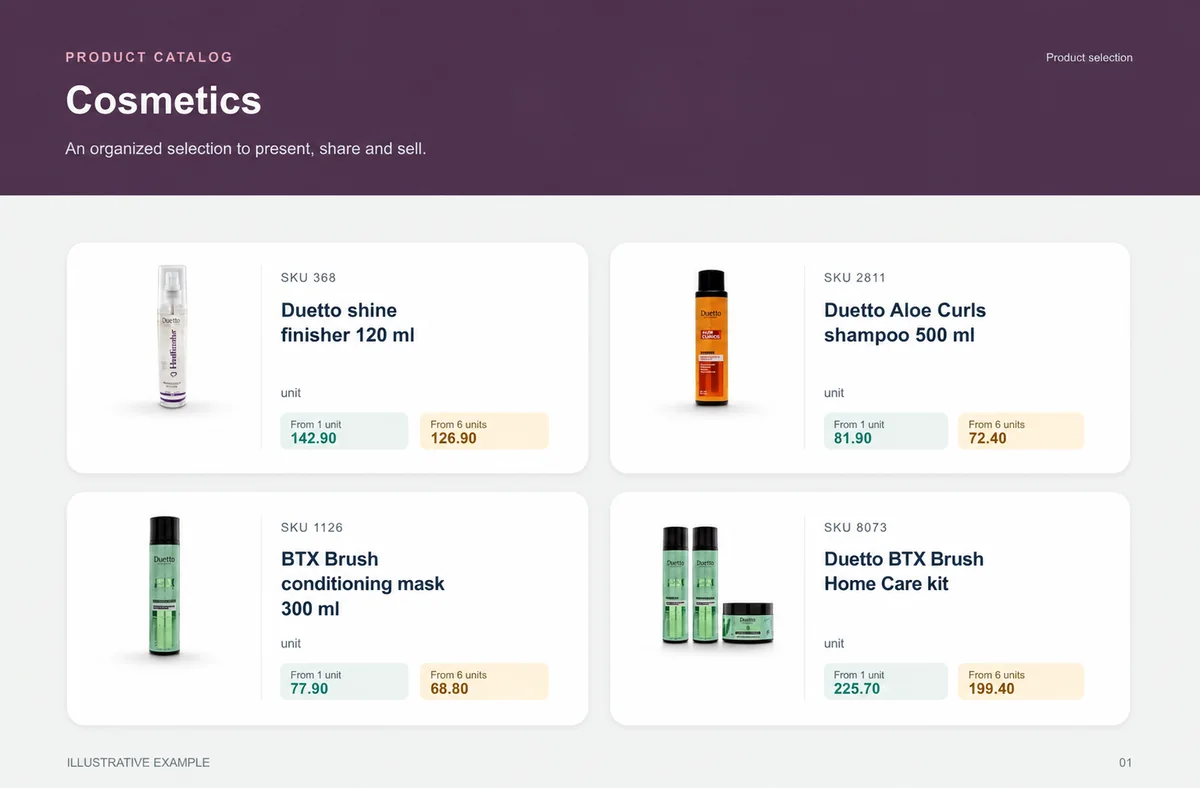
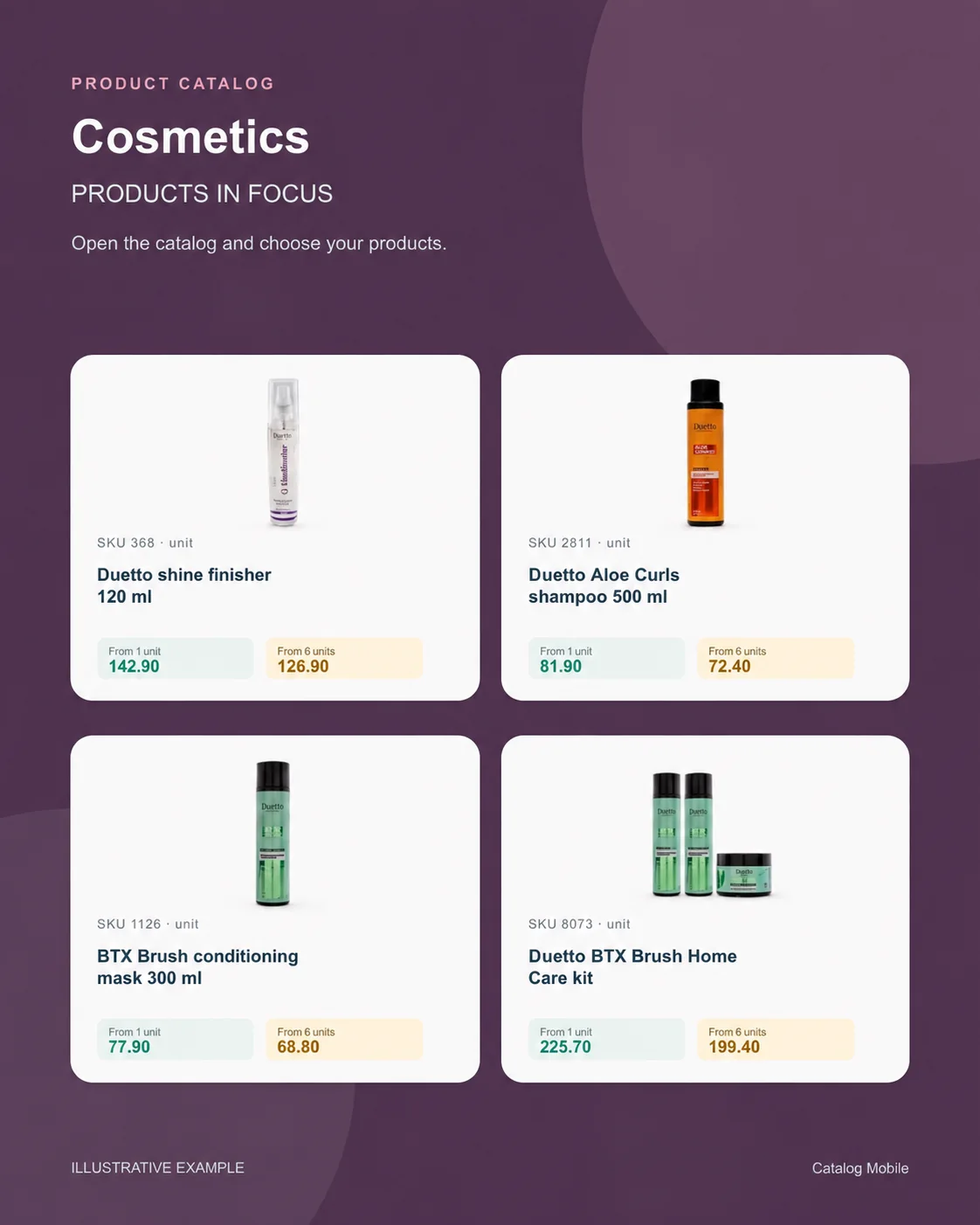
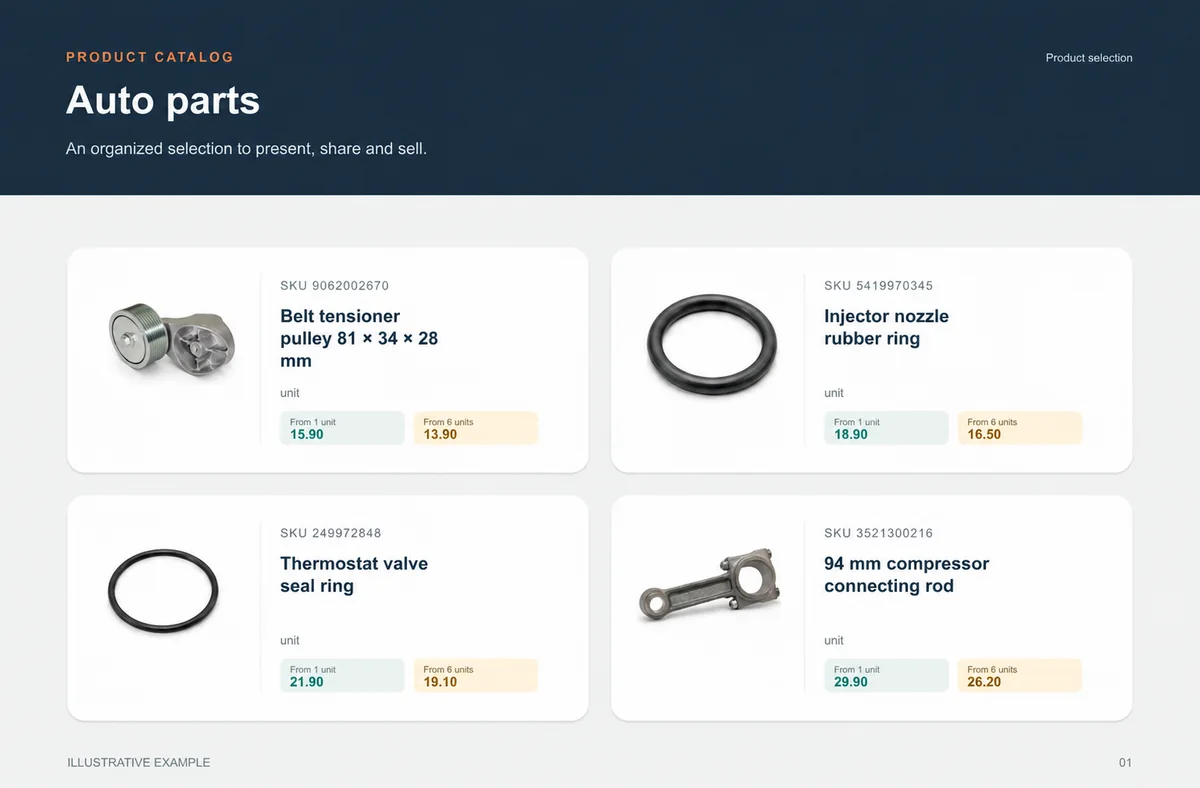
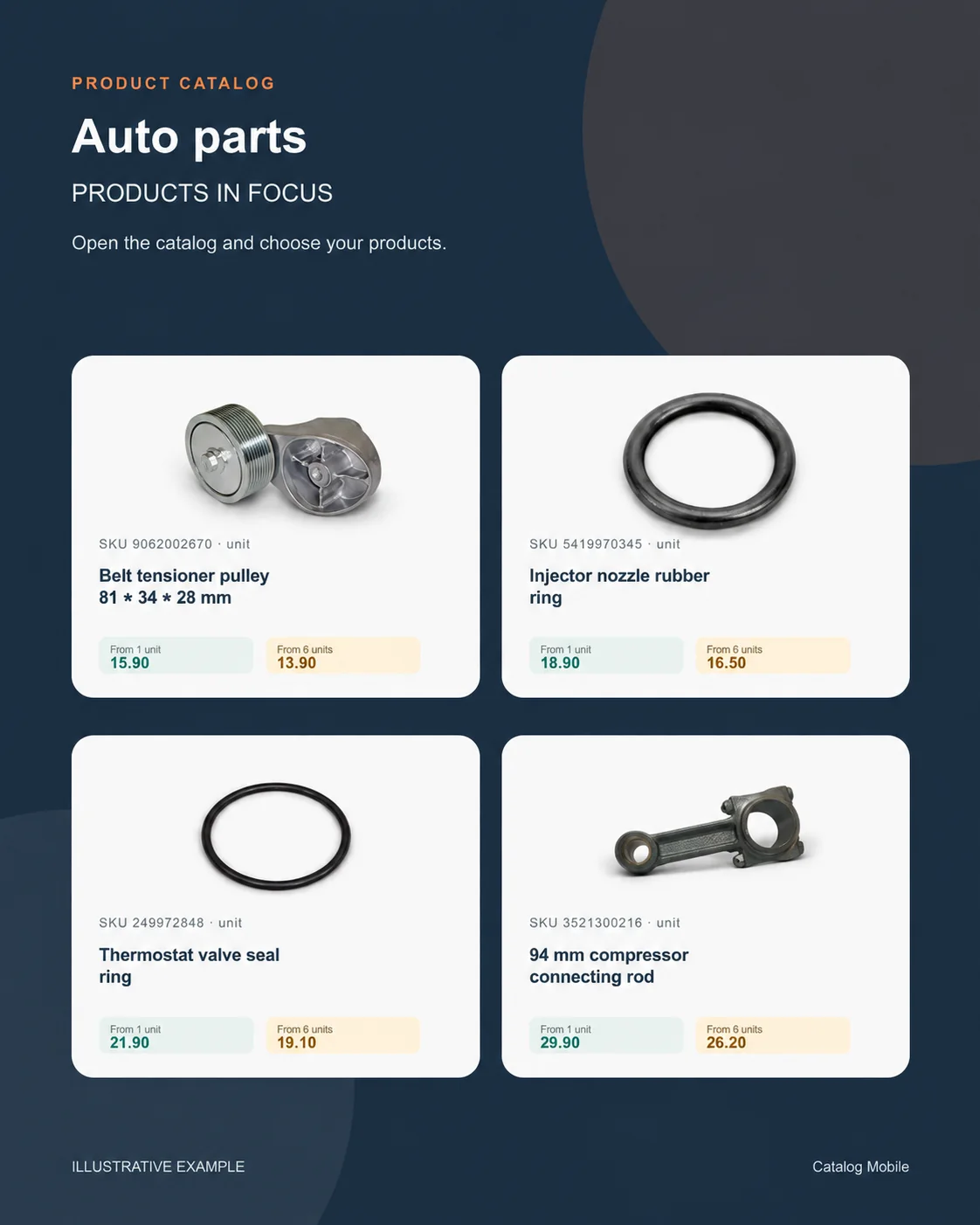
Explore examples with real products from your sector. See how photography, identification and presentation help buyers distinguish their options.
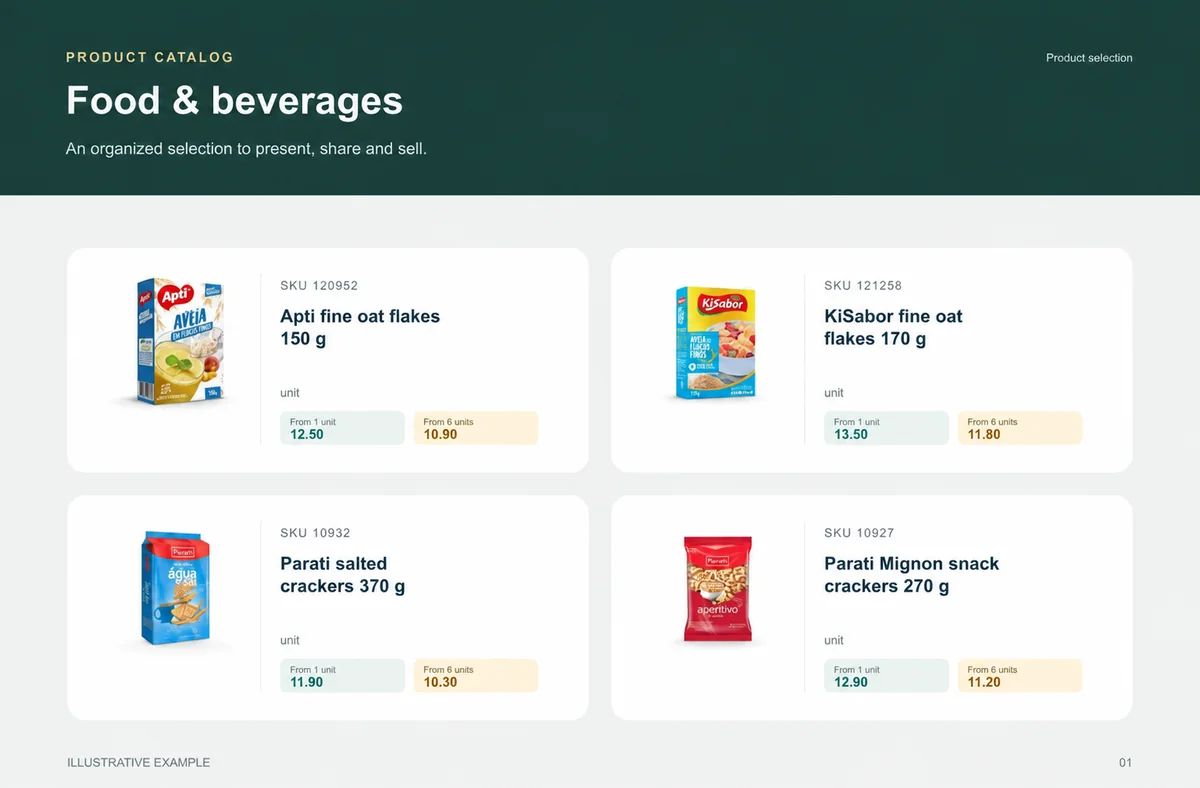
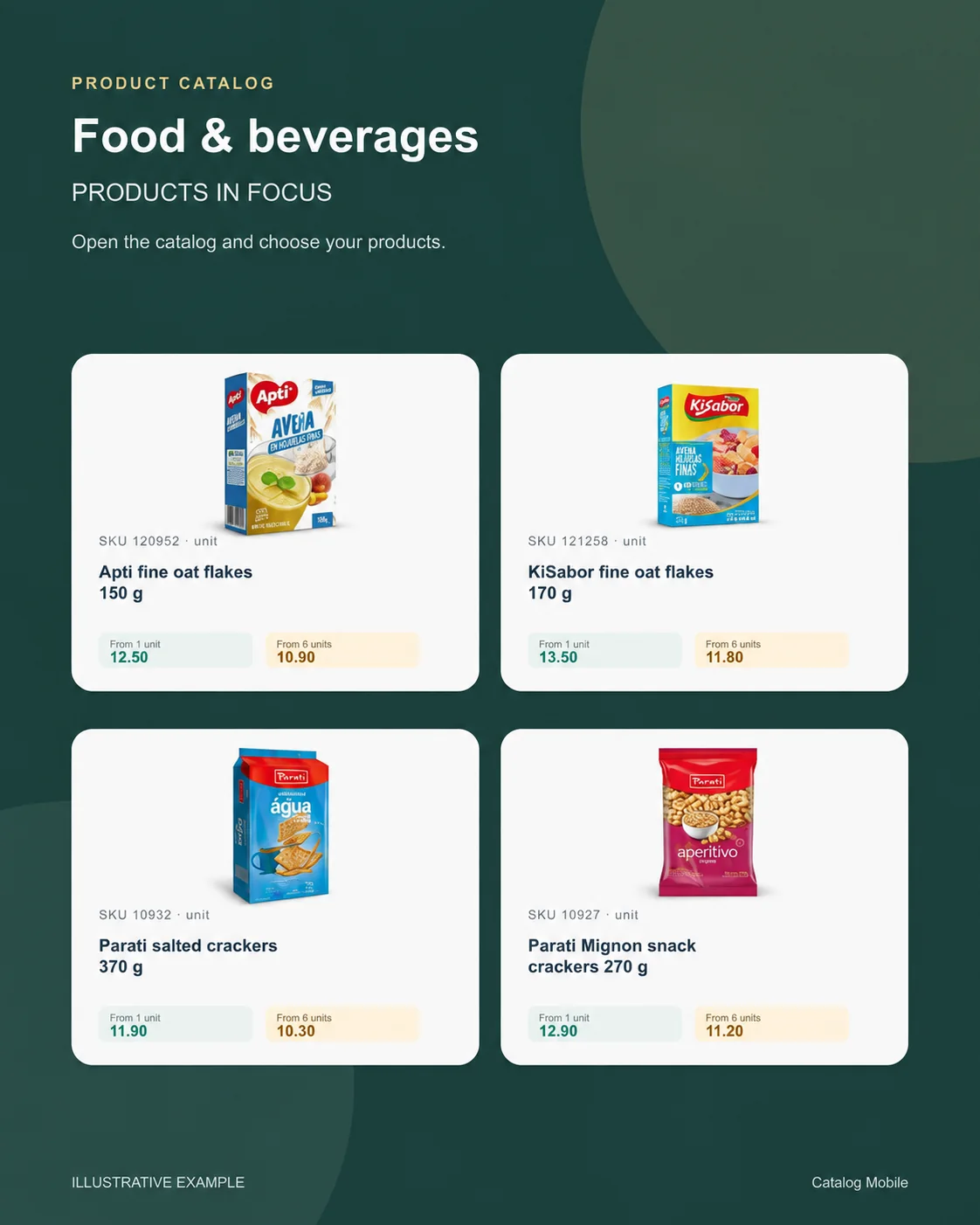
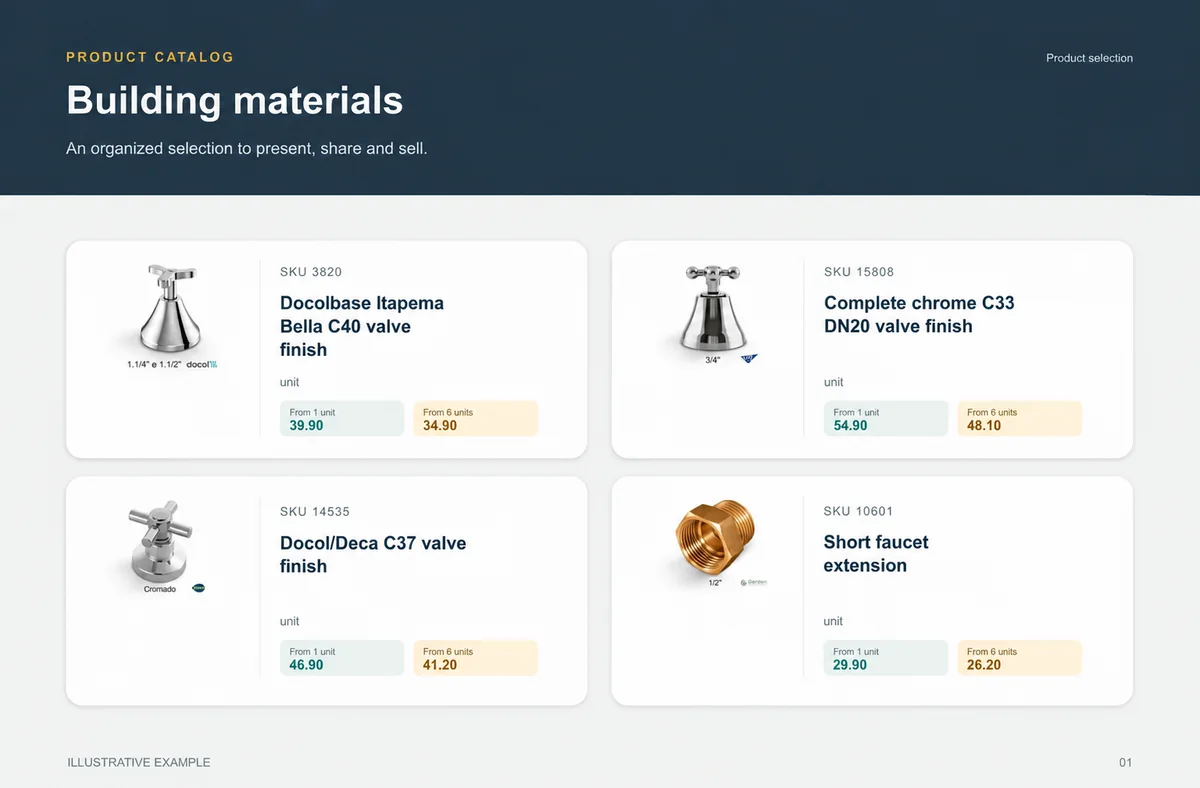
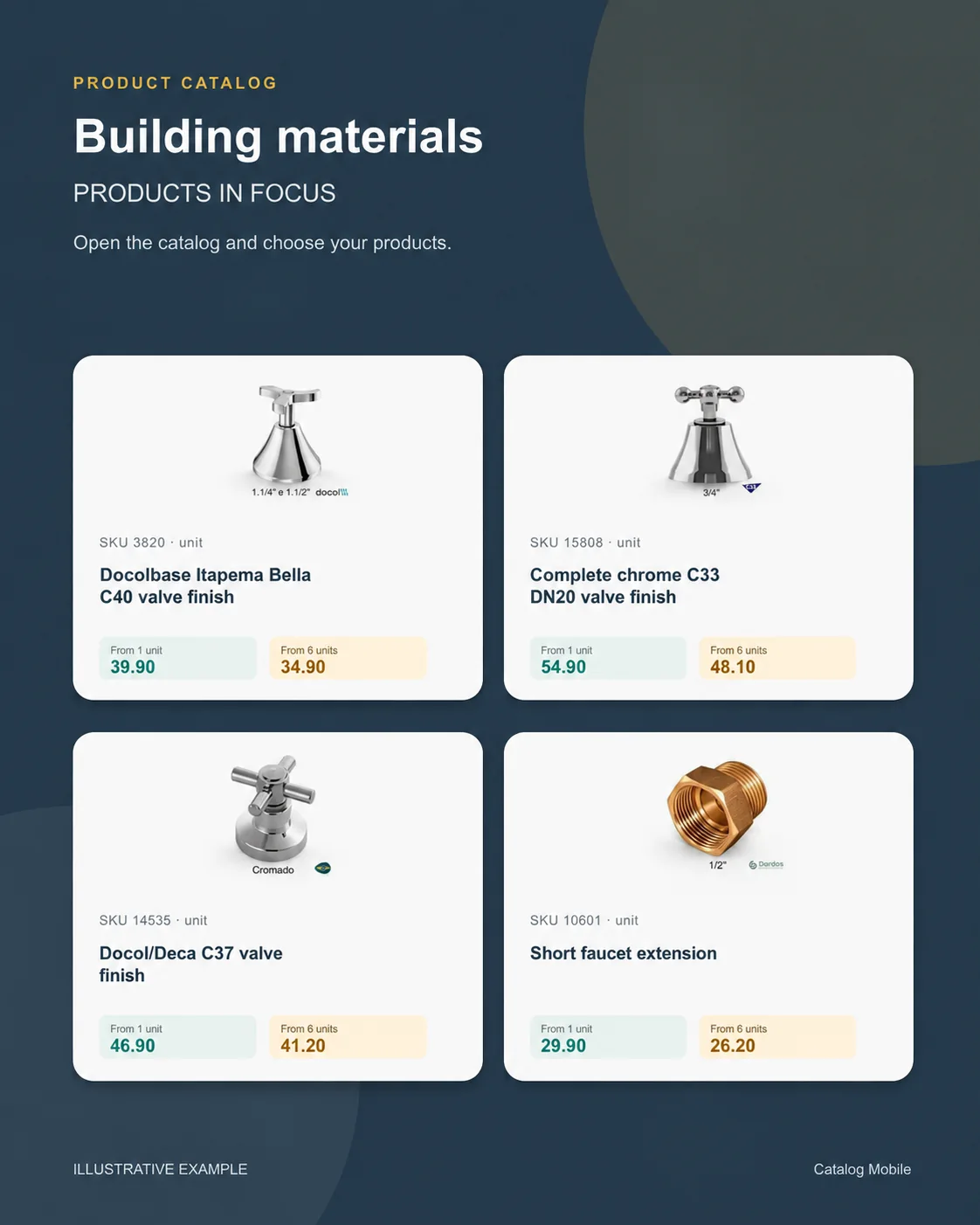
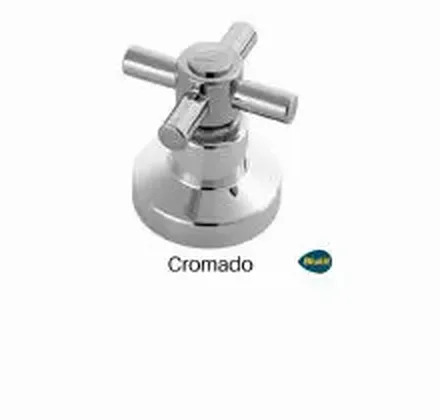
Food & beveragesBuyers need weight, pack and selling unit before choosing quantity.+Building materialsChoice is safer when measurement and presentation do not depend on a seller’s interpretation.+ CosmeticsThe presentation lets buyers explore the range without asking for one photo at a time.+
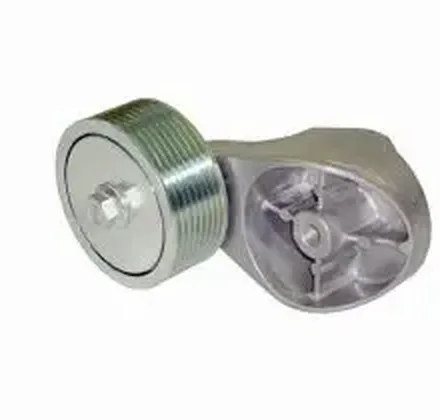 Auto partsSKU, unit and verified application make choice safer.+
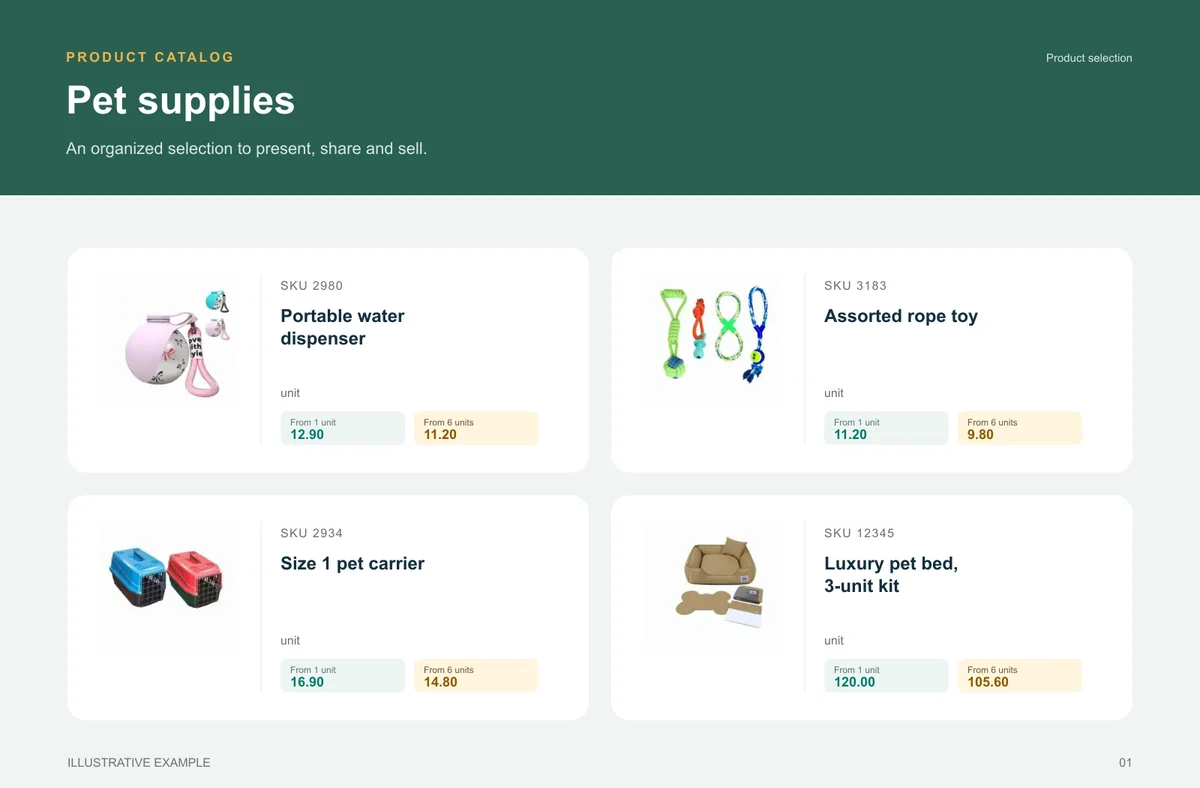
 Pet suppliesA broad range becomes easier to buy when categories help shoppers find the right item.+
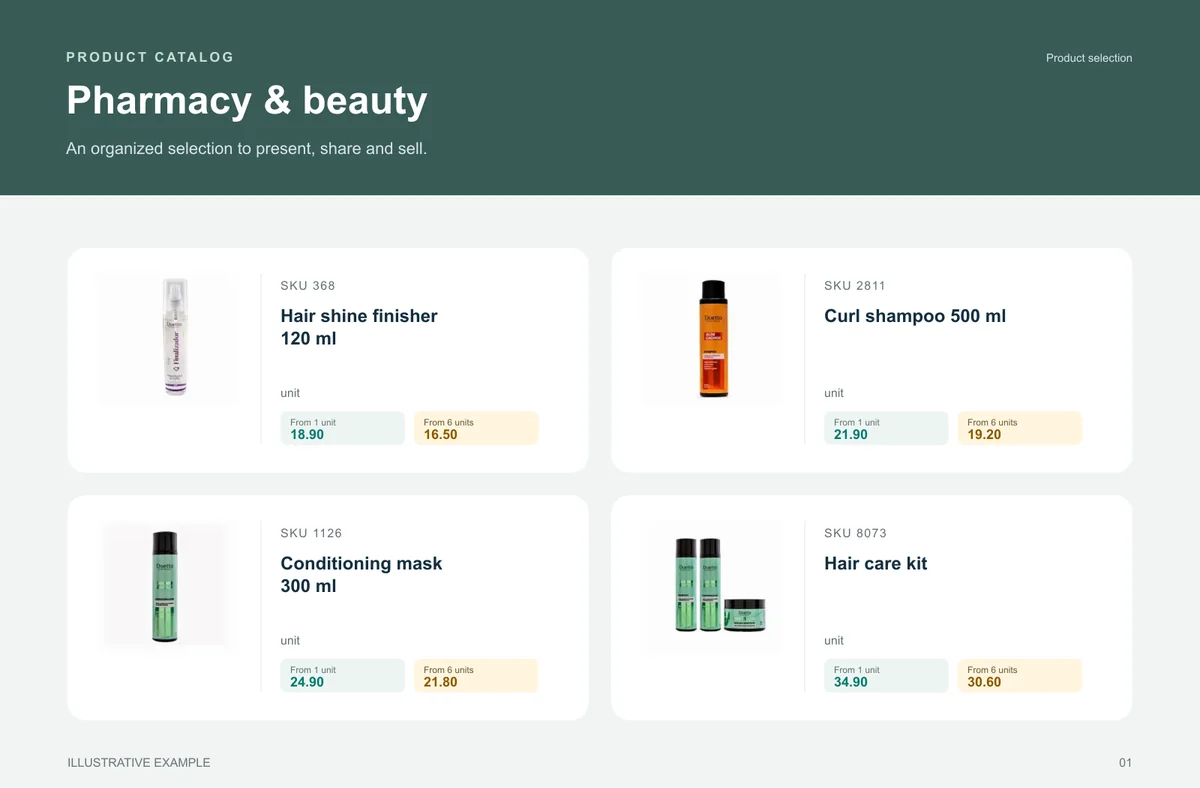
 Pharmacy & beautyFragrance, volume, kit and presentation help buyers distinguish options and move towards an order without asking for clarification.+
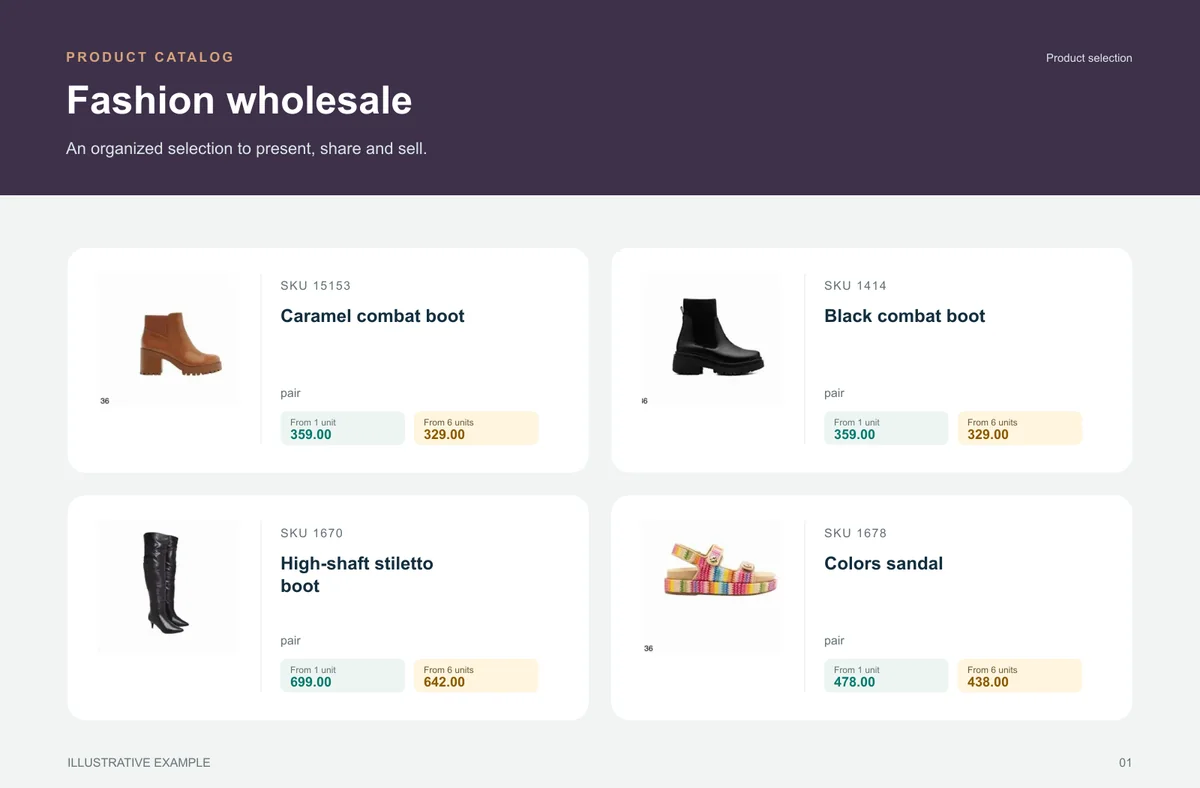
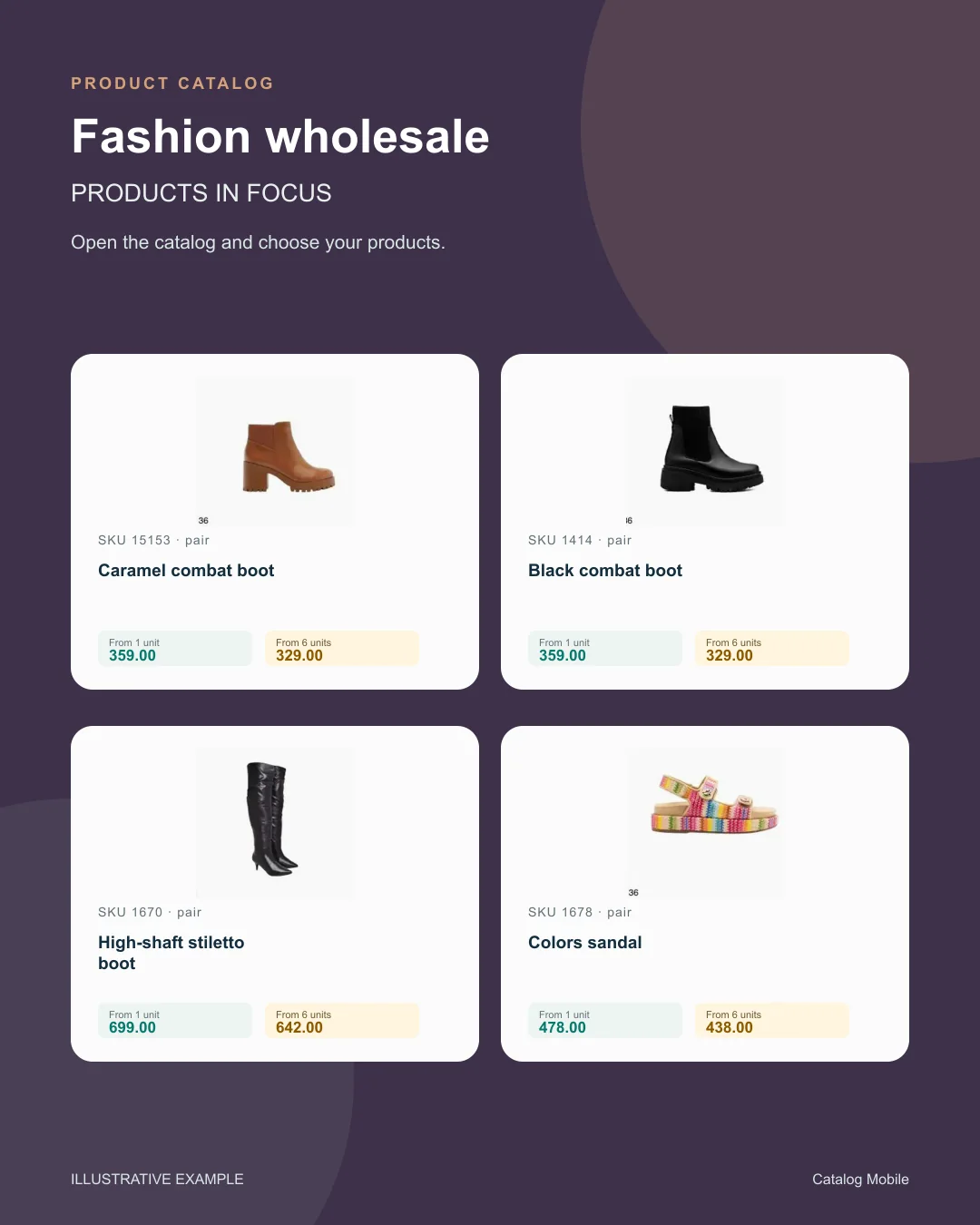
 Fashion wholesaleThe catalog reduces the distance between seeing a garment, understanding its variant and preparing an order.+
BEFORE YOU START
No. Start with your existing product data. Native connectors have their own supported fields and configuration; other ERPs may need a file import or a scoped integration project.
No. The online catalog opens through a browser link on a phone, tablet or computer. Internet access is needed to browse current data and send orders.
Yes. Generate the PDF, download it and share it. A downloaded PDF keeps the information from when it was generated; create a new edition after changing products or prices.
Price tables and seller settings support different commercial conditions, subject to the selected plan and configuration. Validate the buyer’s view before sending the link.
That is a useful starting point. Prepare product codes, names, categories, prices and photos, then import a small batch and check the catalog before expanding.
No. Each ERP page explains whether there is a verified native connector or an import / integration assessment route. A supplier’s name does not imply a partnership or certification.
Review the plan, product and user limits, billing cycle and any integration work you need. The current offer is confirmed before you purchase.
The system helps you present products and receive orders. Customer acquisition, sales follow-up and the quality of your offer still matter. Sales growth is not guaranteed.
START WITH A REAL PRODUCT LINE
Add a small selection. Open it on your phone. Check the PDF and the order flow before rolling it out to your team.