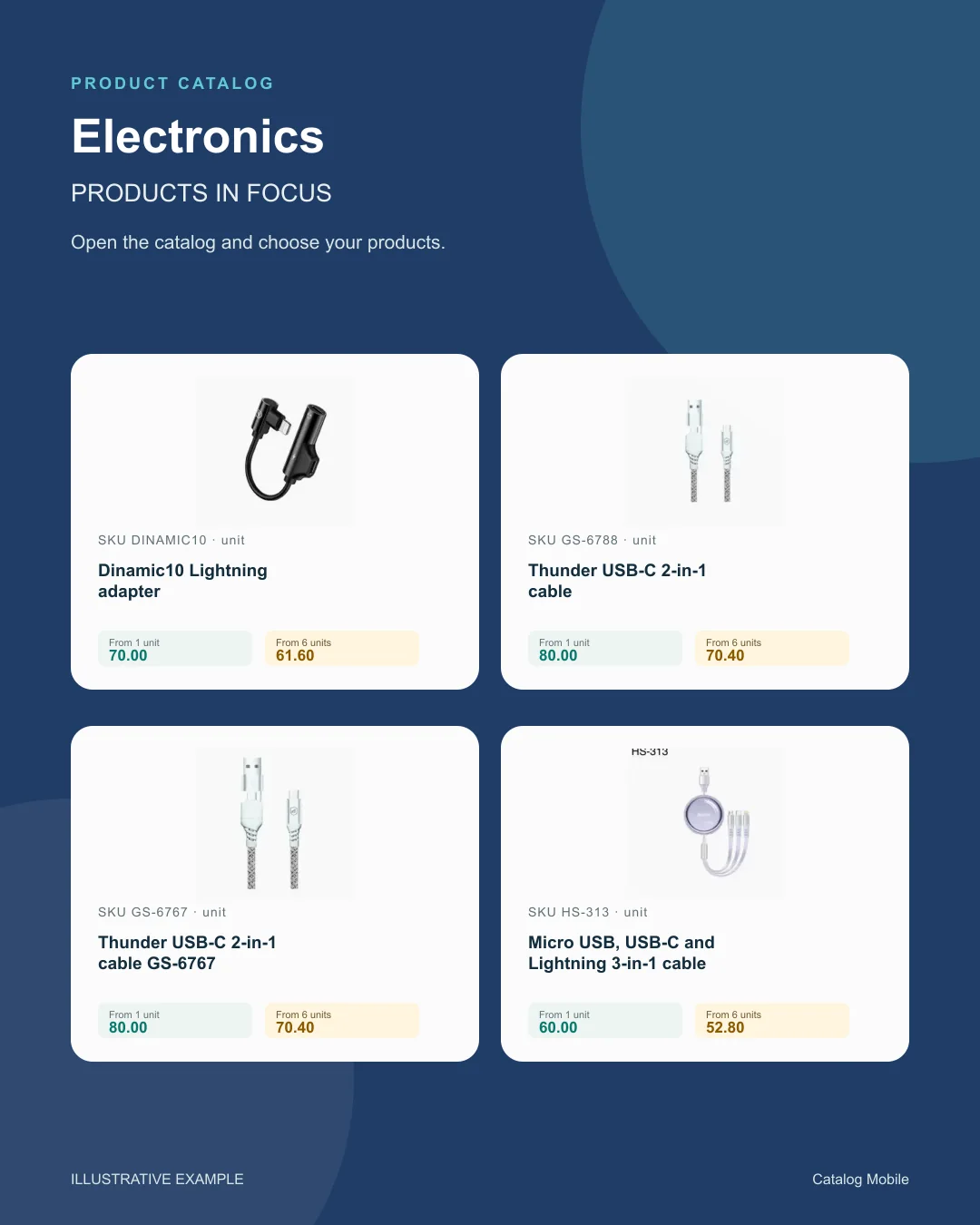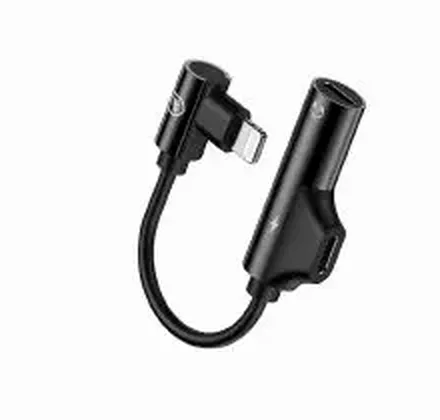
SKU DINAMIC10In stockDinamic10 Lightning adapter
1–5 units£70.00
6+ units£61.60
Quantity
electronics
Sales rework rarely appears as a single issue. It happens when catalogue, pricing, order flow and communication do not move together, consuming time the team could spend selling and supporting buyers.

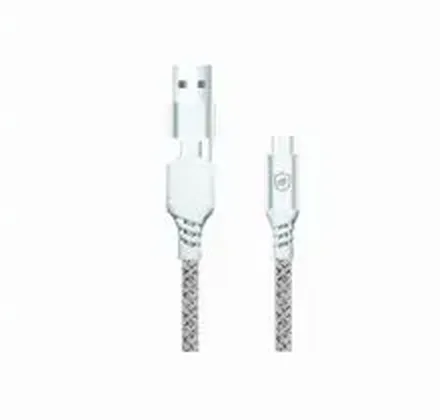
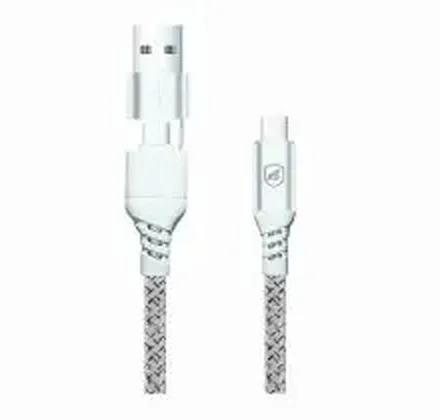

Change the quantity. See the unit price drop at 6 units.
Choose a product to start your order.
Example order reviewed
Illustrative demo · sample products and prices
Symptoms
Impact
Sales rework may not look dramatic task by task. But over a month it steals margin, reduces productivity and delays the actions that could create more orders.
In electronics, the team becomes reactive, tired and overly dependent on key people just to keep the workflow moving.
How to solve it
The safest path is to remove this pain from manual routines and give the team a cleaner commercial layer. Catalog Mobile helps publish catalogue material, share the right version, structure order capture and reduce the time spent on confirmation.
Check the product source and the route available for your edition before choosing Excel import, a connector, webhook or API. Review fields and permissions with the person responsible for your data. The ERP continues to manage operations while the catalogue presents the selected range to the buyer.
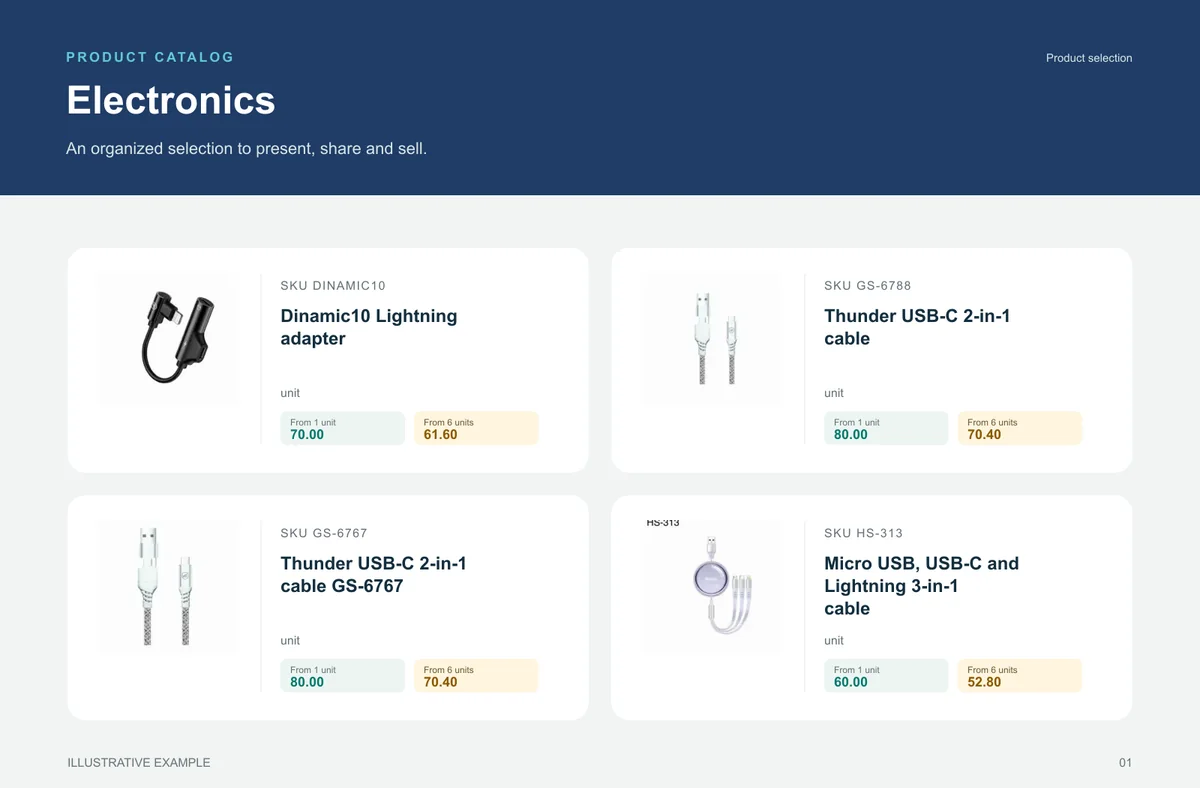
Electronics
Model, voltage, capacity and pack keep visually similar items from becoming a question.
Retail and wholesale buyers comparing model, available specification and unit.
A selection highlights cables, peripherals and accessories by model and pack.
unit
unit
unit
unit
What your customers can see
An organised selection to introduce the range, plus a promotional image to highlight the products. Open the examples and inspect the details.
From feature to practical benefit
Make variety easier to buy without asking customers to decode a spreadsheet or wait for a seller to find every detail.
YOUR ERP KEEPS ITS JOB
If your operation already runs on Microsoft Dynamics 365 Business Central, Sage, Unleashed and Odoo, the next logical step is a commercial layer that organizes catalog flow, order capture and updates without forcing a radical process change.
No. The best path is usually to keep the ERP as your operational system and use Catalog Mobile to organize catalog publishing, commercial sharing and order capture.
Yes. Many teams start with spreadsheets, structured imports, sync routines or a gradual ERP path.
Yes. A representative can present the range and organise the items a buyer wants to order during a visit. The team receives a request to review against the commercial conditions.
See the available guidance for Microsoft Dynamics 365 Business Central, Sage, Unleashed and Odoo. Before starting, confirm your ERP edition, the required fields and the import or integration route available for your account. The ERP remains your operational base; the catalog organises the sales presentation.
Start with one line, one region or one team where the issue is visible and easy to measure. The initial goal is to validate a leaner sales workflow with less manual checking and less correction later.
Guides
A buyer should be able to distinguish similar products by code, name, photo and packaging. For tools and technical supplies, specify voltage, dimensions, connection type and included accessories where relevant.
Price mismatch erodes margin and creates rework. See how to align catalog, order flow and commercial pricing in cosmetics.
If the team repeats checks, corrections and resends every day, sales operations are too heavy. See how to reduce rework in electronics.
START WITH A REAL PRODUCT LINE
Add a small selection. Open it on your phone. Check the PDF and the order flow before rolling it out to your team.