PDF catalogues
Create a Catalogue in Odoo for Automotive Wholesale
Start with consistent codes, names, photos and categories. For auto parts, use the commercial code and compatibility information in the product description.
Start with a small product selection, check how it appears to the buyer and review a sample order before expanding. A clear catalog is useful when it matches the way your team actually sells.
Prepare the data the buyer actually needs
For auto parts, use the commercial code and compatibility information in the product description. A similar photo is not enough to identify a part. Test search with the code your buyer uses and review the selected quantity.
- Use a stable product code, a clear name, a selling unit, an appropriate photo and the intended price. Keep internal costs and confidential notes out of the public selection.
A catalog your sales team can keep current
Start with consistent codes, names, photos and categories. Select the products and price table for the audience, choose the layout and generate the PDF. Keep a clear edition name so the team can identify the current file.
What to review before sharing
Check a low-price and a high-price product, long names, category order and a product with multiple photos. Open the PDF on a phone as well as a computer. The best layout is the one your buyer can read comfortably.
Check your ERP edition and data scope
Provide the Odoo version, edition and hosting model. Review product variants, sales units and the intended price list. Access method and installed modules must be assessed before choosing a connector, webhook or file import.
- Before choosing a data route, confirm with the operation which fields, permissions, edition and update direction can support this selection.
What this workflow does not guarantee
The file preserves the data used to generate it. After changing the catalog, generate a new PDF and replace old links or attachments in your sales routine. An online catalog is useful when prices and availability change frequently.
Review the result as a buyer
Compare product names, codes, units and prices with the original data. Test one long product name, one product with no image and different quantities. Ask a colleague to find an item without your guidance. Use what was confusing to improve categories and descriptions.
Decide whether the workflow fits
A useful pilot shows whether the buyer can understand the range and whether your team can review the order. Keep your existing sales process during evaluation. Confirm product and user limits, price tables and integration work before selecting a plan.
Help buyers choose without another message
In auto parts, buyers need commercial SKU, unit and verified fitment in view before they choose a quantity. When those details are split between an old PDF, spreadsheet and chat, choosing takes longer and the sales team has to explain the basics again. An organised selection brings the distinctions together and makes the next step easier to see. In a catalog or PDF, the range becomes a complete presentation instead of depending on photos sent one at a time.
- Show commercial SKU, unit and verified fitment where buyers compare the items.
- Use the sales presentation to highlight what helps customers choose the range.
Build a selection customers can compare
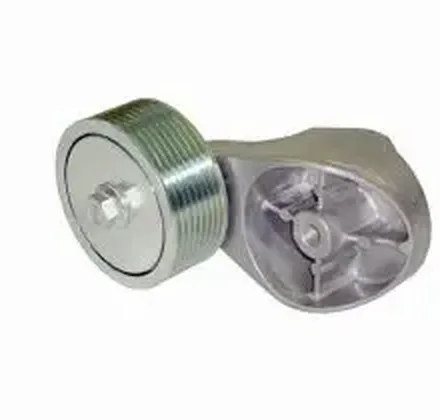
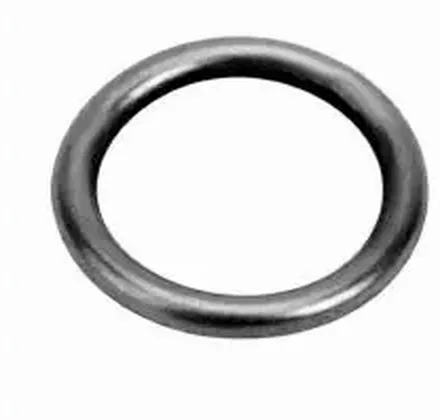
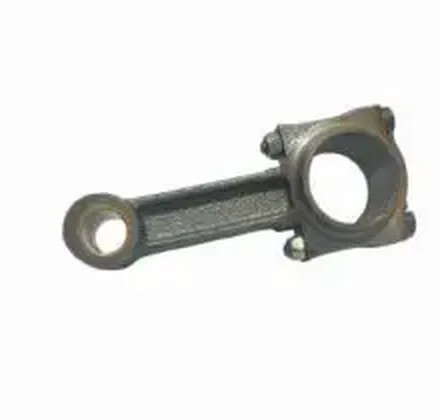
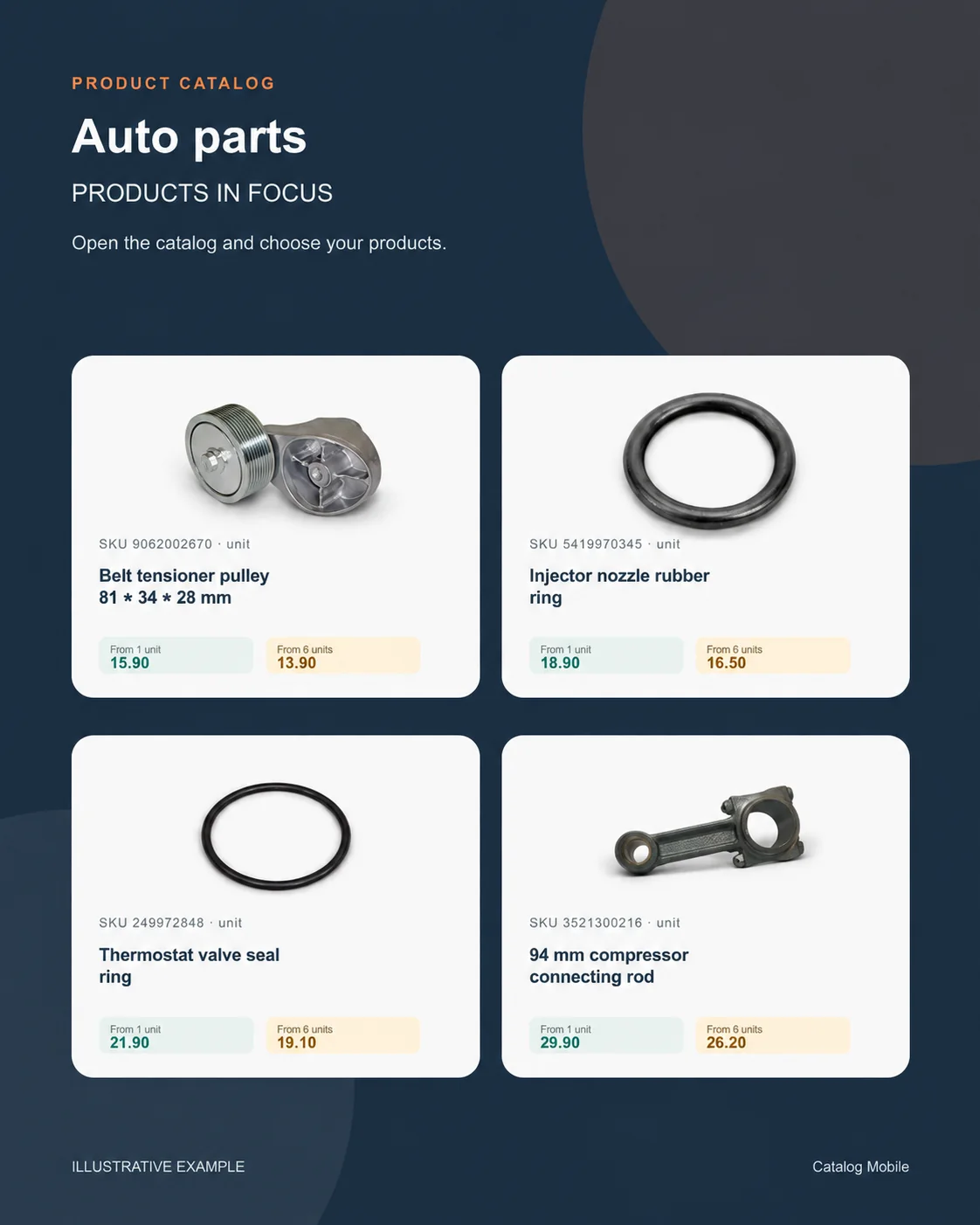
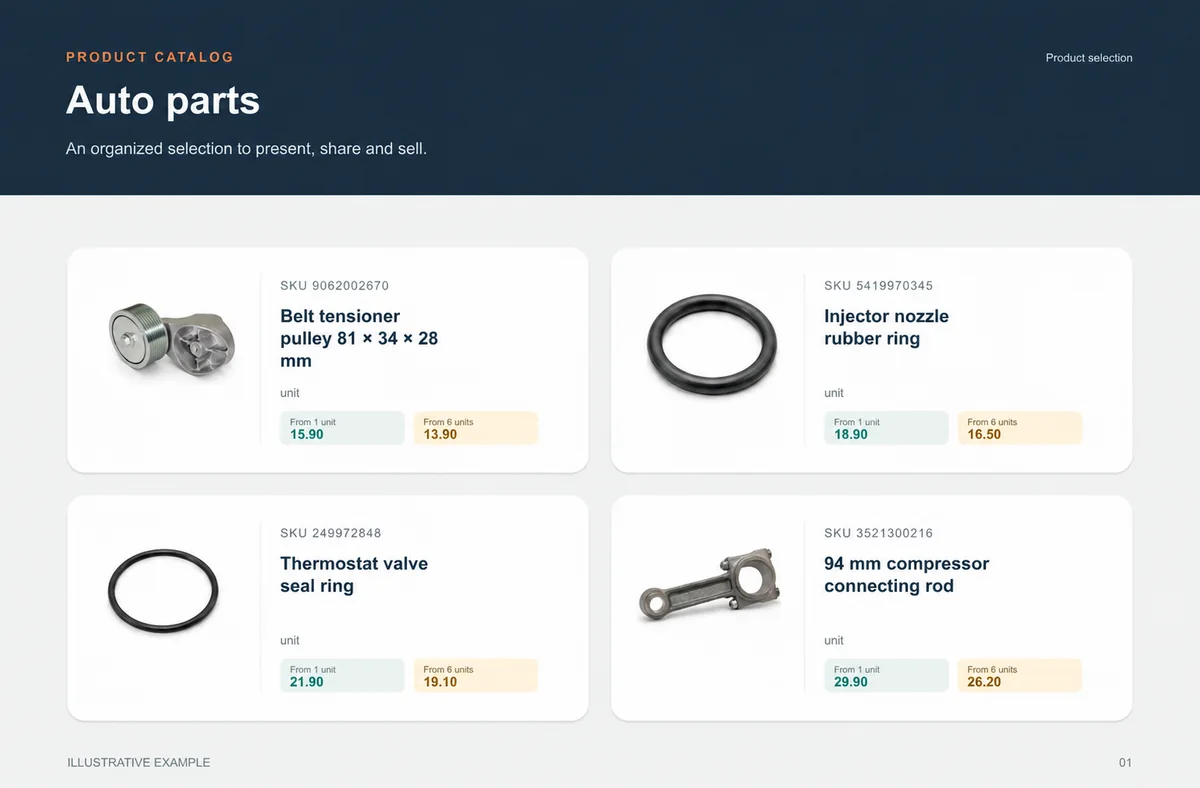
Present an 81 × 34 × 28 mm belt tensioner pulley, an injector-nozzle rubber ring and a 94 mm compressor connecting rod in a short selection where SKU, photo, presentation and price sit together. Someone who did not build the catalog should still be able to find the items and understand how they differ. Demonstration values make the commercial reading easier to understand; they are not a public offer. Place similar items together so the difference in name, photo, category or presentation is easy to see before the full range is shared. A first selection focused on one range helps the team improve what buyers actually consult.
- Include one long name and one alternative presentation in the first selection.
- Show photo, SKU, unit and price in the same buying context.
Bring ERP product data into the sales presentation
Keep managing products in Odoo, and use the catalog to turn the range into a presentation buyers can browse. Provide the Odoo version, edition and hosting model. Review product variants, sales units and the intended price list. Access method and installed modules must be assessed before choosing a connector, webhook or file import. The data route depends on the edition, account, available fields and permissions. Before sharing, confirm which products, units and prices reach the selection. Once a buyer chooses, final price, availability, credit, delivery, tax and invoicing remain in the commercial flow your operation defines.
- Choose the fields buyers need to compare the range.
- Keep credit, availability, delivery, payment, tax and invoicing in the operation’s commercial flow.
Start with one range, then expand with confidence
The next range is ready to scale when buyers can find an 81 × 34 × 28 mm belt tensioner pulley, an injector-nozzle rubber ring and a 94 mm compressor connecting rod, understand commercial SKU, unit and verified fitment and move forward without a side explanation. Use what buyers look for in the first selection to organise the next category or audience. Repeat the Odoo company, account or edition scope used to prepare this range. Start with the range that generates the most questions in customer conversations, then let buyer choices guide the next selection. The commercial owner looks after presentation and conversation; the data owner keeps the commercial record, including commercial SKU, unit and verified fitment, aligned with the source date. Once the selection is easy to explore, apply the same pattern to the next category or audience. Keep the same Odoo scope in the process used to prepare the selection.
- Extend to the next range using what made the first choice easier.
Will it work for my business?
Do I need design experience?
You configure the layout and commercial information using the product’s PDF controls. Start with a short selection to check readability before exporting the complete range.
Can I print the PDF?
A downloaded PDF can be printed. Check the selected paper format, image resolution and legibility in a test print.
Does the online catalog replace the PDF?
You can use both. A PDF is useful as a fixed presentation; a browser link helps buyers browse the catalog and prepare an order.
How can I evaluate this without moving my whole operation?
Use a small, authorised selection of products. Compare the PDF or online catalog with your source data, test on a phone and review the resulting order. Expand only after correcting discrepancies.
How can we tell whether the selection is clear?
Open it on a phone, ask someone to find real products and record every question about SKU, unit, presentation or price before expanding.
Does the catalog replace commercial review?
No. It organises product presentation and can capture intent; the operation still validates the stages that depend on price, stock, credit, delivery and invoicing.