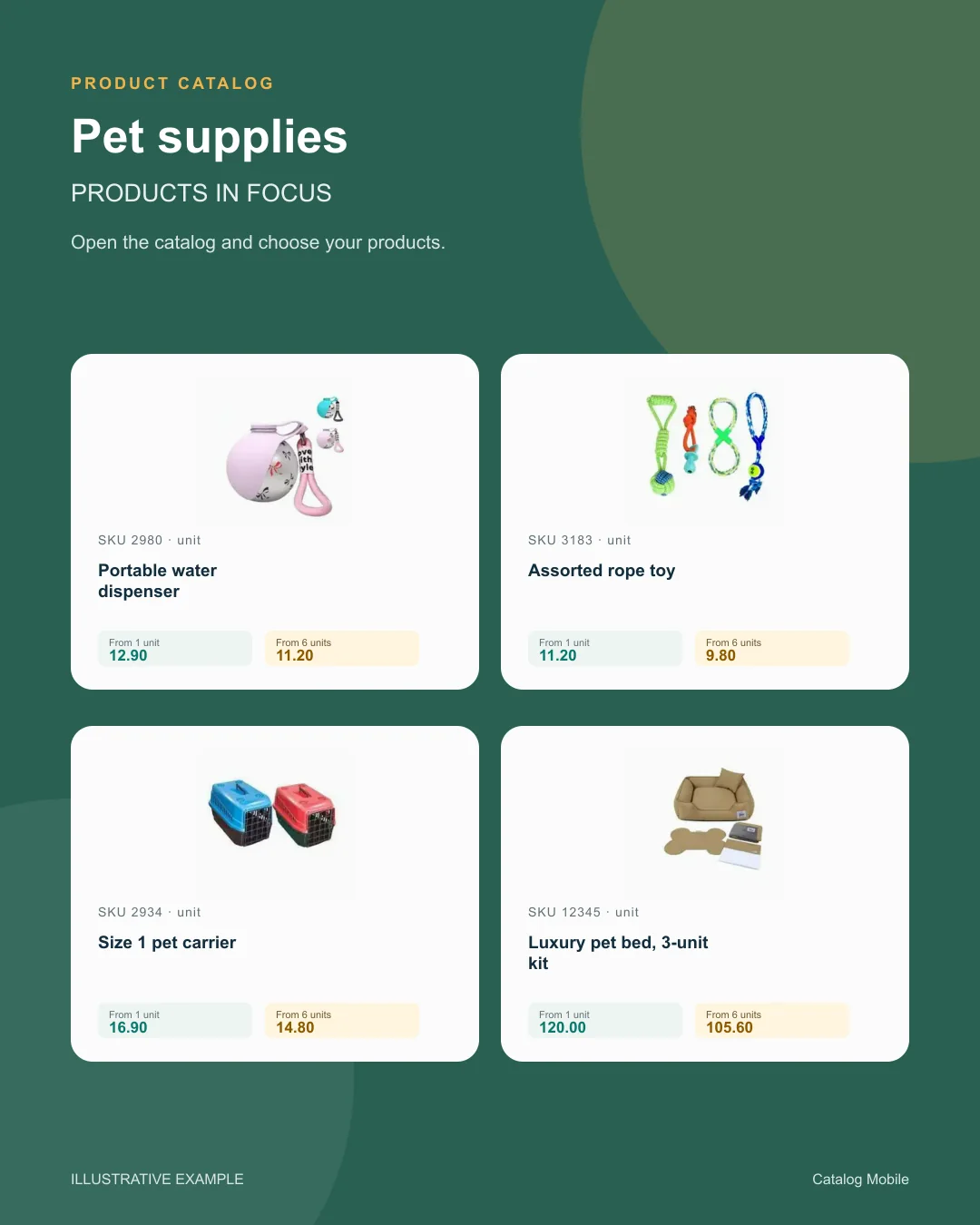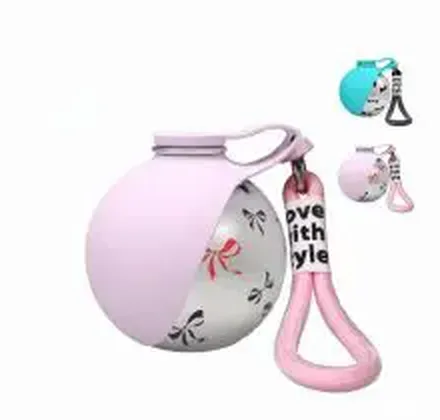
SKU 2980In stockPortable water dispenser
1–5 units£12.90
6+ units£11.20
Quantity
pet supplies
Manual catalogue work may look manageable at first, but it becomes a bottleneck when the assortment grows and the team needs to reuse the same material. That friction reaches sales and back office at the same time.


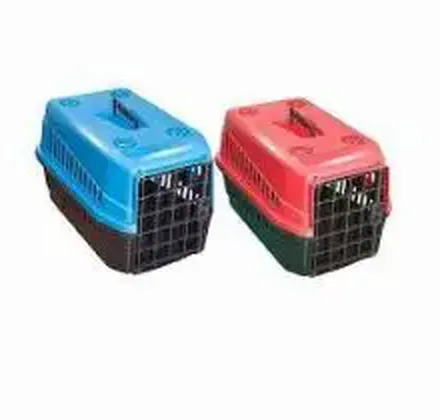
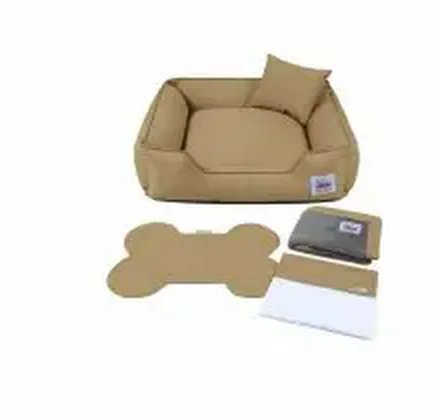
Change the quantity. See the unit price drop at 6 units.
Choose a product to start your order.
Example order reviewed
Illustrative demo · sample products and prices
Symptoms
Impact
When publishing is manual, the business grows but the sales workflow does not. The team spends energy assembling materials when it should be selling, negotiating and expanding product mix.
In pet supplies, that lengthens the cycle, delays launches and increases the chance that different reps send inconsistent materials.
How to solve it
The safest path is to remove this pain from manual routines and give the team a cleaner commercial layer. Catalog Mobile helps publish catalogue material, share the right version, structure order capture and reduce the time spent on confirmation.
Check the product source and the route available for your edition before choosing Excel import, a connector, webhook or API. Review fields and permissions with the person responsible for your data. The ERP continues to manage operations while the catalogue presents the selected range to the buyer.
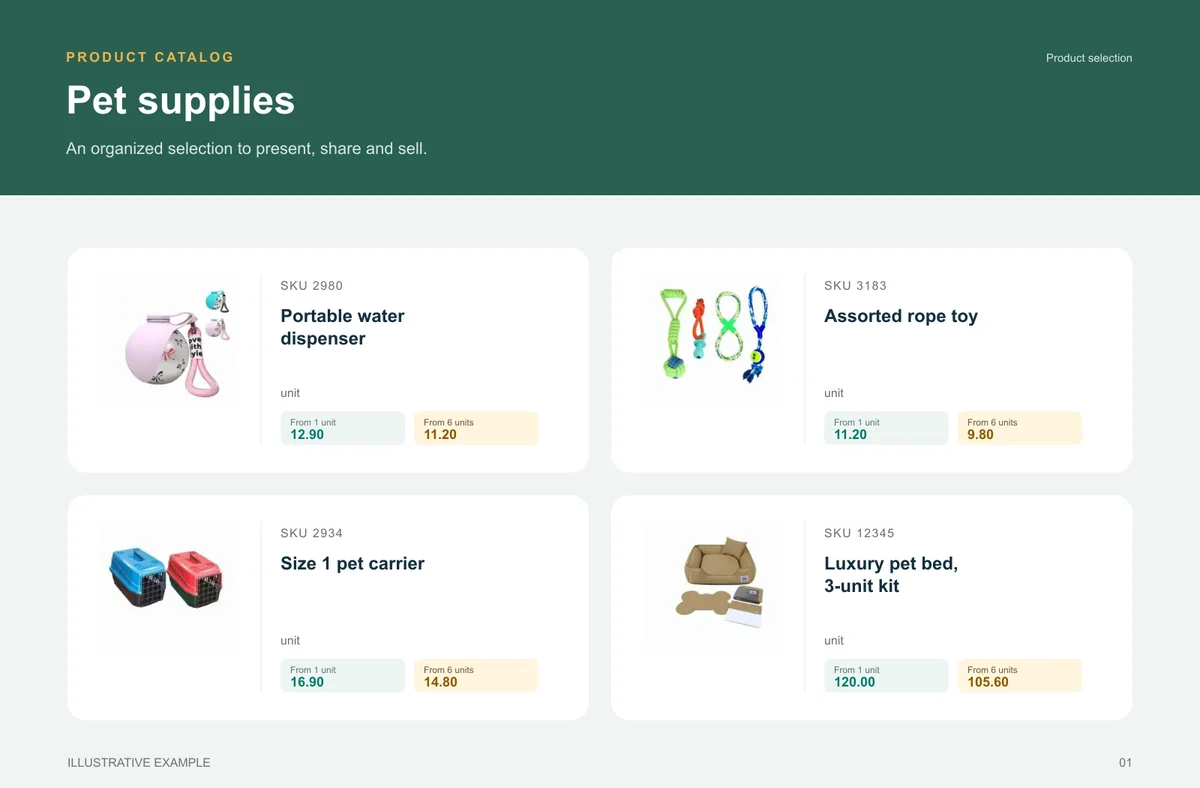
Pet supplies
A broad range becomes easier to buy when categories help shoppers find the right item.
Retail and wholesale buyers looking for food, hygiene or accessories by need.
A selection separates dogs, cats, hygiene and accessories with pack size readable.
unit
unit
unit
unit
What your customers can see
An organised selection to introduce the range, plus a promotional image to highlight the products. Open the examples and inspect the details.
From feature to practical benefit
Turn one product base into a readable commercial edition. Use PDF for a defined presentation and a catalogue link when buyers need to browse, compare and prepare an order.
YOUR ERP KEEPS ITS JOB
If your operation already runs on Microsoft Dynamics 365 Business Central, Sage, Unleashed and Odoo, the next logical step is a commercial layer that organizes catalog flow, order capture and updates without forcing a radical process change.
No. The best path is usually to keep the ERP as your operational system and use Catalog Mobile to organize catalog publishing, commercial sharing and order capture.
Yes. Many teams start with spreadsheets, structured imports, sync routines or a gradual ERP path.
Yes. A representative can present the range and organise the items a buyer wants to order during a visit. The team receives a request to review against the commercial conditions.
See the available guidance for Microsoft Dynamics 365 Business Central, Sage, Unleashed and Odoo. Before starting, confirm your ERP edition, the required fields and the import or integration route available for your account. The ERP remains your operational base; the catalog organises the sales presentation.
Start with one line, one region or one team where the issue is visible and easy to measure. The initial goal is to validate a simpler workflow to publish catalog material without manual assembly.
Guides
Start with consistent codes, names, photos and categories. For food and beverage sales, make pack size and selling unit unambiguous.
Start with consistent codes, names, photos and categories. For auto parts, use the commercial code and compatibility information in the product description.
Start with consistent codes, names, photos and categories. For beauty and cosmetics, distinguish size, fragrance, colour and kit composition in the name or description.
Start with consistent codes, names, photos and categories. Use a stable product code, a clear name, a selling unit, an appropriate photo and the intended price.
Stop selling with outdated PDFs, loose versions and manual checks in pharma. Organize catalog sharing, order flow and commercial updates with less friction.
If your catalog still depends on copy-paste, manual PDFs and item-by-item review, sales ops are wasting too much time. See how to simplify that workflow in pet supplies.
START WITH A REAL PRODUCT LINE
Add a small selection. Open it on your phone. Check the PDF and the order flow before rolling it out to your team.