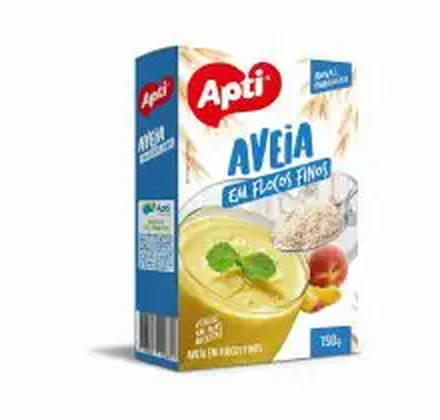
SKU 120952In stockApti fine oat flakes 150 g
1–5 units$12.50
6+ units$10.90
Quantity
Solutions
Choose between an Excel import, a verified native connector or a scoped integration project. The right route depends on your ERP, edition and fields. Organised data reduces the distance between what operations maintain and what buyers see. The goal is to publish confidently without presenting an unvalidated automation as a guarantee.
See the result with real products ↓



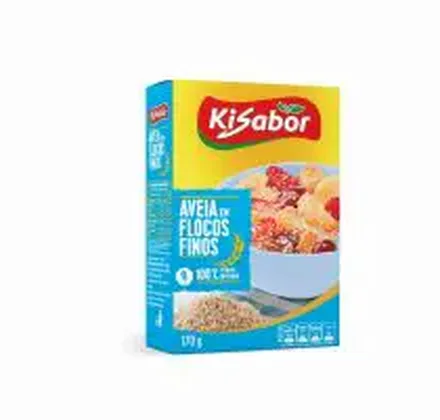
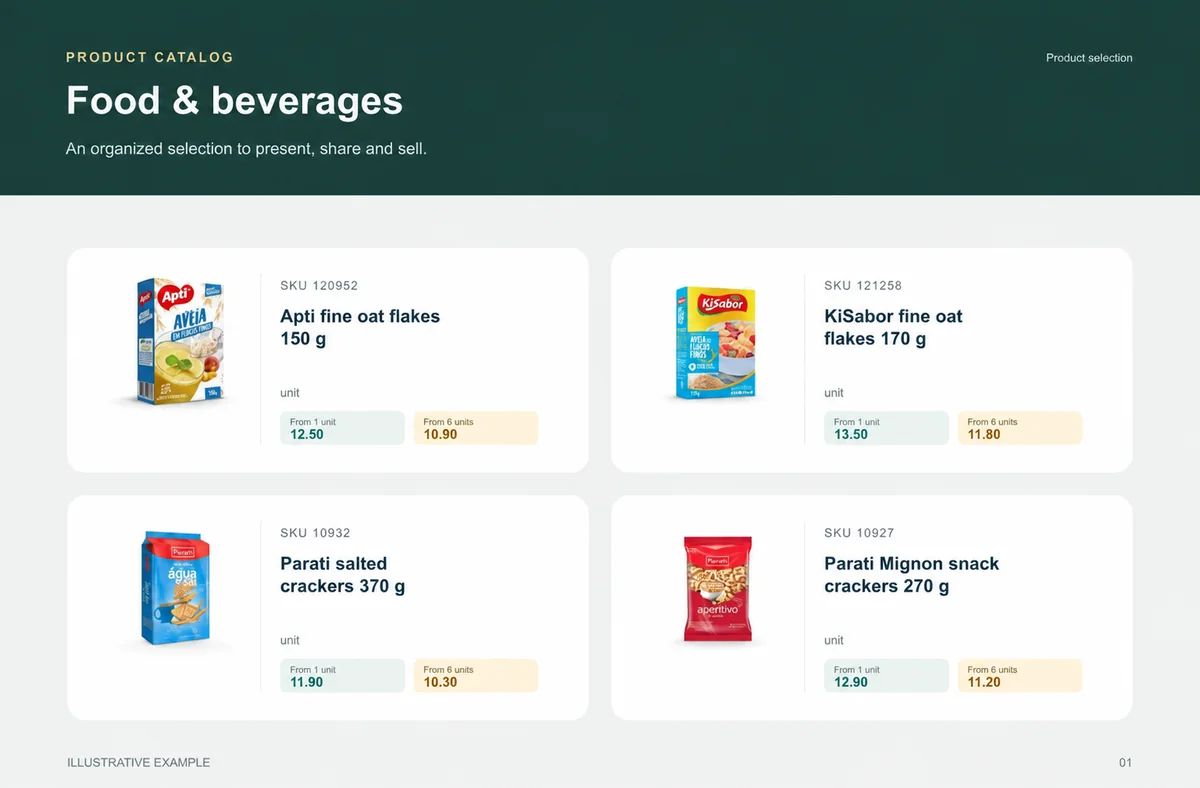
 Apti fine oat flakes 150 g$12.50KiSabor fine oat flakes 170 g$13.50
Put the product data you already maintain to work.
Example sales workflow. Available fields and updates vary by integration.
Prepare a stable product code, name, category, photo and price. Keep units and packaging clear. Use a small import to identify formatting or matching problems before loading every product.
Excel is a file-based import that you run and verify. Native integrations use the connector’s supported fields and settings. A custom API or webhook integration needs technical scoping, authentication and validation before it can be promised.
Decide whether product names, categories, photos, prices and stock are maintained in the ERP or in the catalog. A later synchronization can otherwise undo a manual change, depending on the connector’s configuration.
Check a new product, an updated price and a stock change. If order delivery to the ERP is part of the integration, verify that stage separately. There is no universal synchronization interval or SLA for every provider.
Before importing, decide where SKU, name, photo, category, price, stock and unit are maintained. Without that decision, later updates can overwrite work and produce two competing versions of product truth.
Excel requires a reviewed file. An available connector depends on supported fields, permissions and settings. An API or webhook project needs technical scope, authentication and validation. An ERP name does not prove which path is available.
The commercial layer helps present products and capture purchase intent. Tax, credit, delivery, invoicing and availability require verification in the specific process and integration.

Change the quantity. See the unit price drop at 6 units.
Choose a product to start your order.
Example order reviewed
Illustrative demo · sample products and prices
Test a new product, price change, missing photo, variant and availability change. Compare source, catalog and buyer view. The sample reveals what needs mapping before the whole range is published.
The team confirms the authorised account, selected categories and stock warehouse, then checks a small SKU group before releasing the commercial selection. Renewing a credential is not the same as importing another spreadsheet.
Record which fields arrived, what needed adjustment and who approves commercial information. This avoids turning each later update into an investigation or promising instant updates without evidence.
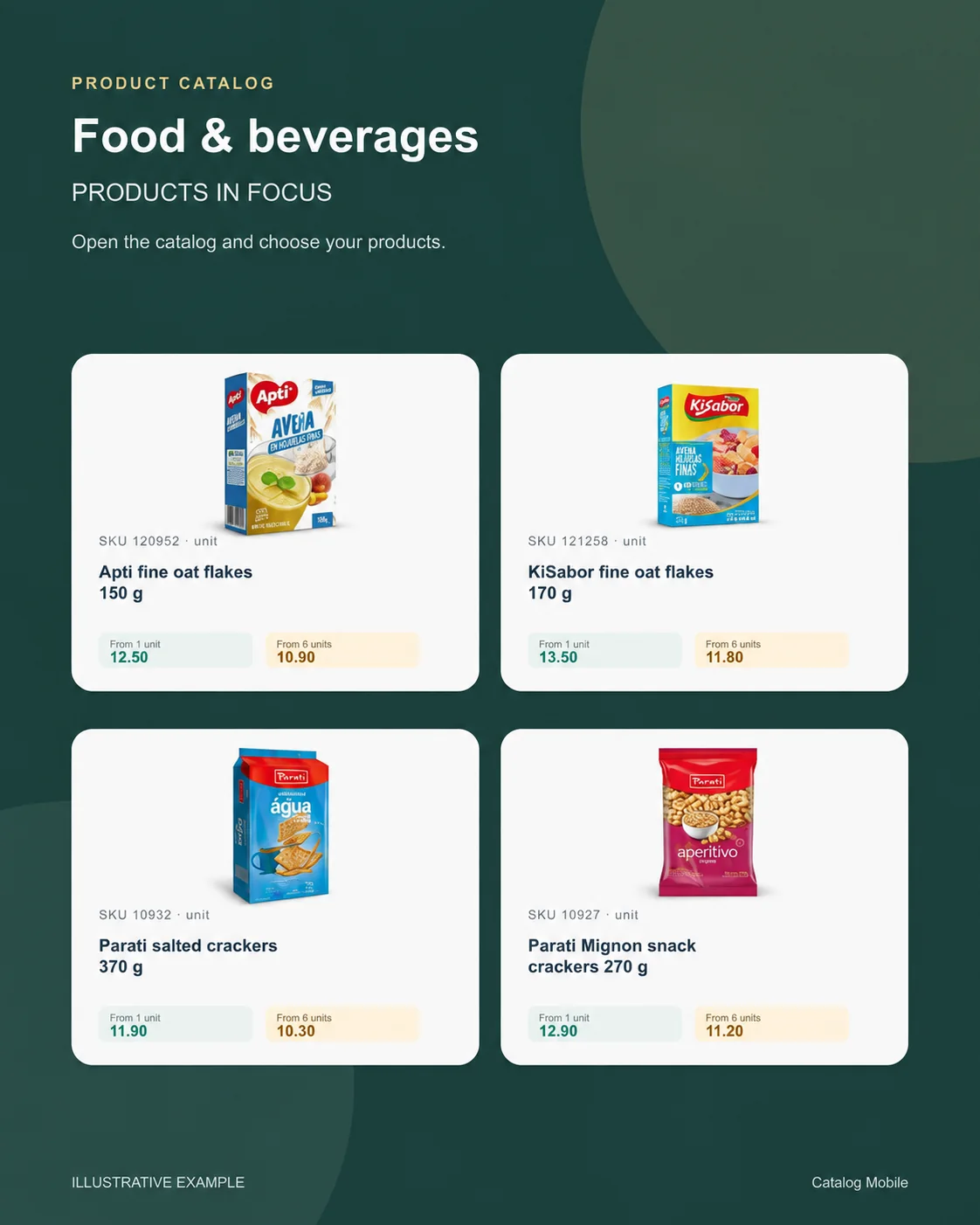
Food & beverages
Buyers need weight, pack and selling unit before choosing quantity.
Recurring buyers, replenishment teams and reps working by pack and turnover.
A weekly selection groups grocery, snacks and drinks by category and case.
unit
unit
unit
unit
What your customers can see
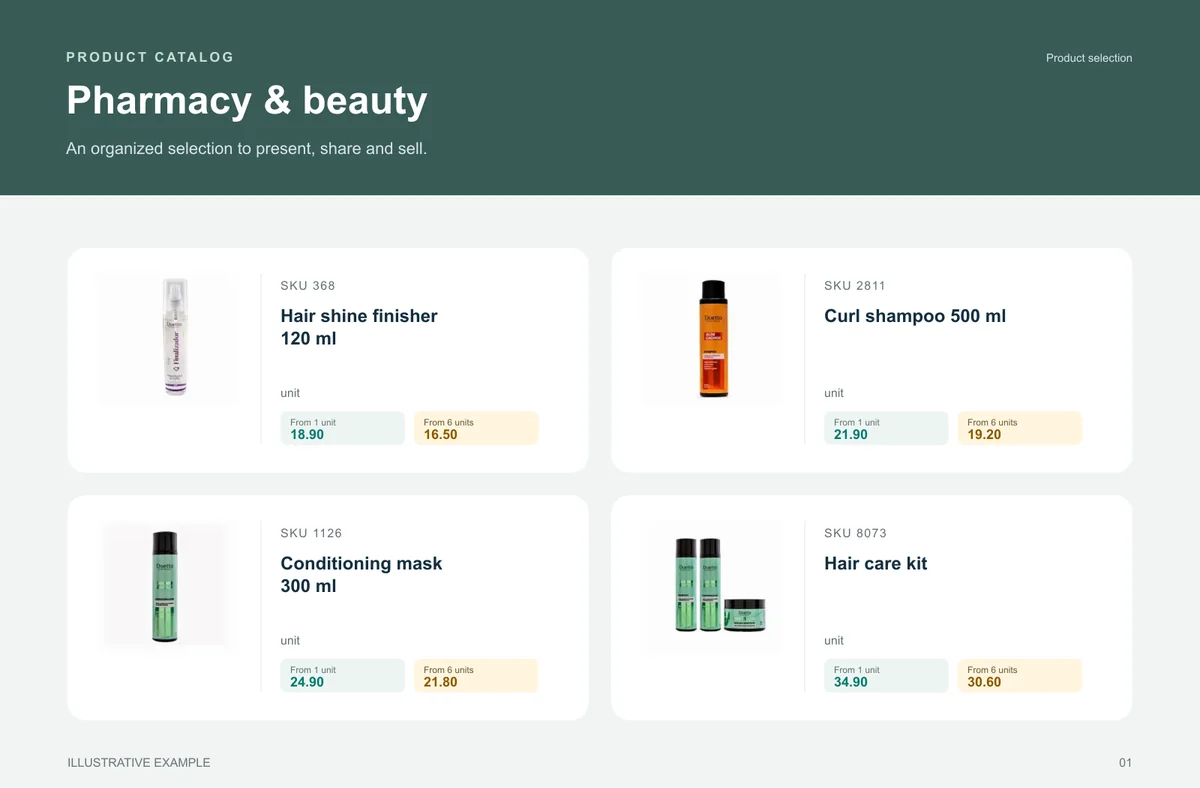
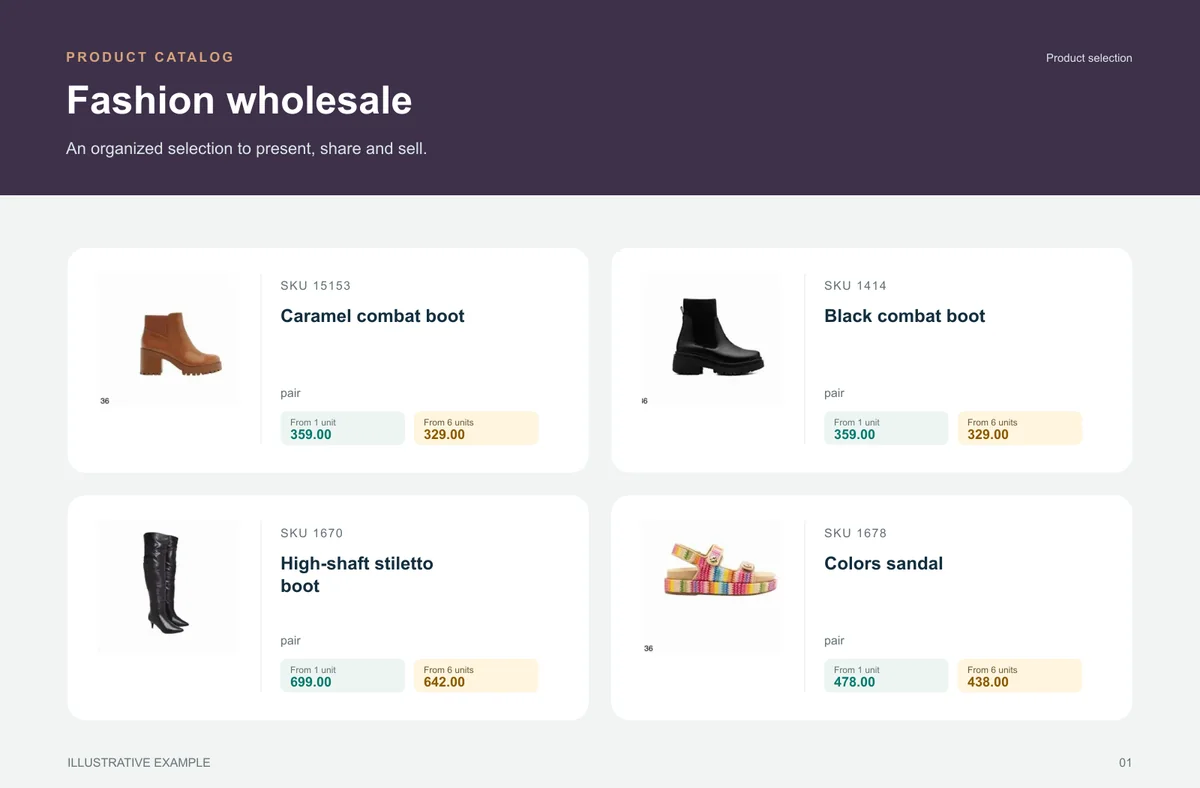
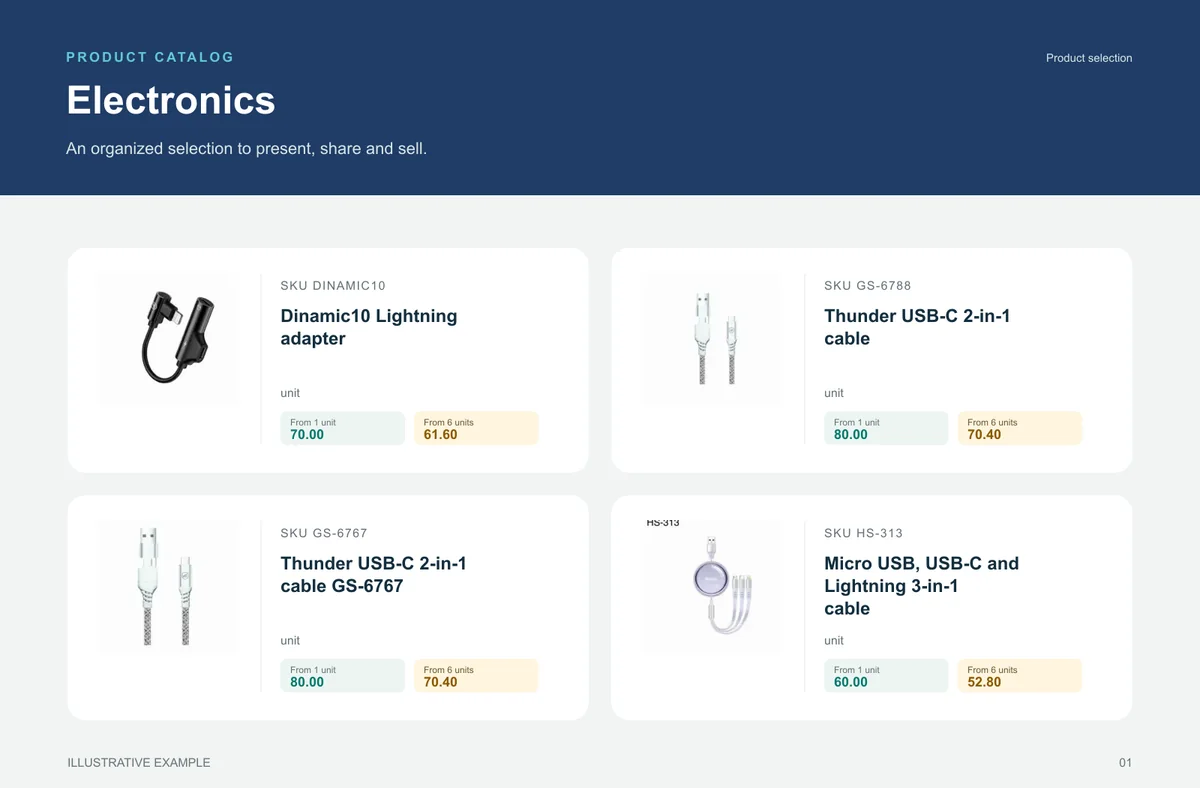
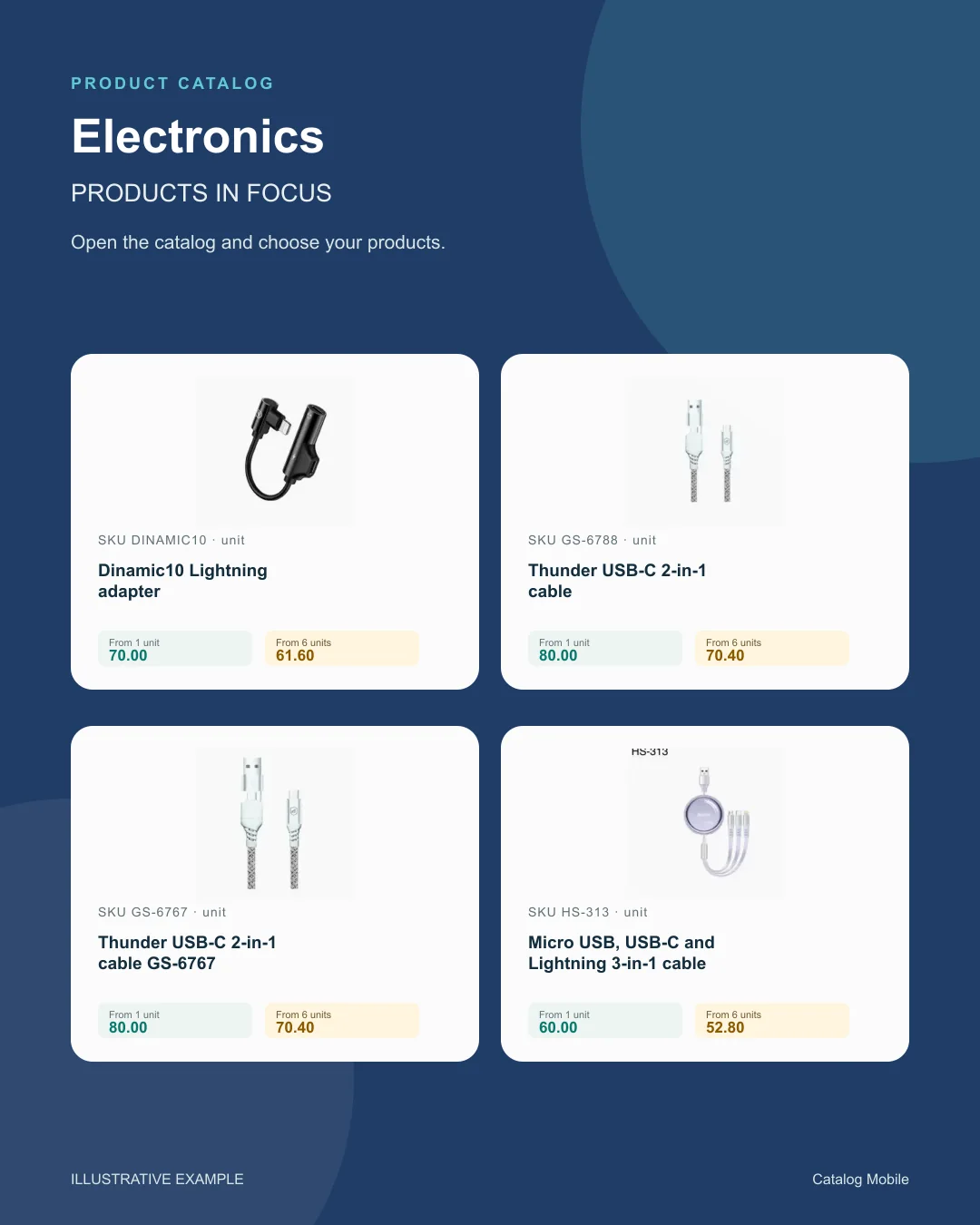
An organised selection to introduce the range, plus a promotional image to highlight the products. Open the examples and inspect the details.
The right format for each moment
Bring a product line, campaign or selection into a file that can be shared and printed. A PDF keeps the data used when it was generated: publish a new edition when prices change.
Buyers browse categories, inspect products and select quantities in the online catalog. Your team retains the commercial review, according to the settings of your operation.
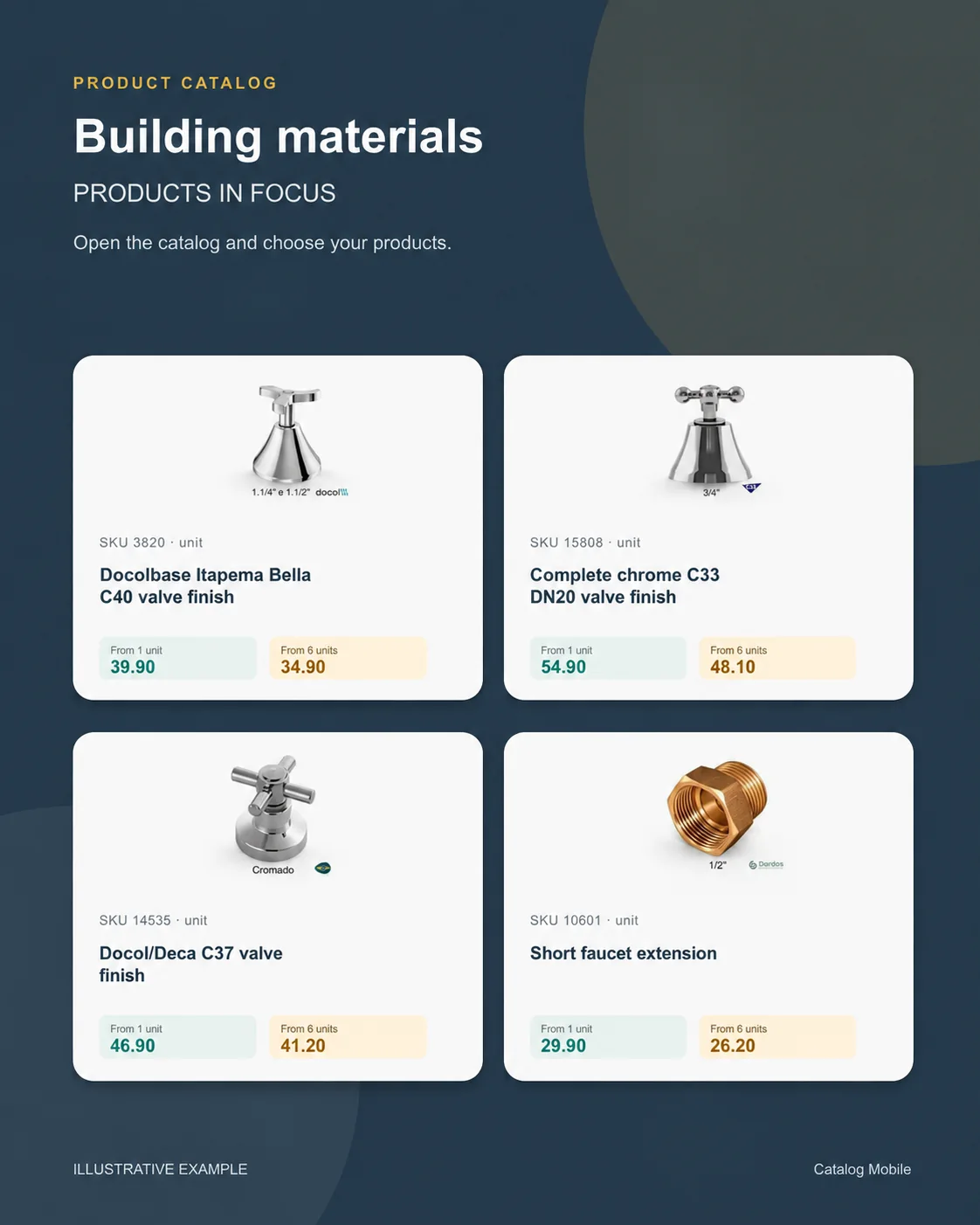
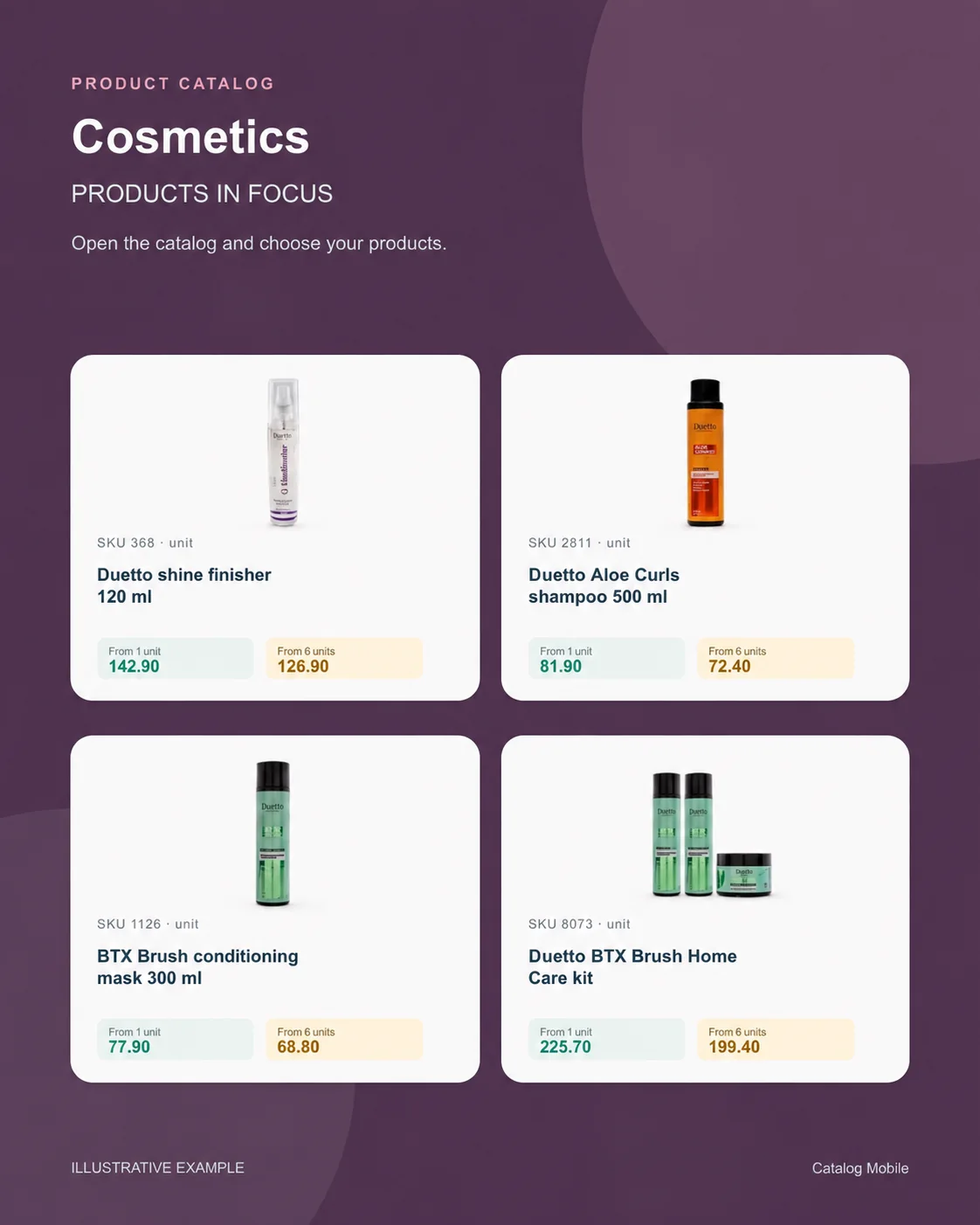
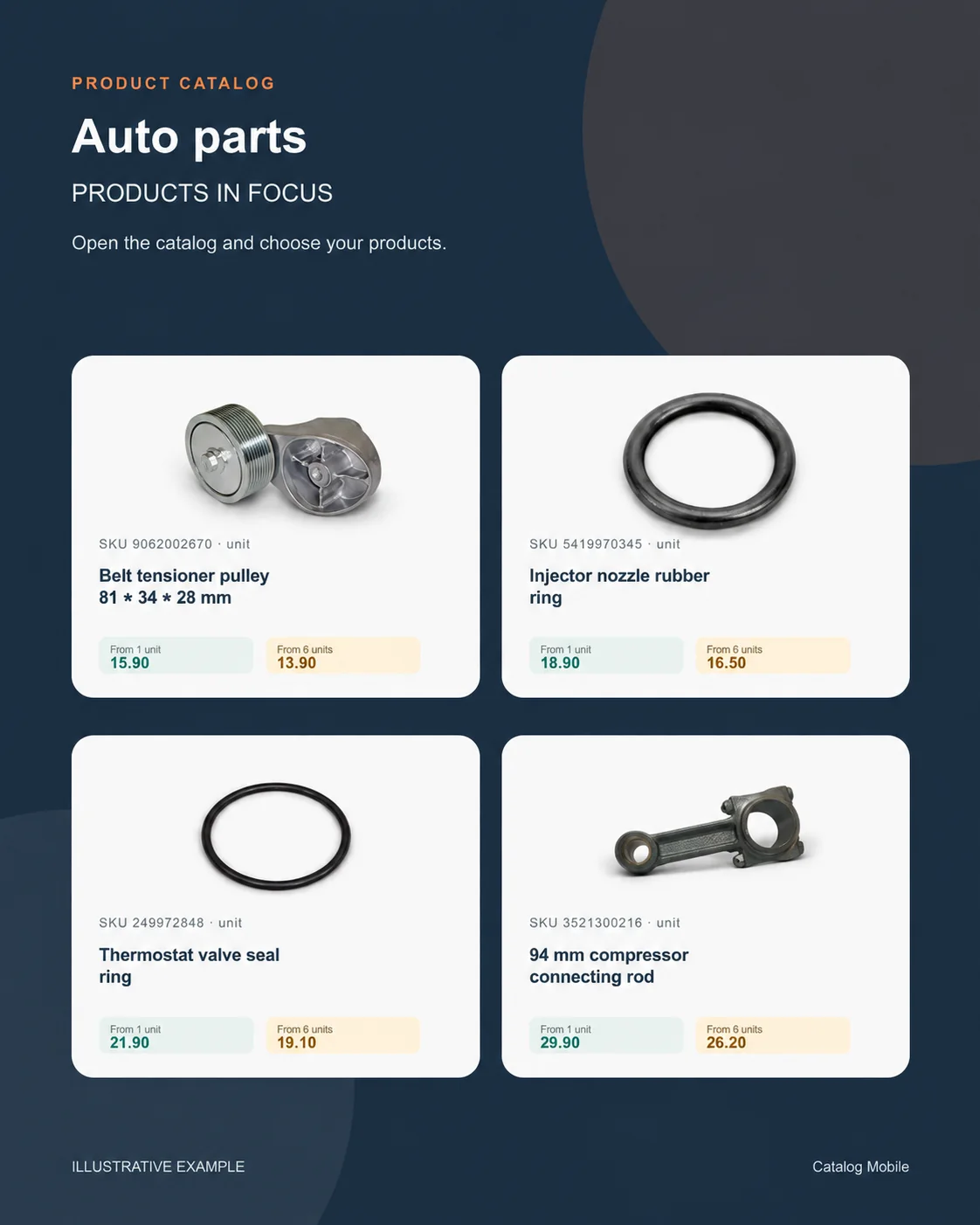
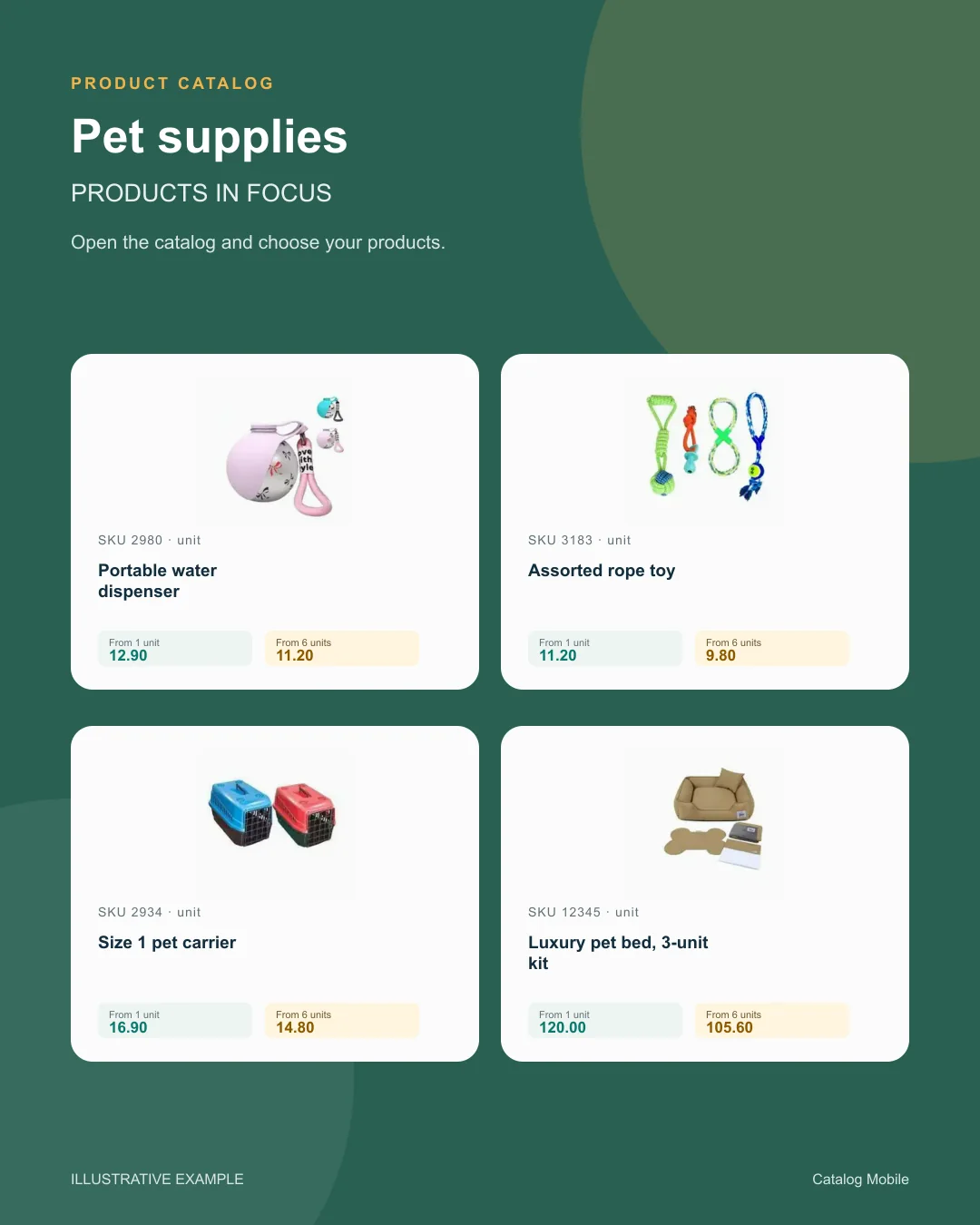
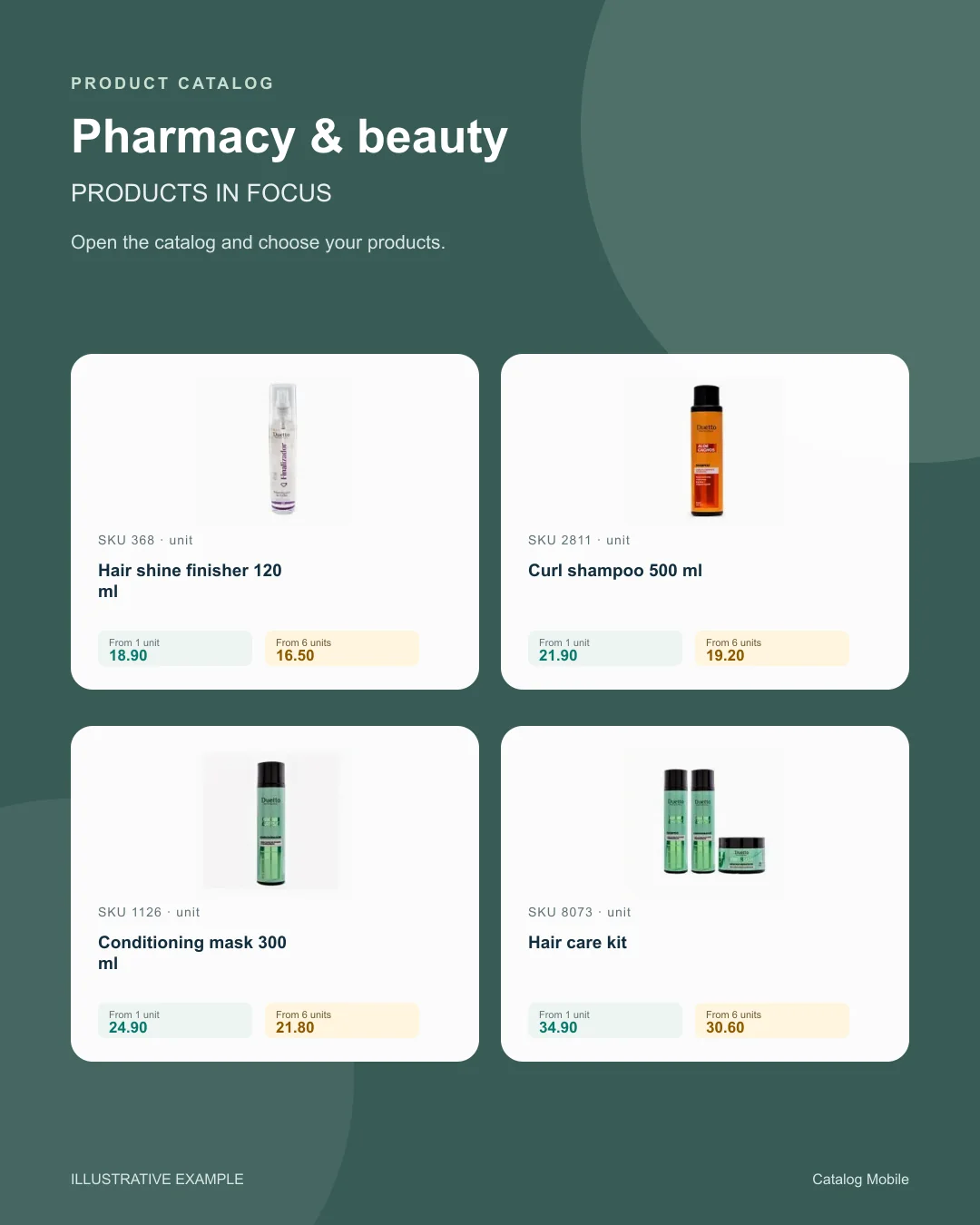
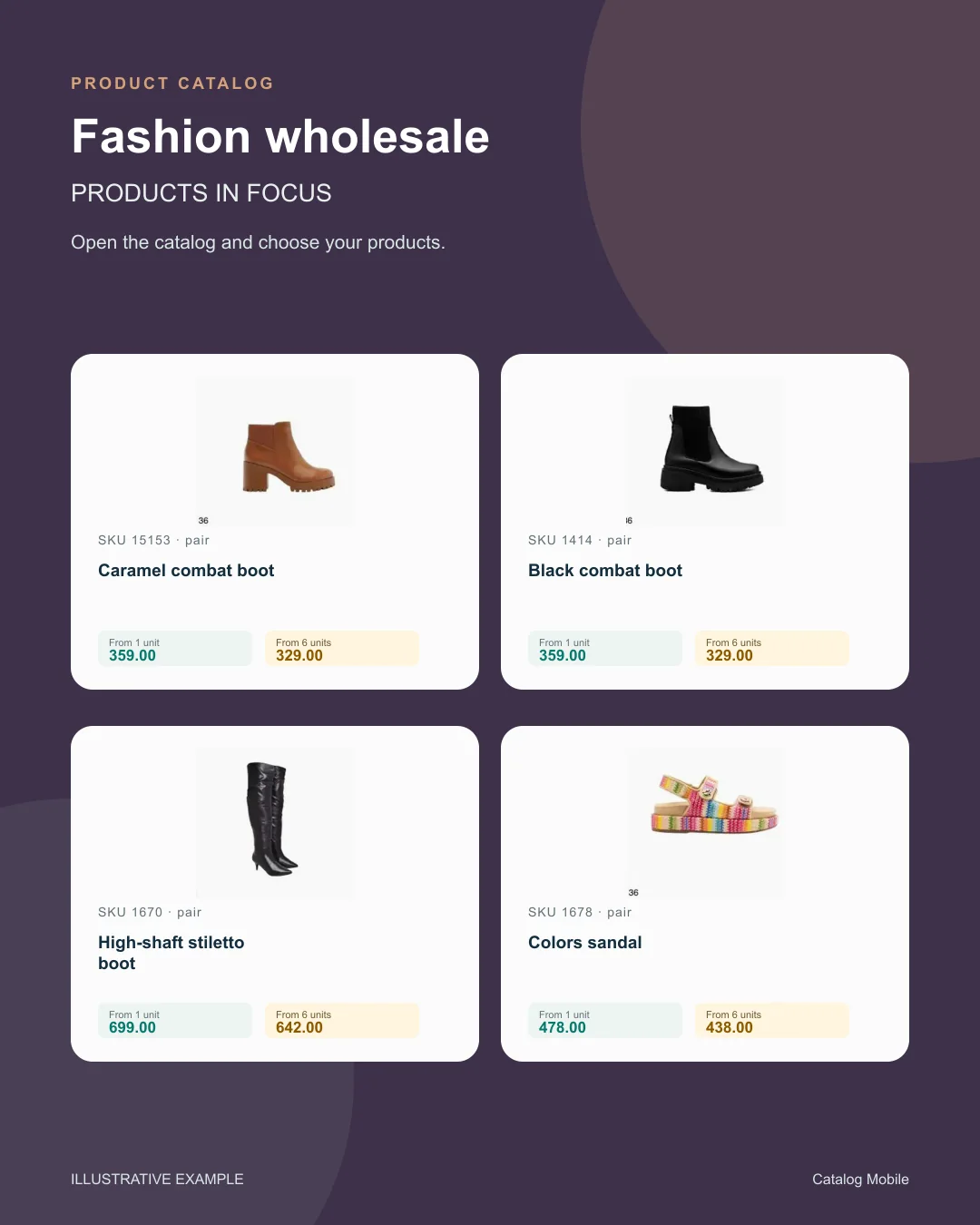
Use a product composition to introduce new arrivals or a selection during customer conversations. The image starts the conversation; the catalog holds the details for the next step.
Find your business
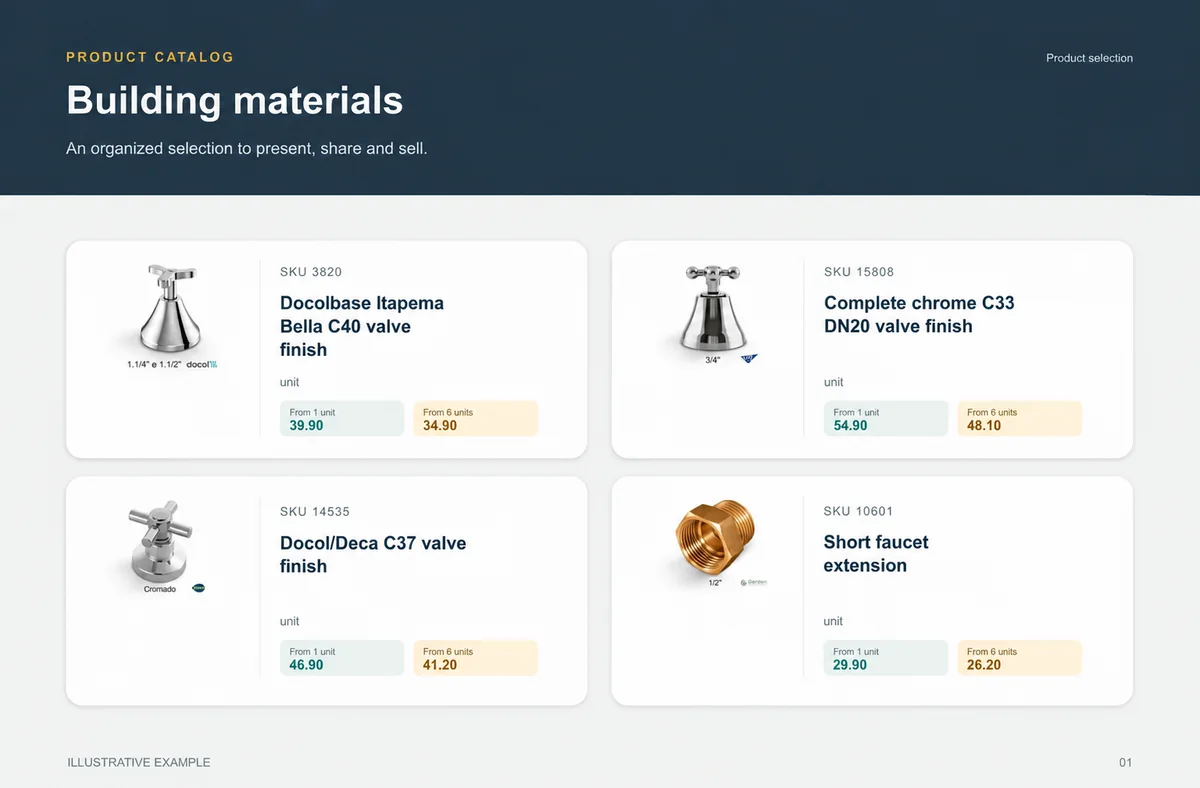
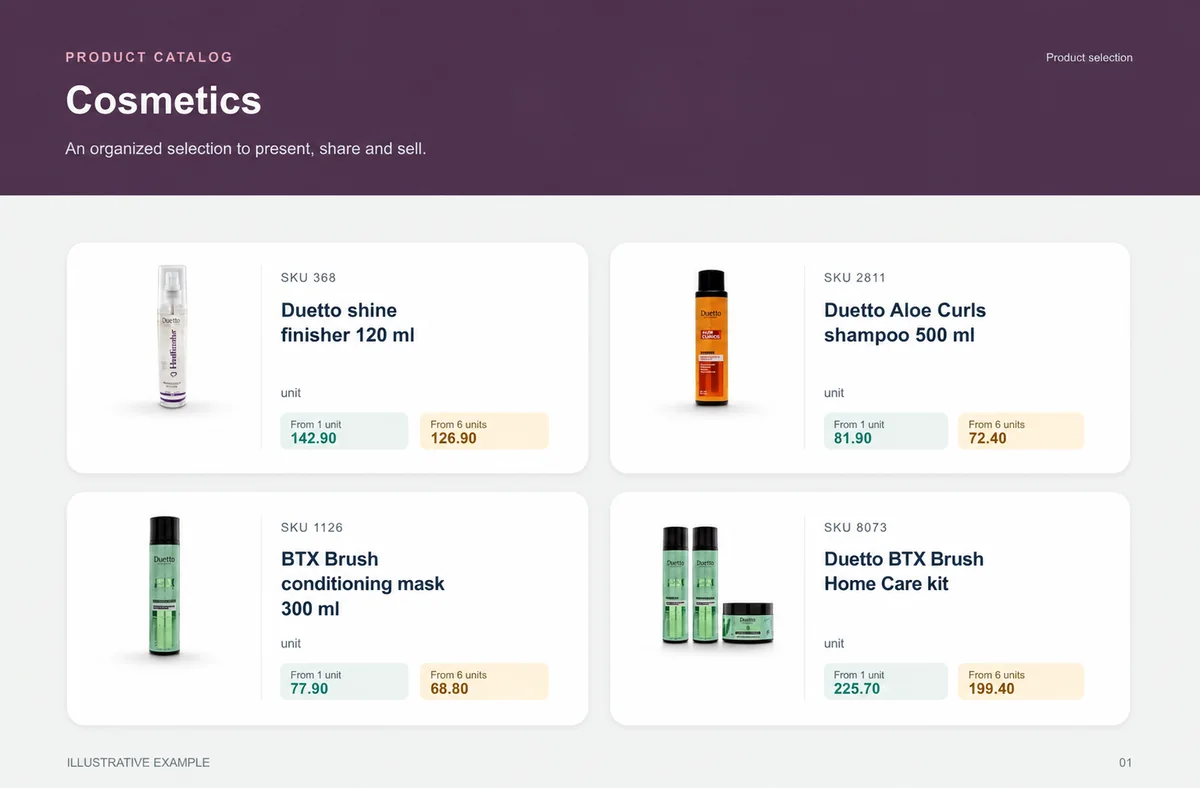
Explore examples with real products from your sector. See how photography, identification and presentation help buyers distinguish their options.
Food & beveragesBuyers need weight, pack and selling unit before choosing quantity.+ Building materialsChoice is safer when measurement and presentation do not depend on a seller’s interpretation.+
 CosmeticsThe presentation lets buyers explore the range without asking for one photo at a time.+
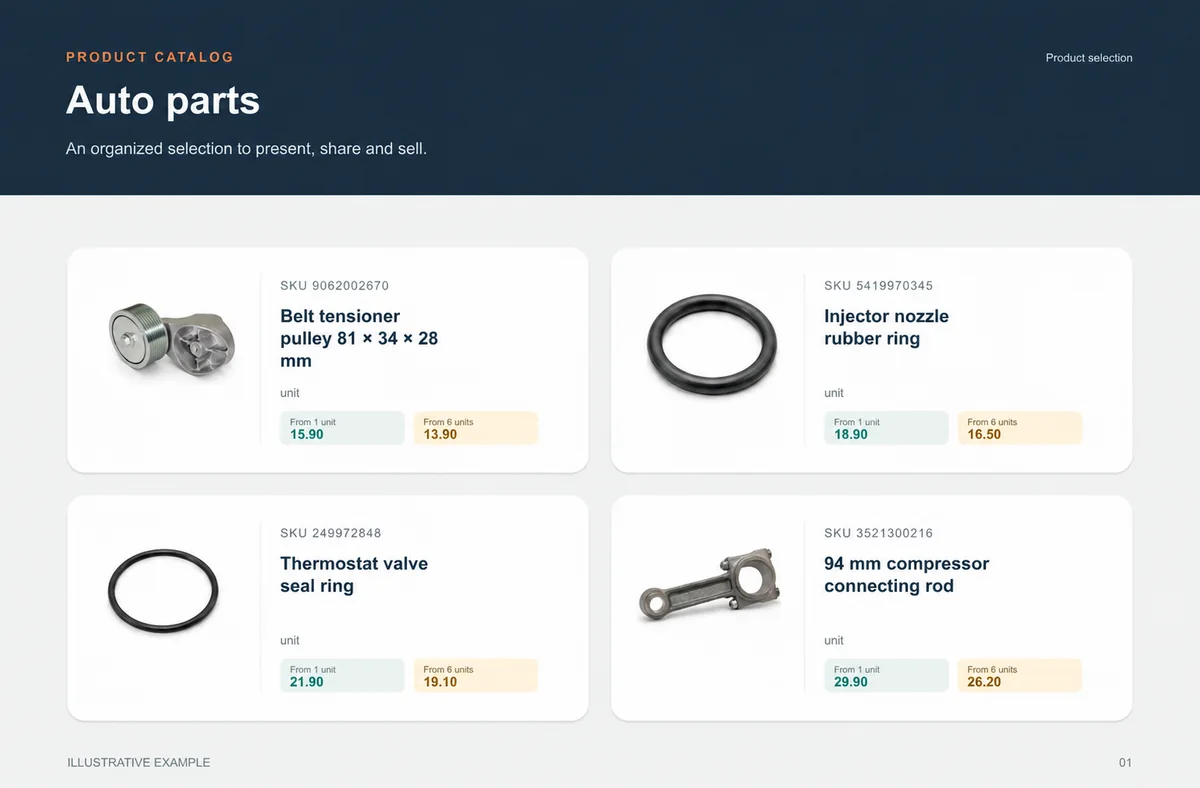
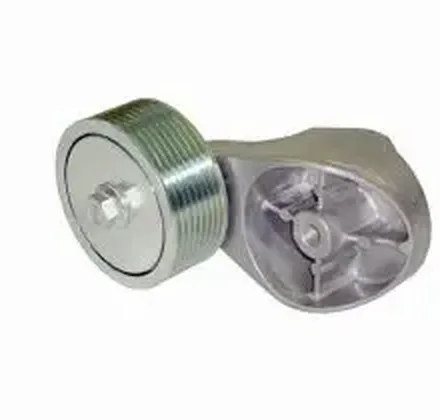 Auto partsSKU, unit and verified application make choice safer.+
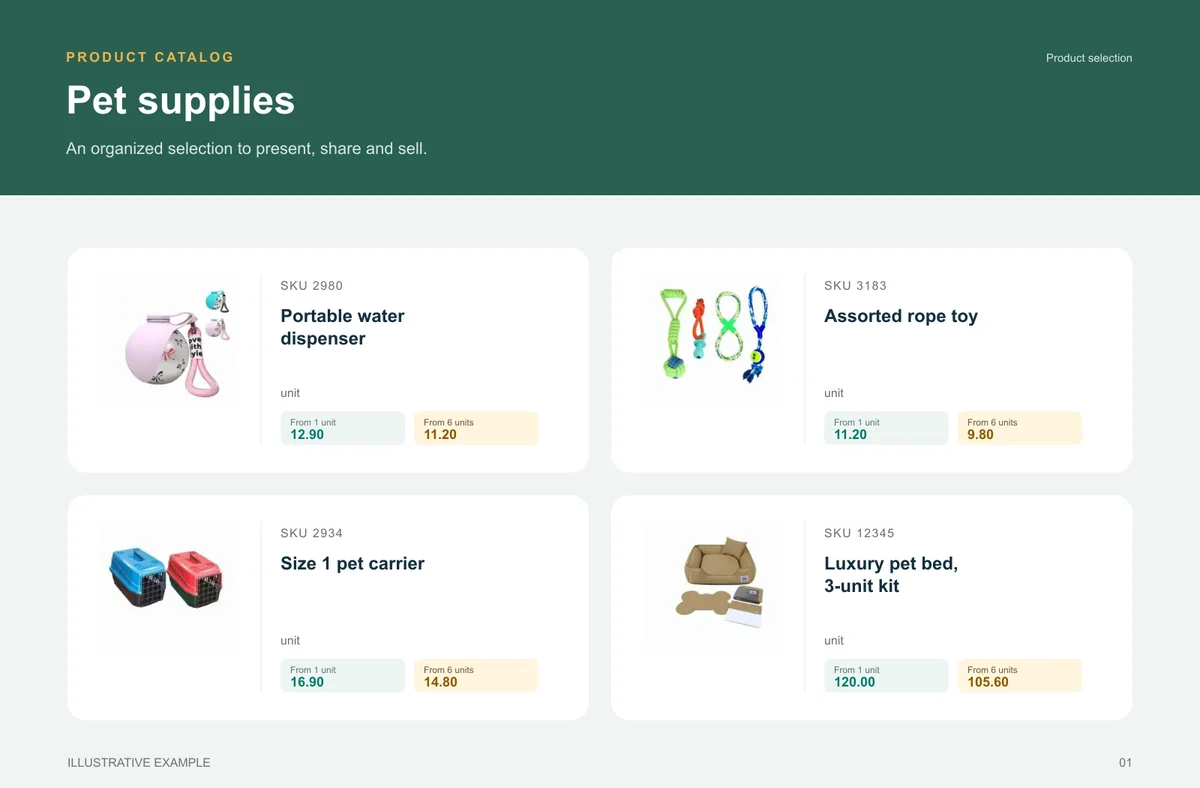
 Pet suppliesA broad range becomes easier to buy when categories help shoppers find the right item.+
 Pharmacy & beautyFragrance, volume, kit and presentation help buyers distinguish options and move towards an order without asking for clarification.+
 Fashion wholesaleThe catalog reduces the distance between seeing a garment, understanding its variant and preparing an order.+
BEFORE YOU START
No. Check the ERP page for the verified connection route. A listed name or vendor image does not prove a native connector.
No. You can begin with product data and an Excel import, then assess an integration when it becomes useful.
Timing depends on the connector, API limits, configuration and processing. Validate the actual flow instead of assuming a universal instant update.
No. Confirm route, edition, fields and permissions before promising automation.
Use a sample with a new product, price change, variant and missing photo.
Guides
Stop selling unavailable items and fixing the order later. See how to give sales more predictability in food and beverage.
START WITH A REAL PRODUCT LINE
Add a small selection. Open it on your phone. Check the PDF and the order flow before rolling it out to your team.