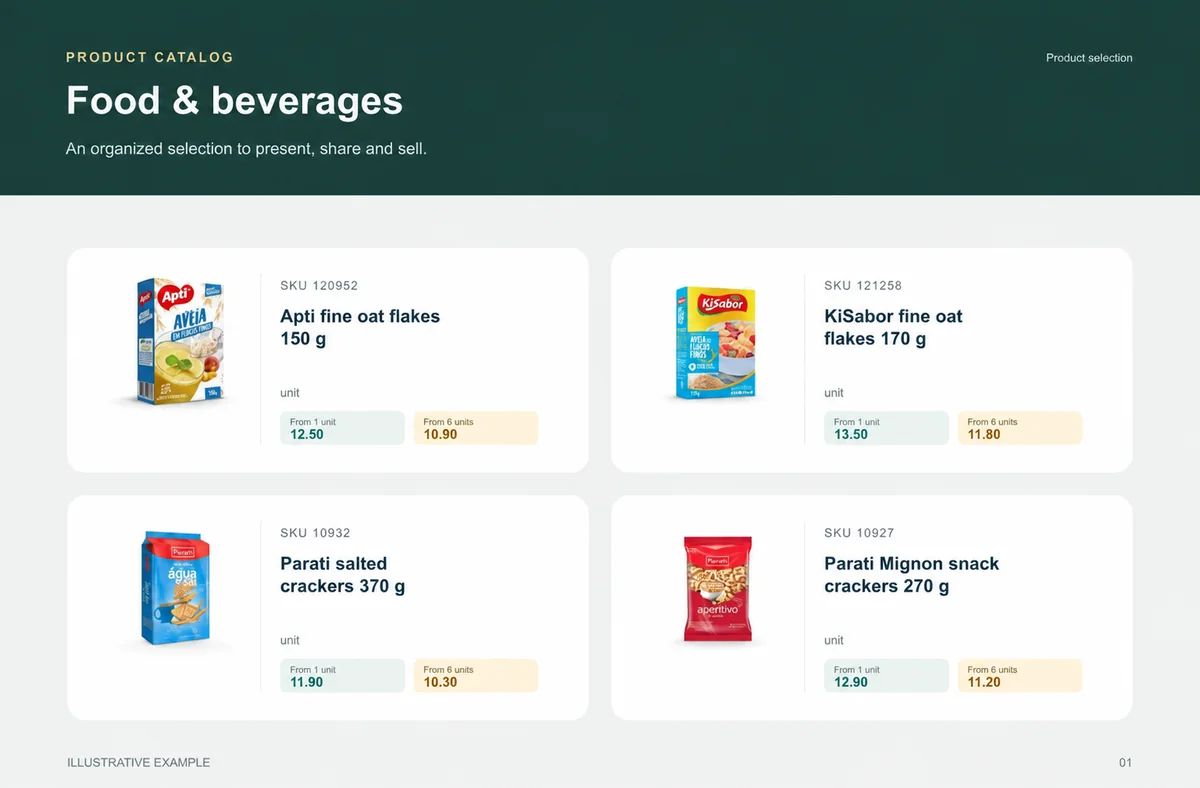
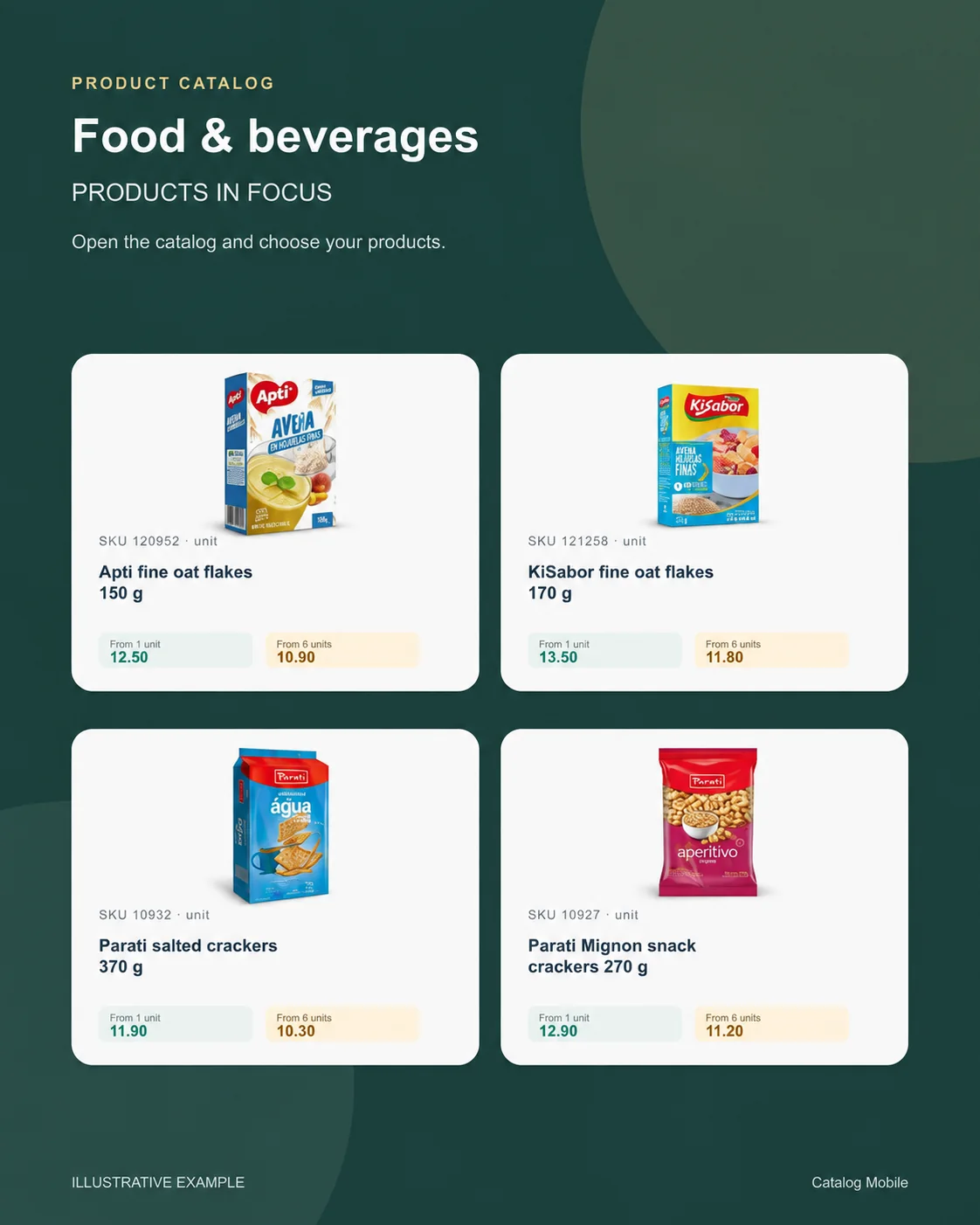
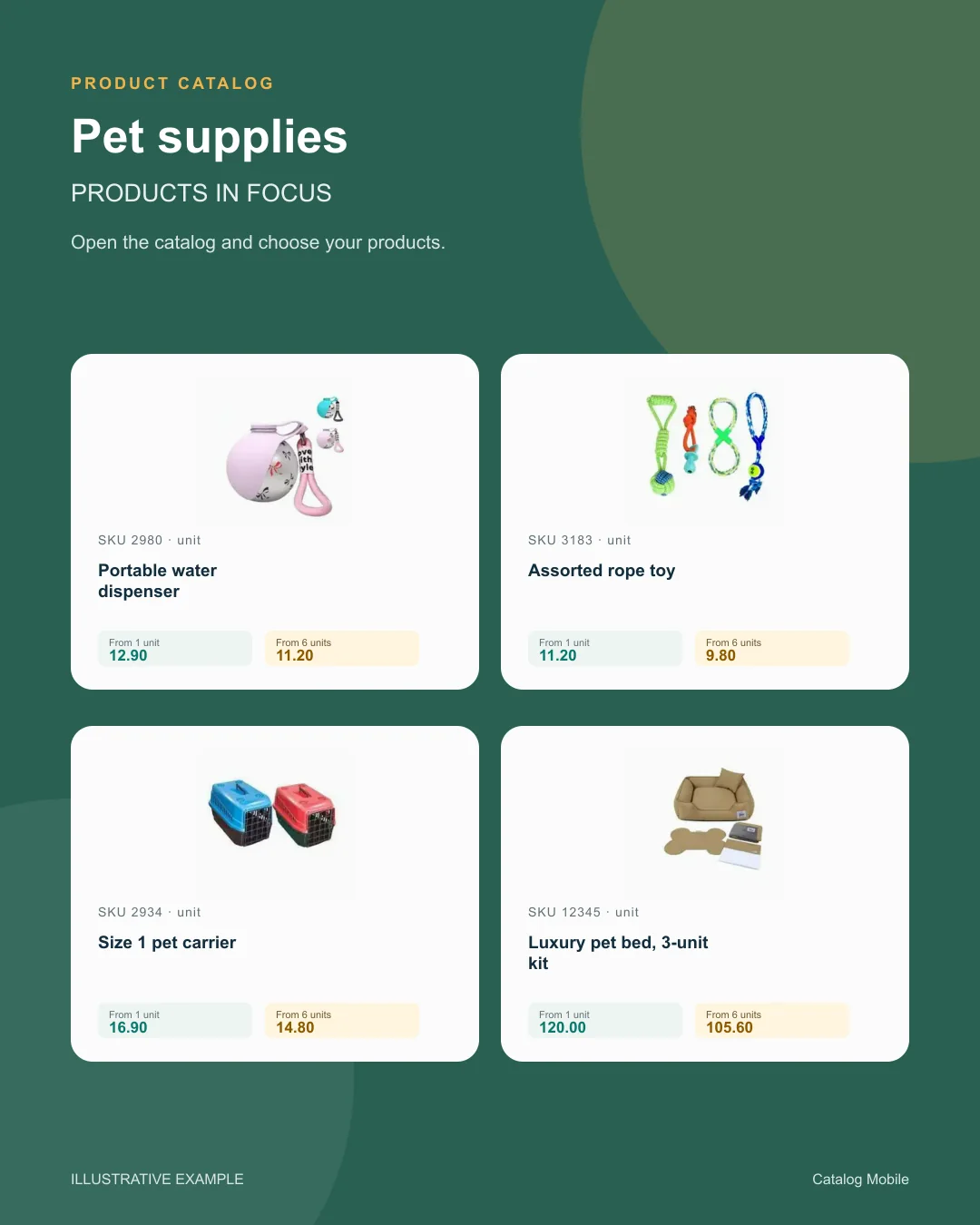
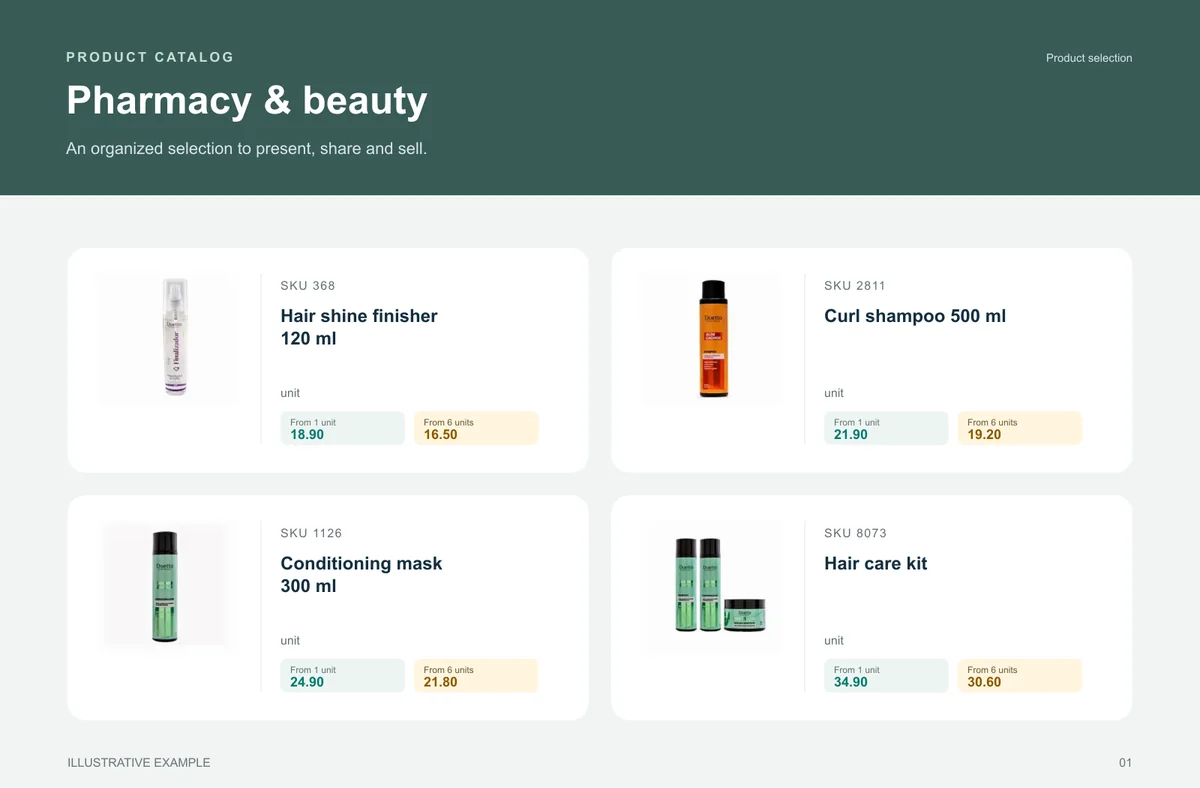
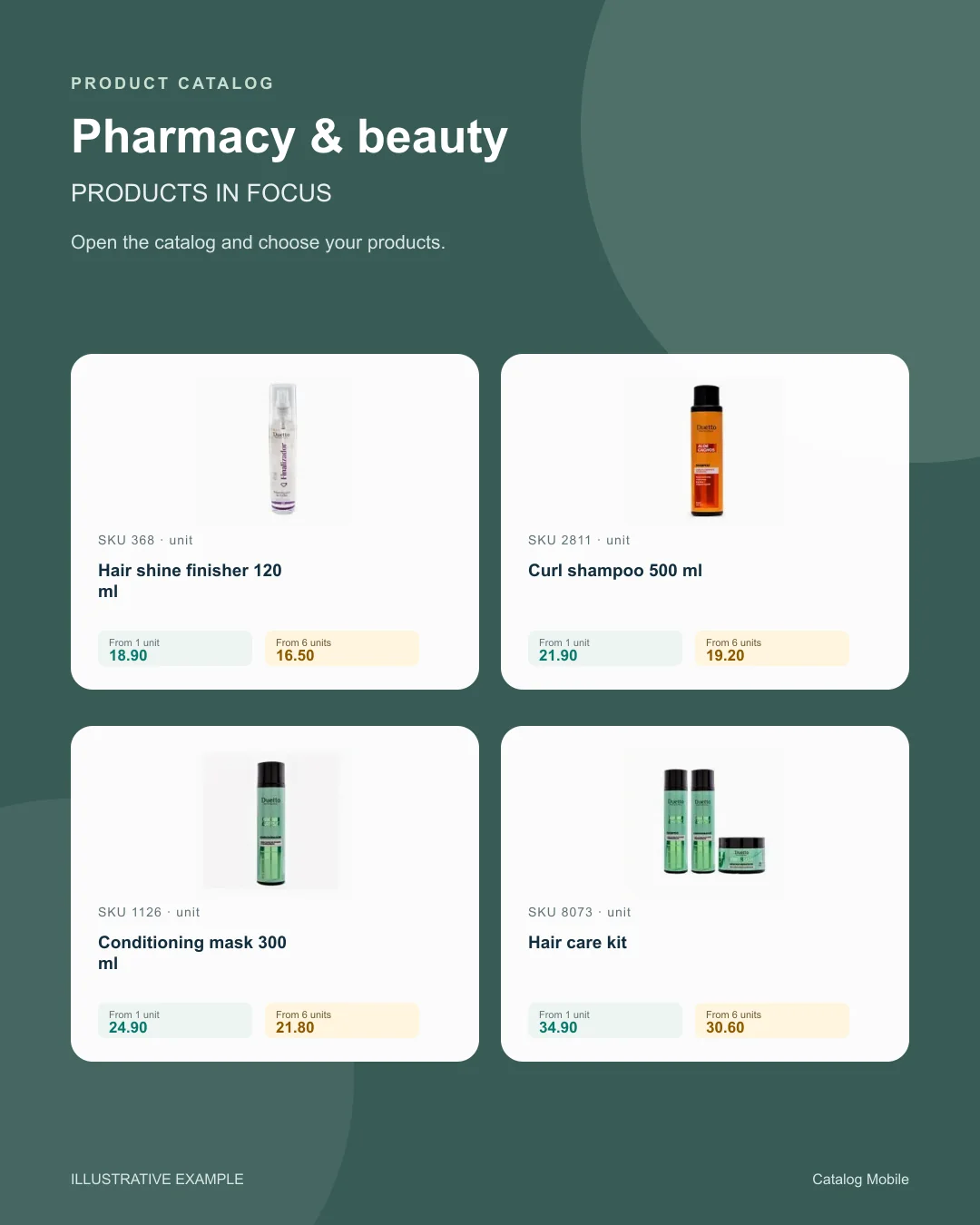
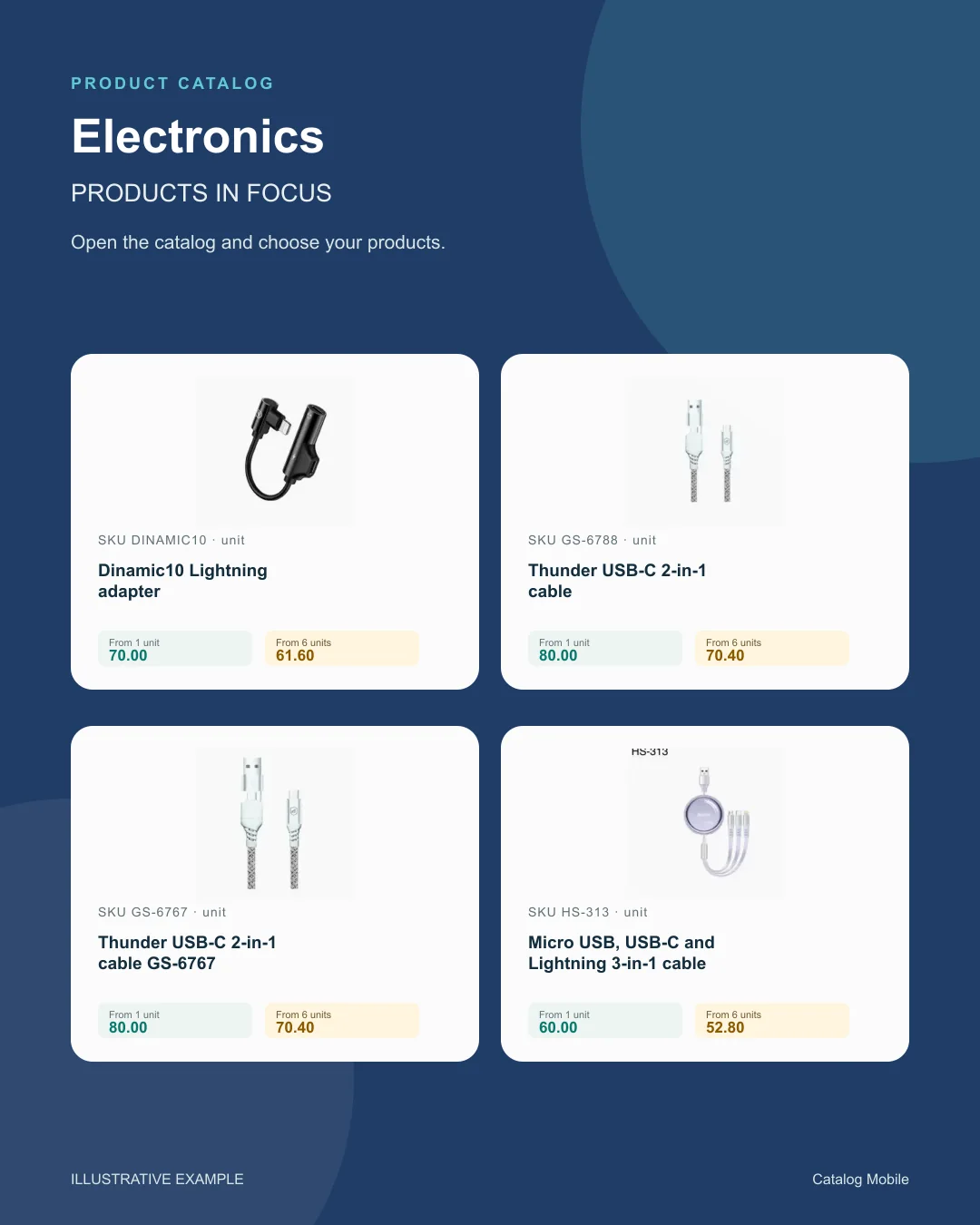
The buyer opens the catalog, finds a product, selects quantities and reviews the cart. For food and beverage sales, make pack size and selling unit unambiguous.
Start with consistent codes, names, photos and categories. For food and beverage sales, make pack size and selling unit unambiguous.
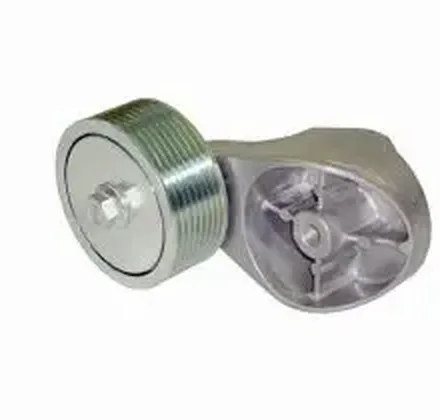
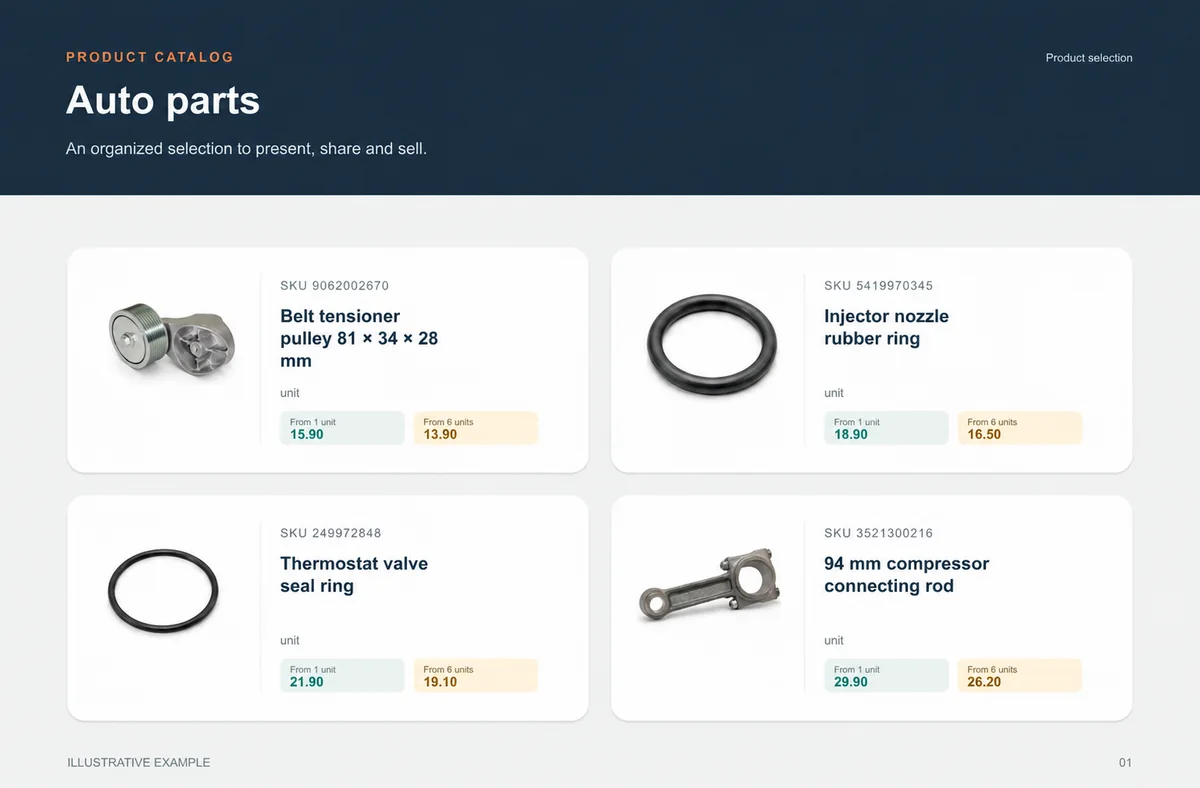
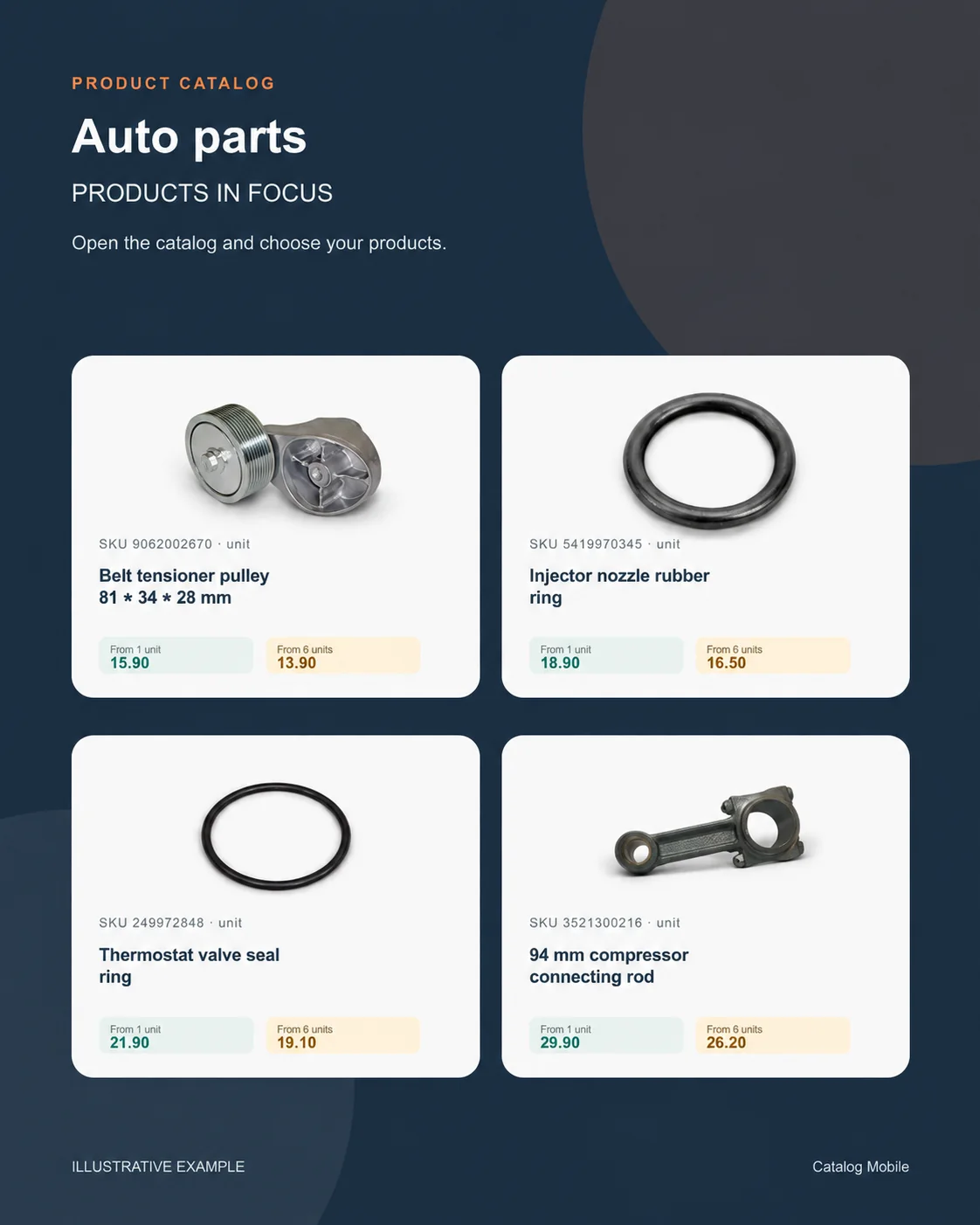
The buyer opens the catalog, finds a product, selects quantities and reviews the cart. For auto parts, use the commercial code and compatibility information in the product description.
A buyer should be able to distinguish similar products by code, name, photo and packaging. For auto parts, use the commercial code and compatibility information in the product description.
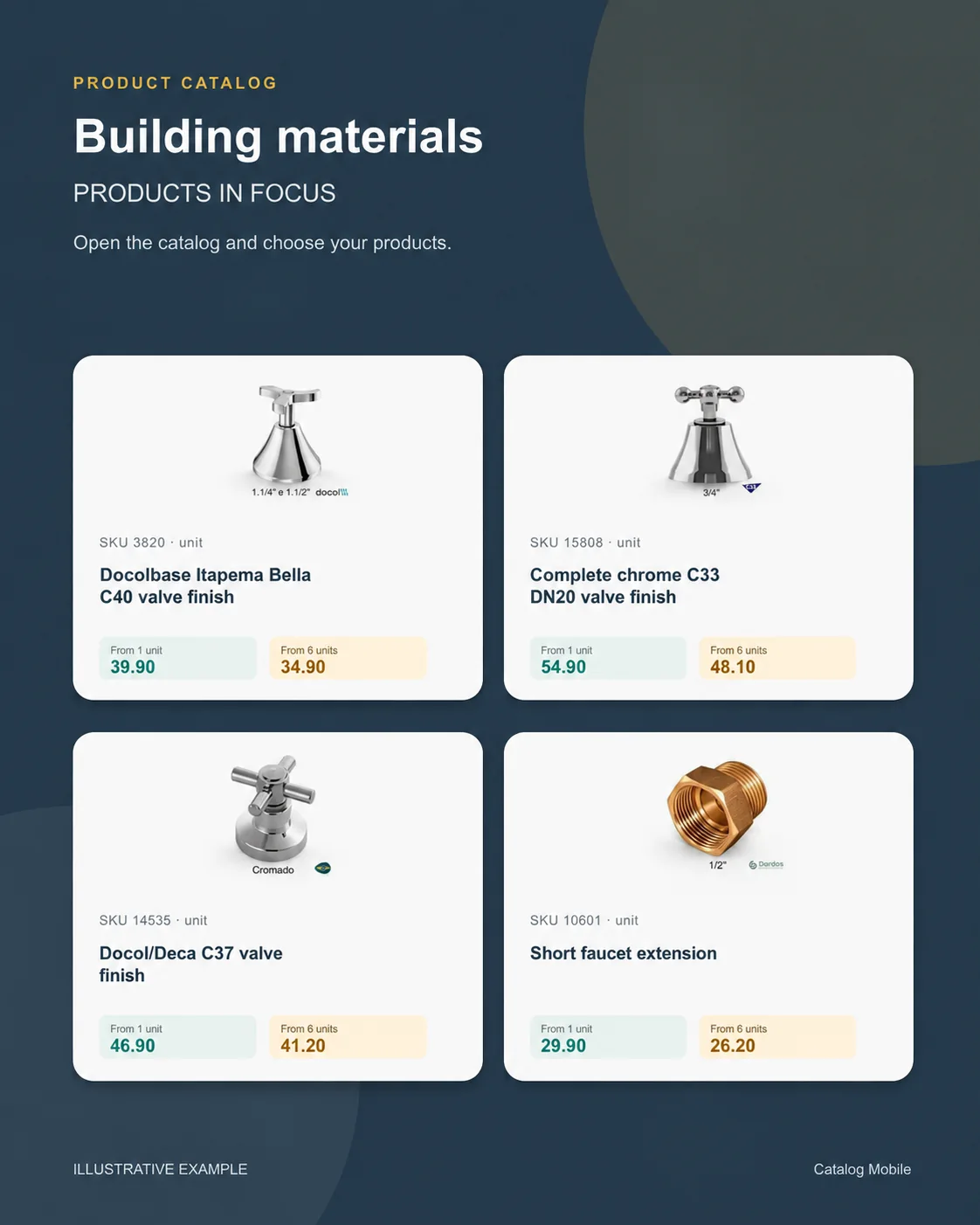
Start with consistent codes, names, photos and categories. For tools and technical supplies, specify voltage, dimensions, connection type and included accessories where relevant.
The buyer opens the catalog, finds a product, selects quantities and reviews the cart. For tools and technical supplies, specify voltage, dimensions, connection type and included accessories where relevant.
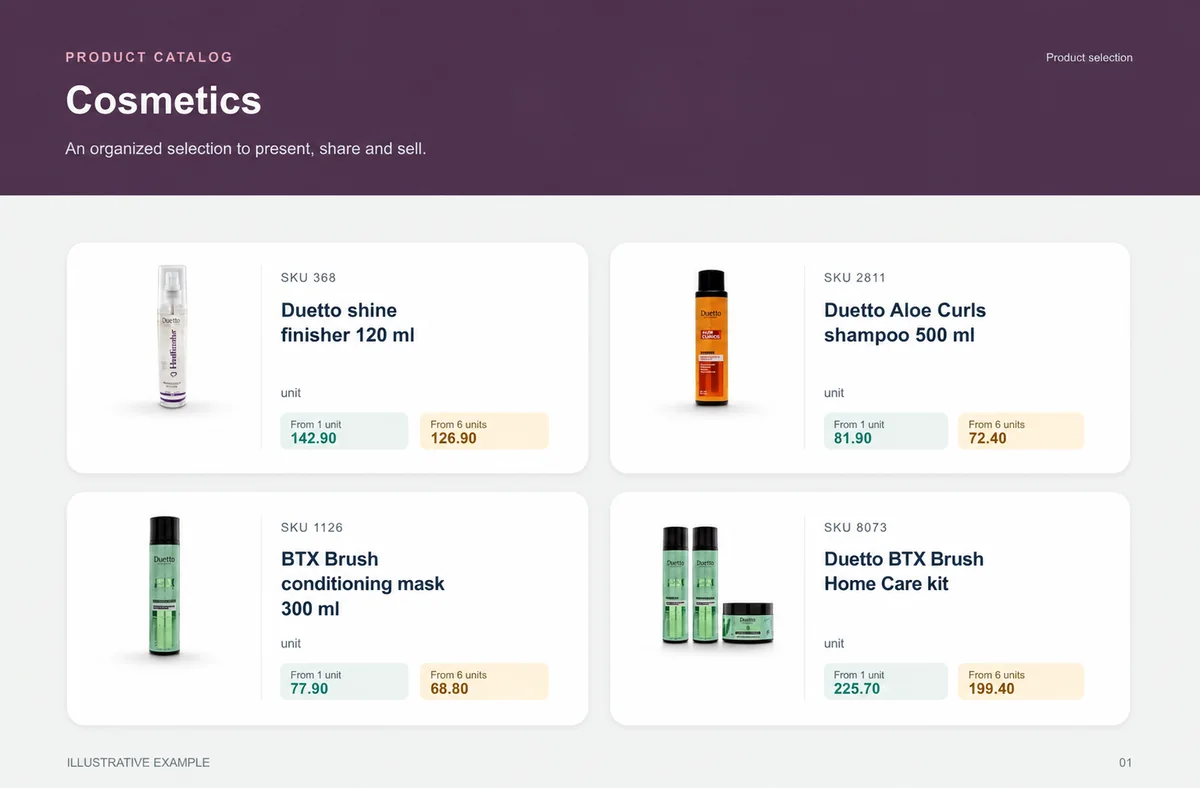
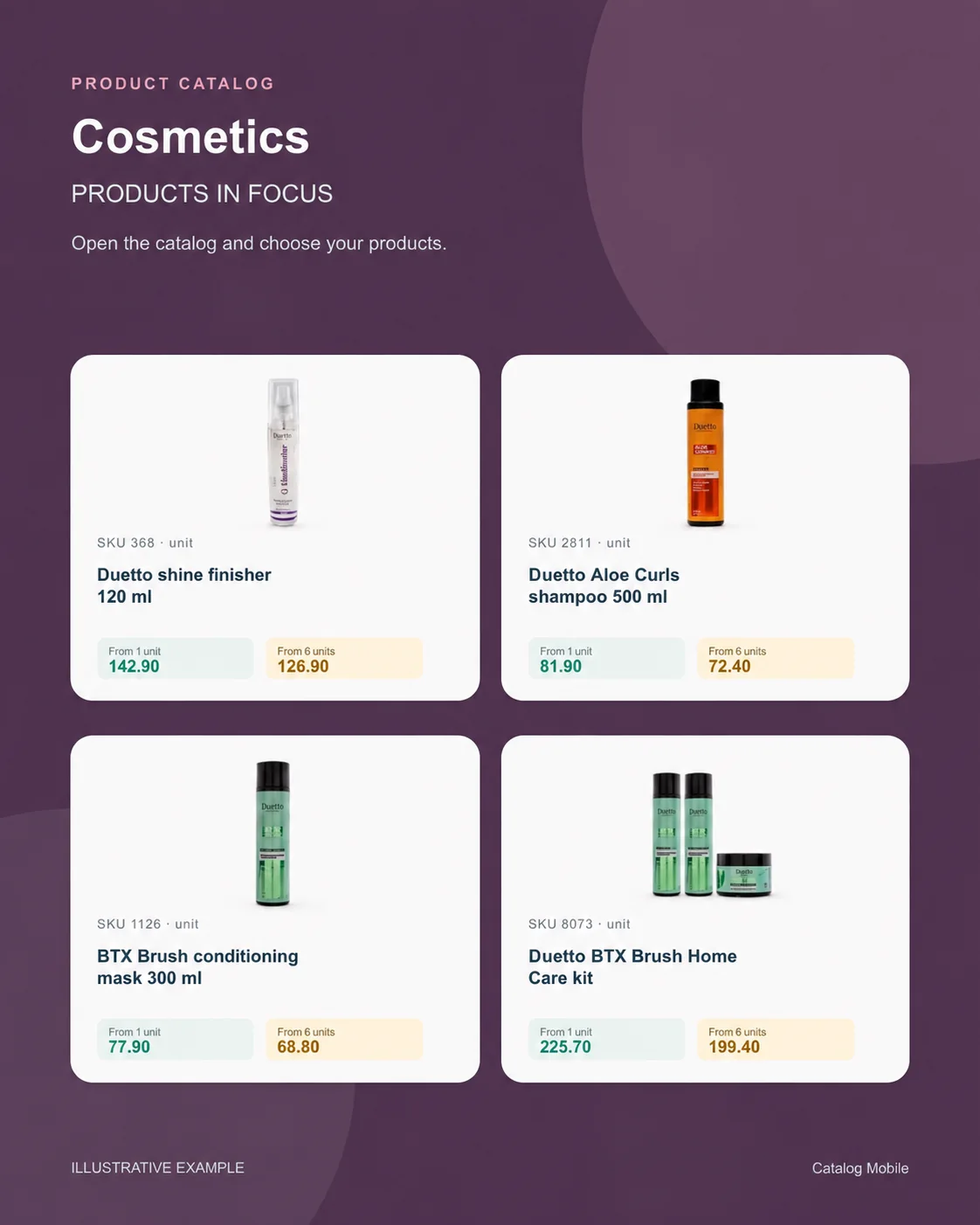
The buyer opens the catalog, finds a product, selects quantities and reviews the cart. For beauty and cosmetics, distinguish size, fragrance, colour and kit composition in the name or description.
Start with consistent codes, names, photos and categories. For beauty and cosmetics, distinguish size, fragrance, colour and kit composition in the name or description.
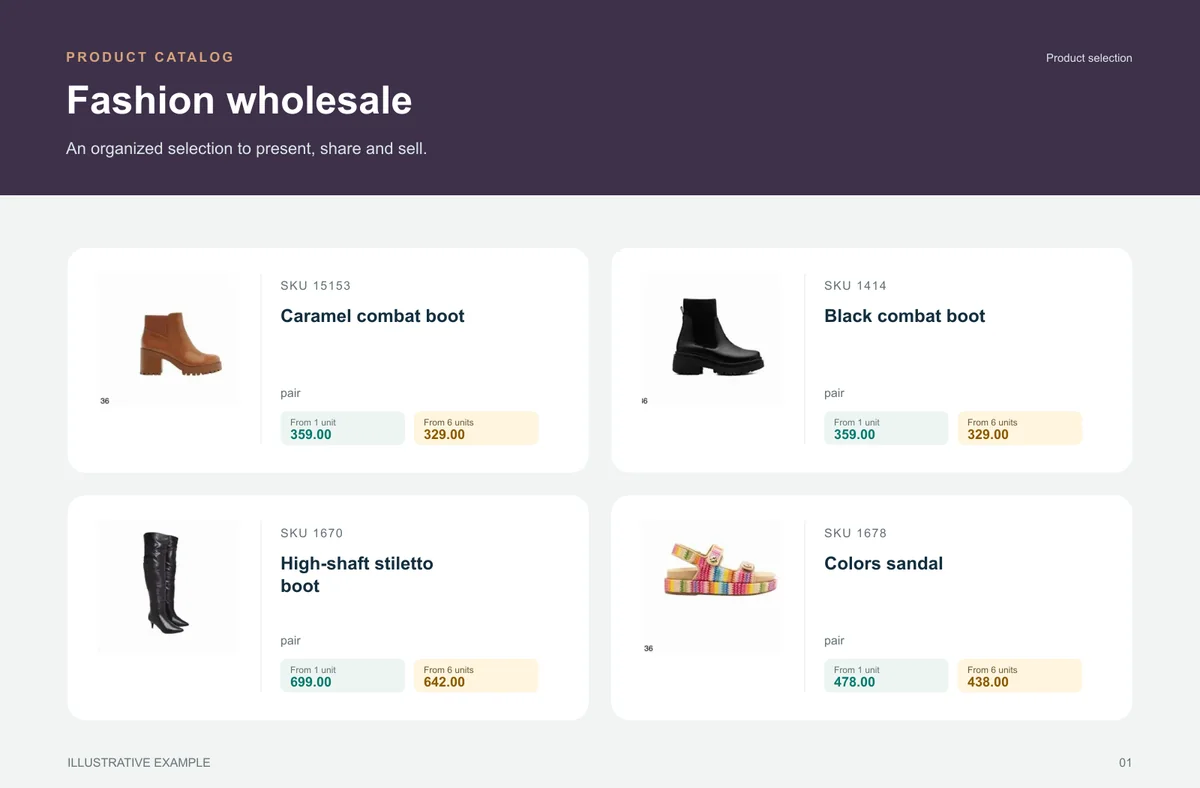
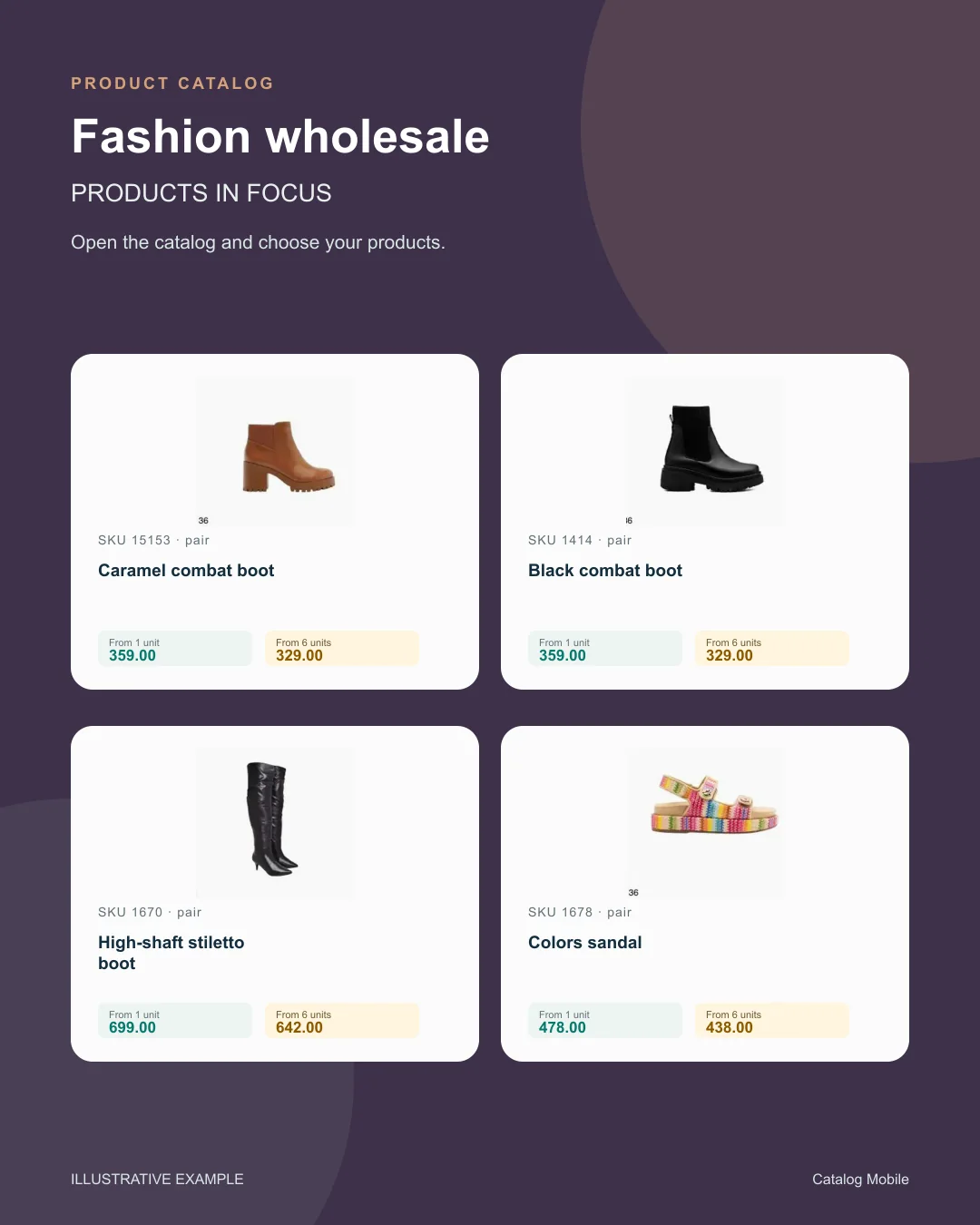
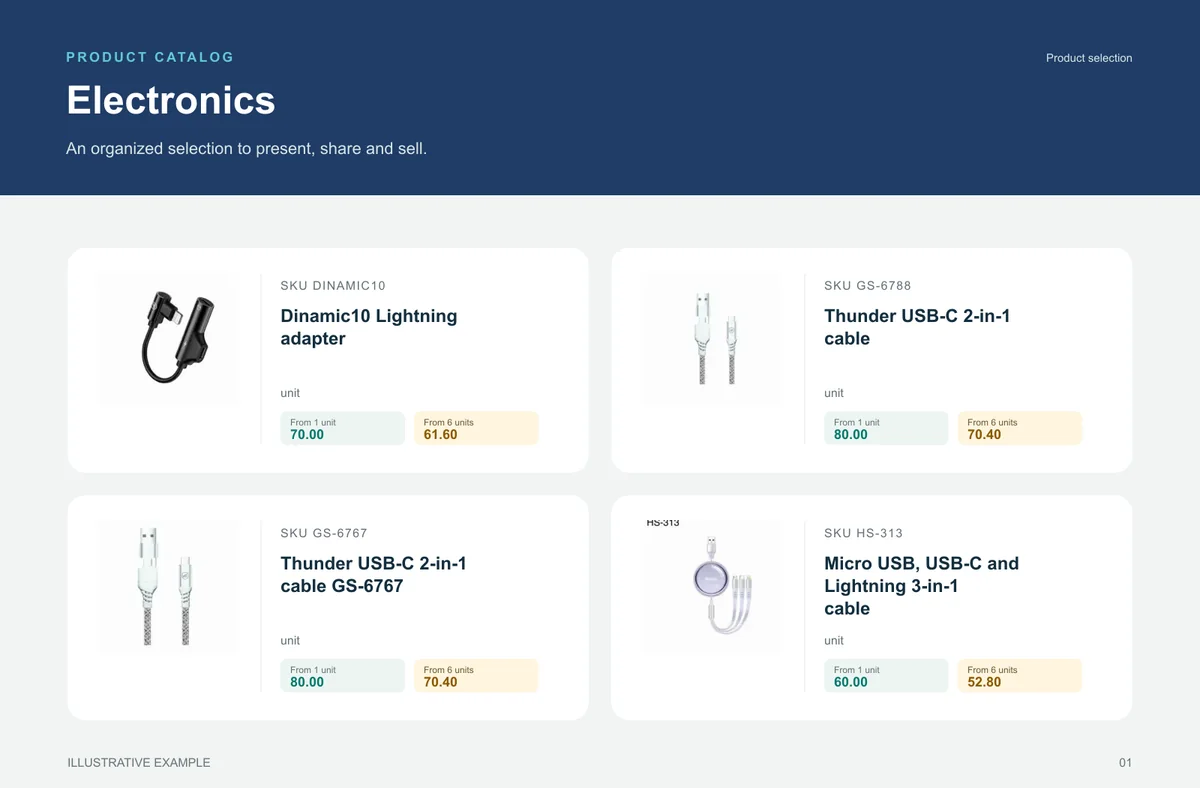
Start with consistent codes, names, photos and categories. Use a stable product code, a clear name, a selling unit, an appropriate photo and the intended price.
Start with consistent codes, names, photos and categories. Use a stable product code, a clear name, a selling unit, an appropriate photo and the intended price.
Start with consistent codes, names, photos and categories. Use a stable product code, a clear name, a selling unit, an appropriate photo and the intended price.
Start with consistent codes, names, photos and categories. Use a stable product code, a clear name, a selling unit, an appropriate photo and the intended price.
Start with consistent codes, names, photos and categories. Use a stable product code, a clear name, a selling unit, an appropriate photo and the intended price.
Start with consistent codes, names, photos and categories. Use a stable product code, a clear name, a selling unit, an appropriate photo and the intended price.
The buyer opens the catalog, finds a product, selects quantities and reviews the cart. Use a stable product code, a clear name, a selling unit, an appropriate photo and the intended price.
The buyer opens the catalog, finds a product, selects quantities and reviews the cart. Use a stable product code, a clear name, a selling unit, an appropriate photo and the intended price.
Start with consistent codes, names, photos and categories. Use a stable product code, a clear name, a selling unit, an appropriate photo and the intended price.
Start with consistent codes, names, photos and categories. Use a stable product code, a clear name, a selling unit, an appropriate photo and the intended price.
The buyer opens the catalog, finds a product, selects quantities and reviews the cart. Use a stable product code, a clear name, a selling unit, an appropriate photo and the intended price.
The buyer opens the catalog, finds a product, selects quantities and reviews the cart. Use a stable product code, a clear name, a selling unit, an appropriate photo and the intended price.
Start with consistent codes, names, photos and categories. Use a stable product code, a clear name, a selling unit, an appropriate photo and the intended price.
Start with consistent codes, names, photos and categories. Use a stable product code, a clear name, a selling unit, an appropriate photo and the intended price.
The buyer opens the catalog, finds a product, selects quantities and reviews the cart. Use a stable product code, a clear name, a selling unit, an appropriate photo and the intended price.
The buyer opens the catalog, finds a product, selects quantities and reviews the cart. Use a stable product code, a clear name, a selling unit, an appropriate photo and the intended price.