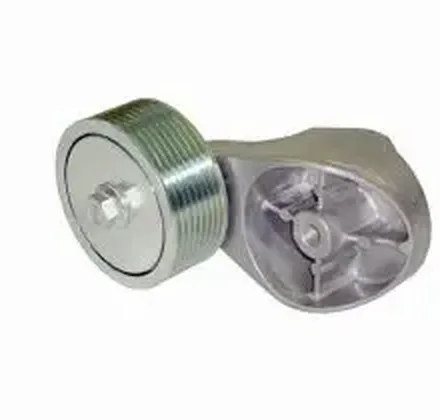
SKU 9062002670In stockBelt tensioner pulley 81 × 34 × 28 mm
1–5 units$15.90
6+ units$13.90
Quantity
Solutions
Organize a large product range into a presentation buyers can understand. Align product codes, commercial tables and order details before adding more sales channels. When a range is easy to explore, seller and buyer can spend their conversation on the commercial opportunity instead of locating a SKU, pack or version of a product.
See the result with real products ↓



Change the quantity. See the unit price drop at 6 units.
Choose a product to start your order.
Example order reviewed
Illustrative demo · sample products and prices
A buyer should be able to distinguish similar products by code, name, photo and packaging. Group the range into useful categories and expose the information needed to choose without another message to the rep.
A catalog structure should reflect customer language and buying logic, not only internal departments. Use category, code, unit and presentation consistently so a field seller, a regular buyer and back office can refer to the same product.
Different audiences may use different tables. Confirm the number included in the plan and configure the seller and buyer context. Test which price appears after changing quantities or following a seller link.
A link or PDF can make the product conversation clearer, but the representative still understands the customer and leads the next step. The catalog reduces information hunting; it does not replace negotiation or commercial judgement.
For food, a case must not look like a single unit. For fashion, size and colour should not be hidden. For construction materials, measure and selling unit matter. The product information should answer the buyer’s next question before it reaches the seller.
Catalog Mobile helps present products and capture orders. Credit analysis, tax documents, delivery planning and financial management remain in your existing process unless a specific integration has been verified.
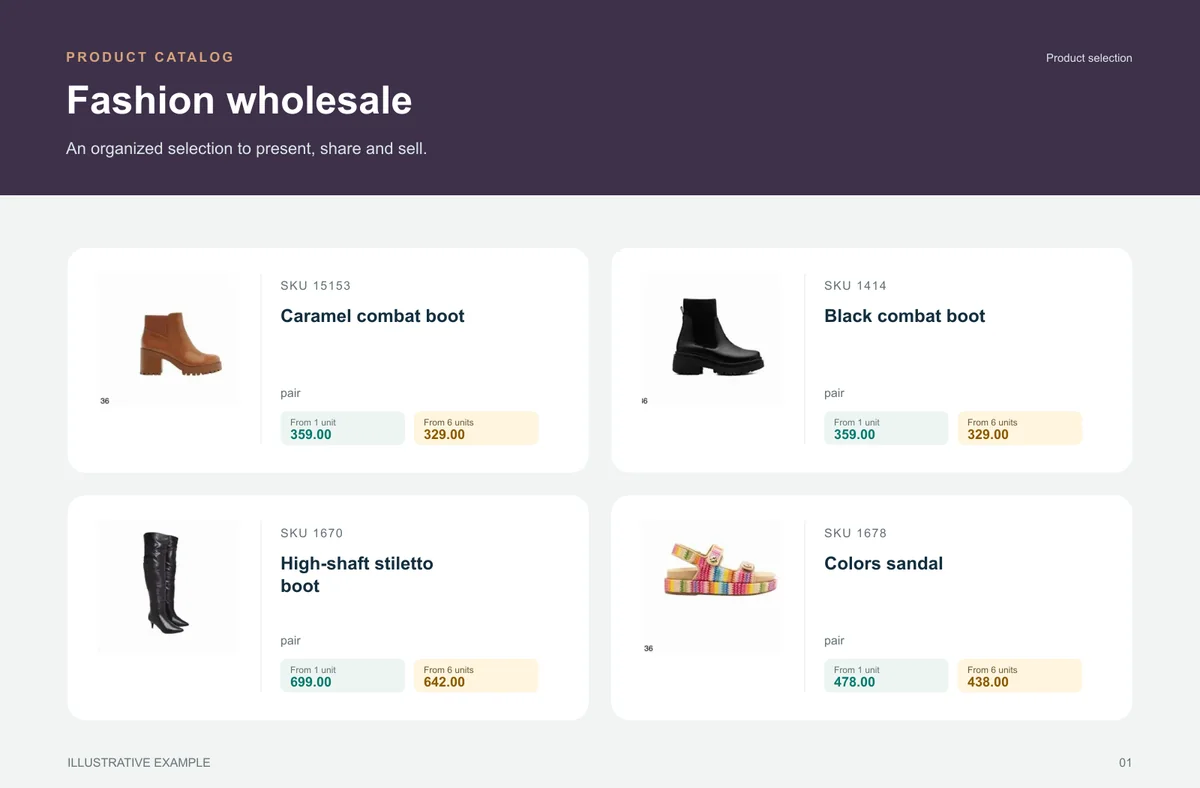
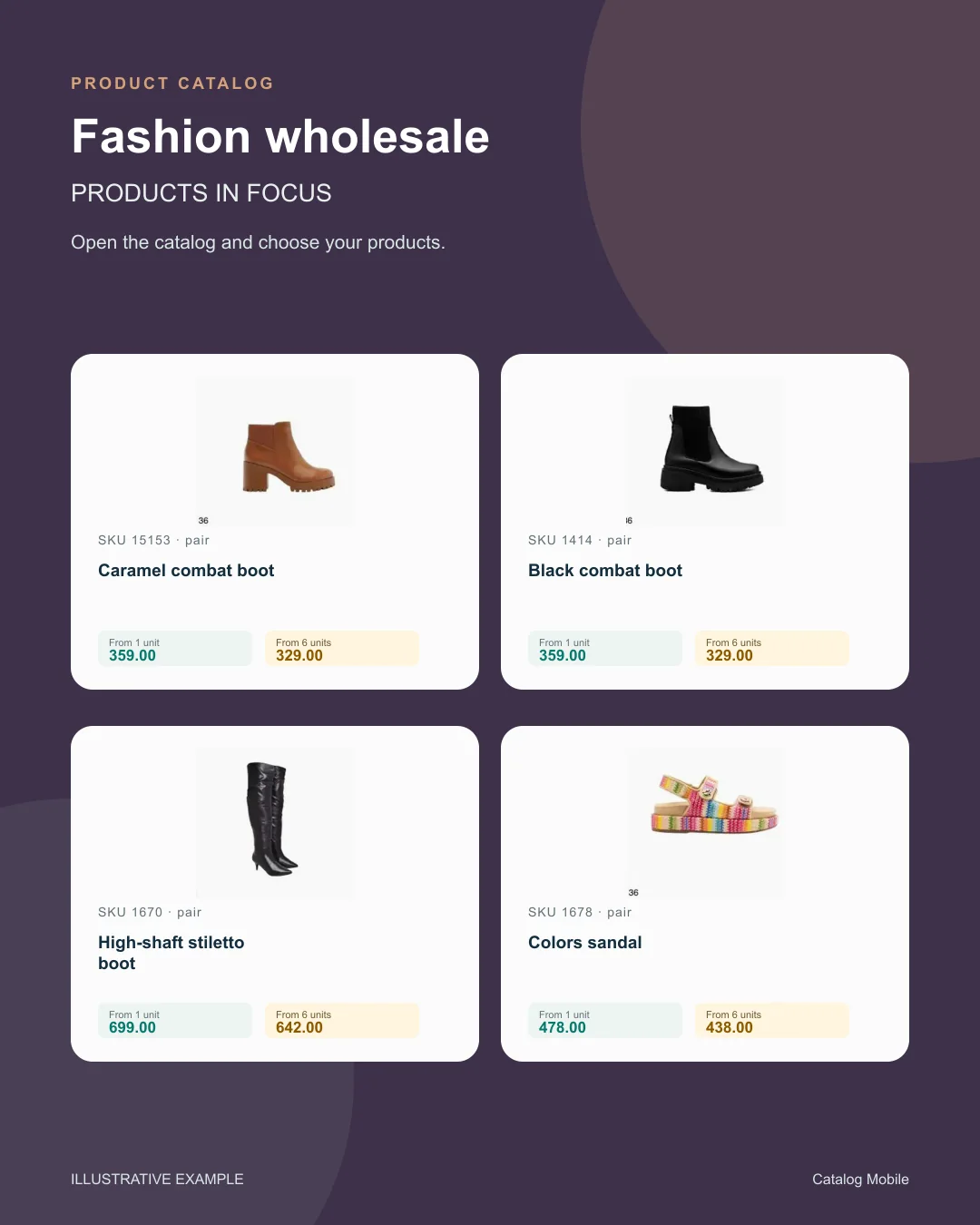
A fashion wholesaler selects one collection, confirms colour and size information, prepares a representative link and tests it with a recurring buyer. The review reveals whether the buyer can prepare a useful list without a parallel spreadsheet.
Change the quantity. See the unit price drop at 6 units.
Choose a product to start your order.
Example order reviewed
Illustrative demo · sample products and prices
Start with one representative, one customer group and a manageable product selection. Check the quality of incoming orders and the effort needed to update the catalog before expanding.
Record the questions buyers still ask and where the team makes manual corrections. Expand by range, representative or customer group only when the new commercial layer has made the actual sales flow clearer.
Buyers need to know whether they are choosing a unit, case, kit, colour or variant. When that detail is implicit, commercial teams spend time repairing orders instead of developing the range.
Categories, SKUs, photos and units should follow how customers and sellers actually look for items. Reuse the same base for a campaign, rep selection or portfolio presentation.
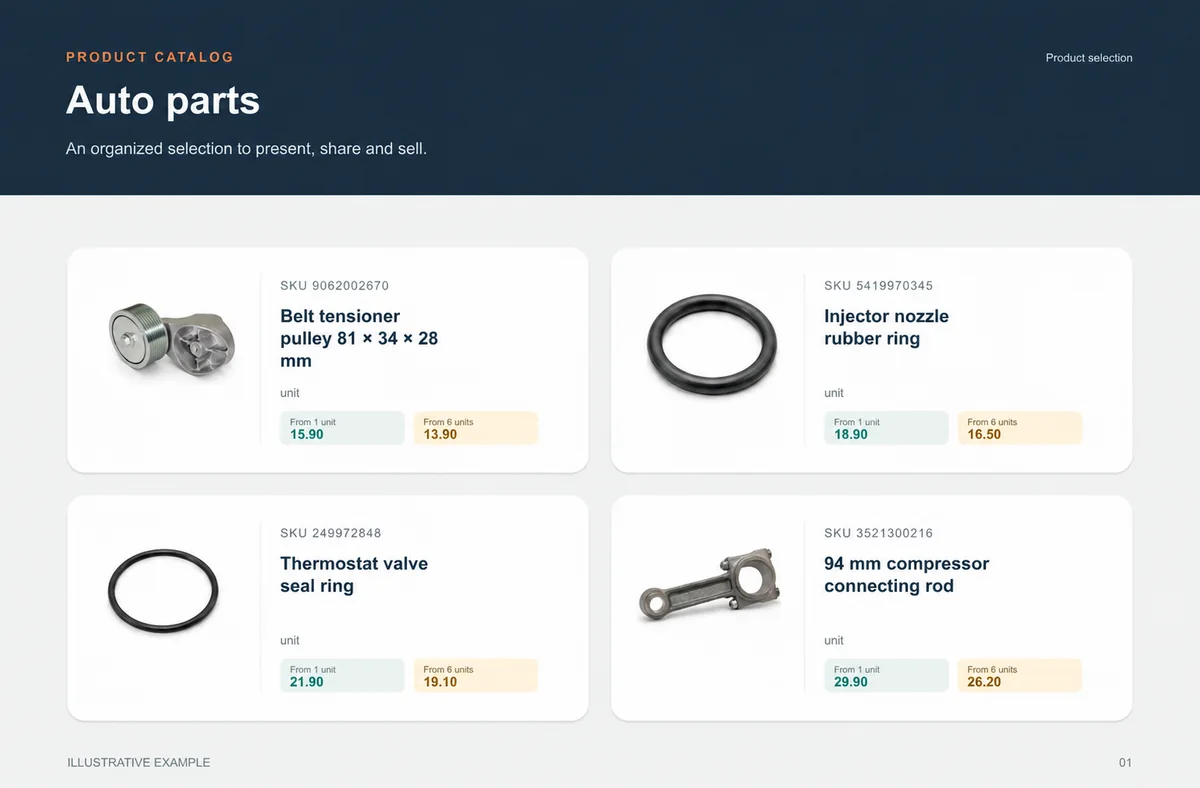
Auto parts
SKU, unit and verified application make choice safer.
Counter sales, reps and buyers looking for a SKU or part format.
A selection by system, category or replenishment avoids a chain of similar photos.
unit
unit
unit
unit
What your customers can see
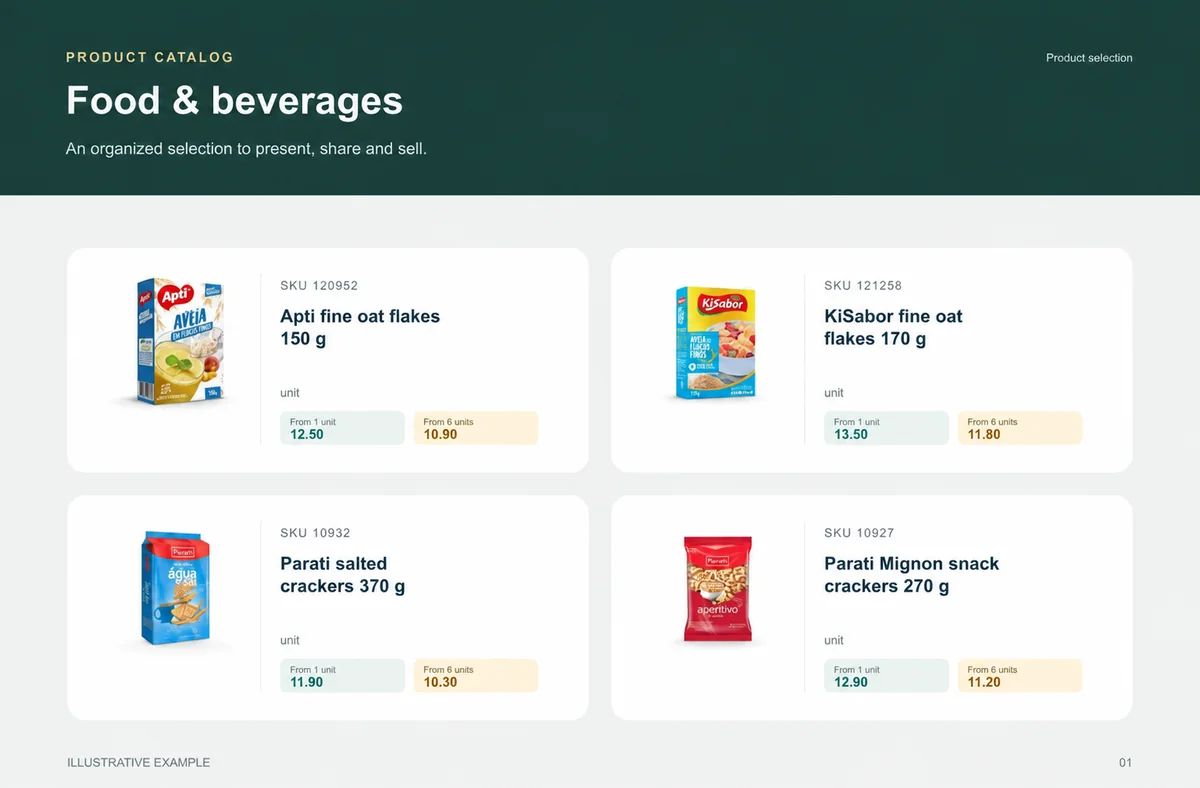
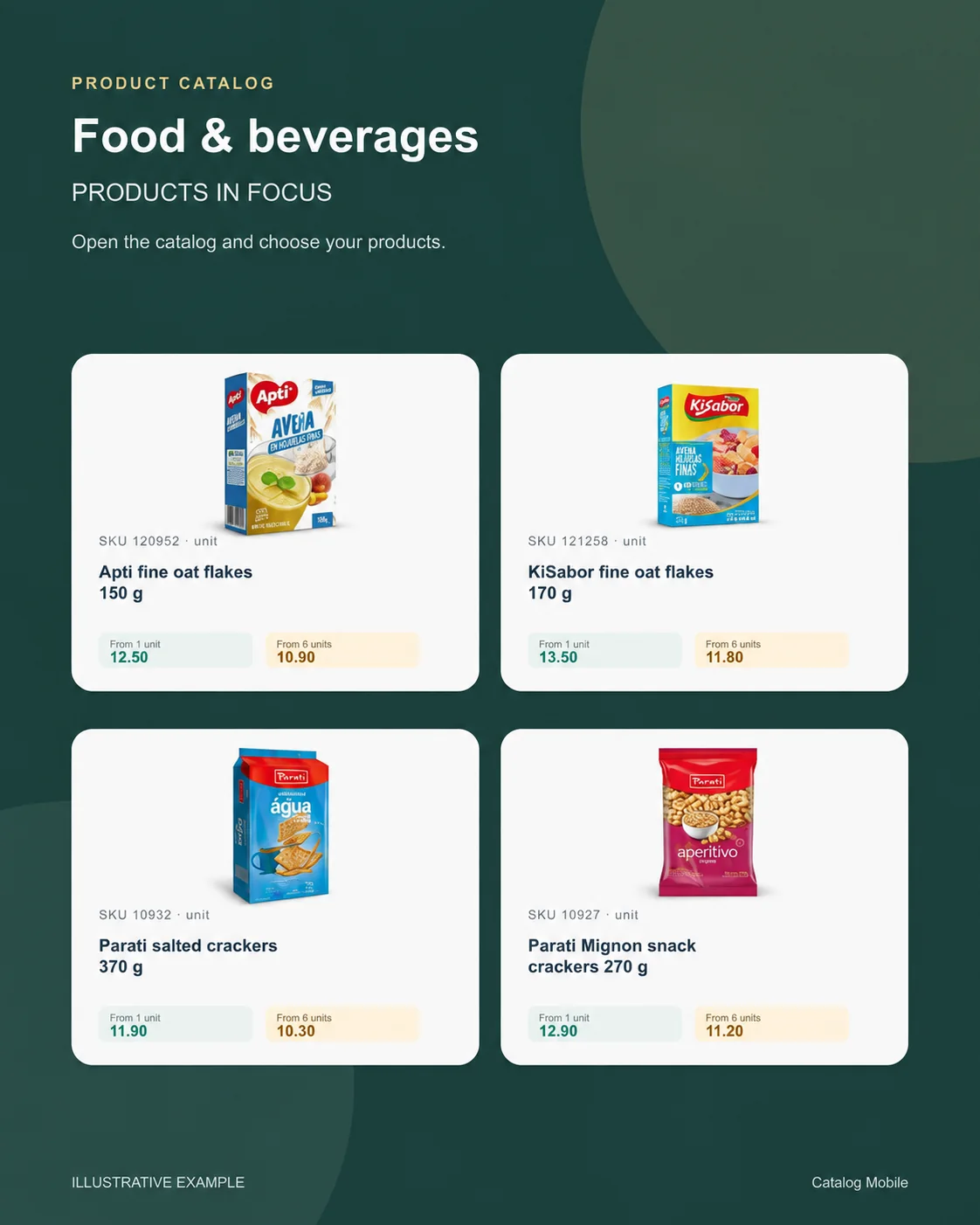
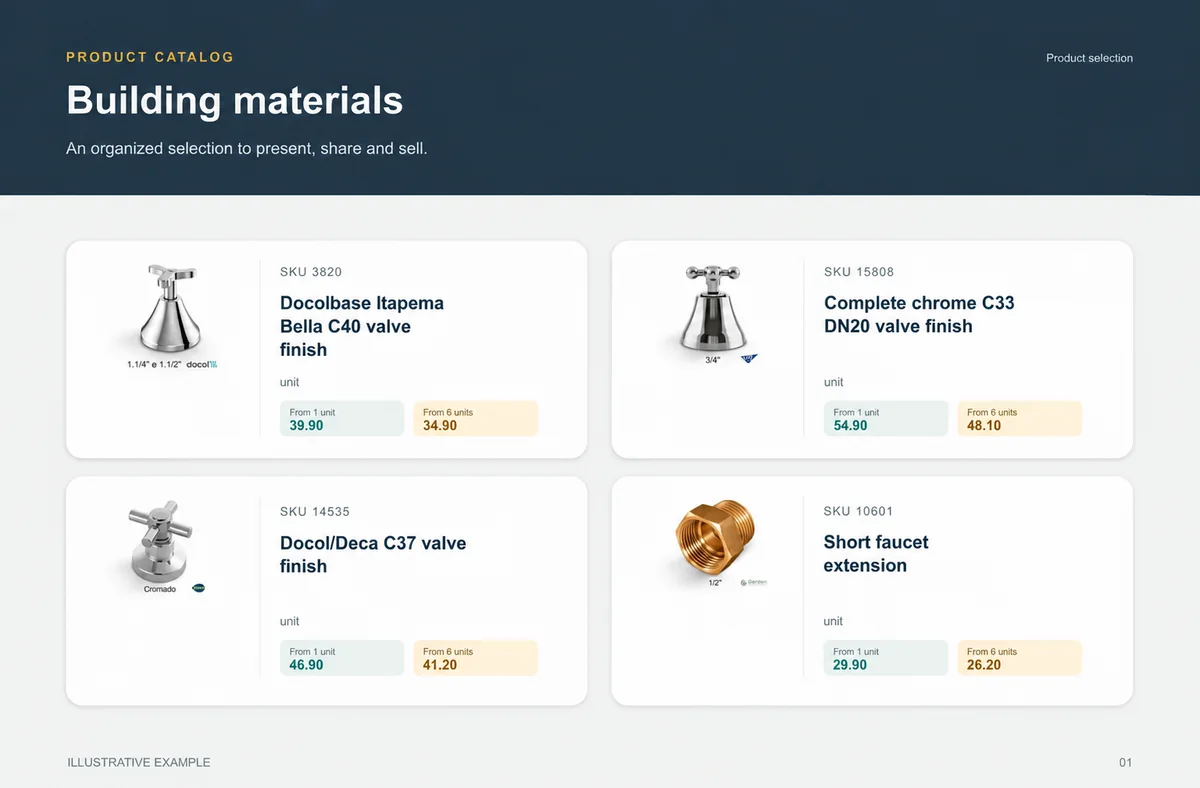
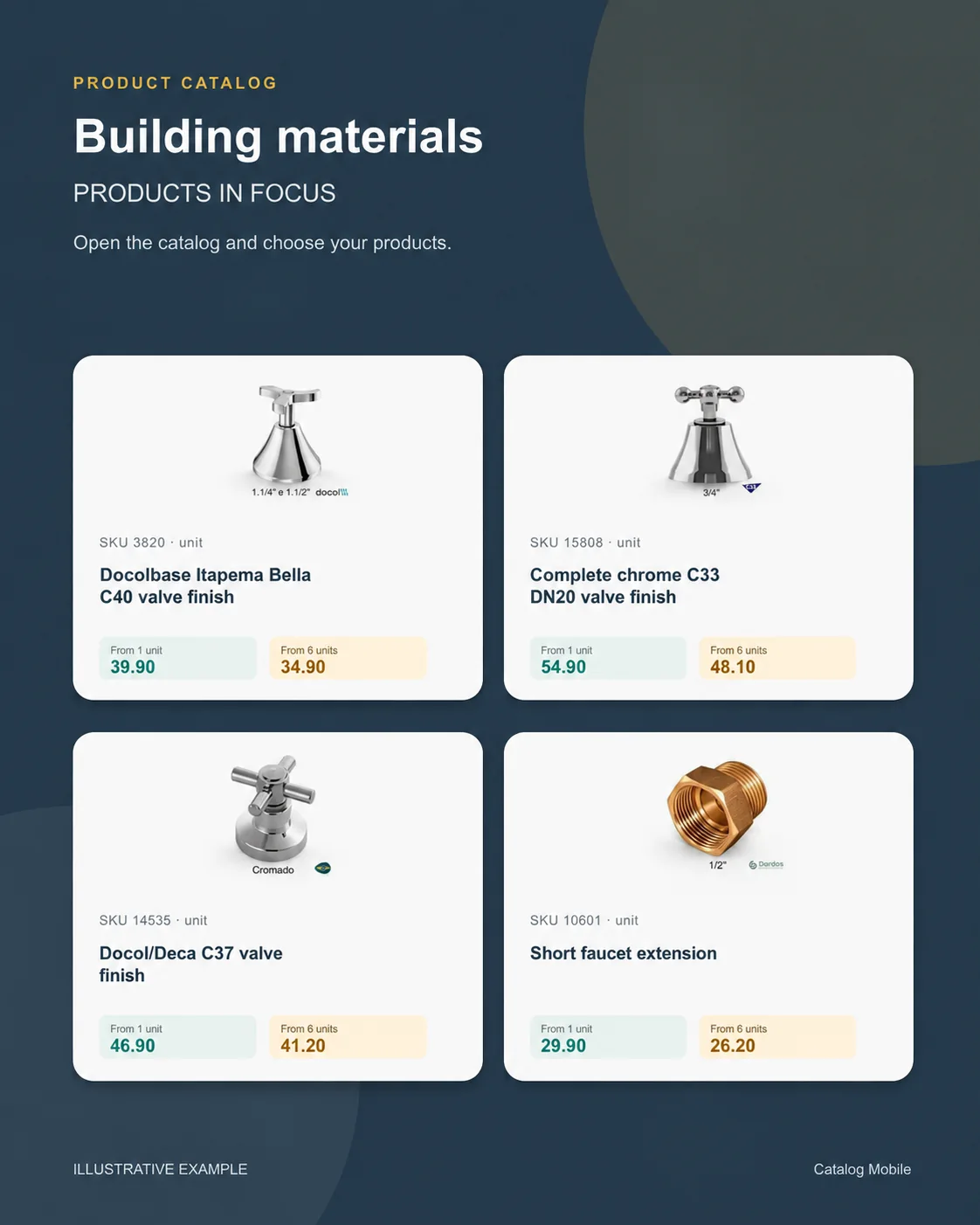
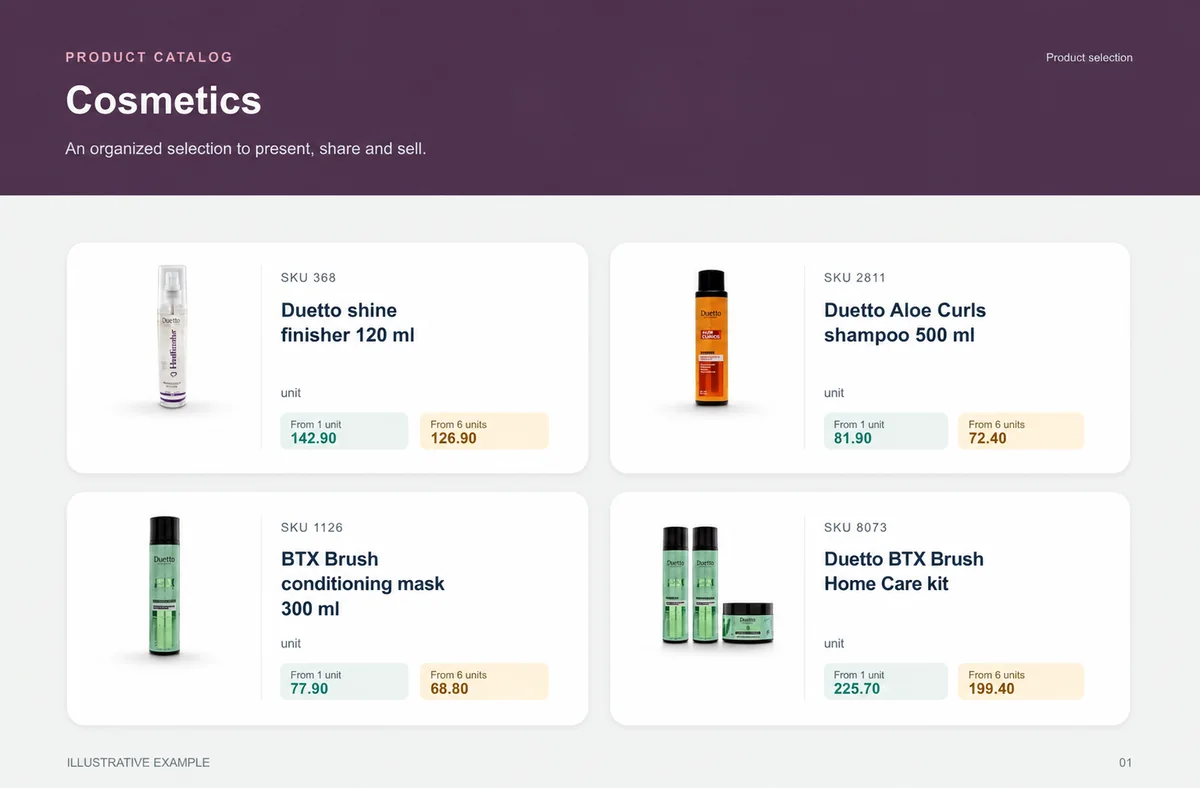
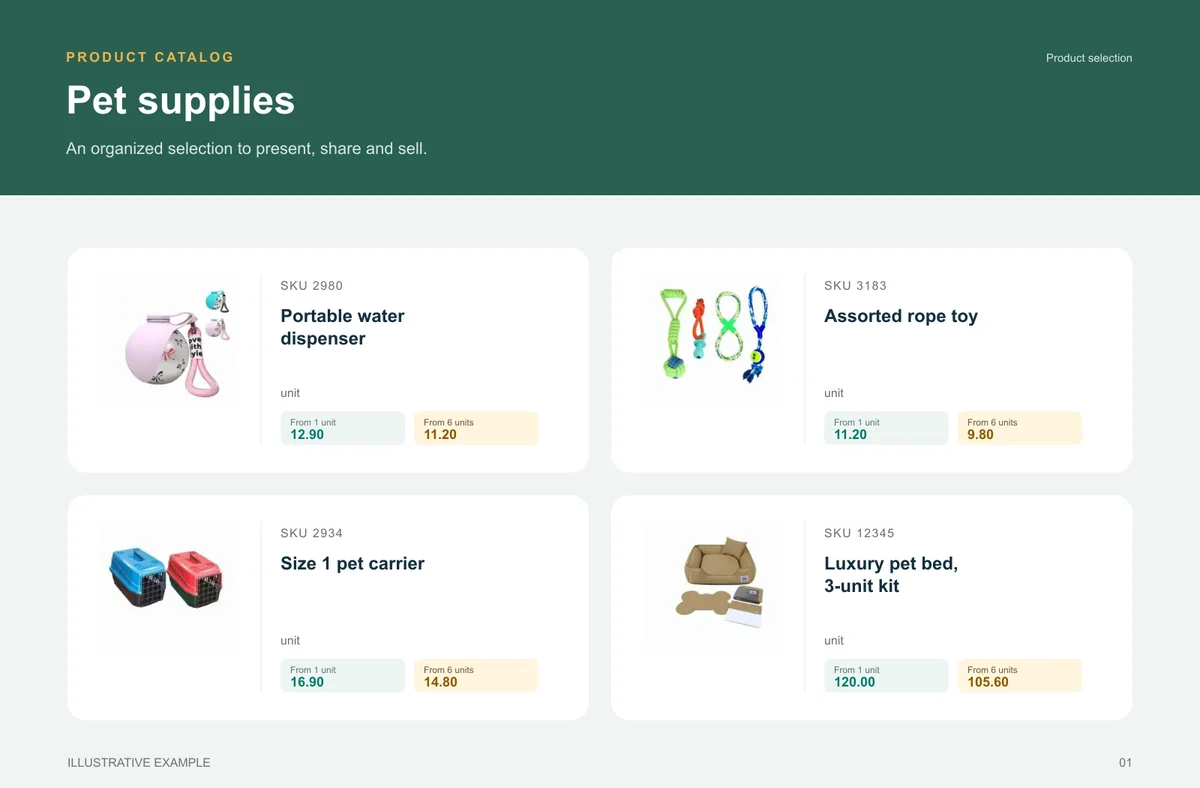
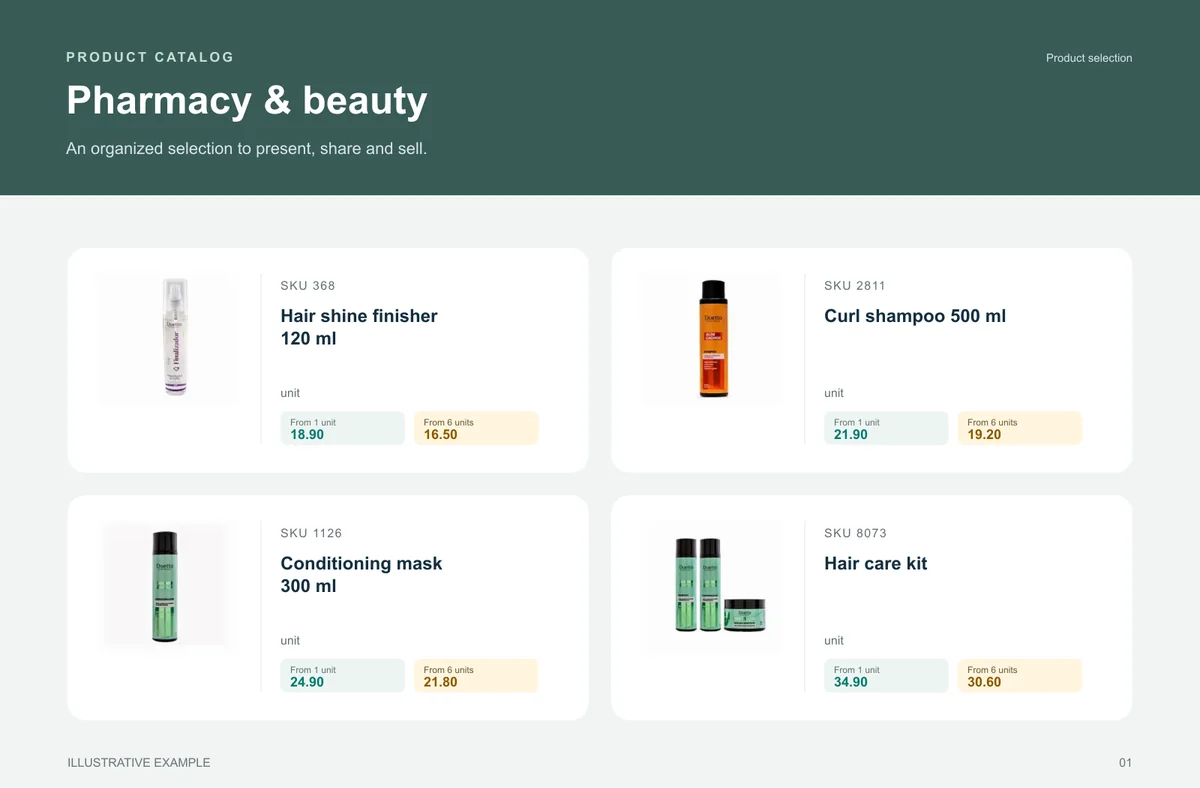
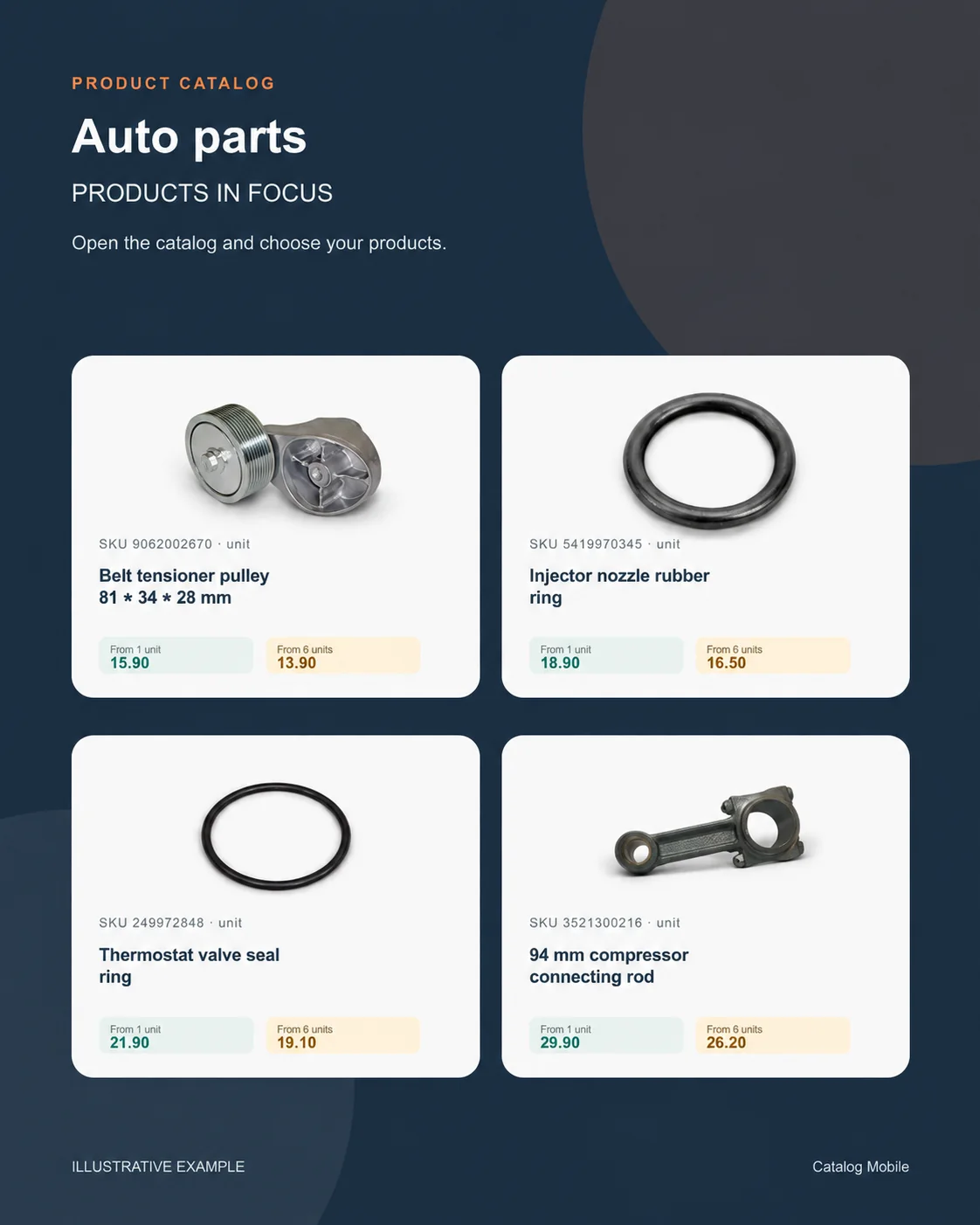
An organised selection to introduce the range, plus a promotional image to highlight the products. Open the examples and inspect the details.
The right format for each moment
Bring a product line, campaign or selection into a file that can be shared and printed. A PDF keeps the data used when it was generated: publish a new edition when prices change.
Buyers browse categories, inspect products and select quantities in the online catalog. Your team retains the commercial review, according to the settings of your operation.
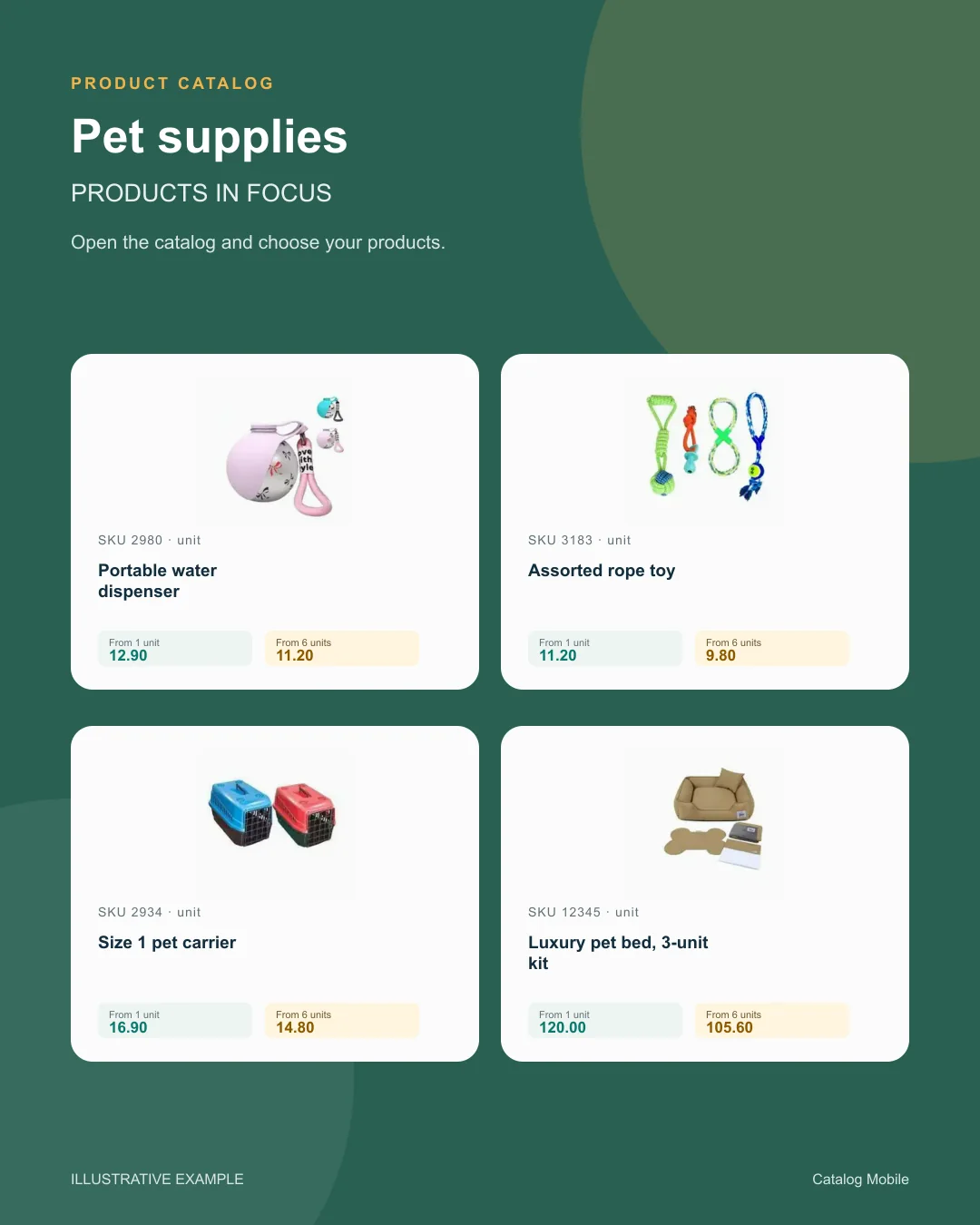
Use a product composition to introduce new arrivals or a selection during customer conversations. The image starts the conversation; the catalog holds the details for the next step.
Find your business
Explore examples with real products from your sector. See how photography, identification and presentation help buyers distinguish their options.
 Food & beveragesBuyers need weight, pack and selling unit before choosing quantity.+
 Building materialsChoice is safer when measurement and presentation do not depend on a seller’s interpretation.+
 CosmeticsThe presentation lets buyers explore the range without asking for one photo at a time.+Auto partsSKU, unit and verified application make choice safer.+
 Pet suppliesA broad range becomes easier to buy when categories help shoppers find the right item.+
 Pharmacy & beautyFragrance, volume, kit and presentation help buyers distinguish options and move towards an order without asking for clarification.+
 Fashion wholesaleThe catalog reduces the distance between seeing a garment, understanding its variant and preparing an order.+
BEFORE YOU START
Plans have explicit product limits. Compare the current country offer and discuss extra capacity before importing the full range.
Price tables support different conditions when included and configured. Verify the actual buyer view; do not rely only on the table’s name.
Do not assume that it does. Validate any credit requirements separately with your ERP and the responsible team.
No. Keep ERP as the operational base and use the catalog as a commercial layer for product presentation and request capture.
No. ERP remains the operational base; the catalog structures presentation and purchase intent.
Where tables and rules are available and configured, validate the buyer view before publishing.
Guides
A buyer should be able to distinguish similar products by code, name, photo and packaging. For auto parts, use the commercial code and compatibility information in the product description.
Price mismatch erodes margin and creates rework. See how to align catalog, order flow and commercial pricing in cosmetics.
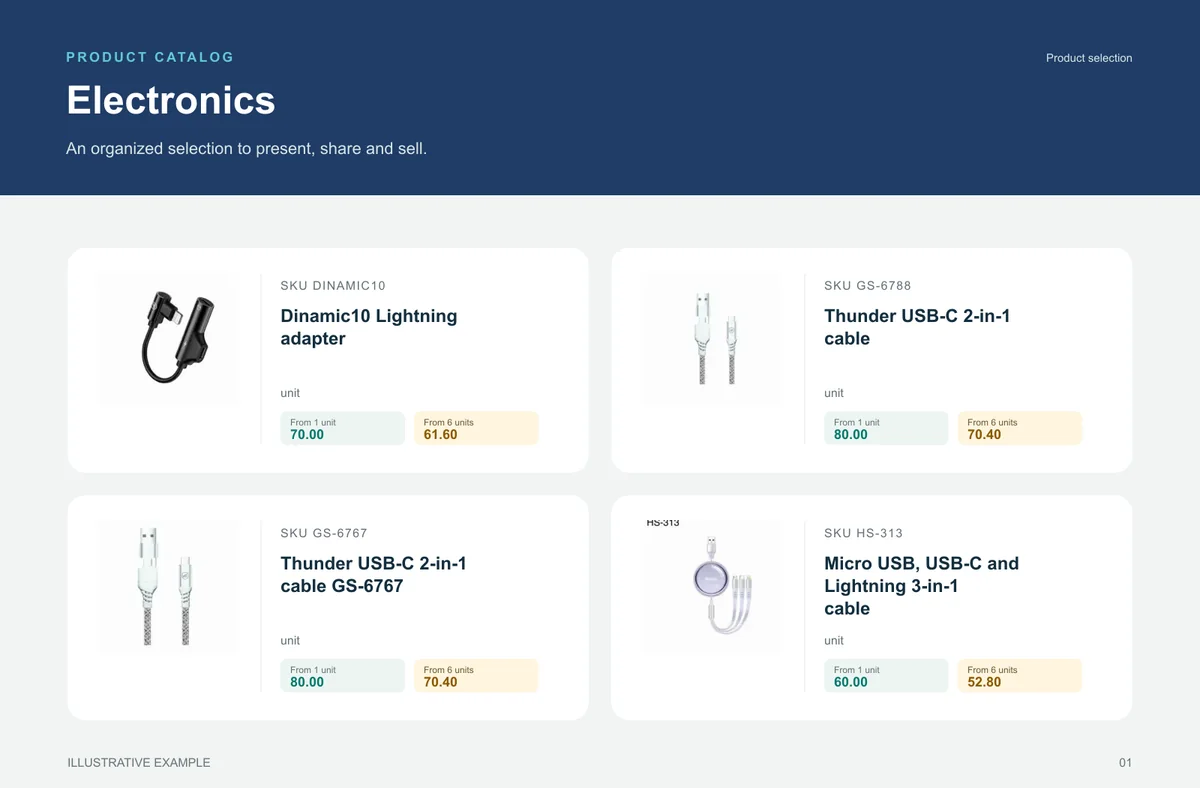
If the team repeats checks, corrections and resends every day, sales operations are too heavy. See how to reduce rework in electronics.
START WITH A REAL PRODUCT LINE
Add a small selection. Open it on your phone. Check the PDF and the order flow before rolling it out to your team.