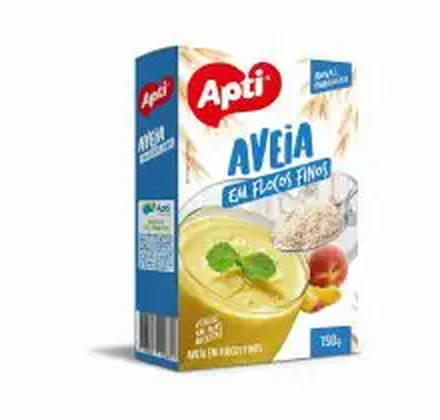
SKU 120952In stockApti fine oat flakes 150 g
1–5 units$12.50
6+ units$10.90
Quantity
Solutions
Present your range professionally without arranging every product by hand. Use the PDF for a defined edition and the online catalog for the current buying journey. For an owner, this means a sales presentation the team can update without rebuilding layout work; for buyers, it means finding an organised range, understanding the pack and moving the conversation forward with more confidence.
See the result with real products ↓



Change the quantity. See the unit price drop at 6 units.
Choose a product to start your order.
Example order reviewed
Illustrative demo · sample products and prices
Start with consistent codes, names, photos and categories. Select the products and price table for the audience, choose the layout and generate the PDF. Keep a clear edition name so the team can identify the current file.
Check a low-price and a high-price product, long names, category order and a product with multiple photos. Open the PDF on a phone as well as a computer. The best layout is the one your buyer can read comfortably.
A PDF is a defined edition for a campaign, presentation or print. A catalog link lets a buyer browse categories and prepare a product list when that journey is configured. Reusing one product base reduces the chance of two teams maintaining different versions.
A buyer needs the commercial code, name, correct pack photo, selling unit and the price intended for that audience. Keep internal cost, confidential notes and tax rules out of the public selection; they do not help a buyer decide what to add.
The file preserves the data used to generate it. After changing the catalog, generate a new PDF and replace old links or attachments in your sales routine. An online catalog is useful when prices and availability change frequently.
A distributor can start with body wash, shampoo, conditioner and kits, making fragrance, volume and selling unit clear. The PDF introduces the line; the link avoids a conversation made of unrelated product photos.
The catalog helps a customer understand the product range. Credit, tax rules, availability confirmation, delivery, invoicing and payment remain in the operational process your team has validated.
Change the quantity. See the unit price drop at 6 units.
Choose a product to start your order.
Example order reviewed
Illustrative demo · sample products and prices
Use one category and a colleague who knows the operation. Compare source data, the exported PDF and the buyer view. Questions about a name, image, code or pack are useful evidence for improving the selection before expanding it.
A food distributor can select one category, check pack sizes and commercial prices, generate a short PDF for a campaign and send the online link alongside it. The PDF introduces the range; the link gives the customer a path to select items.
Loose photos, parallel spreadsheets and similarly named files leave sellers and buyers without a clear reference. The issue is not design alone: it is knowing which product, pack and price belong in each presentation.
Start with a commercial SKU, clear name, correct pack photo, category, selling unit and audience price. Keep internal cost, confidential notes and tax rules away from the buyer-facing selection.
An example of the generated output
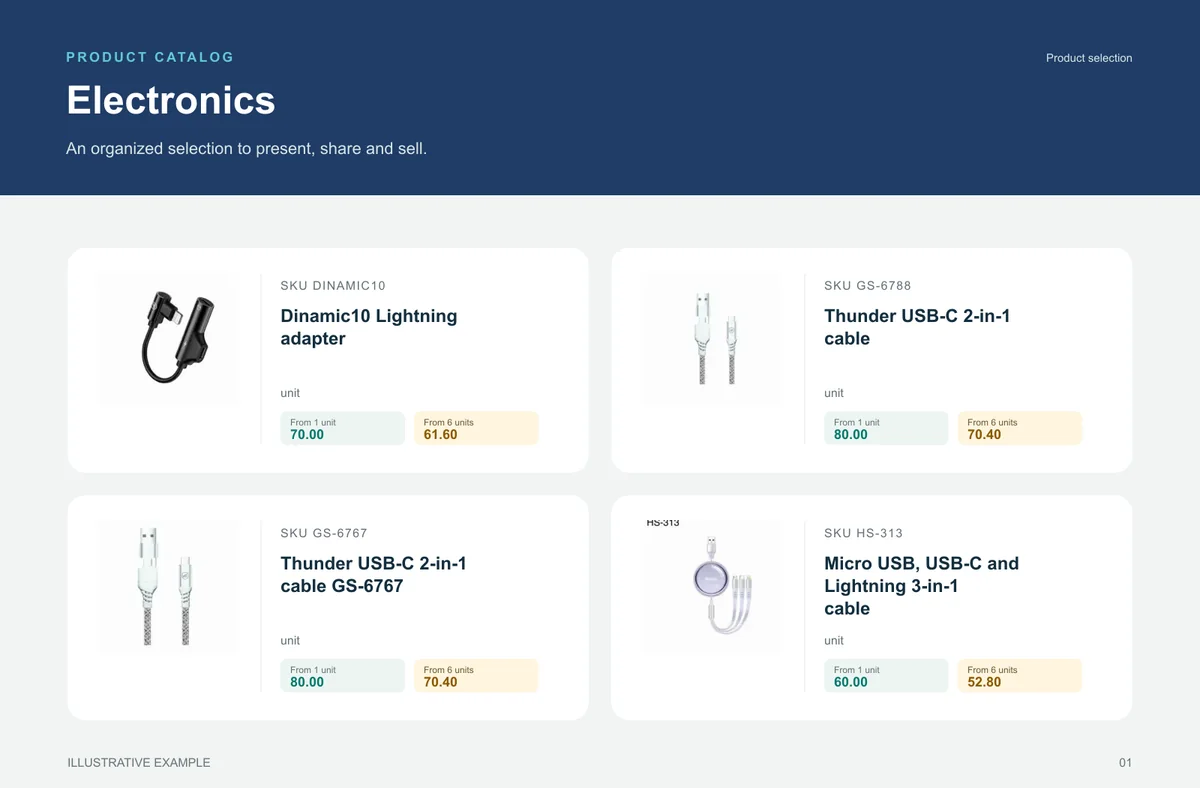
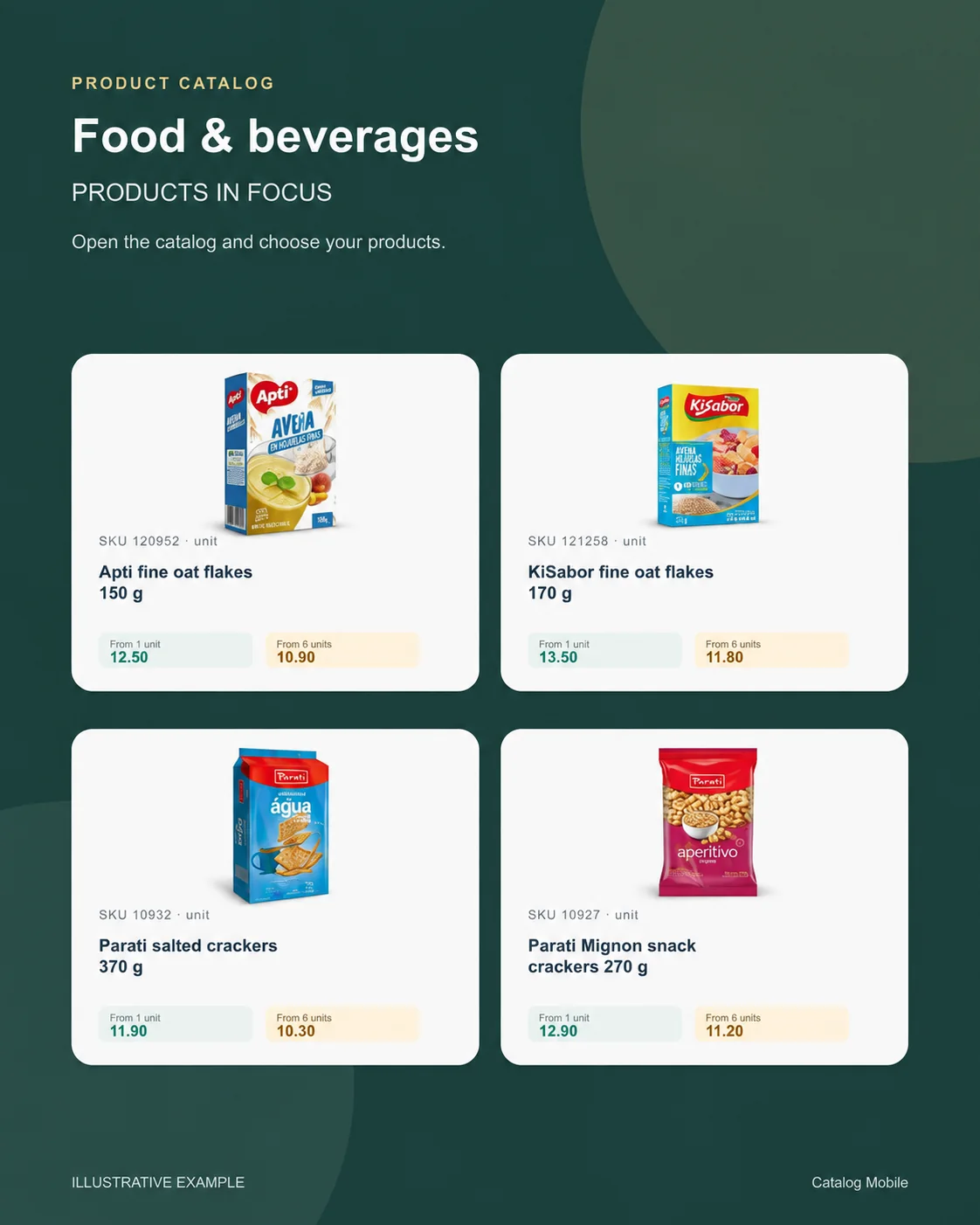
This beauty accessories catalog shows photos, names, codes and two price conditions together. Buyers can connect each price to the right product without comparing separate lists.
Use an edition like this to introduce a range or campaign. Check the meaning of each price, the product data and the generation date before sending it. When conditions change, generate and share an updated edition.
Localized visual adaptation of a supplied system reference, with illustrative values. This image shows payment conditions; the interactive example shows quantity tiers. These are separate uses, subject to the selected configuration.
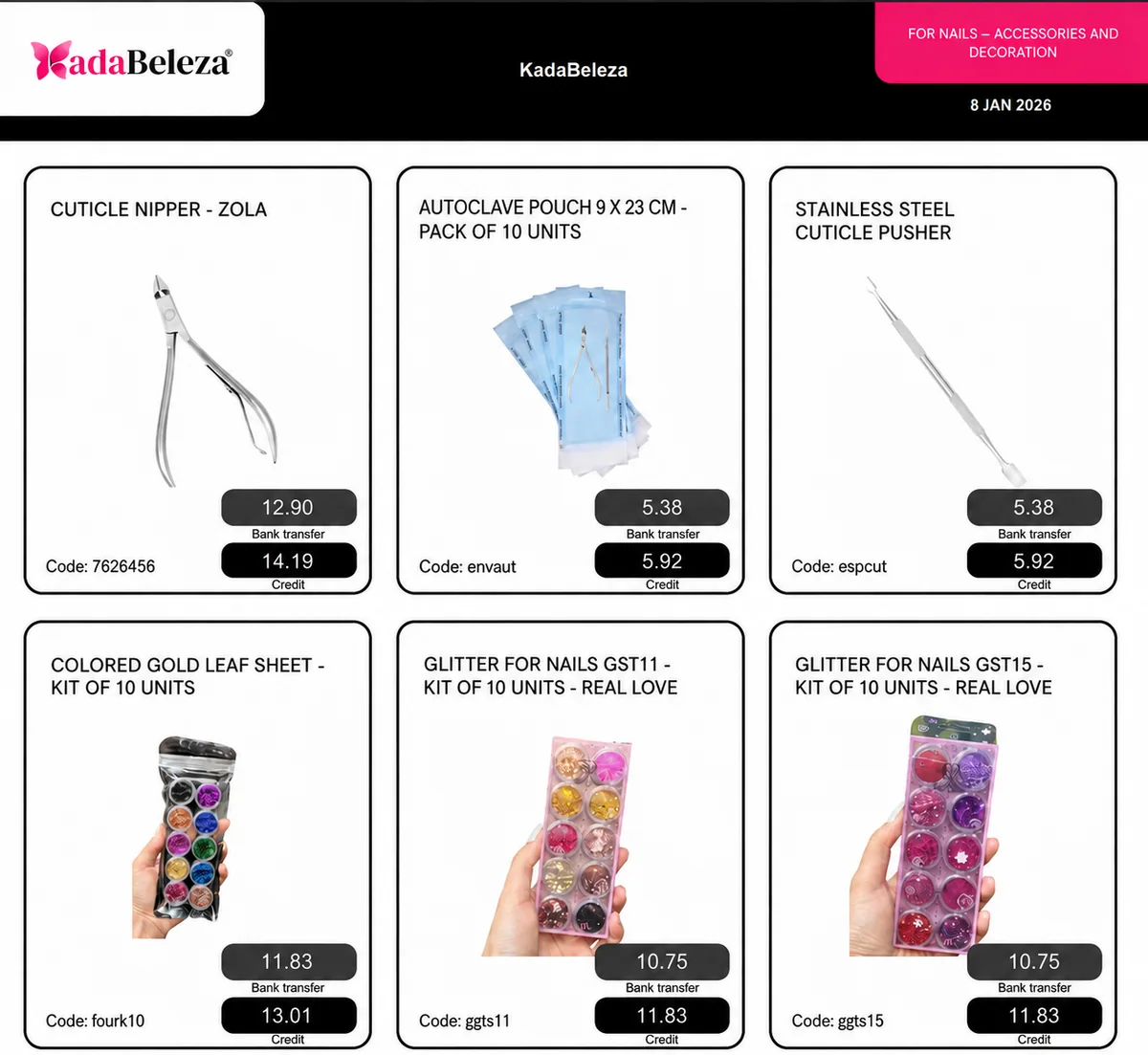
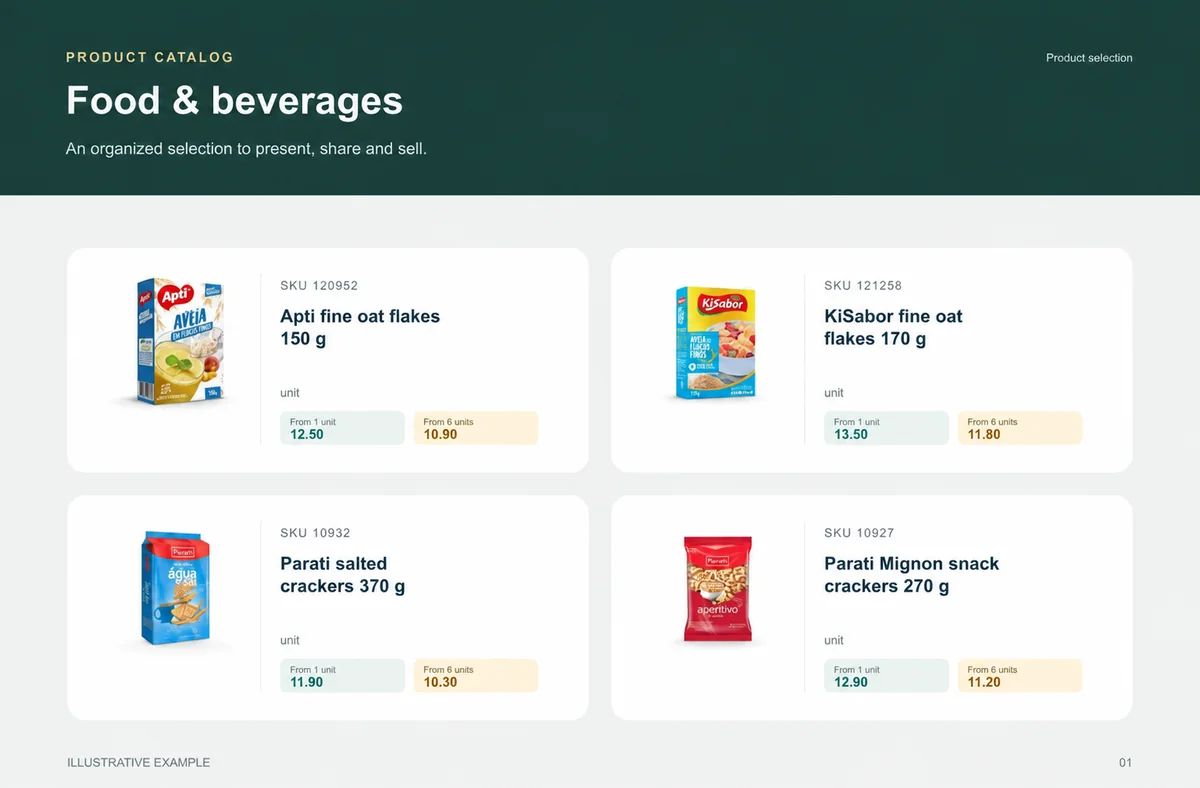
Food & beverages
Buyers need weight, pack and selling unit before choosing quantity.
Recurring buyers, replenishment teams and reps working by pack and turnover.
A weekly selection groups grocery, snacks and drinks by category and case.
unit
unit
unit
unit
What your customers can see
An organised selection to introduce the range, plus a promotional image to highlight the products. Open the examples and inspect the details.
The right format for each moment
Bring a product line, campaign or selection into a file that can be shared and printed. A PDF keeps the data used when it was generated: publish a new edition when prices change.
Buyers browse categories, inspect products and select quantities in the online catalog. Your team retains the commercial review, according to the settings of your operation.
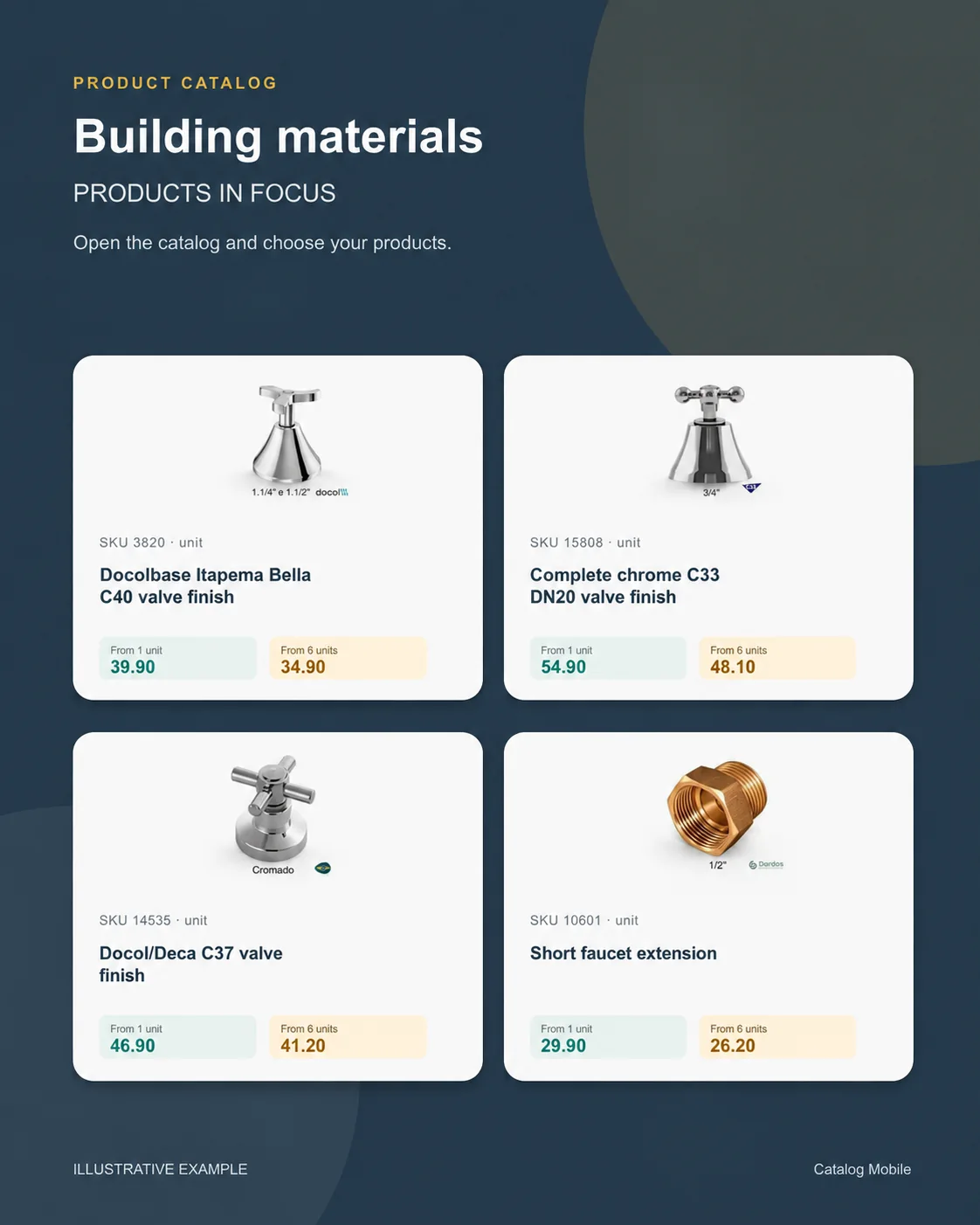
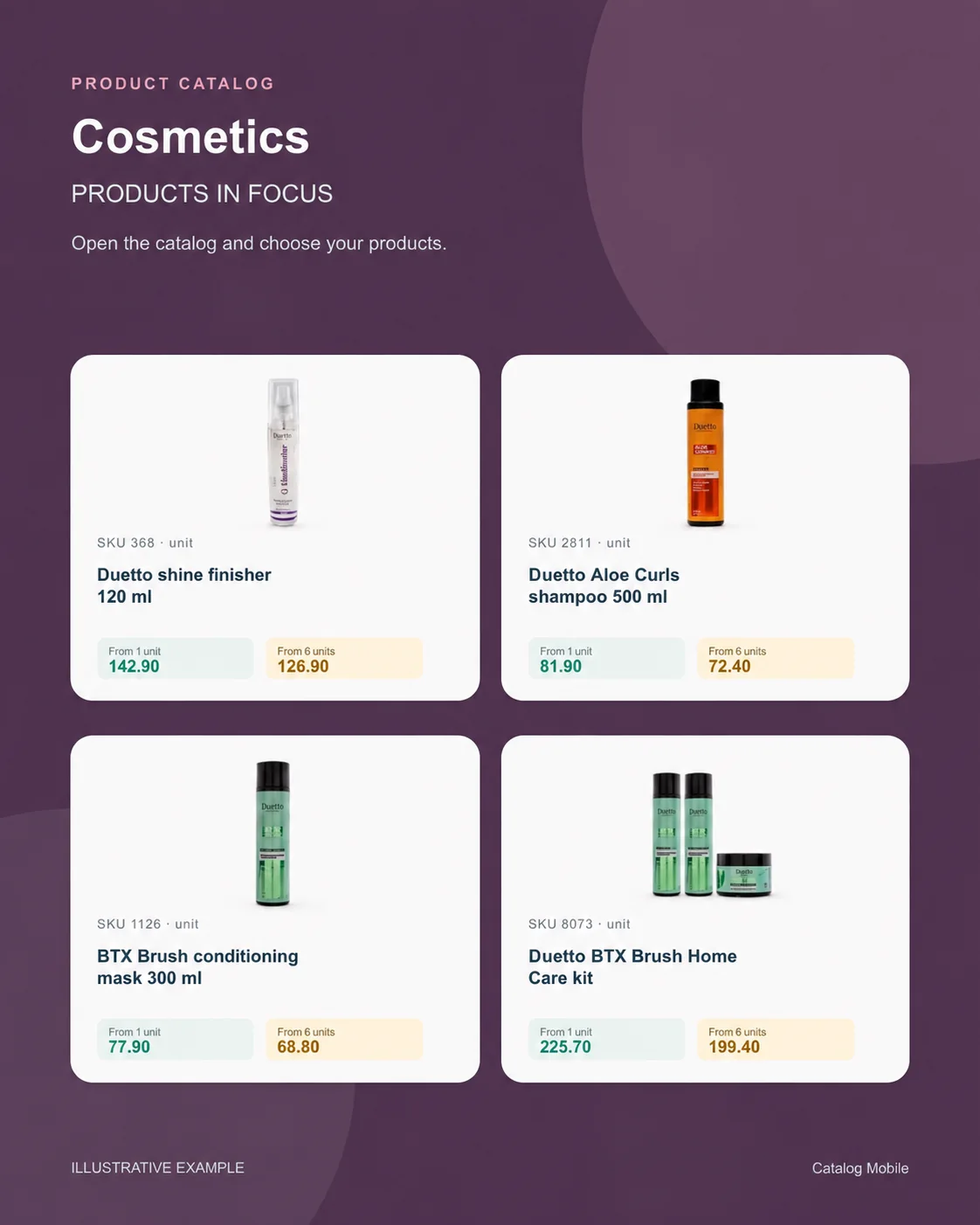
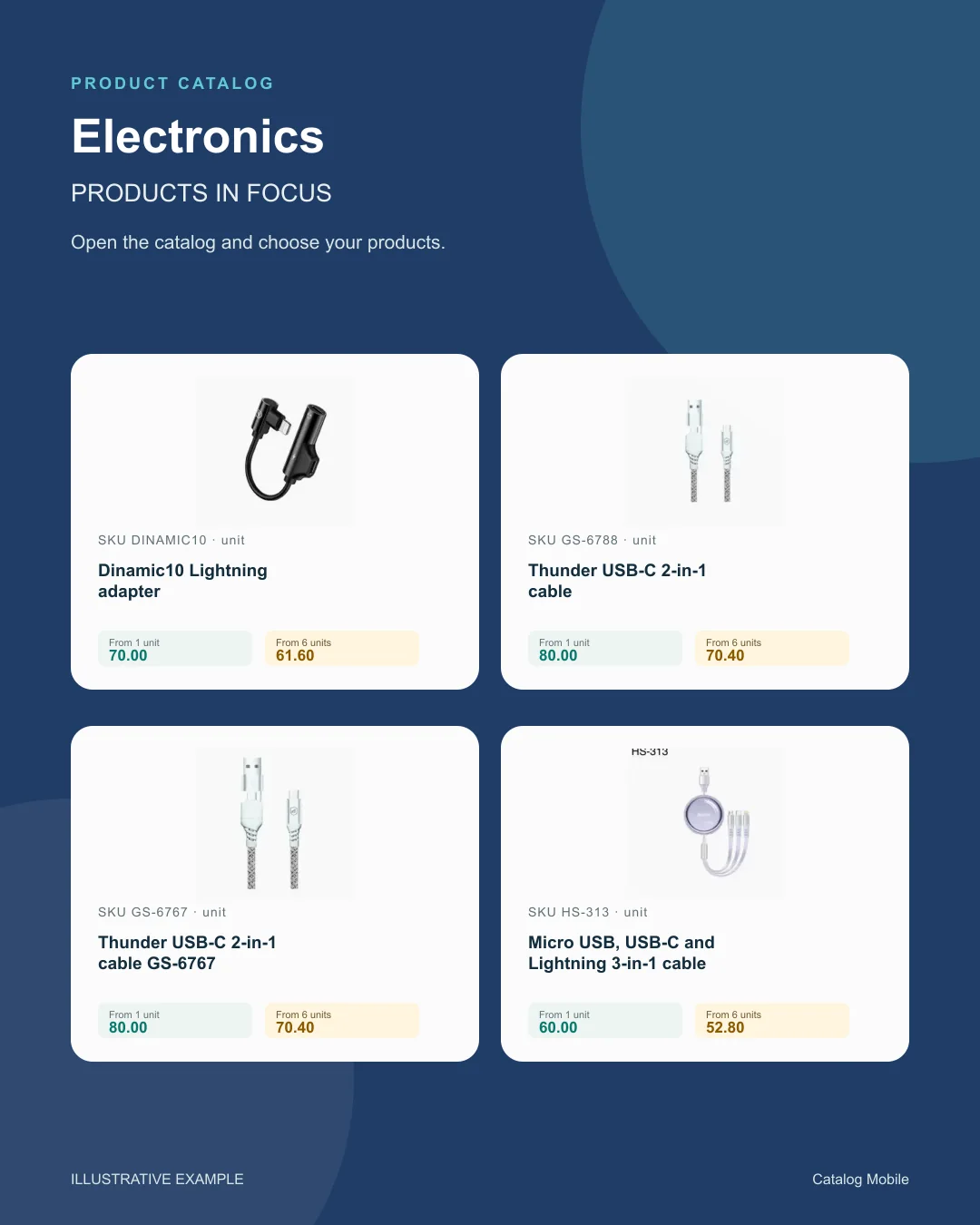
Use a product composition to introduce new arrivals or a selection during customer conversations. The image starts the conversation; the catalog holds the details for the next step.
Find your business
Explore examples with real products from your sector. See how photography, identification and presentation help buyers distinguish their options.
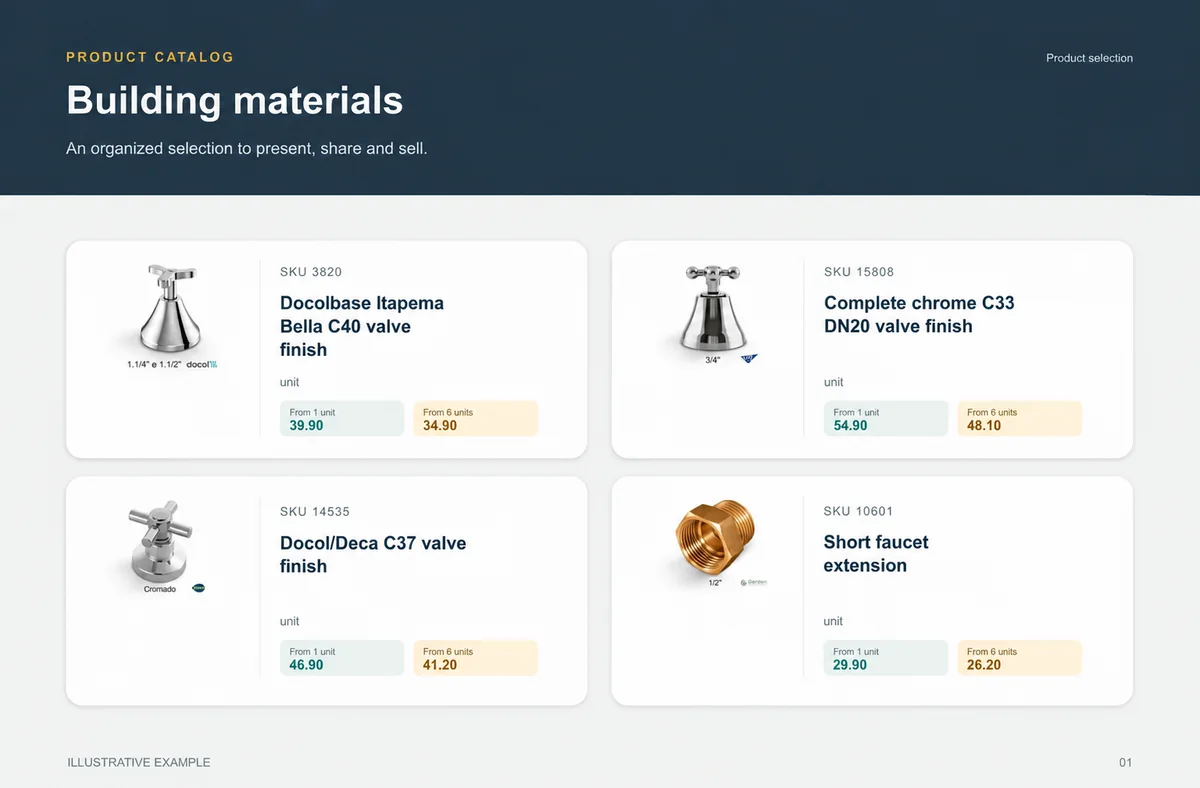
Food & beveragesBuyers need weight, pack and selling unit before choosing quantity.+ Building materialsChoice is safer when measurement and presentation do not depend on a seller’s interpretation.+
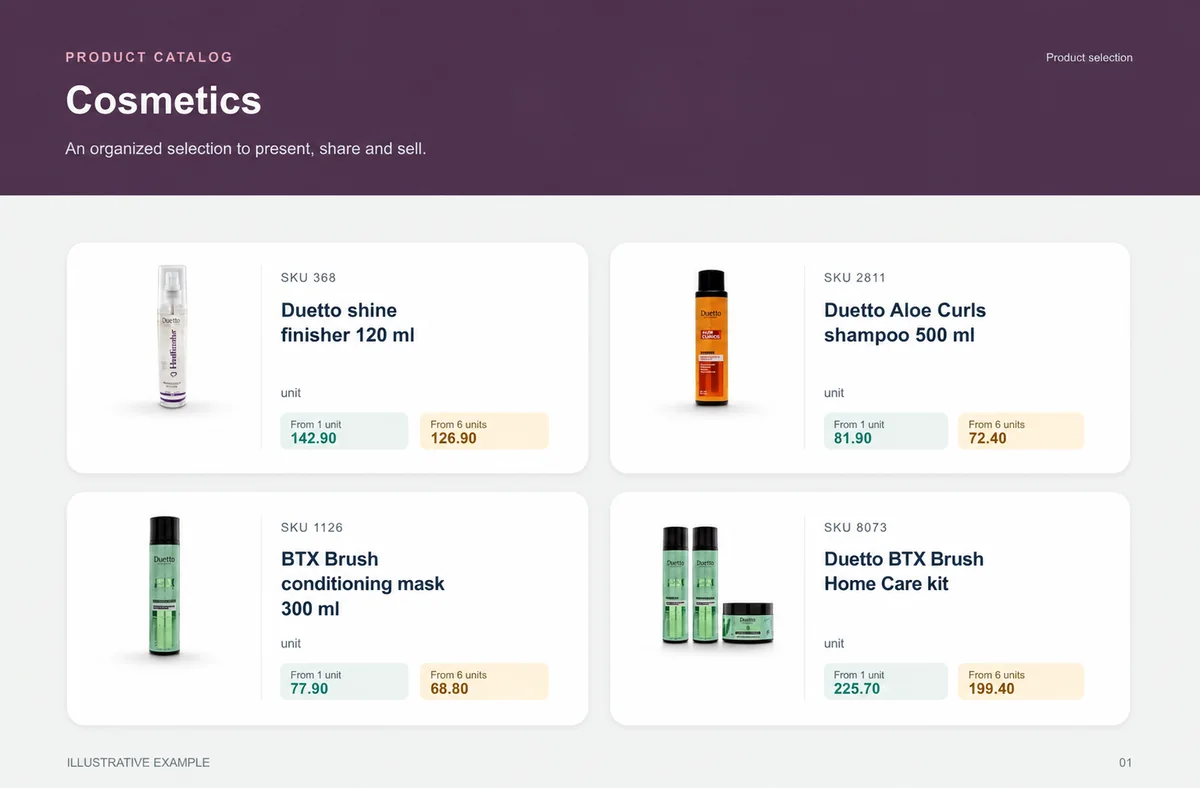
 CosmeticsThe presentation lets buyers explore the range without asking for one photo at a time.+
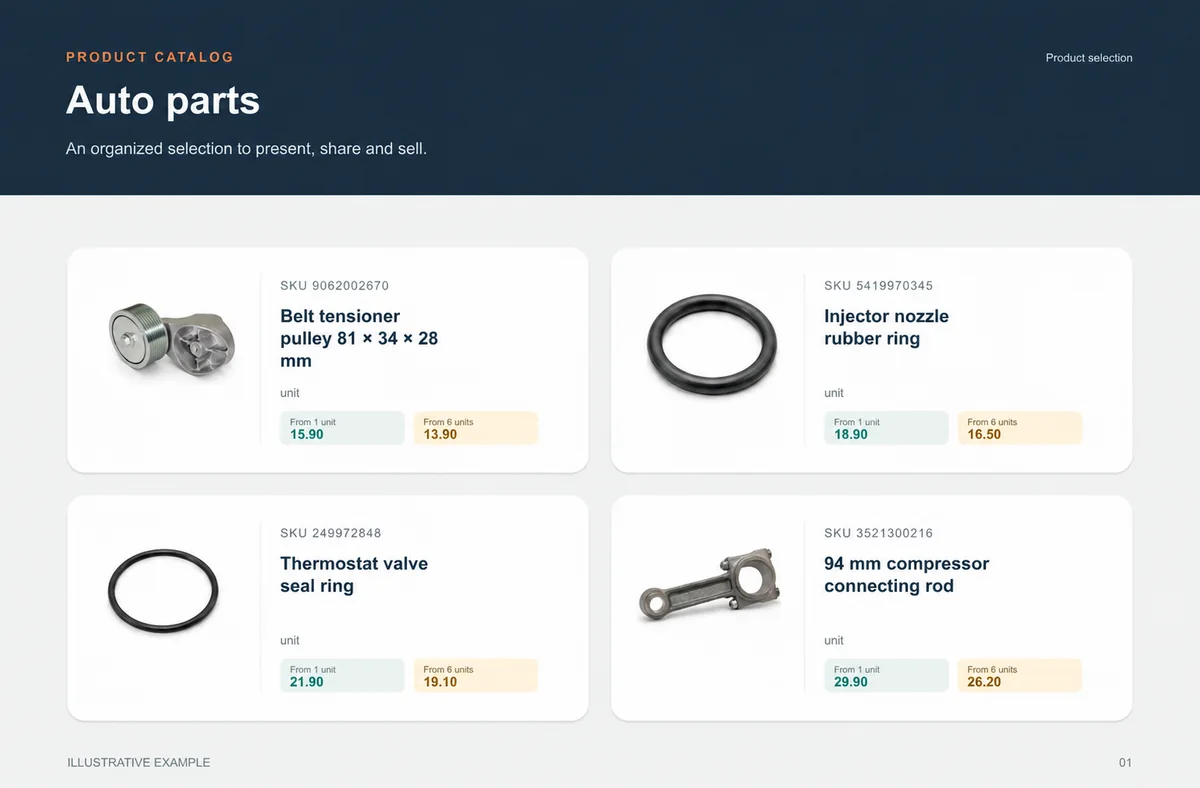
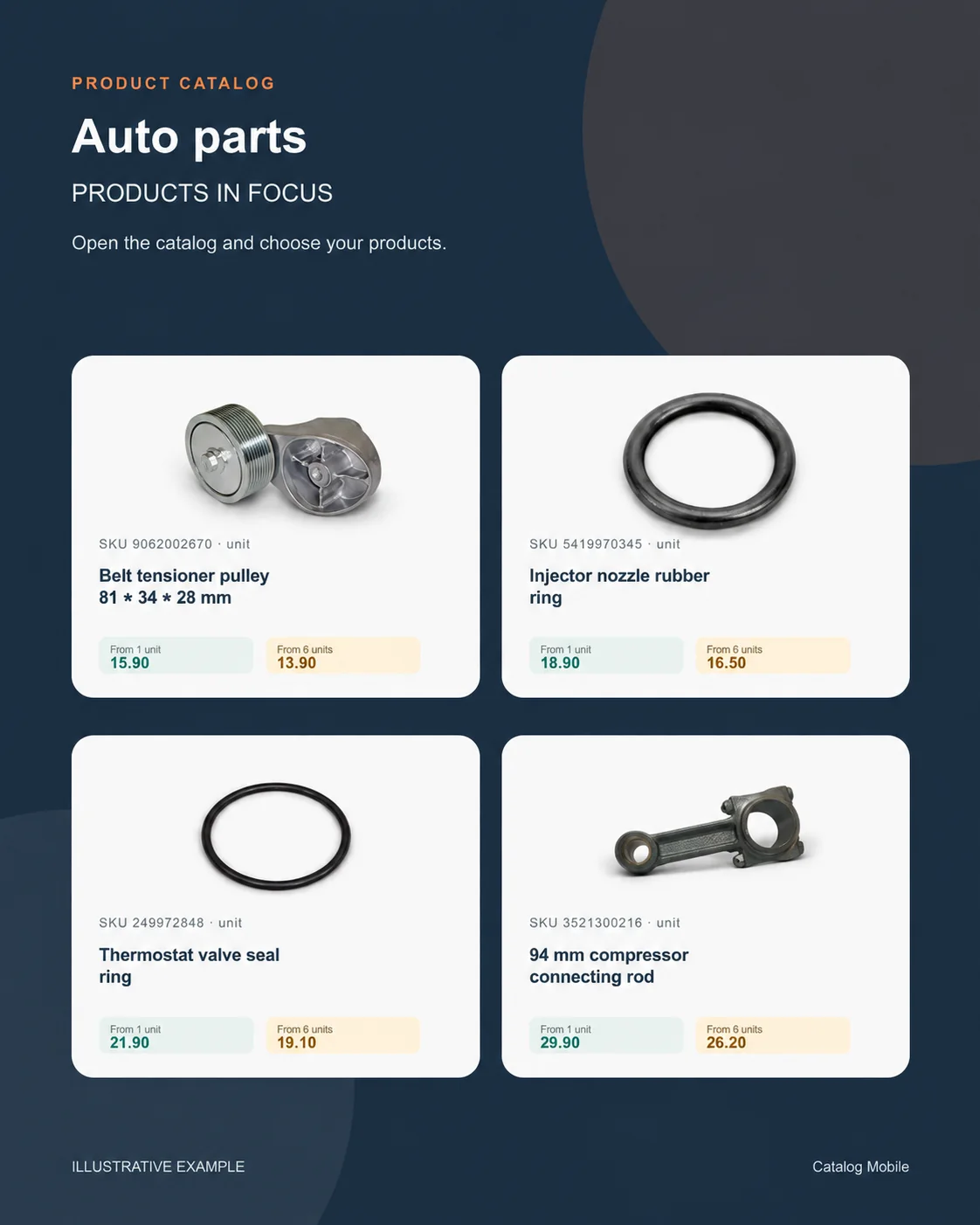
 Auto partsSKU, unit and verified application make choice safer.+
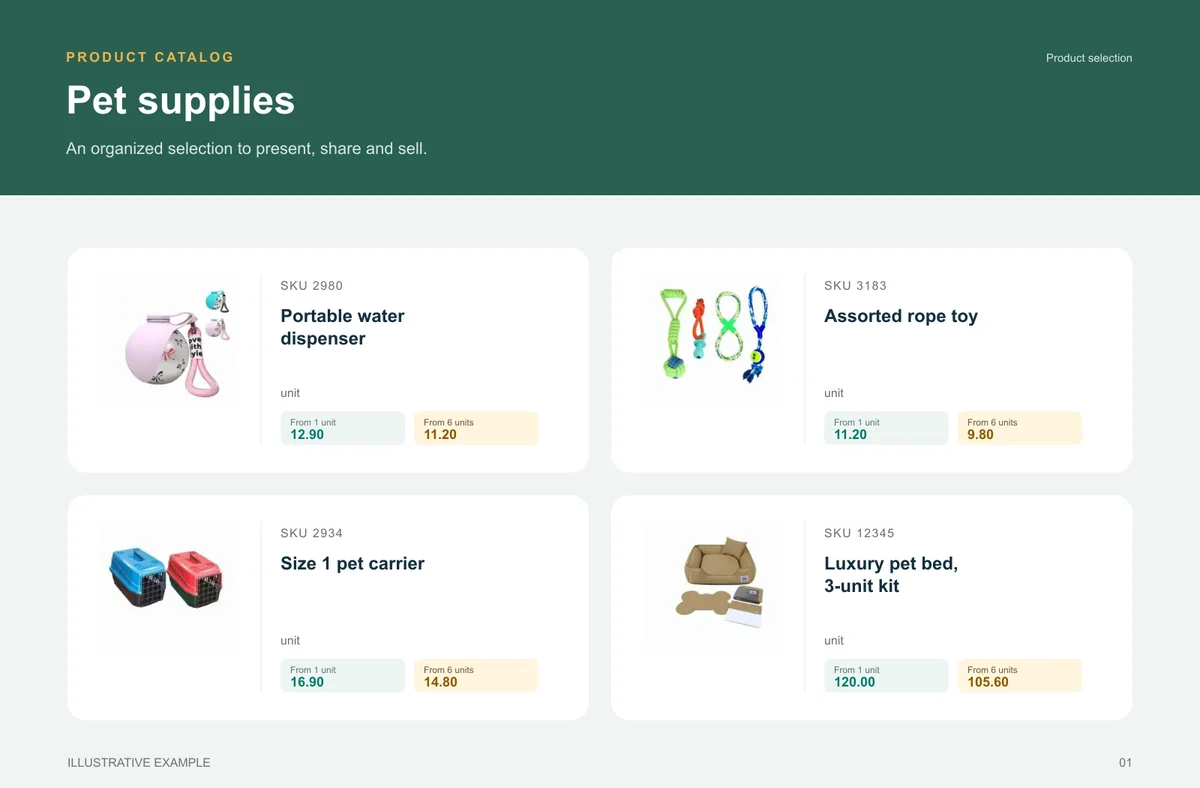
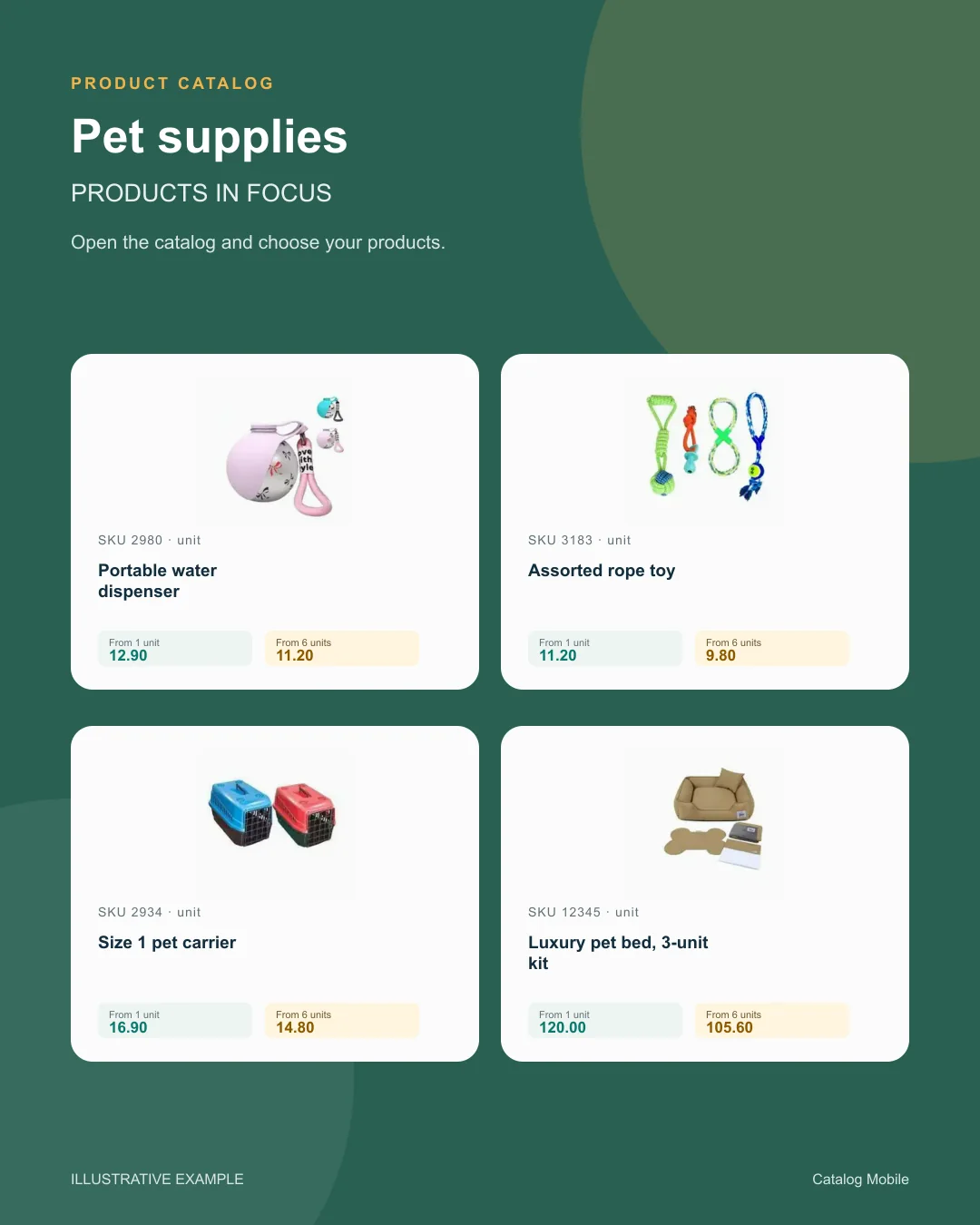
 Pet suppliesA broad range becomes easier to buy when categories help shoppers find the right item.+
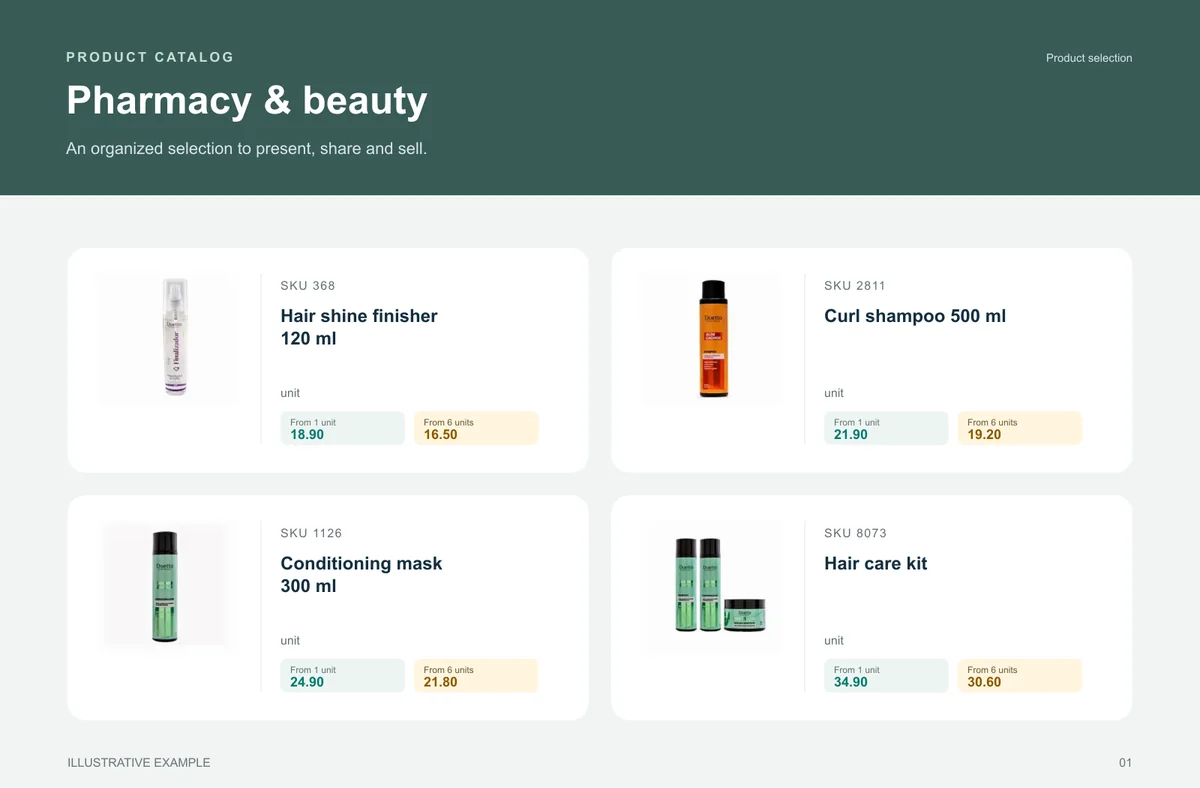
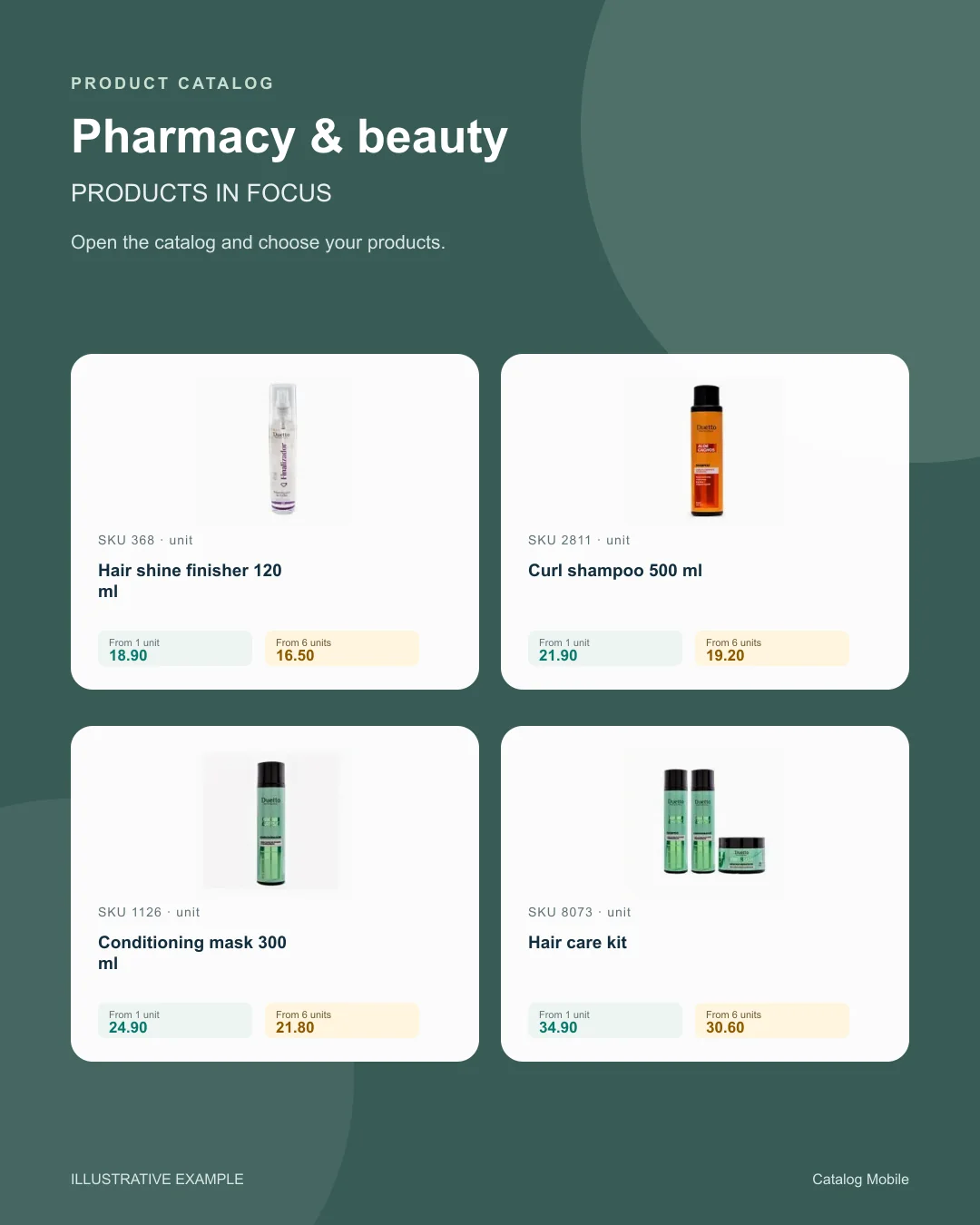
 Pharmacy & beautyFragrance, volume, kit and presentation help buyers distinguish options and move towards an order without asking for clarification.+
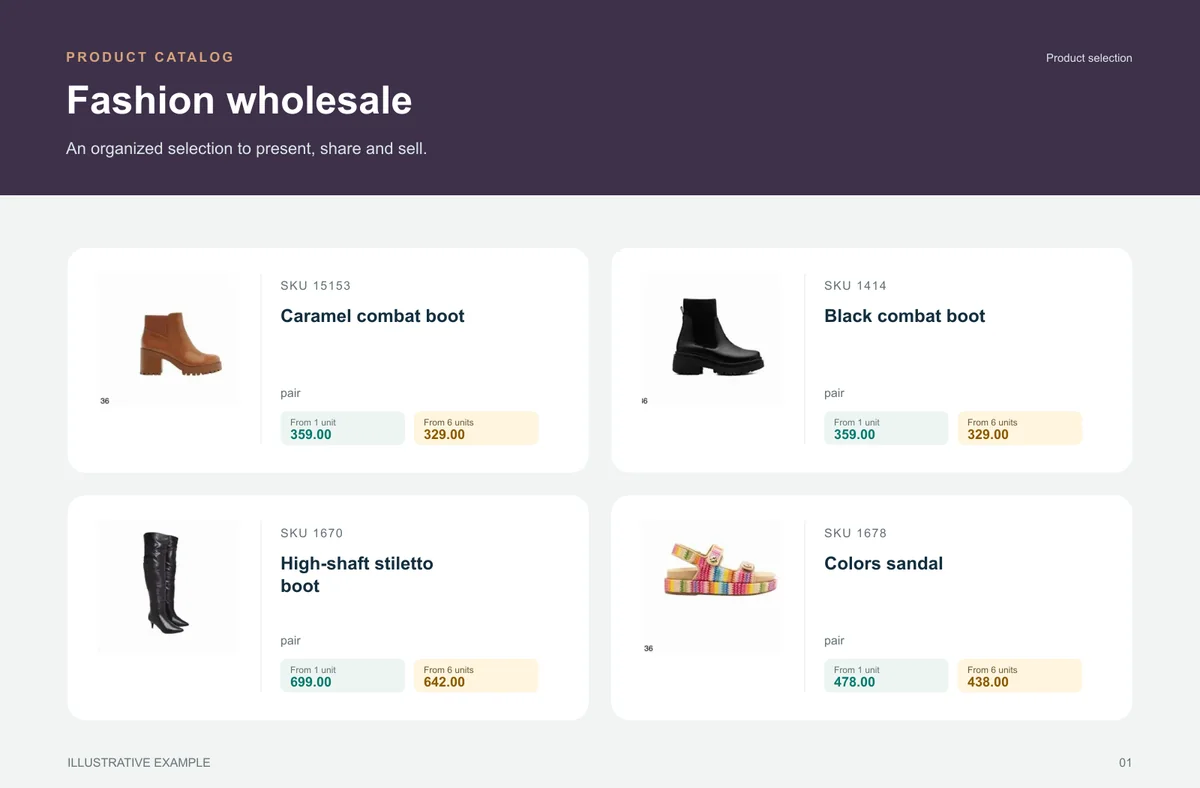
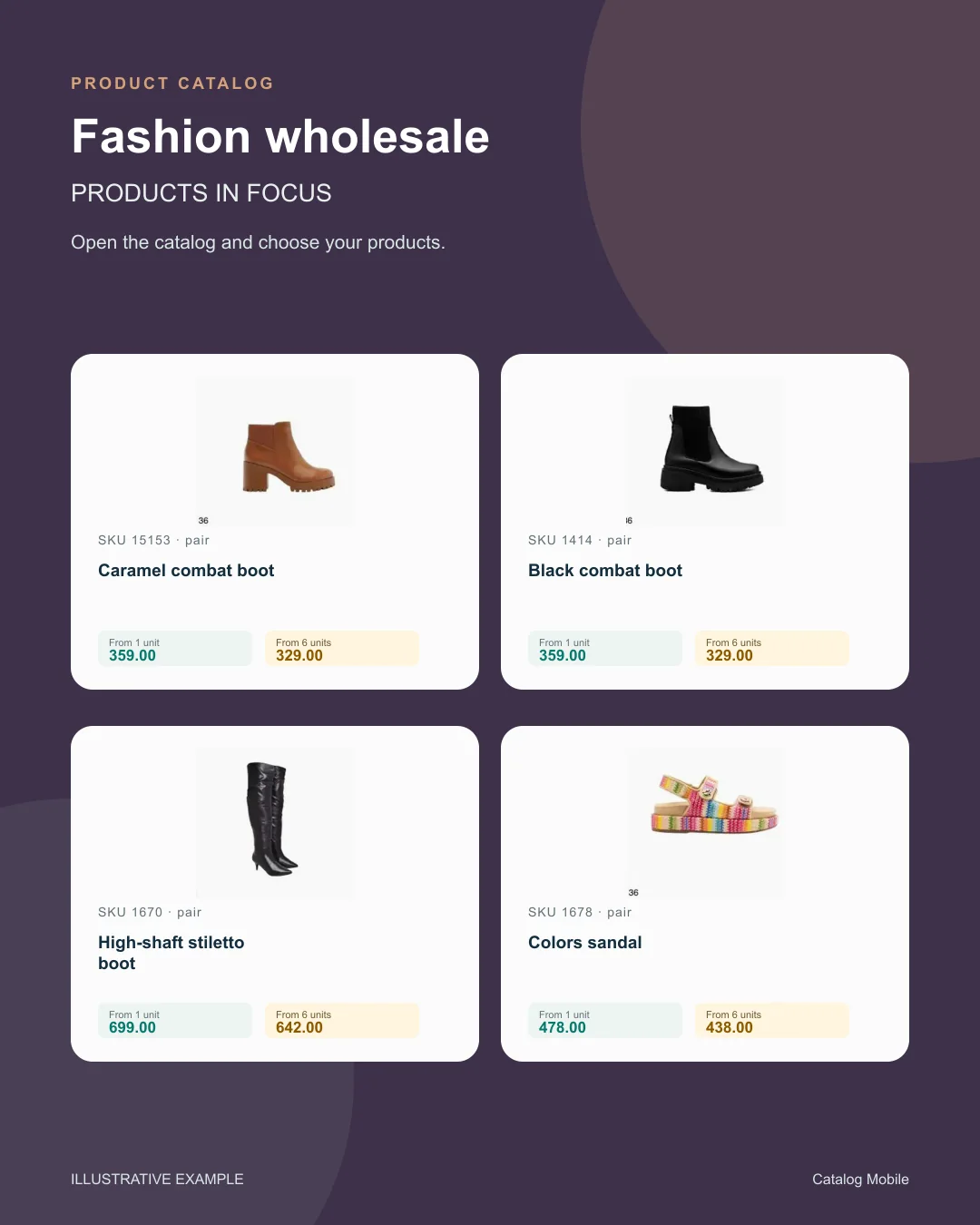
 Fashion wholesaleThe catalog reduces the distance between seeing a garment, understanding its variant and preparing an order.+
BEFORE YOU START
You configure the layout and commercial information using the product’s PDF controls. Start with a short selection to check readability before exporting the complete range.
A downloaded PDF can be printed. Check the selected paper format, image resolution and legibility in a test print.
You can use both. A PDF is useful as a fixed presentation; a browser link helps buyers browse the catalog and prepare an order.
The available route depends on the ERP, edition, account and fields. Validate the connector or import path before assuming an automatic update.
Identify each edition, retire old attachments and generate a new version after material changes.
PDF presents a fixed edition; use the configured online journey when buyers need to build a list.
Guides
Start with consistent codes, names, photos and categories. For food and beverage sales, make pack size and selling unit unambiguous.
Start with consistent codes, names, photos and categories. For tools and technical supplies, specify voltage, dimensions, connection type and included accessories where relevant.
Start with consistent codes, names, photos and categories. For beauty and cosmetics, distinguish size, fragrance, colour and kit composition in the name or description.
Start with consistent codes, names, photos and categories. Use a stable product code, a clear name, a selling unit, an appropriate photo and the intended price.
Stop selling with outdated PDFs, loose versions and manual checks in pharma. Organize catalog sharing, order flow and commercial updates with less friction.
If your catalog still depends on copy-paste, manual PDFs and item-by-item review, sales ops are wasting too much time. See how to simplify that workflow in pet supplies.
START WITH A REAL PRODUCT LINE
Add a small selection. Open it on your phone. Check the PDF and the order flow before rolling it out to your team.