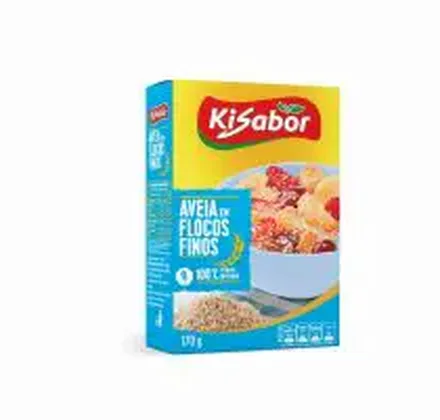
SKU 120952In stockApti fine oat flakes 150 g
1–5 units$12.50
6+ units$10.90
Quantity
Solutions
Give customers a link to your product range. Let them select quantities in a cart so your team can review an order with the details together. The gain is not merely putting items in a cart: buyers stop building a request through messages, while owners receive a clearer request for the team to review in the process they already control.
See the result with real products ↓


Change the quantity. See the unit price drop at 6 units.
Choose a product to start your order.
Example order reviewed
Illustrative demo · sample products and prices
When every order begins in messages and product photos, a seller has to interpret SKUs, packs and quantities. A structured catalog lets the buyer make clearer choices before the commercial review begins.
The buyer opens the catalog, finds a product, selects quantities and reviews the cart. The configured checkout collects the information needed for the order. Your team keeps the commercial review and fulfilment process.
When your operation uses representatives, check the seller link and the applicable price table. Test with the intended customer view, including quantities and packaging rules where configured.
An order experience should begin with a useful product selection, let the buyer change quantity and show a coherent total. Where tier rules apply, show the selling unit and applicable range before the customer continues; an illustrative price is not a commercial offer.
Test a long product name, a missing image, one case and one unit, then change quantities. Ask a colleague to find an item without guidance. The questions that remain point to the product fields that need clearer wording or categorisation.
Receiving an order does not automatically prove payment, credit approval, reserved stock or ERP invoicing. Confirm which of those stages your configuration and integration support before relying on automation.
A representative sends a selection to a recurring buyer. Instead of dictating SKUs in chat, both review a product list with quantities before the next commercial step. That creates a better starting point for the existing approval and fulfilment process.
Change the quantity. See the unit price drop at 6 units.
Choose a product to start your order.
Example order reviewed
Illustrative demo · sample products and prices
Use three products with different prices and quantities. Check the subtotal, customer details, seller context and final confirmation. Locate the order in the management screen before sharing the catalog with more customers.
Record where the request appears, who reviews it and which conditions need confirmation. A small pilot should prove the buyer understands the catalog and the team knows what happens after the request arrives.
Name, photo, SKU, selling unit, pack, variant and price should match how that buyer purchases. Do not expose internal cost or leave decision-critical variants behind a generic description.
A useful demonstration begins with an item in the order, lets the buyer change quantity and shows the resulting total. Where pricing rules apply, make the unit and applicable tier clear before the buyer continues.
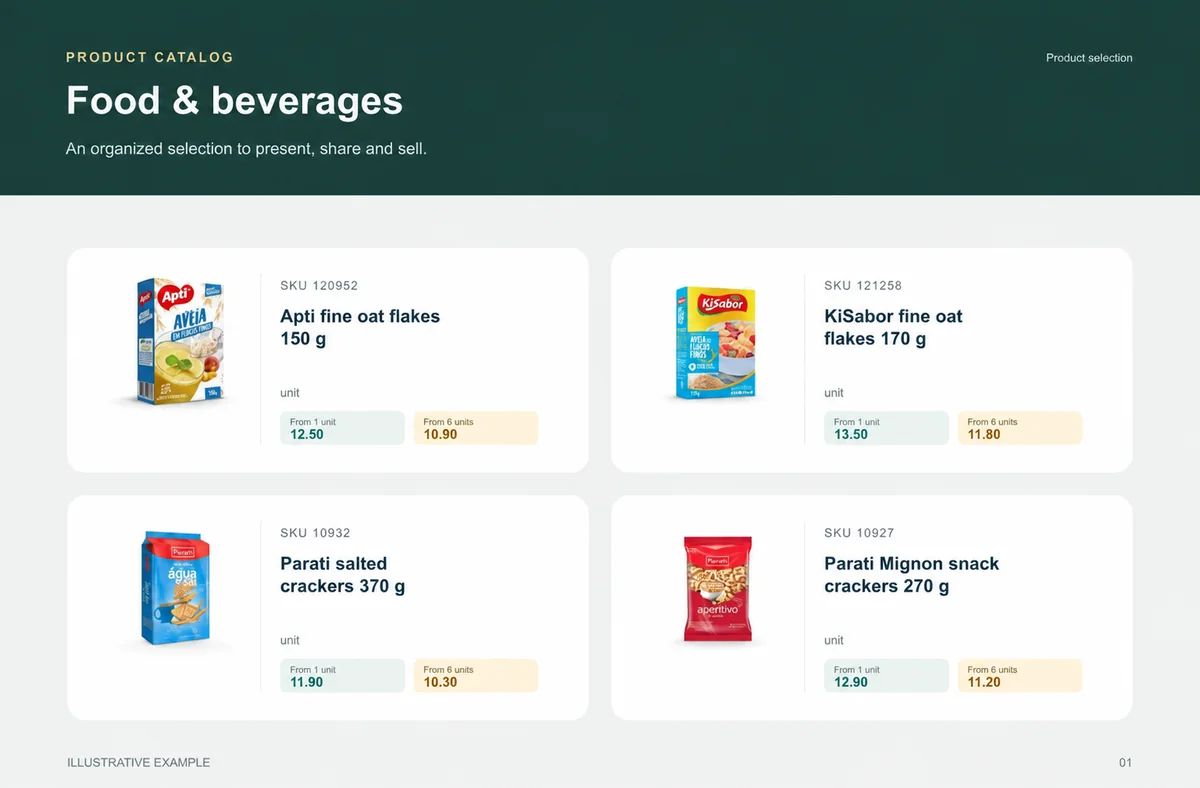
Food & beverages
Buyers need weight, pack and selling unit before choosing quantity.
Recurring buyers, replenishment teams and reps working by pack and turnover.
A weekly selection groups grocery, snacks and drinks by category and case.
unit
unit
unit
unit
What your customers can see
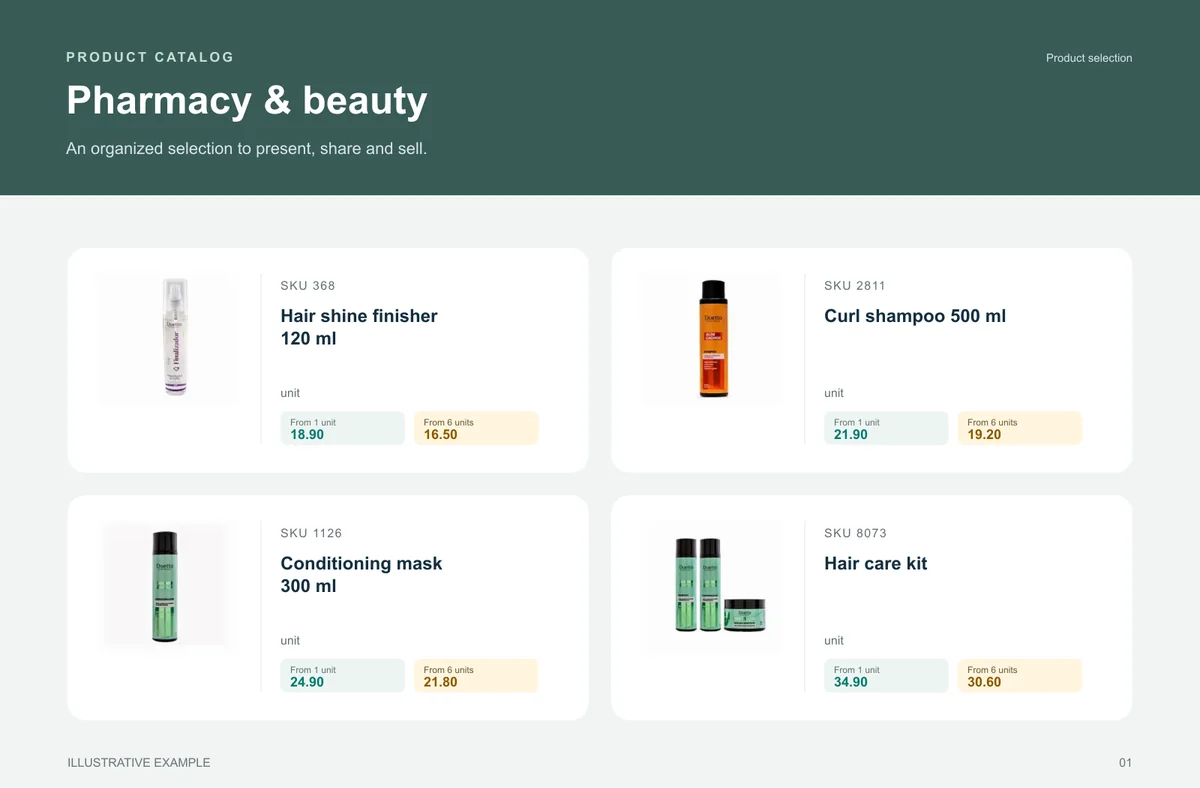
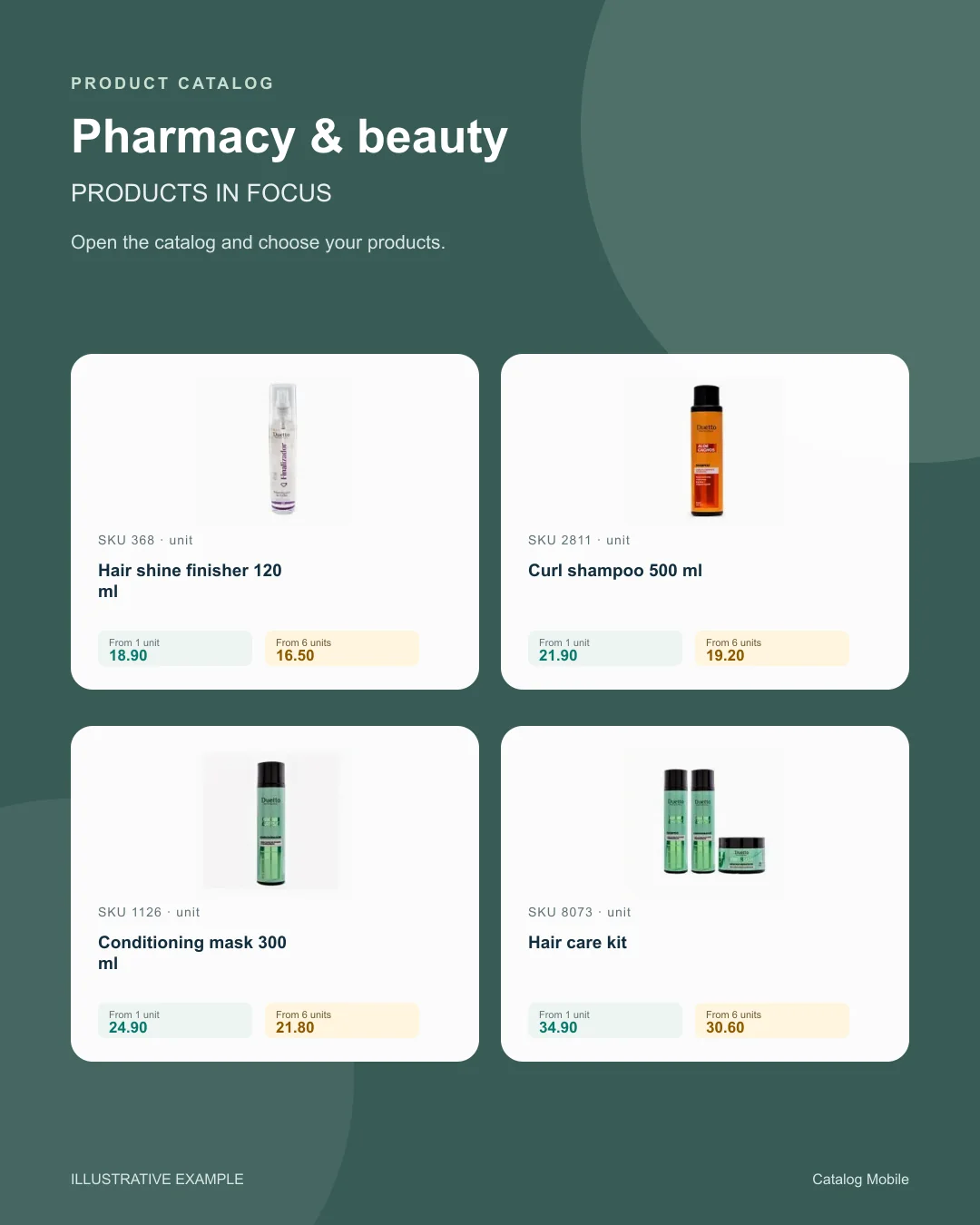
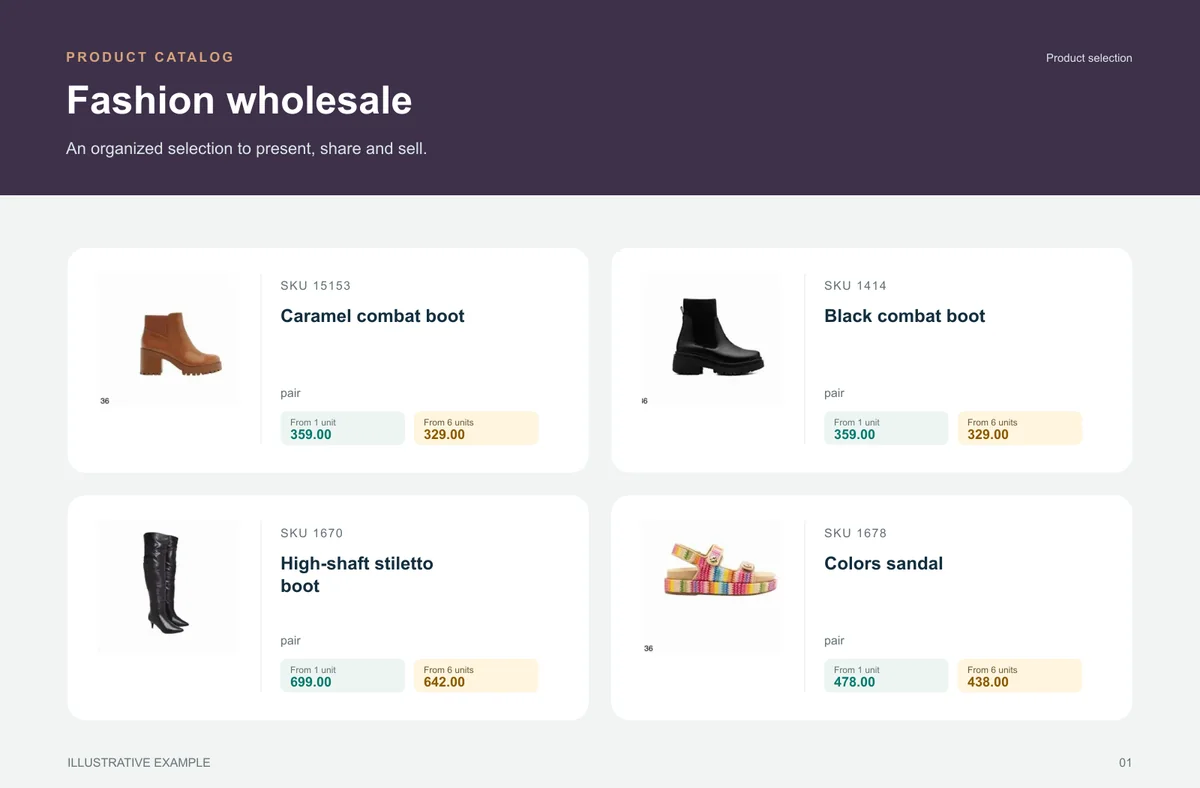
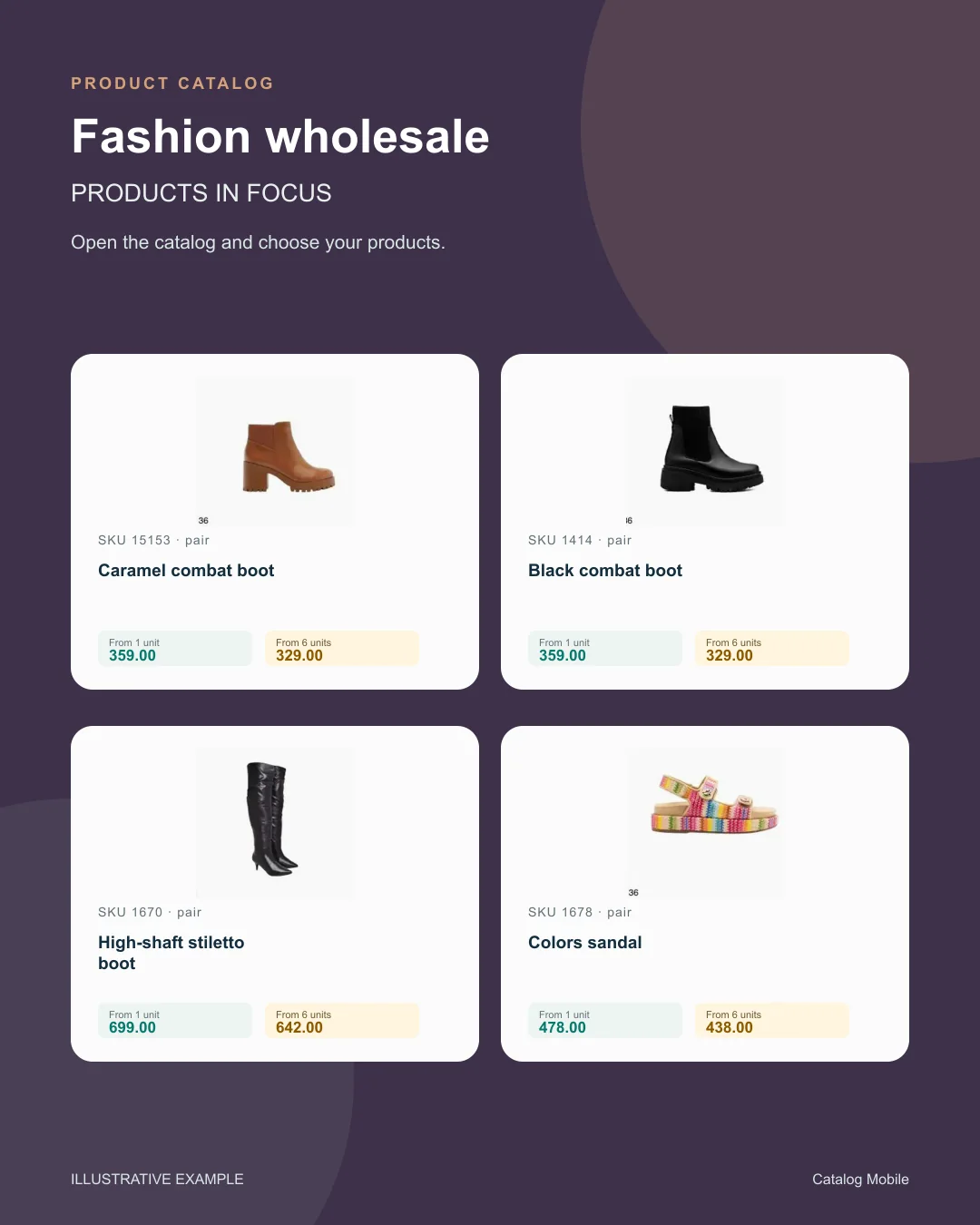
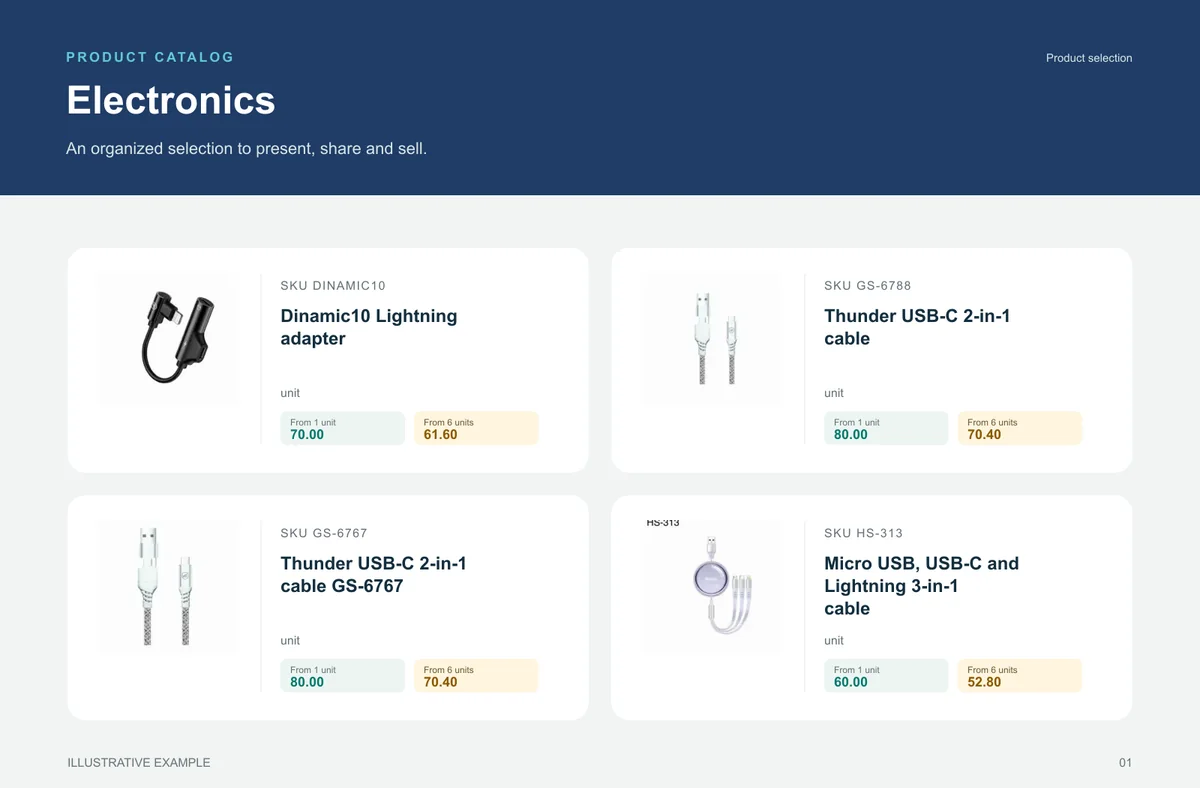
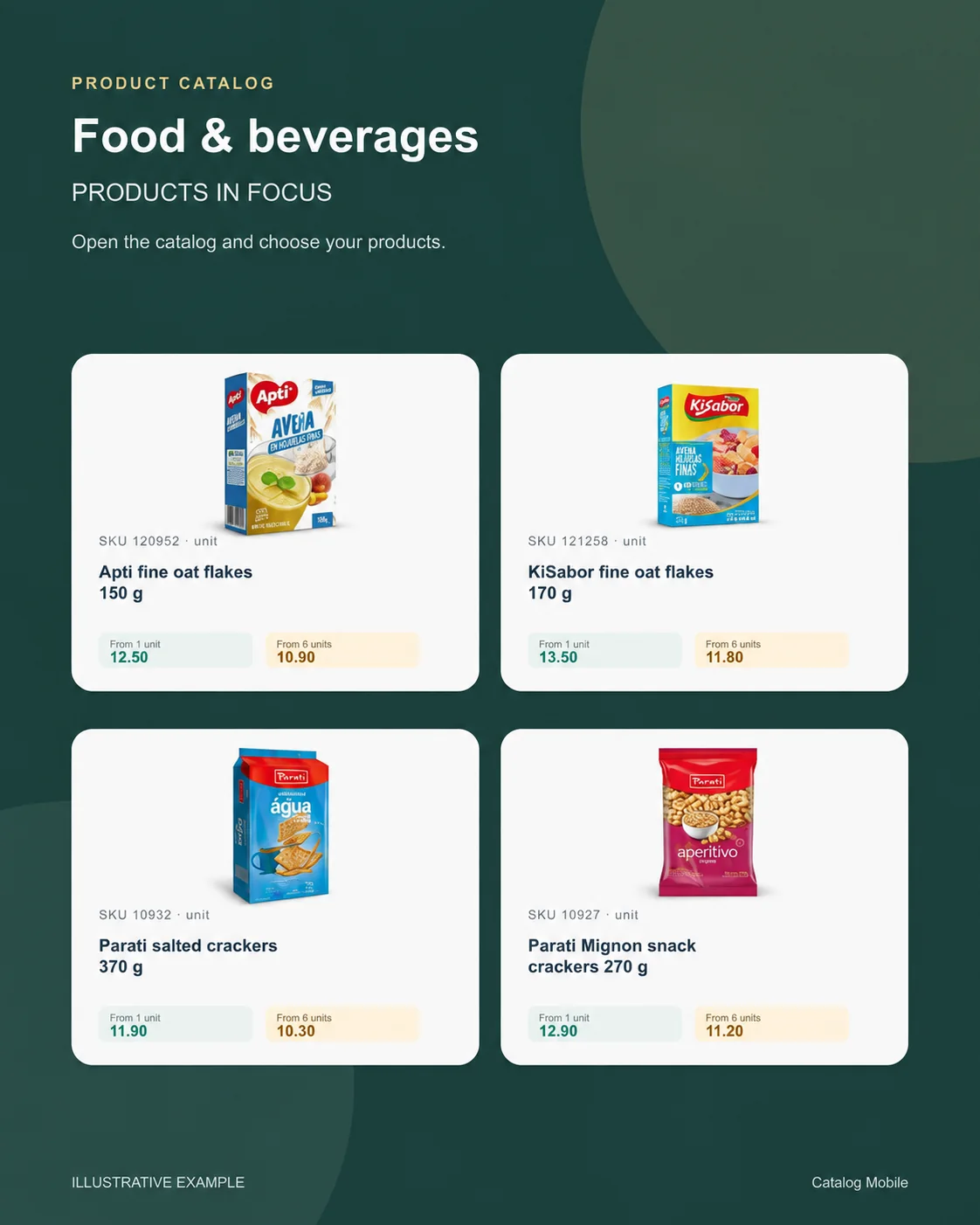
An organised selection to introduce the range, plus a promotional image to highlight the products. Open the examples and inspect the details.
The right format for each moment
Bring a product line, campaign or selection into a file that can be shared and printed. A PDF keeps the data used when it was generated: publish a new edition when prices change.
Buyers browse categories, inspect products and select quantities in the online catalog. Your team retains the commercial review, according to the settings of your operation.
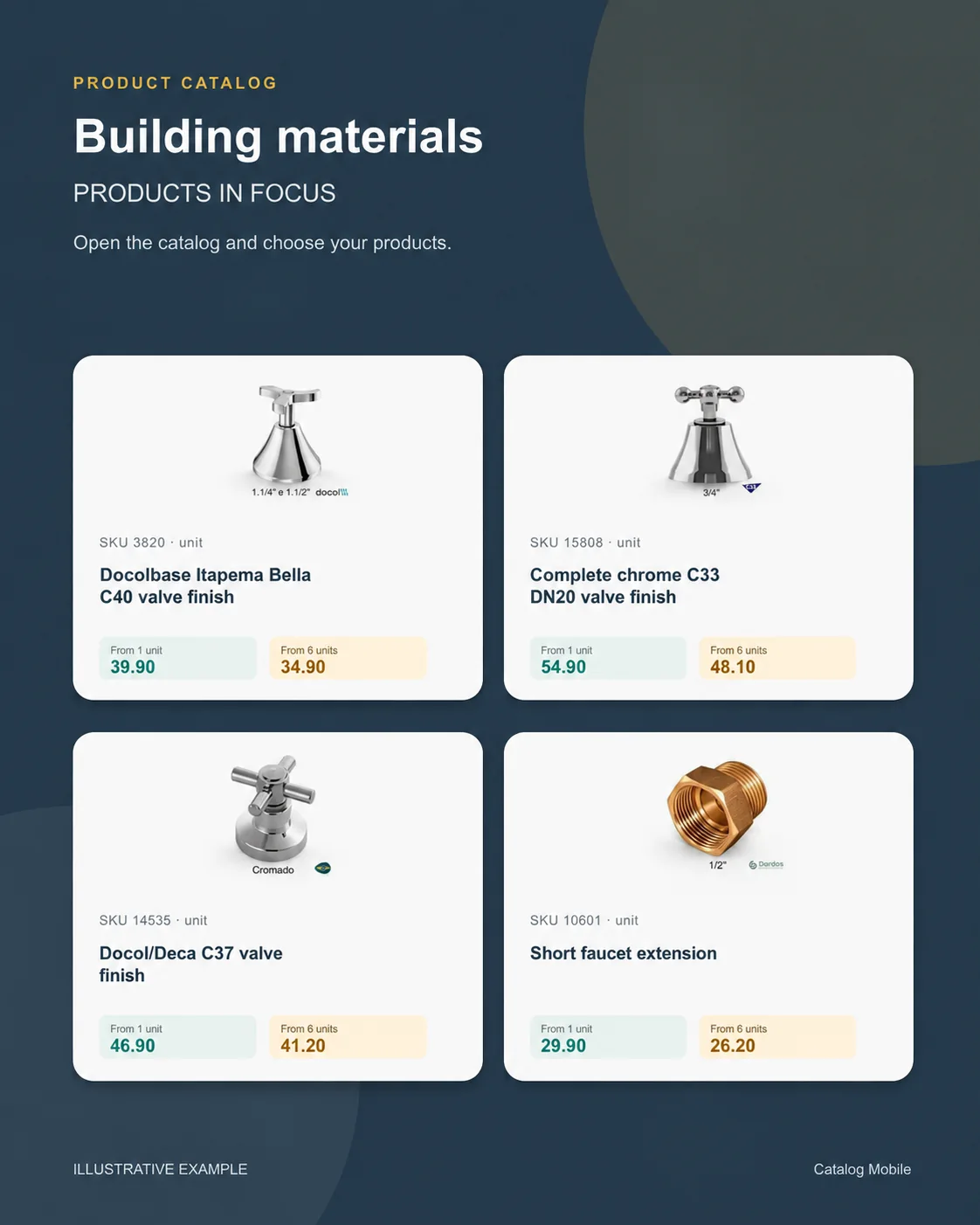
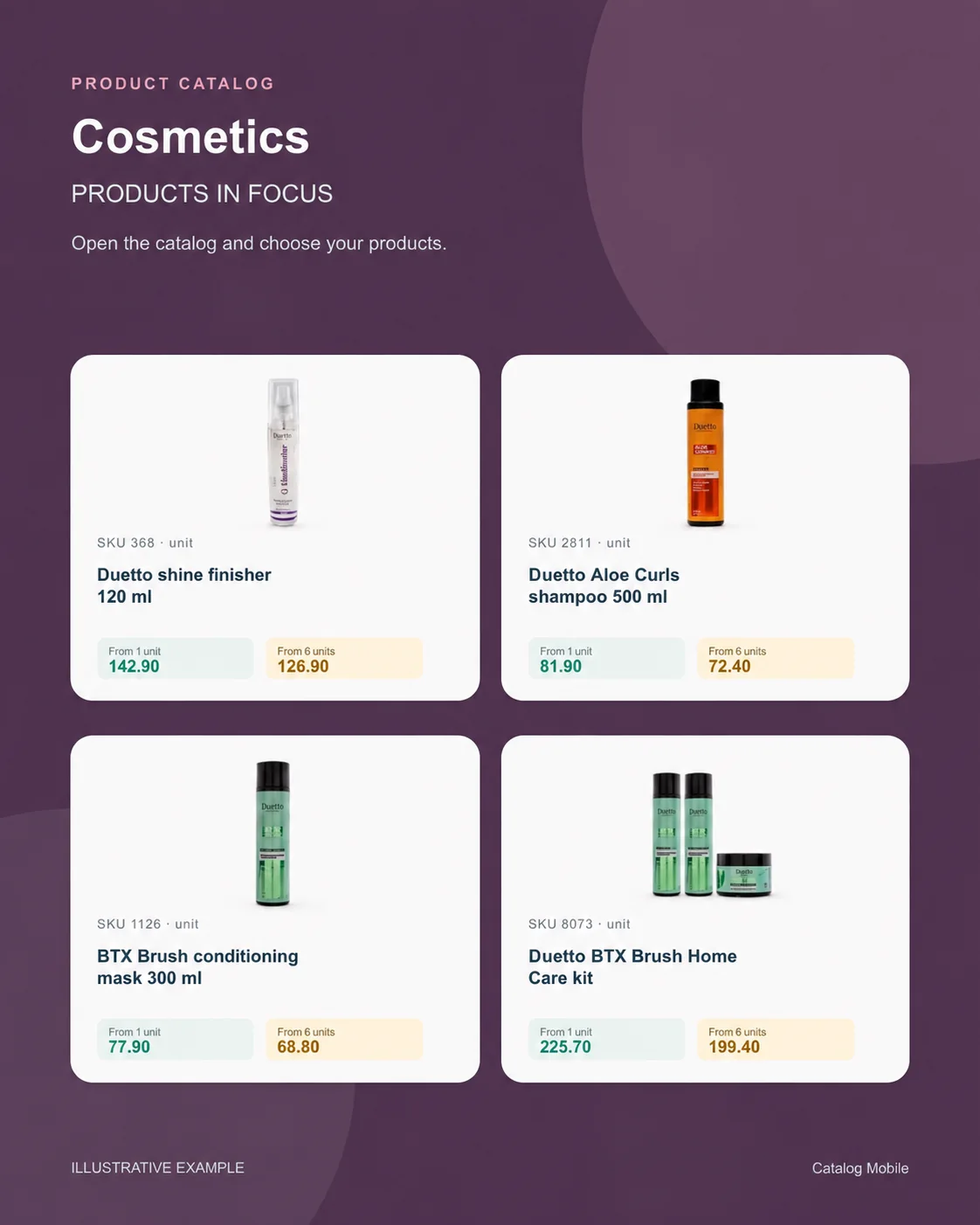
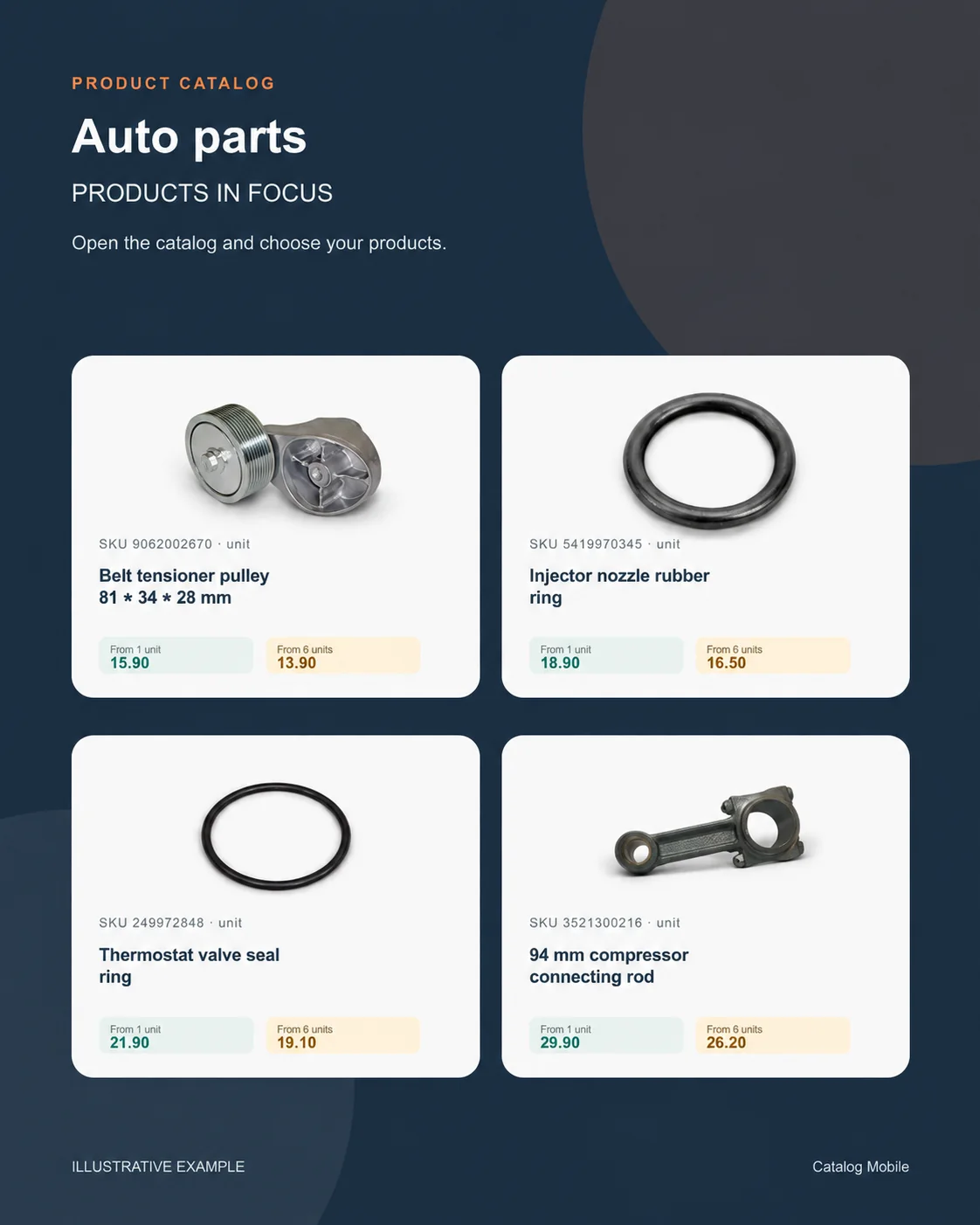
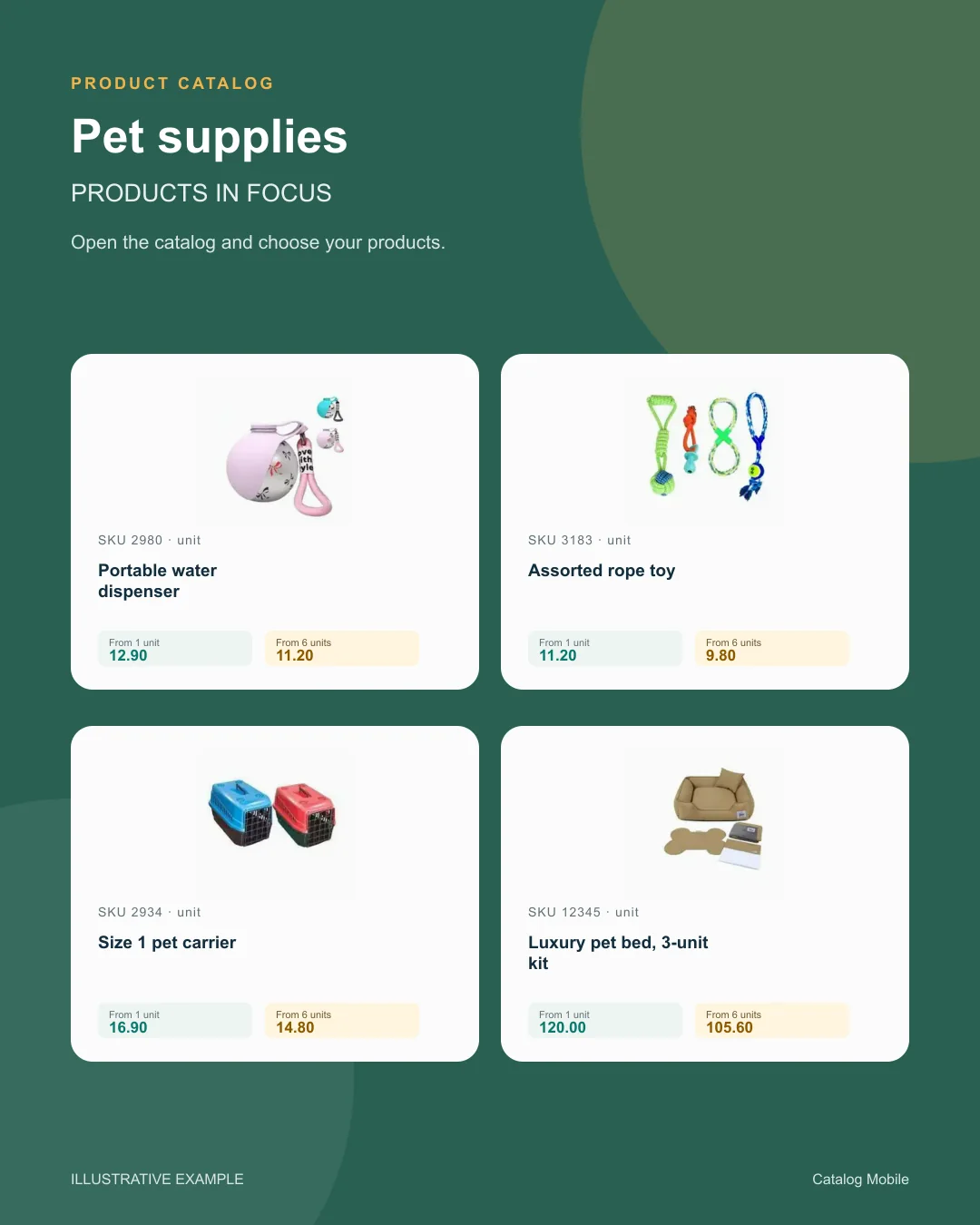
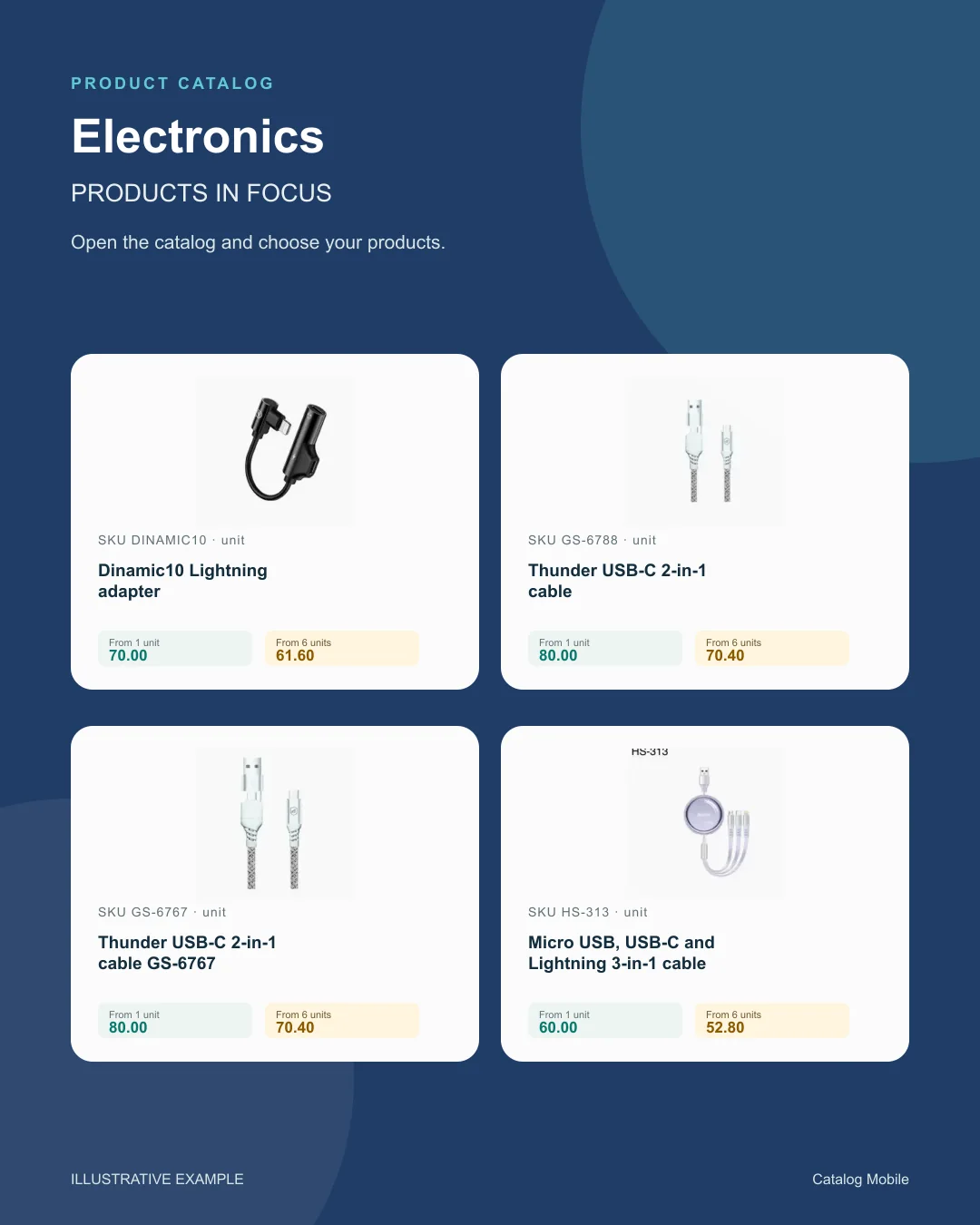
Use a product composition to introduce new arrivals or a selection during customer conversations. The image starts the conversation; the catalog holds the details for the next step.
Find your business
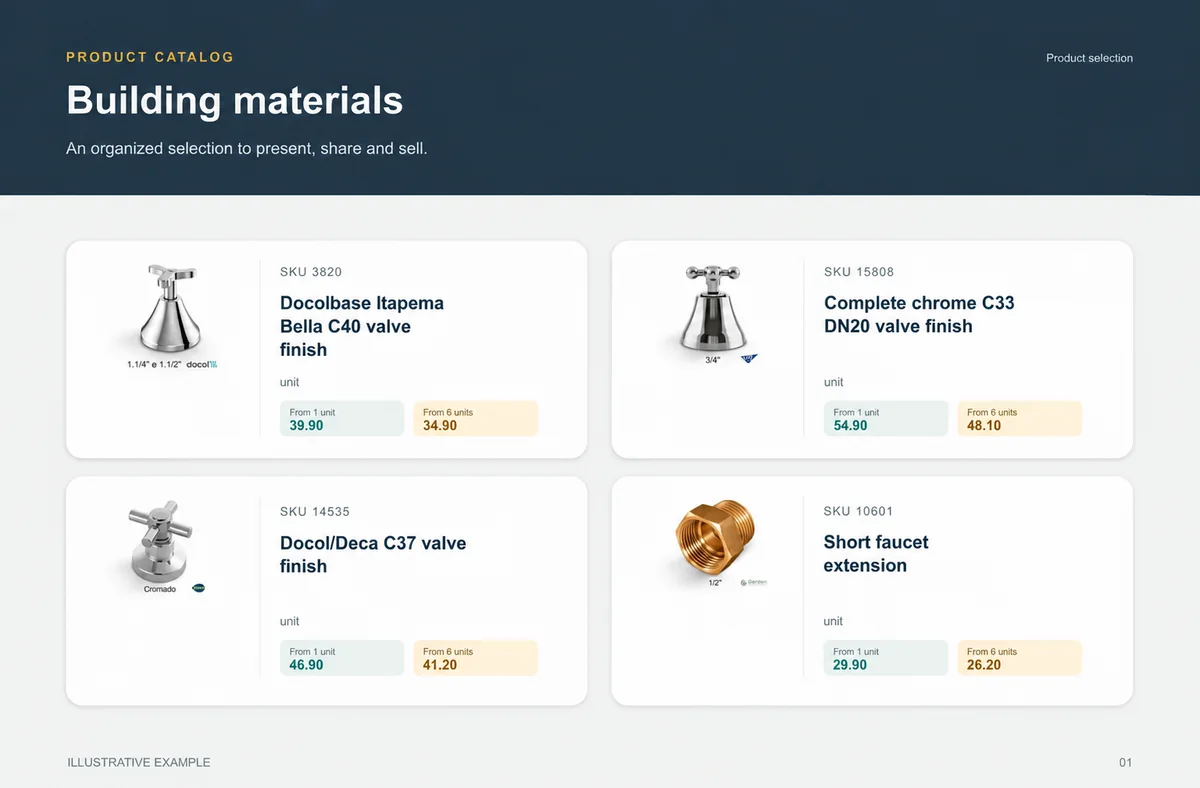
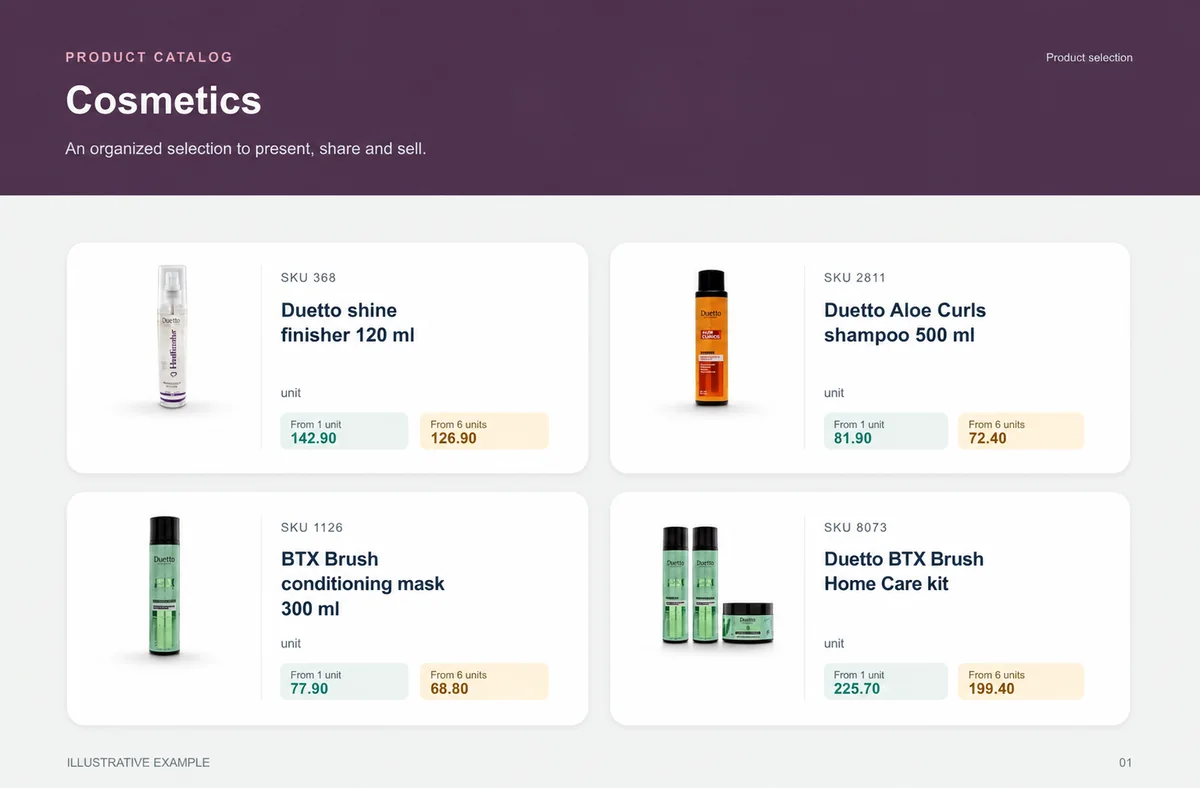
Explore examples with real products from your sector. See how photography, identification and presentation help buyers distinguish their options.
Food & beveragesBuyers need weight, pack and selling unit before choosing quantity.+ Building materialsChoice is safer when measurement and presentation do not depend on a seller’s interpretation.+
 CosmeticsThe presentation lets buyers explore the range without asking for one photo at a time.+
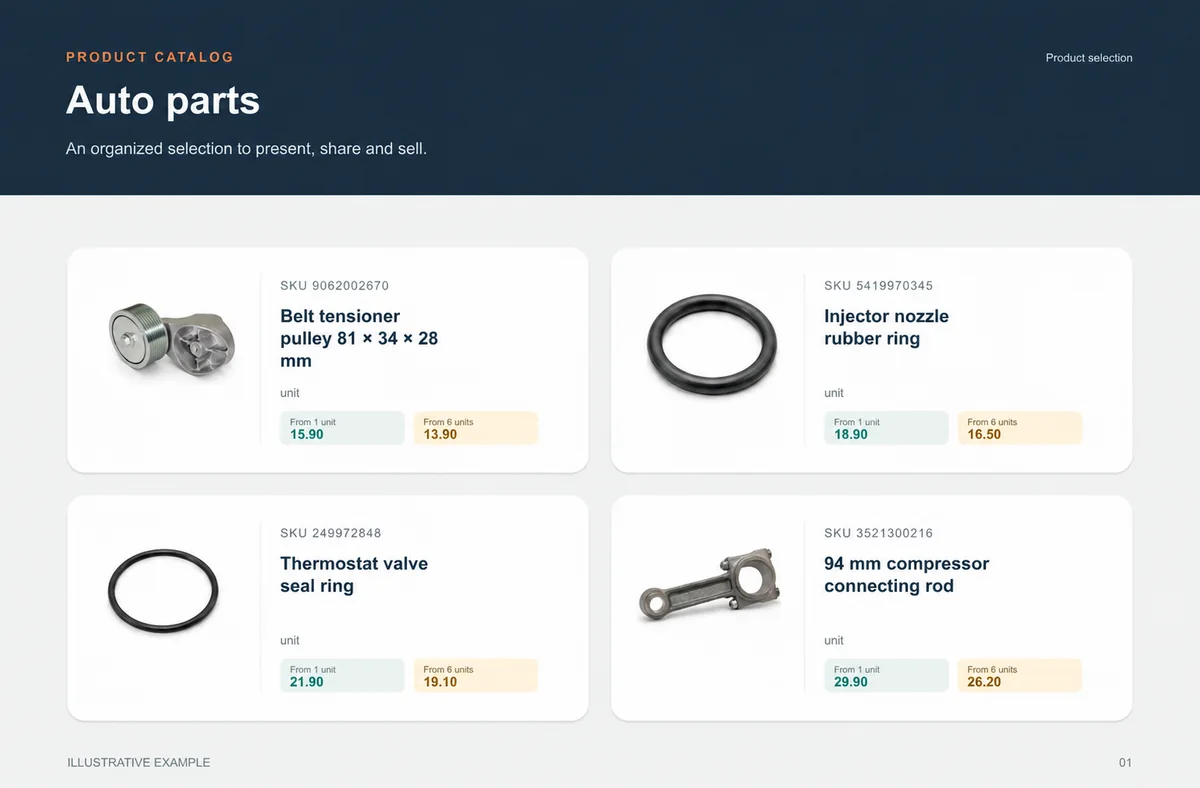
 Auto partsSKU, unit and verified application make choice safer.+
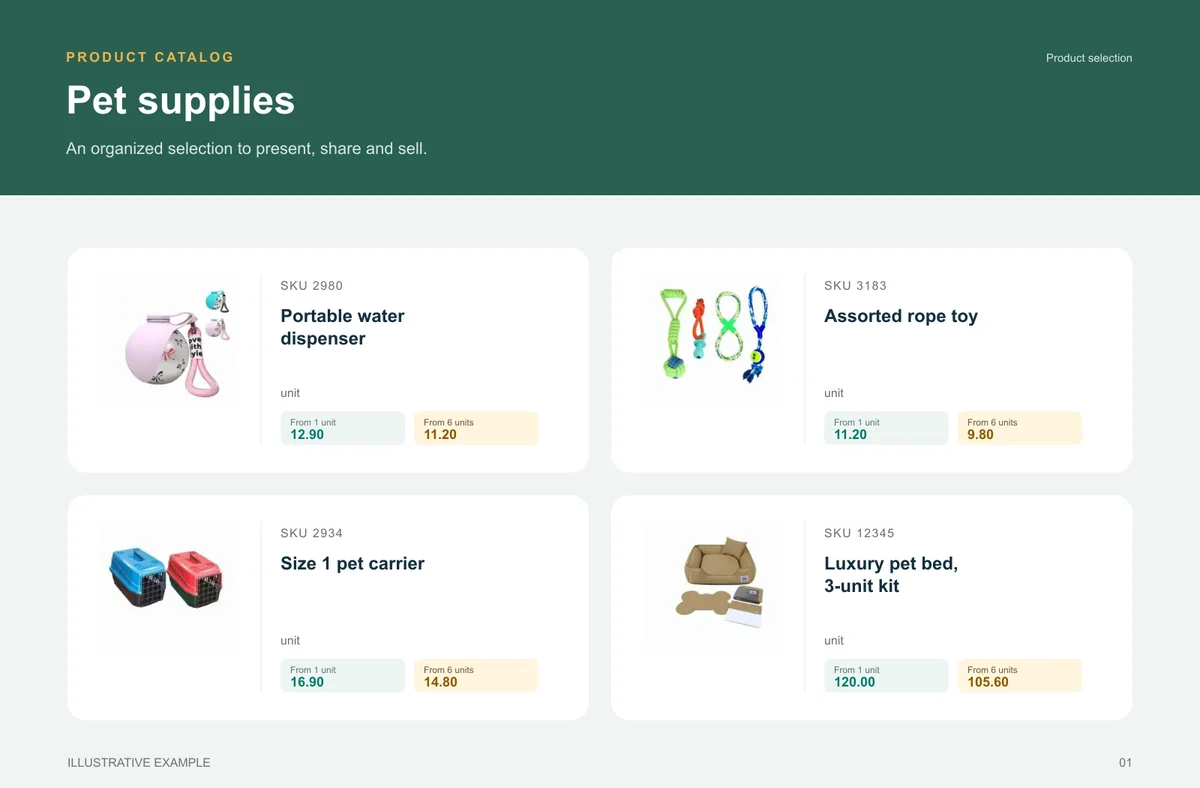
 Pet suppliesA broad range becomes easier to buy when categories help shoppers find the right item.+
 Pharmacy & beautyFragrance, volume, kit and presentation help buyers distinguish options and move towards an order without asking for clarification.+
 Fashion wholesaleThe catalog reduces the distance between seeing a garment, understanding its variant and preparing an order.+
BEFORE YOU START
Access and checkout requirements depend on the catalog settings. Review the configured buyer journey in a private browser before inviting customers.
The system includes seller and customer order contexts. The users, price tables and available settings depend on the plan.
No. An order records the requested items. Payment processing is a separate capability that must be available and configured for your operation.
Yes. A small authorised selection and one customer group help validate product data, ordering rules and internal review before broader publishing.
No. It records requested items; payment, credit, stock and invoicing need configured stages.
Test a small selection in a private browser and confirm who reviews the request after capture.
Guides
The buyer opens the catalog, finds a product, selects quantities and reviews the cart. For food and beverage sales, make pack size and selling unit unambiguous.
The buyer opens the catalog, finds a product, selects quantities and reviews the cart. For auto parts, use the commercial code and compatibility information in the product description.
The buyer opens the catalog, finds a product, selects quantities and reviews the cart. For tools and technical supplies, specify voltage, dimensions, connection type and included accessories where relevant.
The buyer opens the catalog, finds a product, selects quantities and reviews the cart. For beauty and cosmetics, distinguish size, fragrance, colour and kit composition in the name or description.
Incomplete orders cost time, revenue and confidence. See how to organize catalog and order capture in building materials.
START WITH A REAL PRODUCT LINE
Add a small selection. Open it on your phone. Check the PDF and the order flow before rolling it out to your team.